

Your website’s theme shapes every visitor’s first impression and determines whether they stay or leave within seconds. The wrong choice can hurt your brand, while the best WordPress themes transform your site into a powerful business tool.
We at Pluginizer have analyzed hundreds of themes to identify what separates exceptional designs from mediocre ones. This guide reveals the top-performing themes across different categories and the exact criteria you need to make the right choice for your specific goals.
What Makes WordPress Themes Actually Work
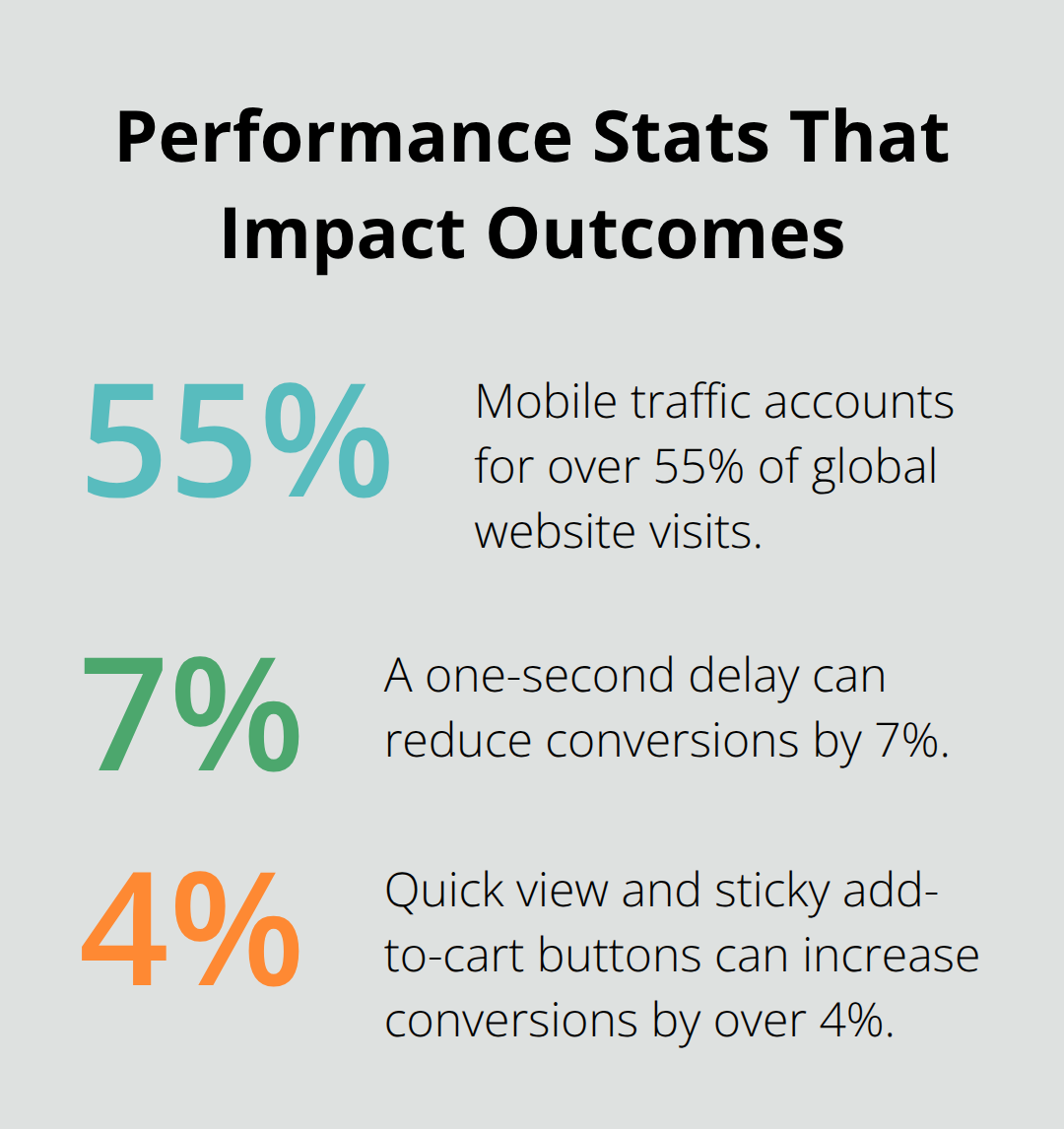
Mobile traffic accounts for over 55% of global website visits, which makes responsive design non-negotiable for any serious website. Google prioritizes mobile-friendly sites in search rankings, so your theme choice directly impacts your visibility. The fastest WordPress themes like Astra achieve PageSpeed mobile scores of 93/100 with load times of just 2.1 seconds, while slower themes can take over 4 seconds to load completely. This performance gap translates into real business impact (a one-second delay can reduce conversions by 7%).
Speed Performance That Actually Matters
Load speed separates professional websites from amateur ones. The Hello theme by Elementor takes up only 6KB and loads in 2.3 seconds, which achieves a PageSpeed mobile score of 91/100. GeneratePress maintains a page size under 10KB while it delivers a mobile score of 87/100 and loads in 2.9 seconds. These numbers matter because Google uses Core Web Vitals metrics that measure real-world user experience for loading performance, interactivity, and visual stability. Themes with built-in optimization features like lazy load, GZIP compression, and code minification consistently outperform bloated alternatives.
Clean Code Structure for Search Engines
Search engines favor themes with semantic HTML5 markup and clean CSS architecture. Well-coded themes like Neve and OceanWP include proper head hierarchies, structured data markup, and optimized image handling that search engines can easily crawl and index. These themes also support AMP integration and include built-in schema markup for better search visibility. Poor code quality leads to crawl errors and lower rankings (this makes theme selection a direct SEO decision rather than just a design choice).
Mobile Optimization Standards
Responsive themes adapt seamlessly across all devices and screen sizes. Themes like Kadence achieve mobile scores of 88/100 with load times of 2.6 seconds, while Hestia maintains 89/100 mobile performance with 2.5-second load times. These themes use flexible grid systems and optimized media queries that adjust layouts automatically. Mobile optimization affects user experience and search rankings equally, as Google uses mobile-first indexing for all websites.
Now that you understand the technical foundations that make themes perform, the next step involves exploring how different website categories require specific theme features and capabilities.
Which Themes Perform Best for Different Website Types
Business and Corporate Excellence
Sydney dominates the business and corporate theme category with over 100,000 active installations and provides a fast way for companies or freelancers to create an awesome online presence. This multipurpose theme delivers 28 starter website designs and maintains excellent performance metrics that matter for professional sites. Divi by Elegant Themes takes the premium route with over 2 million active installations and 20,000 Trustpilot reviews (it offers 200 website templates with seamless WooCommerce integration). SeedProd provides the middle ground with 1 million active installations and 4,500 five-star reviews, featuring 300 site kits and a no-code website builder that speeds up development time significantly.
Photography and Portfolio Sites Need Visual Focus
Photography websites require themes that prioritize visual impact over complex features. Inspiro supports fullscreen video backgrounds and includes powerful portfolio sections that enhance visual presentation and user engagement. The theme works particularly well for photographers who need to showcase both images and video content seamlessly. Border captures attention through fullscreen slideshows and grid-based galleries, making it ideal for displaying photography work without distractions. True North offers a minimalist approach that focuses specifically on showcasing photography and portfolios with easy customization options that don’t interfere with the visual experience.
E-commerce Themes That Actually Convert
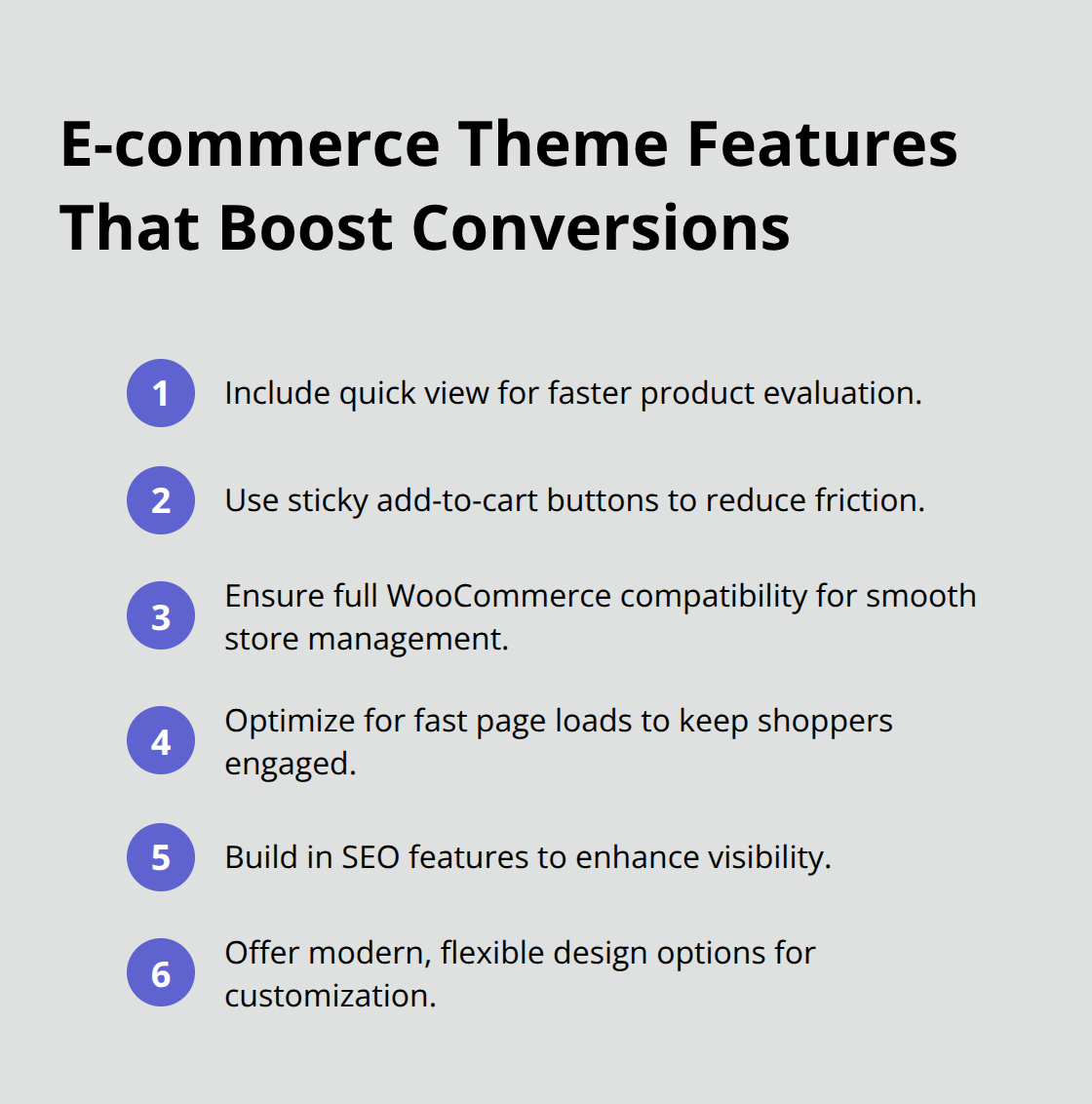
Botiga stands out among e-commerce themes because it’s specifically designed for online stores and includes smart features like quick view and sticky add-to-cart buttons that can increase conversions by over 4%. The theme provides multiple professional e-commerce templates and maintains full compatibility with WooCommerce for seamless store management. OceanWP delivers fast page load times and built-in SEO features while supporting WooCommerce integration (making it suitable for stores that prioritize search visibility). Neve offers modern design flexibility with WooCommerce readiness, making it an ideal choice for online stores that need both performance and customization options.
Selecting the right theme category represents just the first step in building a successful website. The real challenge lies in evaluating specific features and making informed decisions that align with your long-term goals and technical requirements.
What Theme Features Matter Most
Your website goals determine which theme features deserve priority over others. E-commerce sites need WooCommerce compatibility and conversion-focused layouts, while portfolio sites require gallery features and visual flexibility. Business websites benefit from lead generation forms and professional layouts that build trust. Test themes against your specific requirements to save time and prevent costly mistakes later.
Match Features to Your Website Type
Photography sites need themes that handle large images efficiently, while blogs require readable typography and social sharing features. Corporate sites demand professional aesthetics and contact form integration that supports business objectives directly. Check theme demos on different devices to verify mobile responsiveness works properly for your content type. E-commerce stores benefit from quick view options and sticky add-to-cart buttons that can boost conversions by over 4%. Portfolio websites need gallery layouts and visual flexibility that showcase work without distractions.
Test Performance Before You Commit
Theme performance impacts user experience and search rankings more than visual design alone. Test load speeds with Google PageSpeed Insights before you make final decisions. Themes like Astra consistently achieve mobile scores above 90/100 with load times under 2.5 seconds across different environments. Avoid themes with excessive animations or heavy frameworks that slow down performance. Check Core Web Vitals metrics including Largest Contentful Paint and Cumulative Layout Shift scores (these metrics directly affect search rankings).
Evaluate Support Quality Standards
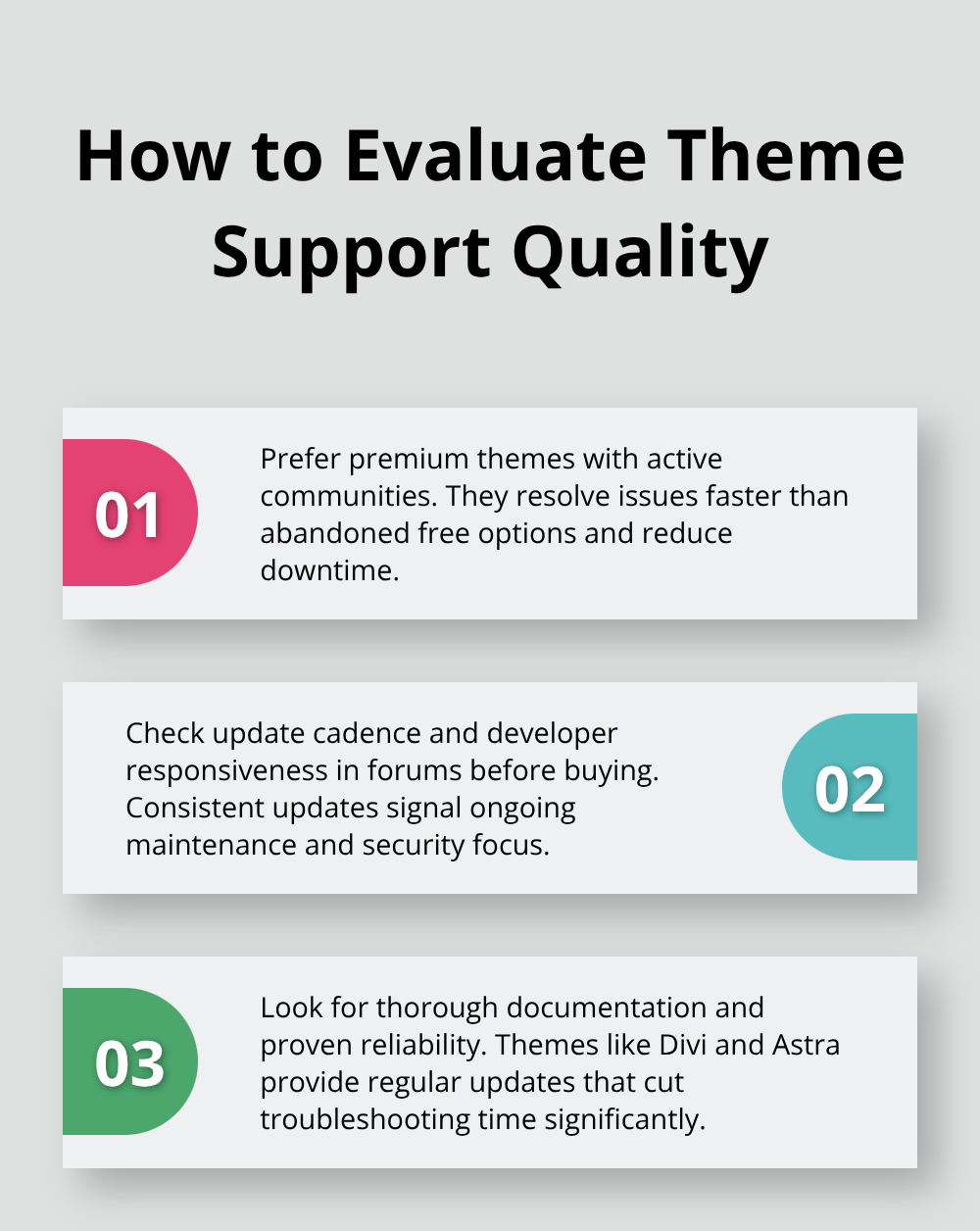
Premium themes with active support communities solve problems faster than abandoned free alternatives. Check theme update frequency and developer responsiveness in support forums before you purchase. Themes like Divi and Astra maintain regular updates and comprehensive documentation that reduces troubleshooting time significantly.
Verify theme compatibility with your essential plugins through direct testing or developer confirmation. Quality support includes video tutorials, detailed documentation, and responsive customer service that addresses technical issues promptly.
Consider Customization Flexibility
Themes with built-in customization options reduce dependency on additional plugins and code modifications. Look for themes that include header builders, color schemes, and layout options that match your brand requirements. Drag-and-drop page builders like those in Divi and SeedProd make customization accessible to beginners without coding knowledge. Avoid themes that require extensive custom CSS modifications to achieve basic design goals (this creates maintenance issues during updates).
Final Thoughts
The best WordPress themes balance performance metrics, feature sets, and long-term support quality effectively. Themes like Astra and Neve consistently deliver mobile scores above 90/100 with load times under 2.5 seconds, while premium options like Divi provide extensive customization through 200+ templates and active community support. Premium themes offer significant advantages over free alternatives through regular updates, dedicated support channels, and advanced features that reduce development time.
Free themes work for basic projects but lack the comprehensive documentation and maintenance that professional websites require. Test shortlisted themes against your specific requirements with staging environments first. Verify mobile responsiveness, check plugin compatibility, and measure actual load speeds before you make final decisions.
Consider Pluginizer for access to premium plugins and themes through a single subscription (which simplifies asset management while reducing individual purchase costs for agencies and developers). This approach streamlines your workflow when you manage multiple client sites. The right theme choice sets the foundation for your website’s long-term success and performance.

