

Elementor has become the go-to page builder for WordPress, with over 7 million active installations. Learning to build with it opens real income opportunities, whether you work as a freelancer or join an agency.
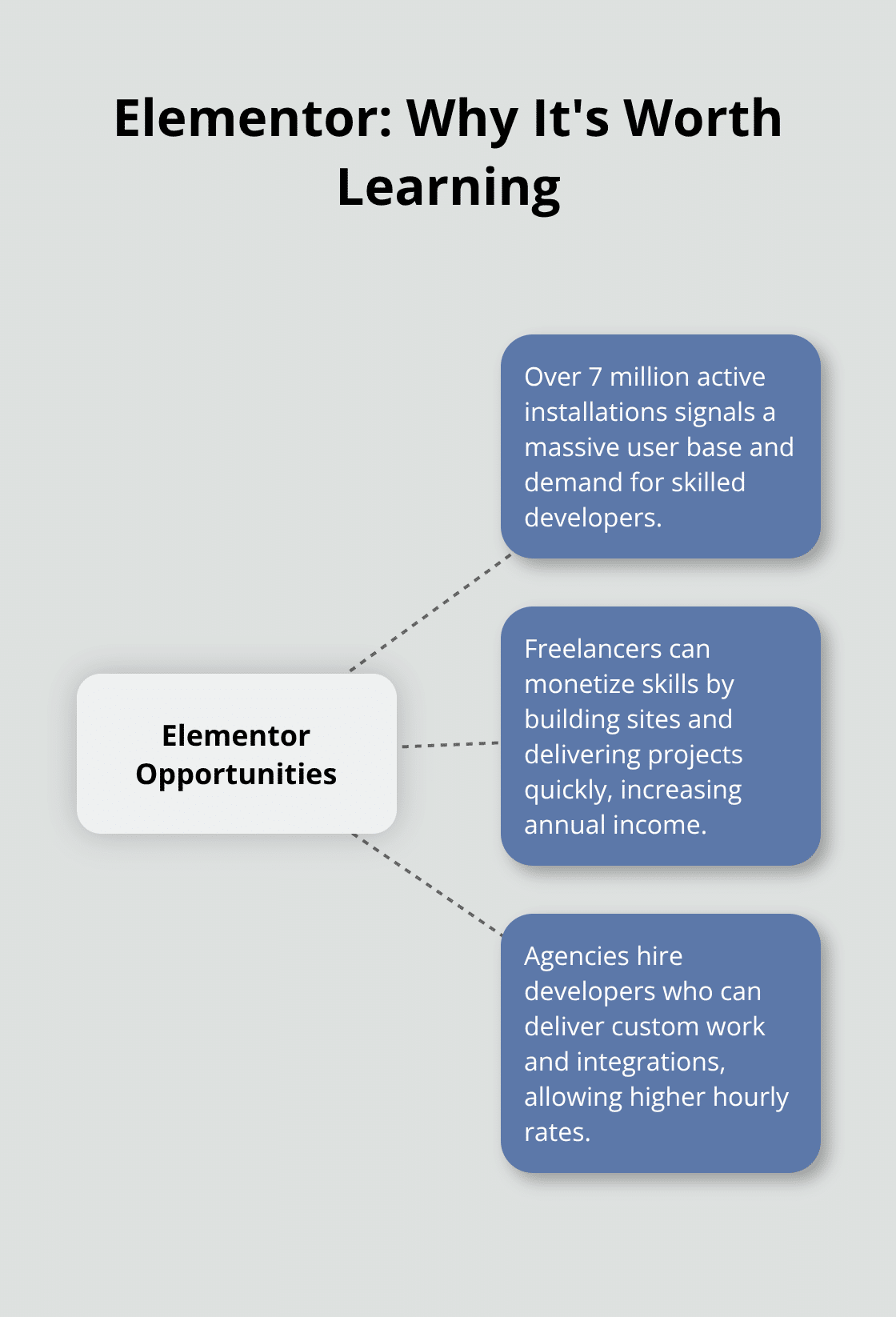
At Pluginizer, we’ve seen firsthand how developers who master Elementor can command premium rates and build sustainable careers. This guide walks you through everything you need to know to become a skilled Elementor developer.
Getting Started with Elementor’s Core Tools
When you first open Elementor, the interface can feel overwhelming. The toolbar runs along the top, the element panel sits on the left, and the canvas dominates the center. Focus only on the element library on the left and the canvas in the middle. Drag a heading onto the page, change the text, adjust the color. You’ve already built something. Most developers waste weeks reading about Elementor before touching it. Avoid that trap. The fastest way to learn is to build something immediately, even if it’s terrible.
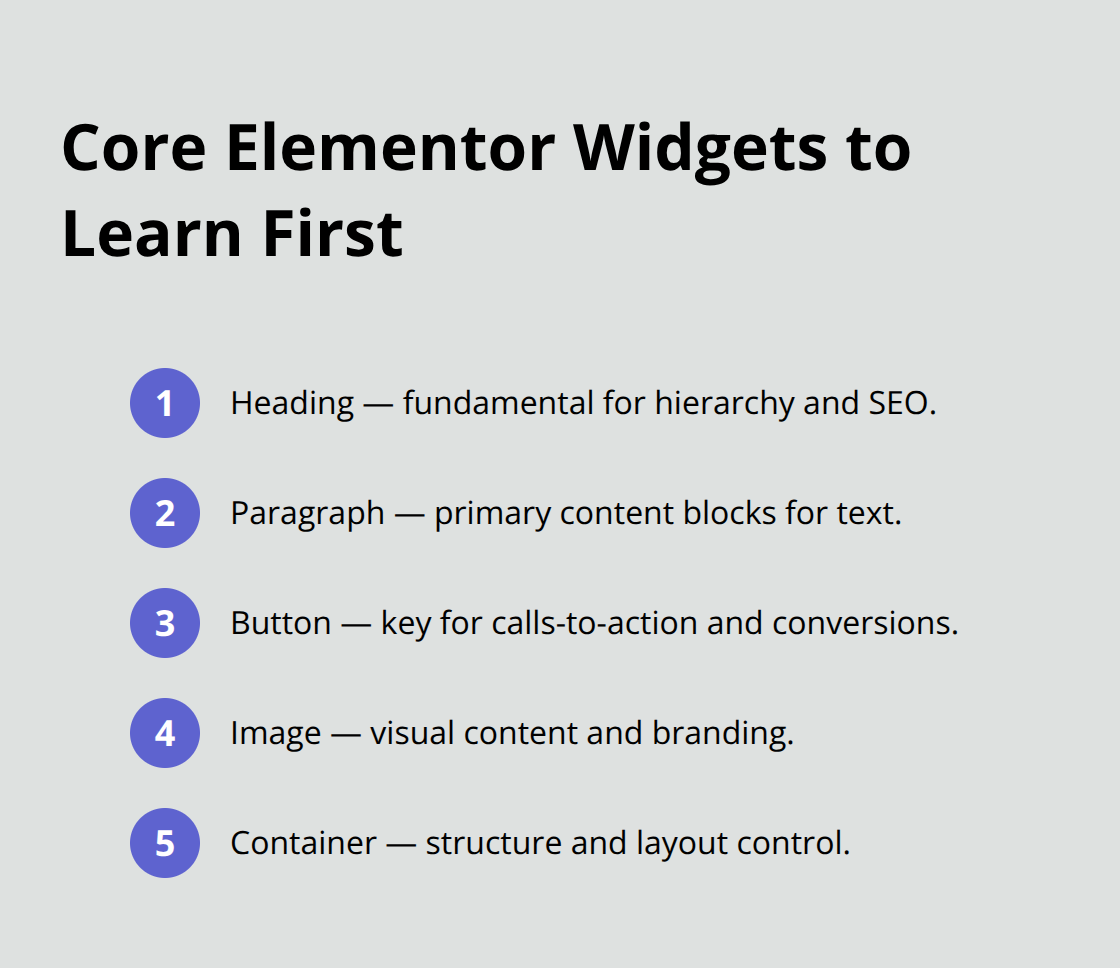
Elementor Pro gives you access to additional widgets compared to the free version, but you don’t need them all starting out. The core widgets you’ll use constantly are heading, paragraph, button, image, and container. Learn these five first. Everything else is decoration.
Why Templates Save Hours You Don’t Have
The template library is not a crutch. It’s a professional tool. Elementor’s template collection includes pre-built landing pages, service pages, and portfolio sections that you can import with one click. Instead of building a hero section from scratch, import a template, modify the text and images, and move forward. A freelancer using templates can deliver a custom site in three to five days instead of two weeks. That translates directly to higher hourly rates since you complete more projects annually.
The Elementor Template Library includes thousands of free and premium templates organized by industry. Start with a template that matches your client’s vertical, customize the colors to match their brand, swap in their content, and you have a functional website. This approach isn’t lazy. It’s efficient. Agencies have reported faster project delivery because they establish design systems once and reuse components across multiple client sites. Store your own custom sections as reusable blocks. After building three client websites, you’ll have a personal library of headers, testimonial sections, and footer layouts that you can drop into new projects instantly.
The Drag-and-Drop Reality
Elementor’s drag-and-drop page builder works, but it has limits. You can position elements visually, but precision requires understanding spacing and responsive behavior. Test every site on mobile devices before delivering it. A section that looks perfect on desktop often breaks on phones because text gets too large or images stack awkwardly.
Use Elementor’s responsive preview mode to check tablet and mobile layouts while editing. The responsive settings let you adjust column counts, hide elements, and change spacing per device. Many developers skip this step and get complaints after launch. Don’t be that developer. The learning curve for the drag-and-drop interface is genuinely shallow. Most new users can build a basic page within 30 minutes.
Where Design Principles Matter Most
The real skill comes from understanding design principles and knowing when to hide complexity. Elementor gives you the tools, but you have to make decisions about layout, spacing, and hierarchy that separate amateur pages from professional ones. Color theory, typography choices, and mobile-first design directly influence how well your pages convert and engage visitors. These aren’t optional considerations-they’re what clients actually pay for. A poorly spaced layout or inconsistent font choices will undermine even the best content. Master these fundamentals, and you’ll stand out from developers who simply drag widgets around without intention.
Going Beyond Templates: When to Build Custom Solutions
Template-based development gets you to your first five clients quickly, but it also creates a ceiling. Once you’re delivering custom sites regularly, clients request features that prebuilt templates don’t include. A real estate agency wants property filtering by price and location. An e-commerce store needs custom product recommendation logic. A membership site requires gated content based on user roles. At that point, you have two choices: tell the client you can’t do it, or learn to build it. The developers who choose to build custom solutions command rates 40 to 60 percent higher than template-only developers. This gap exists because custom development requires understanding how Elementor actually works under the hood.
How Elementor Stores and Structures Data
When a user clicks the save button in the editor, Elementor stores the page data and layout in a JSON format as WordPress post metadata. When you build a custom widget, you teach Elementor how to handle a new building block. Start with the Elementor Developer Documentation Center, which provides the foundational API reference you need. Your first custom widget should be simple: a testimonial block that displays a client quote, their name, and a star rating. Register it with Elementor through the Managers system, embed your custom CSS and JavaScript using the Scripts & Styles guidance, and define Editor Controls so users can input content without touching code. This single project teaches you how data flows from the editor interface to the frontend output. After building three custom widgets, the pattern becomes obvious and subsequent widgets take half the time.
PHP, JavaScript, and Hooks: The Developer’s Toolkit
PHP handles the backend logic while JavaScript manages frontend interactivity and DOM manipulation. If you’re comfortable with WordPress hooks, you already understand how Elementor extensions work. Hooks let you run custom functionality at various lifecycle points, meaning you inject your code exactly when Elementor needs it. Dynamic Tags are used to insert customized data based on various sources, allowing you to add dynamic data based on the page and site. This means a real estate site can display current property listings without manual updates. Form Actions perform tasks after form submissions, so a lead capture form can automatically add contacts to an email service. This is where Elementor transitions from a page builder into a development platform.
Integrations That Expand Your Capabilities
Third-party integrations amplify this capability significantly. WooCommerce integration lets you display dynamic product data, while API connections to services like Zapier, HubSpot, or Stripe enable workflows that would normally require custom backend code. Crocoblock’s JetEngine handles dynamic content generation for complex sites, and JetBooking adds appointment scheduling without separate plugins. Each integration reduces the amount of custom code you need to write while expanding what clients think is possible.
The Smart Developer’s Approach to Problem-Solving
The trap most developers fall into is building everything from scratch when a third-party solution already exists. Before writing custom code, search the Elementor add-ons marketplace and GitHub for existing solutions. You’ll often find that someone has already solved the problem you’re facing. Using existing tools doesn’t make you less skilled. It makes you efficient, which translates directly to higher profit margins and faster project delivery. This efficiency becomes your competitive advantage as you take on more complex projects and tighter deadlines. The developers who master this balance between custom code and existing solutions become the ones agencies hire first and clients request by name.
Getting Paid What You’re Actually Worth
Your portfolio determines your rate more than your experience does. A developer with two years of Elementor experience who shows five custom-built client sites can charge $75 to $125 per hour. A developer with five years of experience who only shows template modifications charges $40 to $60 per hour. The difference isn’t experience-it’s proof of capability. Start with one site you build entirely yourself, even if it’s a fictional project. Create a portfolio site for a fictional local business, a fake SaaS company, or a made-up coaching service. Build it completely from scratch without templates. Show the design decisions you made, explain why you chose that layout, document the custom features you added. This single project becomes your anchor piece that justifies higher rates than template-only developers.
Real Client Work Accelerates Your Growth
Real client work accelerates everything. Your first actual client might pay you $500 to $1,200 for a basic website. That’s low, but it gives you a real case study with real results. After launch, track what happens. Did the site get traffic? Did it generate leads or sales? Document these outcomes. A portfolio that shows a website generating 50 leads per month or $5,000 in monthly revenue for a client is exponentially more valuable than one showing pretty designs. Agencies hire developers based on results, not aesthetics. Freelance platforms like Upwork and Fiverr reward developers who show quantifiable outcomes in their project descriptions. Platforms like Toptal and Gun.io have stricter vetting but connect you with clients willing to pay $80 to $200 per hour because they see portfolio evidence of delivery. The progression is straightforward: build one perfect portfolio site, land your first client at a low rate, document the results, raise your rates to $60 to $80 per hour, land your second client, then your third. Around your fifth client, you’ll have enough case studies to justify $100 to $150 per hour and start selecting which projects you accept. Agencies actively recruit developers from freelance platforms once they see consistent five-star reviews and completed projects. Your first three clients are your stepping stones to better-paying opportunities.
Pricing Strategy Matters More Than You Think
Pricing strategy matters more than you think. Many new developers undercharge because they fear losing work. Understanding how to set competitive rates helps you price based on value rather than anxiety. Clients who shop purely on price are exhausting to work with and often delay payment or request endless revisions. Clients who hire based on portfolio and reputation are easier, pay faster, and refer other clients. Set your rate based on the value you deliver, not your anxiety about finding work. A website that generates revenue for a client is worth far more than one that just looks good. Price accordingly. If you’re building for local service businesses like plumbers or dentists, charge $2,000 to $5,000 per site. If you’re building for e-commerce or SaaS companies, charge $5,000 to $15,000 per site.
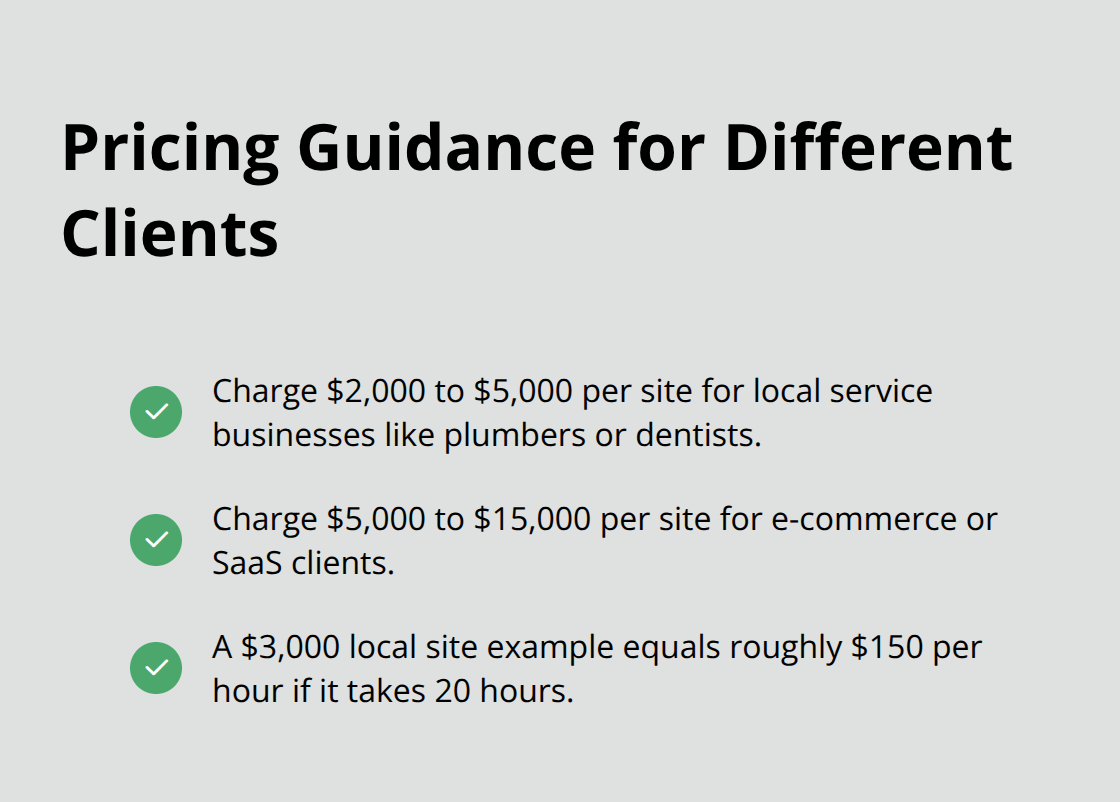
These ranges reflect the actual value created, not the hours spent. A $3,000 website for a local business might take you 20 hours, which is $150 per hour. A $10,000 website for an e-commerce store might take 30 hours, which is $333 per hour. The difference is impact, not effort.
Where to Find Clients Who Pay Well
Freelance platforms work, but they’re not your only option and shouldn’t be your only strategy. Upwork and Fiverr have massive client bases but take 20 to 40 percent commission. Toptal and Gun.io are more selective, take lower commissions around 10 percent, and connect you with higher-budget clients. Agencies on Clutch and Crunchbase actively search for freelance developers to handle overflow work. If you apply to 10 agencies with your portfolio, at least two will respond with consistent project opportunities. Direct outreach converts better than waiting. Find five local marketing agencies in your area, email the owner with your portfolio and a one-sentence offer: I build custom WordPress sites for your clients. Many agencies need overflow capacity and will hire you at $60 to $100 per hour for ongoing work. One agency client providing 10 hours per week of work is more stable than five separate freelance projects. Networking at WordPress meetups and conferences creates relationships that lead to referrals. One referral from an existing client is worth 100 cold applications on freelance platforms because the client already trusts your work.
Building Leverage Through Tools and Efficiency
The developers earning $150 to $250 per hour aren’t necessarily more skilled than those earning $50 per hour. They’re more efficient. They use tools that save time without sacrificing quality. Elementor Pro gives you access to Global Widgets, which are reusable components that update across all pages automatically. This feature alone cuts development time by 15 to 20 percent. A custom CSS library built from your past projects means you copy proven code instead of writing new code every time. Version control with Git lets you duplicate past projects as a starting point rather than building from nothing. These aren’t advanced skills-they’re professional practices that separate contractors from actual developers. Invest in tools that multiply your output. Pluginizer offers unlimited access to over 15,000 premium plugins and themes for a single subscription fee, which eliminates the cost of purchasing individual plugins for each client project. This approach reduces your overhead significantly while expanding the functionality you can offer without custom development. When your tool costs drop, your profit margins increase even if you keep your rates stable.
Final Thoughts
Becoming an Elementor developer requires you to master three distinct skill layers. First, you need proficiency with the core interface, templates, and responsive design principles that let you build functional sites quickly. Second, you need PHP and JavaScript knowledge to create custom widgets, integrate third-party APIs, and extend Elementor’s capabilities beyond what templates provide. Third, you need business skills: portfolio building, pricing strategy, and client acquisition.
Your learning path should follow a logical sequence. Spend your first month building five sites entirely with templates and pre-built blocks to teach yourself the interface and build confidence. Spend your second month learning PHP and JavaScript fundamentals while building your first custom widget. Spend your third month landing your first real client and documenting the results. Within four months, you’ll have a portfolio piece, a case study, and enough experience to charge $60 to $80 per hour.
Your competitive advantage comes from efficiency and tool selection. Using Pluginizer for unlimited access to premium plugins and themes eliminates the cost of purchasing individual assets for each project, which directly increases your profit margins. Version control with Git, responsive testing on actual devices, and a personal library of reusable components separate professional developers from hobbyists. The path from beginner to professional Elementor developer takes six to twelve months of consistent work, and you start that journey the moment you open Elementor and build your first page.

