

Elementor powers over 12 million websites worldwide, but its true potential emerges when paired with the right plugins. The best Elementor plugins can transform a basic page builder into a comprehensive design powerhouse.
We at Pluginizer have tested hundreds of extensions to identify the most impactful ones. This guide covers essential plugins across design enhancement, specialized functions, and selection strategies to elevate your website.
Which Design Plugins Transform Basic Elementor Sites
Visual impact separates amateur websites from professional ones. Essential Addons for Elementor leads with over 90 widgets that serve more than 2 million websites, providing animations, particle effects, and interactive elements that boost engagement rates according to user reports. ElementsKit delivers 50+ widgets including sticky sections and mega menus, while Ultimate Addons offers advanced hover effects and CSS animations that reduce bounce rates significantly. These plugins handle complex visual transformations without requiring coding knowledge.
Advanced Animation Solutions
Motion graphics capture attention within the first 3 seconds of page load. Element Pack delivers 300+ widgets with sophisticated animation controls, enabling designers to create scroll-triggered effects and parallax backgrounds. PowerPack focuses on performance-optimized animations, preventing the speed degradation common with heavy visual effects. Master Addons includes timeline animations and before-after sliders that convert better than static content according to conversion tracking data.
Form Building Excellence
Contact forms generate business leads when designers implement them properly. Gravity Forms integrates seamlessly with Elementor, supporting conditional logic and payment processing that increases form completion rates. WPForms offers drag-and-drop functionality with mobile optimization, addressing form submissions that come from mobile devices. Happy Addons includes advanced form styling options and multi-step forms that reduce abandonment rates compared to single-page alternatives.
Typography Control Systems
Typography affects readability and brand perception across first impressions. HT Mega provides advanced text styling with Google Fonts integration and custom CSS controls. Plus Addons offers headline animations and text reveal effects that improve content engagement. Crocoblock includes typography widgets with responsive controls, addressing the varied screen sizes that account for modern web traffic patterns.
These design-focused plugins establish the visual foundation, but specialized functionality plugins address specific business needs and technical requirements that standard design tools cannot handle.
Which Specialized Plugins Handle Business Functions
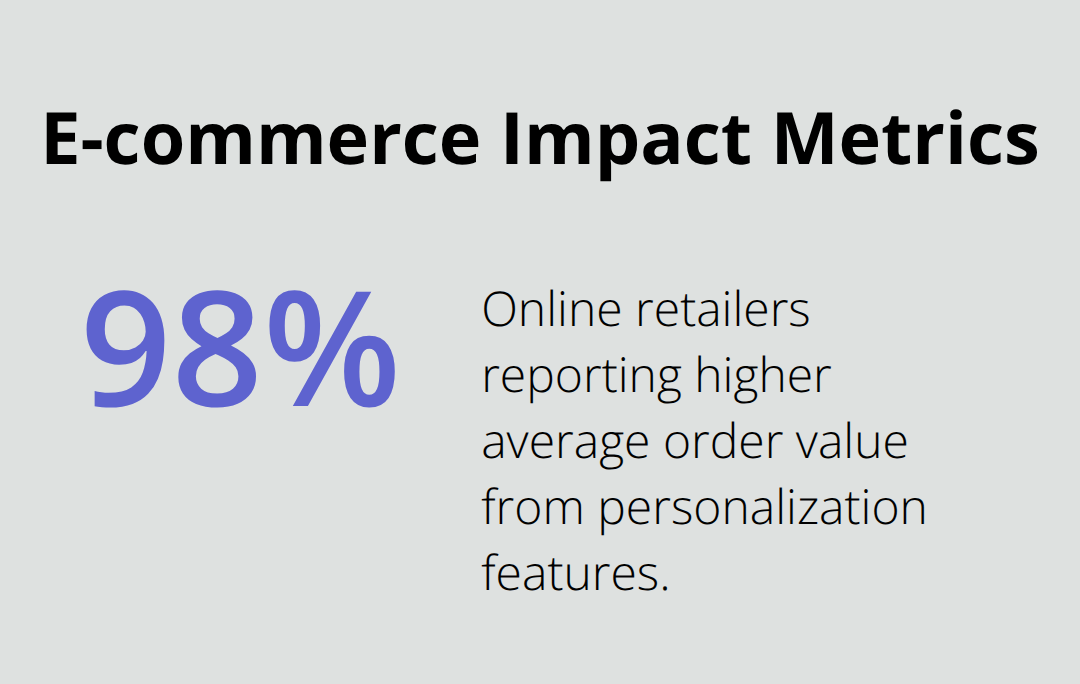
E-commerce operations demand precise integration tools that standard Elementor widgets cannot deliver. WooLentor transforms product displays with advanced grid layouts and single product builders, while WooCommerce stores with enhanced layouts benefit from personalization features that increase average order value for 98% of online retailers. JetWooBuilder creates custom checkout pages and product filters that reduce cart abandonment rates by addressing specific friction points in the purchase process. These plugins handle inventory displays, payment integrations, and customer account areas that directly impact revenue generation.
Social Integration That Drives Traffic
Social media referral traffic has been declining according to recent analytics data, which makes integration plugins essential for maintaining audience growth. NotificationX creates social proof notifications that boost conversion rates through real-time activity displays and customer testimonials. EmbedPress supports content from over 150 platforms (YouTube, Instagram, and TikTok), which enables seamless multimedia integration that keeps visitors on pages longer. Social sharing plugins like Shared Counts optimize load speeds while they maintain functionality across platforms, addressing the performance concerns that plague many social widgets.
Performance Optimization for Speed
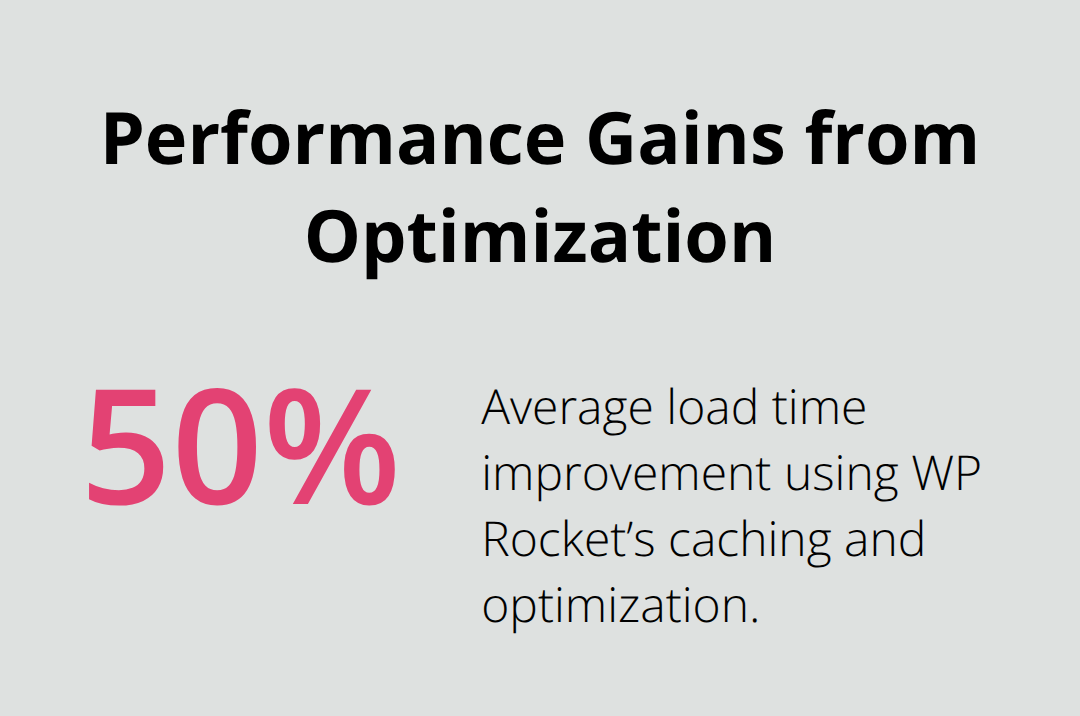
Site speed affects both user experience and search rankings, with Google prioritizing fast-loading pages in search results. WP Rocket improves load times by approximately 50% through advanced cache mechanisms and database optimization. ShortPixel Image Optimizer compresses images without quality loss, supporting next-generation formats like WebP that reduce file sizes significantly. Rank Math SEO handles technical optimization elements (schema markup and XML sitemaps), while WP-Optimize maintains database performance through automated cleanup processes that prevent slowdowns over time.
SEO Enhancement Tools
Search visibility determines website success in competitive markets. Yoast SEO Premium assists content optimization for search engines, which increases chances of higher Google rankings through keyword targeting and readability analysis. Google Site Kit offers integrated analytics and optimization insights directly within the WordPress dashboard, helping users understand site performance and visitor behavior patterns. These SEO plugins work alongside Elementor to maintain clean code structure while they enhance search engine visibility.
The right specialized plugins address specific business needs, but selecting the optimal combination requires strategic evaluation of your website goals and technical requirements.
Which Plugins Match Your Website Needs
Website goals determine plugin selection more than features or popularity rankings. E-commerce sites require WooCommerce integration tools like JetWooBuilder and product display enhancements, while service businesses benefit from advanced form builders and systems like Amelia. Corporate websites need professional animations from Element Pack and typography controls, whereas blogs perform better with social sharing tools and SEO optimization plugins. Content creators should prioritize multimedia capabilities from EmbedPress and engagement widgets, while agencies that manage multiple client sites need versatile solutions like Crocoblock that handle diverse requirements. Match plugin functionality to revenue activities rather than aesthetic preferences.
Performance Impact Assessment
Plugin conflicts destroy website functionality faster than any other technical issue. Test new plugins in environments before live deployment, since compatibility problems between Elementor addons can break entire page layouts.
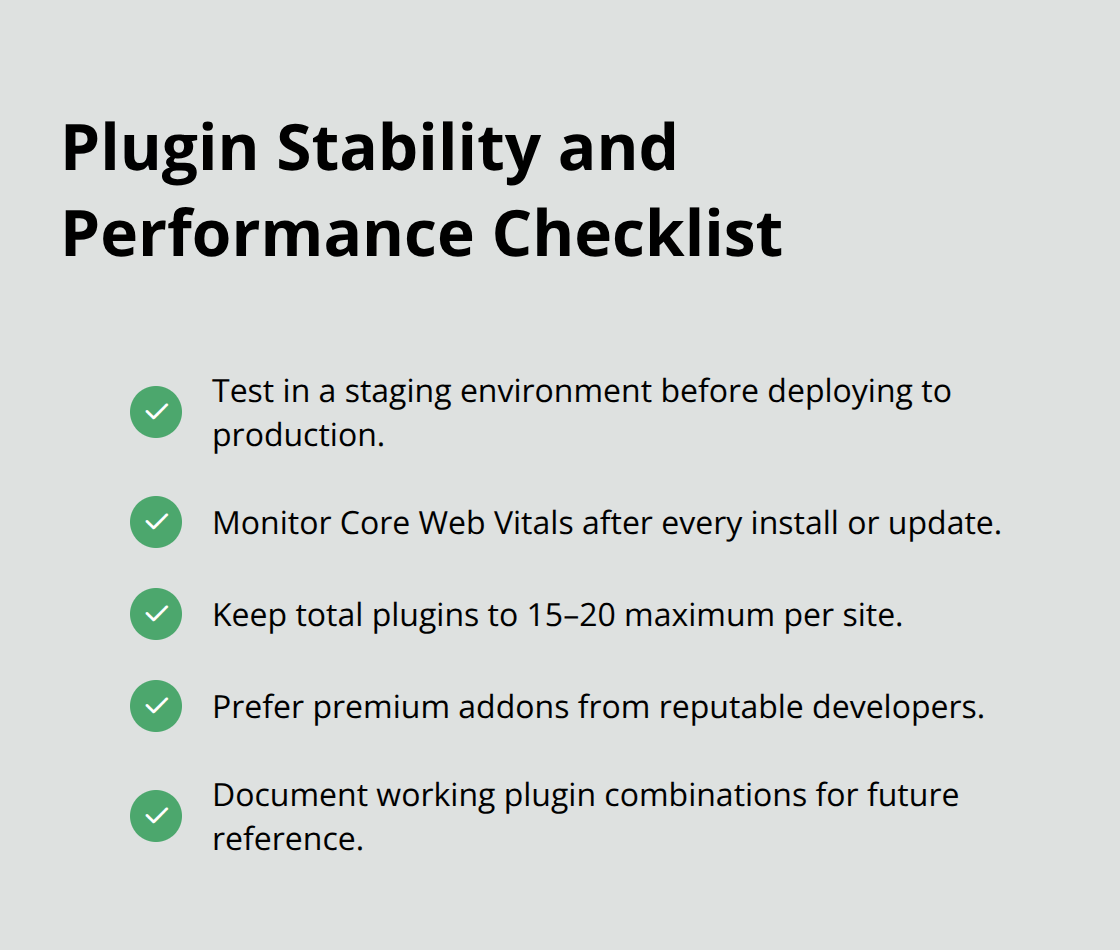
Monitor Core Web Vitals after each plugin installation, as Google penalizes slow sites regardless of visual appeal. Limit total plugin count to 15-20 maximum per site, because each additional plugin increases server resource consumption and potential security vulnerabilities. Premium plugins from established developers like ElementsKit and Essential Addons maintain better code quality than free alternatives, which reduces performance issues and compatibility problems that plague websites with mixed plugin sources.
Cost Structure Analysis
Annual subscriptions offer better value than lifetime deals for active websites that require regular updates and support. ElementsKit costs $39 yearly for basic features while Element Pack charges premium rates for advanced functionality, but both deliver consistent updates and compatibility maintenance. Crocoblock requires $130 annual investment but replaces multiple individual plugins, which reduces overall complexity for agencies. Free plugins like Qi Addons provide extensive widget libraries without costs, though they lack priority support and advanced features. Calculate total cost of ownership over 3–5 years (renewal fees, support requirements, and potential migration expenses) when you switch between plugin providers, since established workflows create hidden development costs.
Plugin Compatibility Testing
WordPress updates break plugin functionality without warning, which makes compatibility testing essential for stable websites. Create test environments that mirror your live site configuration before you install new plugins or updates. Document plugin combinations that work together successfully, since this knowledge prevents future conflicts and saves troubleshooting time. Premium plugin developers typically release compatibility updates within 48 hours of major WordPress releases, while free plugins may lag weeks behind. Test core functionality after each update cycle to identify issues before they affect visitors or business operations.
Final Thoughts
The best Elementor plugins transform basic page builders into professional design systems that drive business results. Essential Addons and ElementsKit handle visual enhancements, while specialized tools like WooLentor and Rank Math address specific business functions. Performance optimization plugins like WP Rocket maintain speed standards that Google demands for search visibility.
Strategic plugin selection requires you to match functionality to revenue activities rather than collect features. Test compatibility in environments before live deployment, since plugin conflicts break websites faster than any other technical issue. Limit installations to 15-20 plugins maximum to maintain performance standards and reduce security vulnerabilities.
Premium plugins from established developers deliver consistent updates and support that free alternatives cannot match. Annual subscriptions provide better long-term value than lifetime deals for active websites that require regular maintenance. For agencies and developers who manage multiple sites, comprehensive plugin access eliminates individual purchase costs while it provides unlimited usage rights (which simplifies asset management and reduces total ownership expenses across client projects).

