

WordPress powers 43% of all websites, but most site owners barely scratch the surface of what’s possible with the right plugins. The best WordPress free plugins can transform your basic site into a professional powerhouse without spending a dime.
We at Pluginizer have tested hundreds of free plugins to identify the ones that actually deliver results. This guide covers the essential free tools every WordPress site needs to succeed online.
Security and Performance Tools That Actually Matter
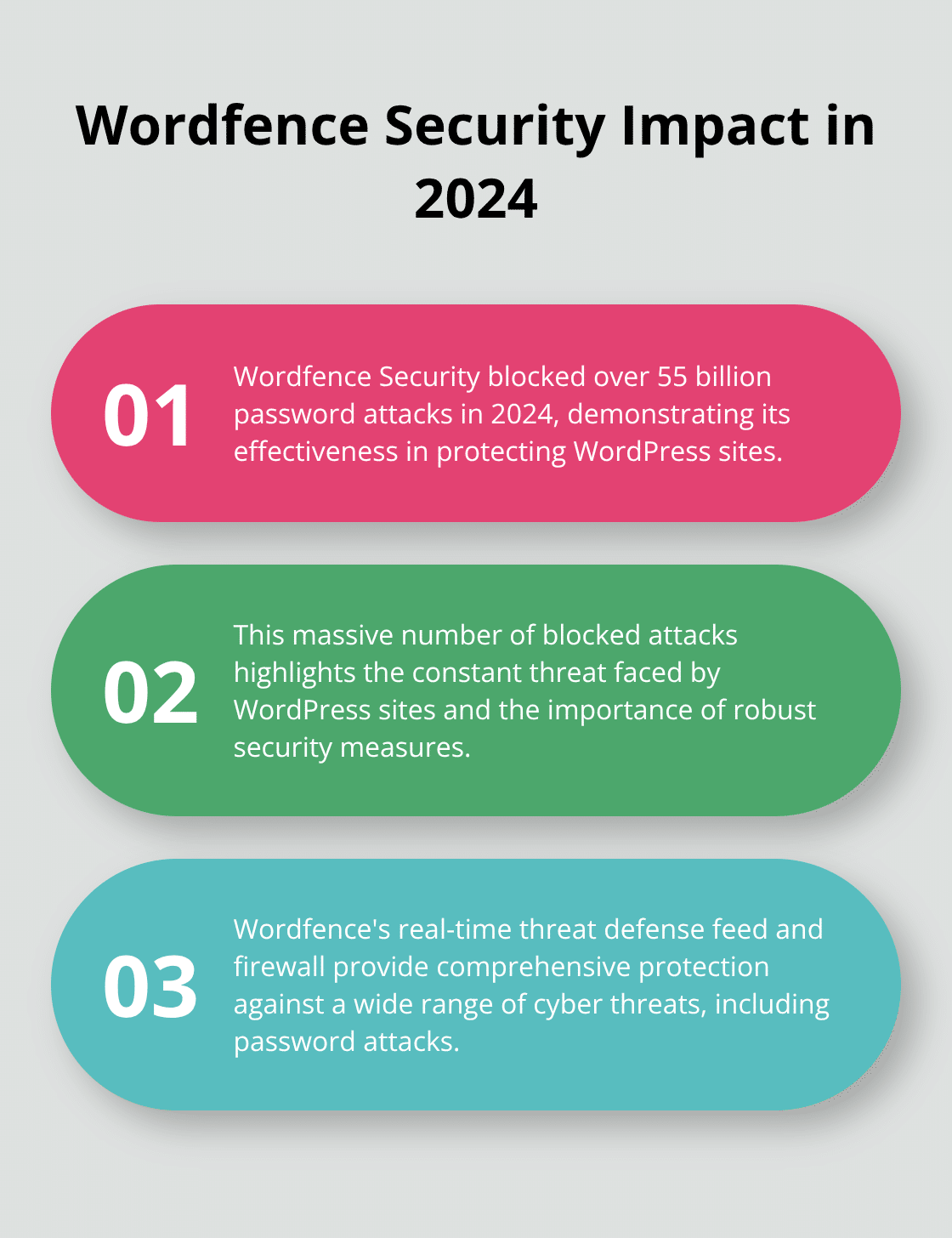
Your WordPress site faces constant attack attempts according to Wordfence data, which makes security plugins non-negotiable. Wordfence Security stands as the top free choice with its real-time threat defense feed, malware scanner, and firewall that blocked over 55 billion password attacks in 2024. The plugin monitors your site around the clock and sends instant alerts when suspicious activity occurs. Sucuri Security offers another solid option with its security activity auditing and file integrity monitoring, though Wordfence provides more comprehensive protection for most sites.
Speed Optimization That Works
Site speed directly impacts your bottom line since 53% of visits are abandoned if a mobile site takes longer than 3 seconds to load. WP Super Cache generates static HTML files from your dynamic content, which reduces server load by up to 80% and dramatically improves load times. The plugin works immediately after installation with minimal configuration needed. W3 Total Cache offers more advanced features like CDN integration and database caching, but requires technical knowledge to configure properly.
Image Compression Solutions
EWWW Image Optimizer automatically compresses images upon upload and often reduces file sizes by 50-70% without visible quality loss. This makes it essential for image-heavy sites that need faster load times. The plugin processes images in the background and handles multiple formats (JPEG, PNG, WebP) without manual intervention.
Backup Protection You Can Trust
UpdraftPlus handles over 3 million WordPress backups daily and offers the most reliable free backup solution available. The plugin automatically saves your complete site to cloud storage services like Google Drive, Dropbox, or Amazon S3, with scheduled backups that run without your intervention. Duplicator excels at site migrations and cloning with over 45 million downloads, which makes it perfect for moving sites between hosts or creating staging environments. Both plugins restore your site with one-click functionality, but UpdraftPlus provides better automation for regular backup schedules.
These security and performance foundations protect your site from threats while keeping visitors engaged. Next, we’ll explore how SEO plugins can amplify your content’s reach and visibility.
Which SEO Plugins Drive Real Traffic Growth
The SEO Plugin That Actually Moves Rankings
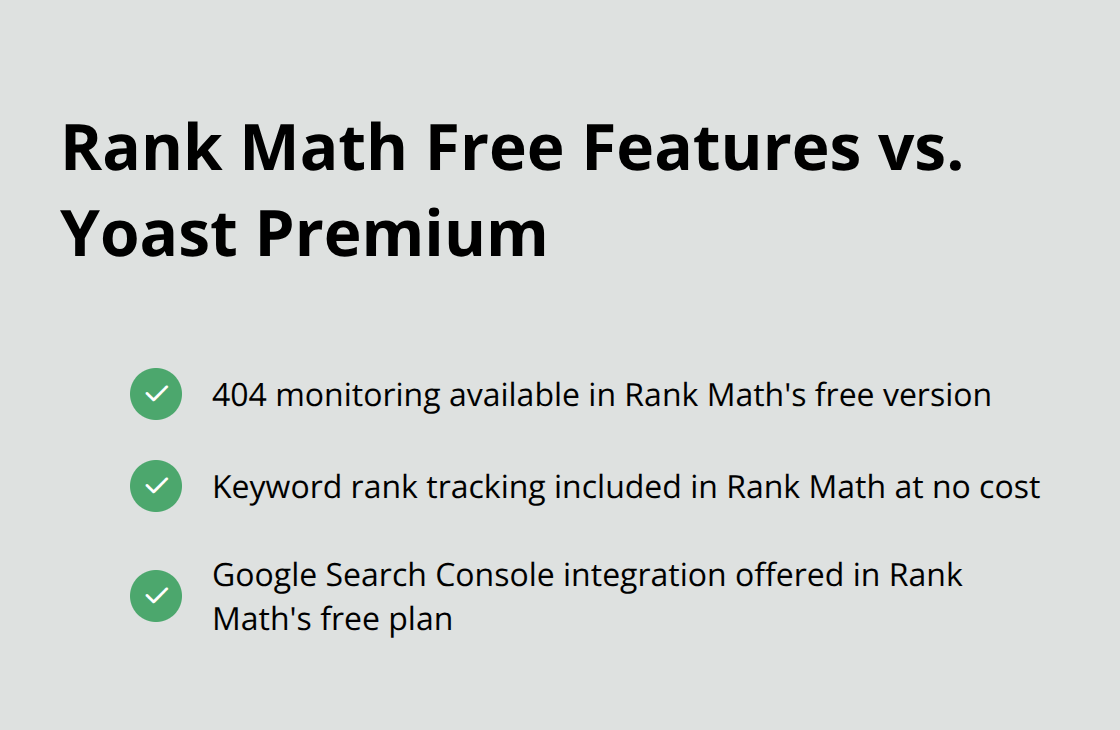
Yoast SEO dominates the WordPress SEO landscape with over 5 million active installations, but Rank Math has emerged as the superior choice for serious content creators. Rank Math offers 404 monitoring, keyword rank tracking, and Google Search Console integration in its free version, while Yoast locks these features behind a premium paywall. The plugin’s content analysis scores correlate directly with improved rankings according to user reports, and its structured data markup helps pages appear in rich snippets. All in One SEO offers similar capabilities with a cleaner interface, though it lacks Rank Math’s comprehensive free feature set.
Content Tools That Streamline Publication
Classic Editor maintains the traditional WordPress experience that content teams prefer, with over 5 million sites still using it despite WordPress pushing the block editor. The plugin restores the familiar TinyMCE editor interface and eliminates the learning curve that slows down content production. Editorial Calendar visualizes your publication schedule and lets you drag posts between dates, which transforms content planning from chaos into organized workflows. TinyMCE Advanced adds formatting options like tables, font selection, and advanced text styling that the default editor strips away.
Social Media Integration That Converts
Social Warfare generates more shares than any other free social plugin because it loads faster and looks better than alternatives. The plugin creates attractive sharing buttons that don’t slow down your site (unlike heavy alternatives that add multiple HTTP requests). Smash Balloon Social Post Feed pulls Instagram and Facebook content directly into your site with customizable layouts that match your design. The plugin updates feeds automatically and handles API changes without breaking, which saves hours of manual social media management. Both plugins increase social engagement measurably, with Social Warfare providing enhanced sharing capabilities for content creators.
These SEO and content tools establish the foundation for organic growth and social reach. The next step involves plugins that enhance user experience and add essential business functionality to your site.
What Plugins Transform Visitors Into Customers
Contact forms serve as your primary lead generation tool, yet most WordPress sites use poorly optimized solutions that hurt conversion rates. WPForms processes multi-step forms that can lead to 300% more conversions and converts better than generic alternatives because it loads faster and offers better mobile optimization. The drag-and-drop builder creates professional contact forms, survey forms, and payment forms without coding knowledge, while its spam protection blocks automated submissions effectively. Contact Form 7 remains popular with 5 million installations, but its outdated interface and poor mobile responsiveness make it unsuitable for serious businesses that need reliable lead capture.
Analytics That Drive Growth Decisions
MonsterInsights connects your WordPress site to Google Analytics and presents data in digestible dashboard reports that actually influence business decisions. The plugin tracks eCommerce transactions, form conversions, and popular content automatically, which provides insights that help optimize your marketing spend. Google Analytics shows that sites with MonsterInsights see more engagement because the plugin makes data actionable rather than overwhelming. Google Site Kit offers similar functionality but requires technical setup and provides less user-friendly reports (making MonsterInsights the superior choice for business owners who need quick insights).
Business Functionality That Generates Revenue
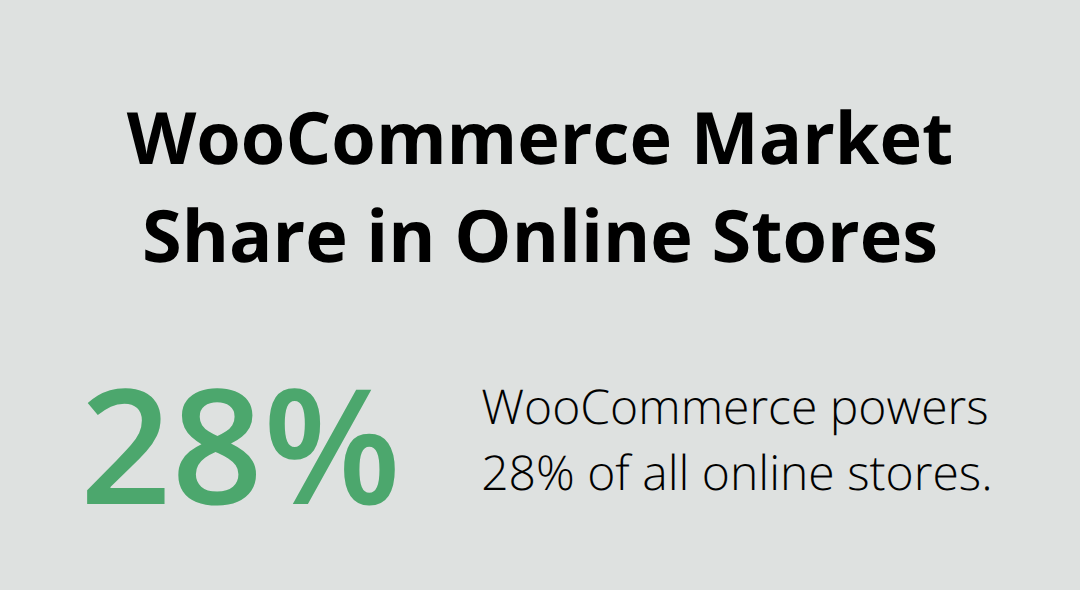
WooCommerce powers 28% of all online stores and transforms any WordPress site into a complete eCommerce platform with payment processing, inventory management, and shipping calculations. The plugin handles both physical and digital products seamlessly, with extensions that add advanced features like subscriptions and bookings. Easy Digital Downloads specializes in digital product sales and processes payments faster than WooCommerce for downloadable items like software, courses, and eBooks. MemberPress creates membership sites that generate recurring revenue through content subscriptions, with built-in payment processing and access control that protects premium content effectively (turning WordPress sites into profit-generating platforms rather than static brochures).
Final Thoughts
The best WordPress free plugins we’ve covered transform ordinary websites into professional platforms that compete with expensive alternatives. Security plugins like Wordfence protect against billions of attacks annually, while caching solutions reduce load times by 80%. SEO tools like Rank Math drive measurable traffic growth, and business plugins like WooCommerce generate real revenue.
Free plugins excel at core functionality, but premium versions often provide advanced features, priority support, and enhanced customization options. The smart approach involves starting with free solutions to establish your foundation, then upgrading specific plugins as your needs grow more sophisticated. Most successful sites combine free and premium tools strategically rather than choosing one approach exclusively.
Your next step should focus on implementing these plugins systematically rather than installing everything at once. Begin with security and performance tools, add SEO capabilities, then layer in business functionality based on your specific goals. For agencies and developers managing multiple sites, Pluginizer offers access to premium plugins and themes through a single subscription (eliminating individual purchase costs while providing continuous updates).

