

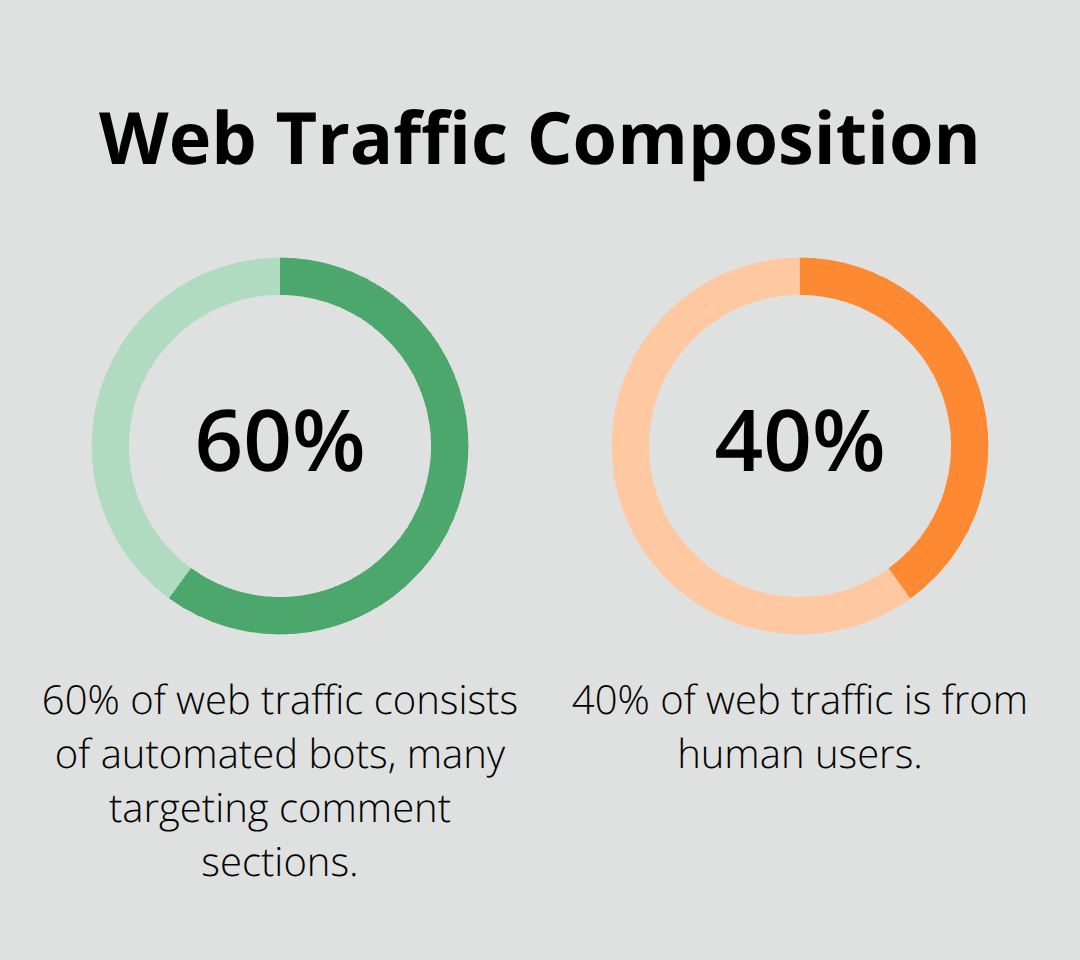
Spam comments can destroy your WordPress site’s credibility and user experience. Studies show that 60% of all web traffic consists of automated bots, with many targeting comment sections.
We at Pluginizer have tested dozens of WordPress antispam plugins to find the most effective solutions. The right plugin can block 99.9% of spam while letting genuine comments through seamlessly.
Which Anti-Spam Plugins Actually Work
Akismet Leads the Market
Akismet stands as the gold standard for WordPress spam protection and is a spam filtration plugin for WordPress that filters blog comments using algorithms, saving time on manual moderation. This powerhouse plugin uses machine learning to analyze comment patterns and blocks spam with high accuracy while it maintains virtually zero false positives. The free version covers personal blogs and small sites perfectly, while commercial plans start at $8.33 monthly for businesses. Akismet integrates seamlessly with WordPress core and works automatically in the background (it requires zero configuration for most users).
WP SpamShield Delivers Superior Performance
WP SpamShield outperforms competitors when it combines multiple detection methods that include behavioral analysis and IP reputation scores. This powerful anti-spam plugin eliminates comment spam, trackback spam, contact form spam & registration spam while it uses minimal server resources compared to database-heavy alternatives. The plugin costs $29 for a single site license but includes lifetime updates and premium support. WP SpamShield works silently without CAPTCHAs or user interaction, which makes it perfect for sites that prioritize user experience over complex verification systems.
CleanTalk Offers Cloud-Based Protection
CleanTalk operates through cloud-based filters that process spam detection across multiple data centers and achieve response times under 0.1 seconds. The service protects contact forms, registration pages, and comments simultaneously while it blocks over 1 million new spam sources daily. Prices start at $8 annually for personal sites (this makes it extremely cost-effective for comprehensive protection). CleanTalk bypasses traditional CAPTCHA systems entirely and includes real-time email validation to prevent fake registrations from your database.
Each plugin excels in different scenarios, so your choice depends on specific site requirements and traffic patterns. Next, we’ll examine the key factors that determine which solution works best for your WordPress site.
Which Plugin Fits Your WordPress Site
Traffic volume determines your anti-spam plugin requirements more than any other factor. Sites that receive fewer than 100 comments monthly can rely on Akismet’s free tier, which handles basic spam filtering effectively. Medium-traffic sites with 500-2000 comments need robust solutions like WP SpamShield or CleanTalk’s paid plans to prevent server overload. High-traffic sites that exceed 5000 monthly comments require enterprise-grade protection with dedicated server resources and advanced filtering algorithms.
Match Features to Your Site Type
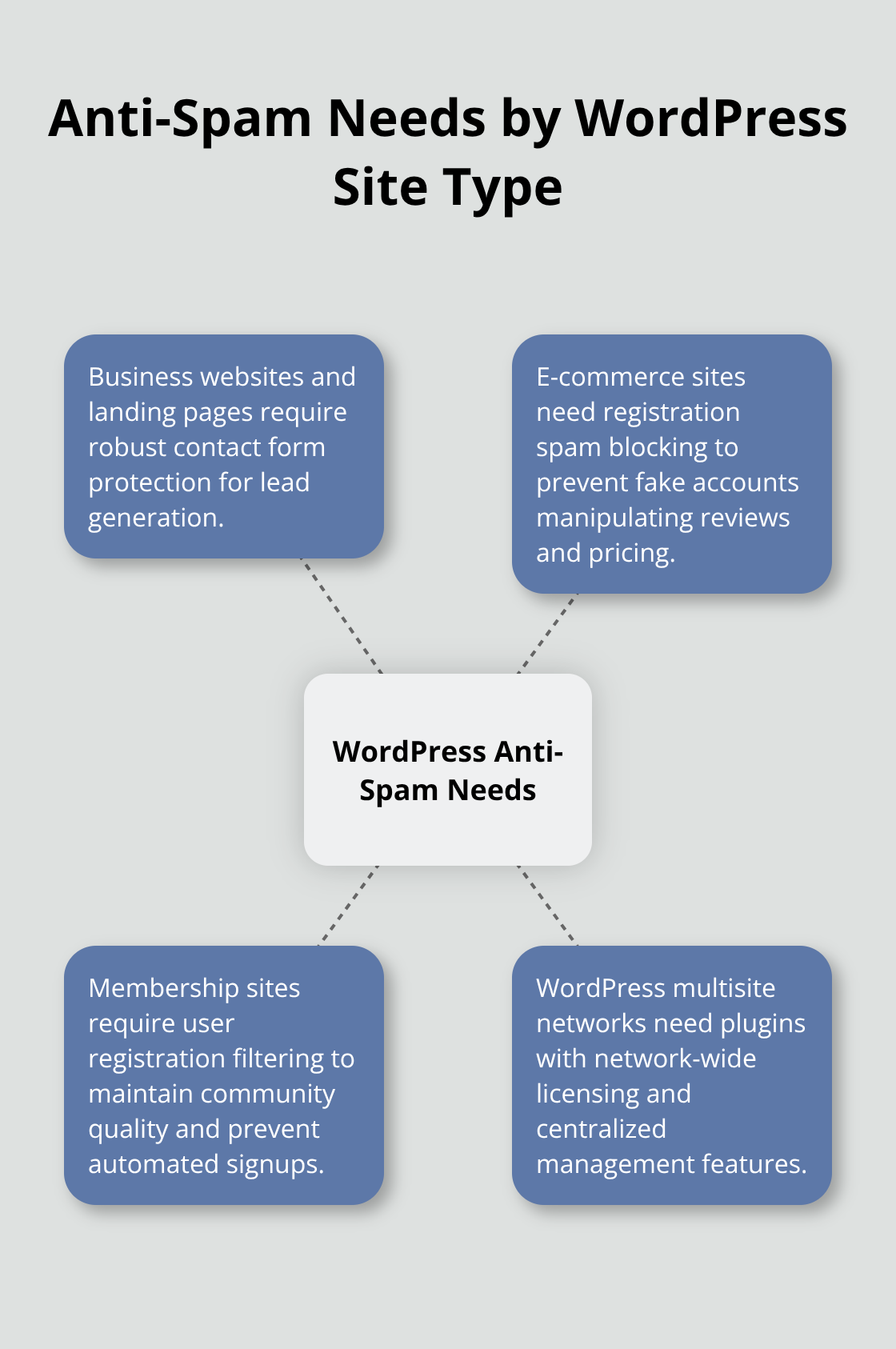
Contact form protection matters most for business websites and landing pages where lead generation drives revenue. E-commerce sites need registration spam blocking to prevent fake accounts that manipulate reviews and pricing. Membership sites require user registration filtering to maintain community quality and prevent automated signups. WordPress multisite networks need plugins with network-wide licensing and centralized management features. WP SpamShield excels for contact forms while CleanTalk provides comprehensive multi-form protection across different site types.
Budget Planning for Long-Term Protection
Free plugins work well for personal blogs but lack advanced features and priority support when spam attacks intensify. Akismet’s commercial plans at $8.33 monthly provide excellent value for small businesses that need reliable comment filtering. CleanTalk’s annual pricing (starting at $8) offers the most cost-effective solution for comprehensive site protection. WP SpamShield offers free protection for small sites and premium support, making it ideal for agencies that manage multiple client sites. Factor in potential revenue loss from spam-damaged user experience when you compare plugin costs against site income.
Performance Impact Considerations
Plugin efficiency affects your site’s loading speed and server resources differently. Akismet processes spam checks through external servers, which reduces local server load but requires stable internet connectivity. WP SpamShield runs locally and consumes minimal resources while it maintains fast response times. CleanTalk provides up to 99.998% protection against spam but depends on third-party server availability. Test each plugin’s impact on your site’s performance metrics before you make a final decision, especially if you run a high-traffic website where speed directly affects user engagement and search rankings.
How to Maximize Your Anti-Spam Protection
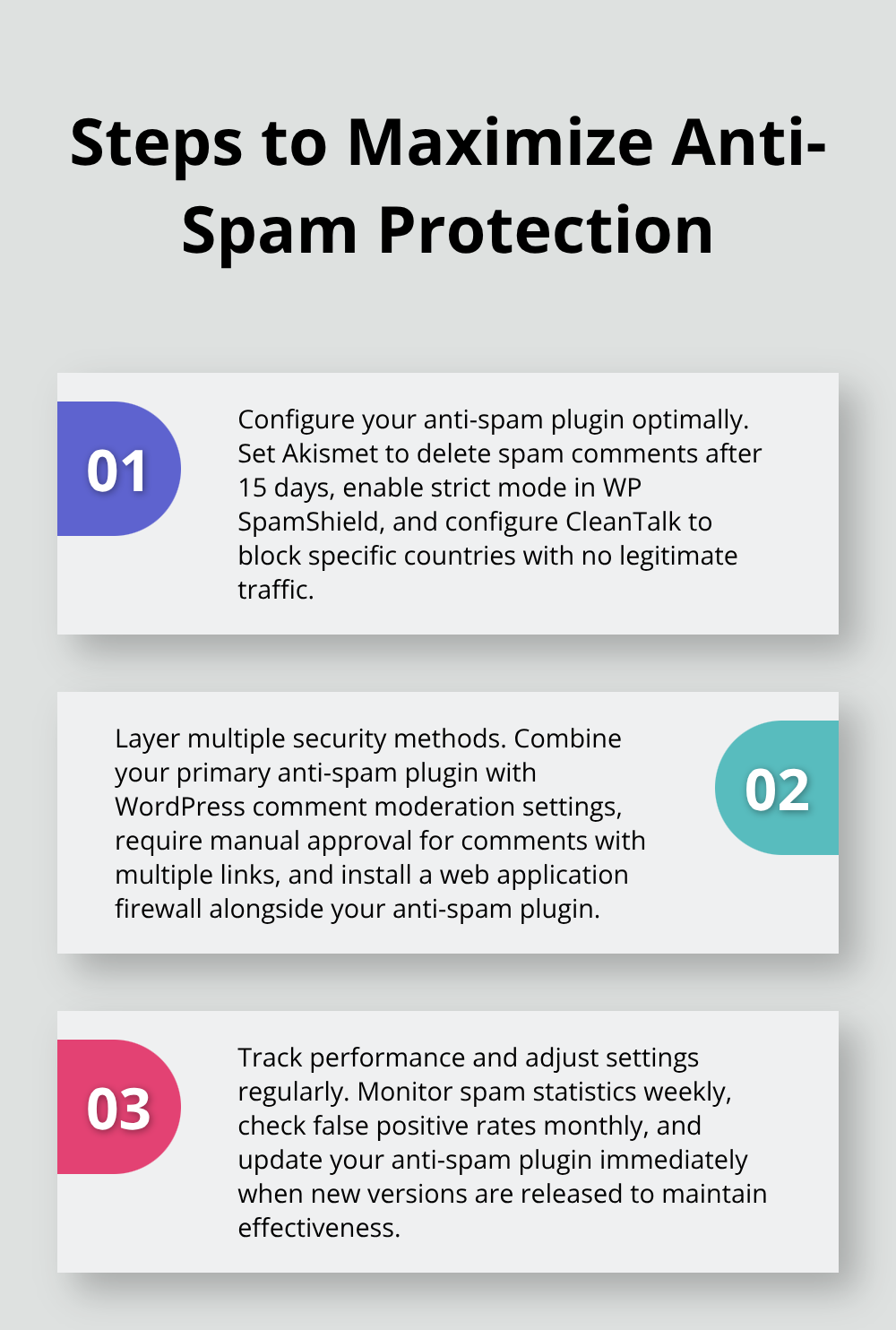
Plugin configuration makes the difference between mediocre spam blocking and bulletproof protection. Set Akismet to automatically delete spam comments after 15 days instead of the default 30 days to reduce database bloat and improve site performance. Enable strict mode in WP SpamShield to catch sophisticated spam attempts that bypass basic detection. Configure CleanTalk to block specific countries where you receive no legitimate traffic, which can reduce spam by up to 40% according to Wordfence data. Turn on email validation for all anti-spam plugins to prevent fake accounts from cluttering your user database.
Layer Multiple Security Methods
Combine your primary anti-spam plugin with WordPress comment moderation settings for maximum effectiveness. Require manual approval for comments that contain two or more links, as spam comments frequently include multiple URLs. Enable user registration requirements for comments to eliminate anonymous spam while you maintain legitimate user engagement. Install a web application firewall like Wordfence alongside your anti-spam plugin to block malicious traffic before it reaches your forms. Set up IP blocks for repeat offenders and countries that generate consistent spam traffic to your site.
Track Performance and Adjust Settings
Monitor your spam statistics weekly to identify patterns and adjust plugin sensitivity accordingly. Sites that use properly configured anti-spam plugins achieve significantly better protection compared to default WordPress settings. Check false positive rates monthly when you review your spam queue for legitimate comments that were incorrectly flagged. Update your anti-spam plugin immediately when new versions release, as spam techniques evolve rapidly and outdated plugins lose effectiveness within 30-60 days (this timeline applies to most security plugins). Test contact forms and comment systems after each plugin update to verify functionality remains intact and user experience stays smooth.
Final Thoughts
WordPress antispam plugins block the 60% of web traffic that consists of automated bots targeting comment sections. Akismet leads with machine learning algorithms and 99.9% accuracy rates. WP SpamShield excels at contact form protection without CAPTCHAs, while CleanTalk offers comprehensive cloud-based protection at $8 annually.
Traffic volume determines your plugin choice. Sites with fewer than 100 monthly comments work well with Akismet’s free tier, while medium-traffic sites need robust solutions like WP SpamShield or CleanTalk’s paid plans. High-traffic sites require enterprise-grade protection with dedicated resources and advanced algorithms.
Proper configuration maximizes protection effectiveness through automatic spam deletion after 15 days, strict filtering modes, and country blocks (combined with WordPress moderation settings). Start implementing spam protection today by installing your chosen plugin and configuring optimal settings. For comprehensive WordPress management including premium plugins and themes, Pluginizer offers unlimited access to over 15,000 assets with a single subscription.

