

At Pluginizer, we understand the critical role backups play in safeguarding your WordPress site.
In this post, we’ll explore the top WordPress backup plugins that can protect your valuable data and provide peace of mind.
From automated backups to easy restoration processes, these tools offer essential features to keep your site secure.
Let’s dive into the best options available to help you choose the right backup solution for your needs.
Why Regular WordPress Backups Are Essential
Protecting Your Digital Assets
Regular WordPress backups form the foundation of a robust website management strategy. At Pluginizer, we’ve witnessed numerous instances where backups have rescued websites from catastrophe. Let’s explore the key reasons why they’re indispensable.
Preventing Data Loss
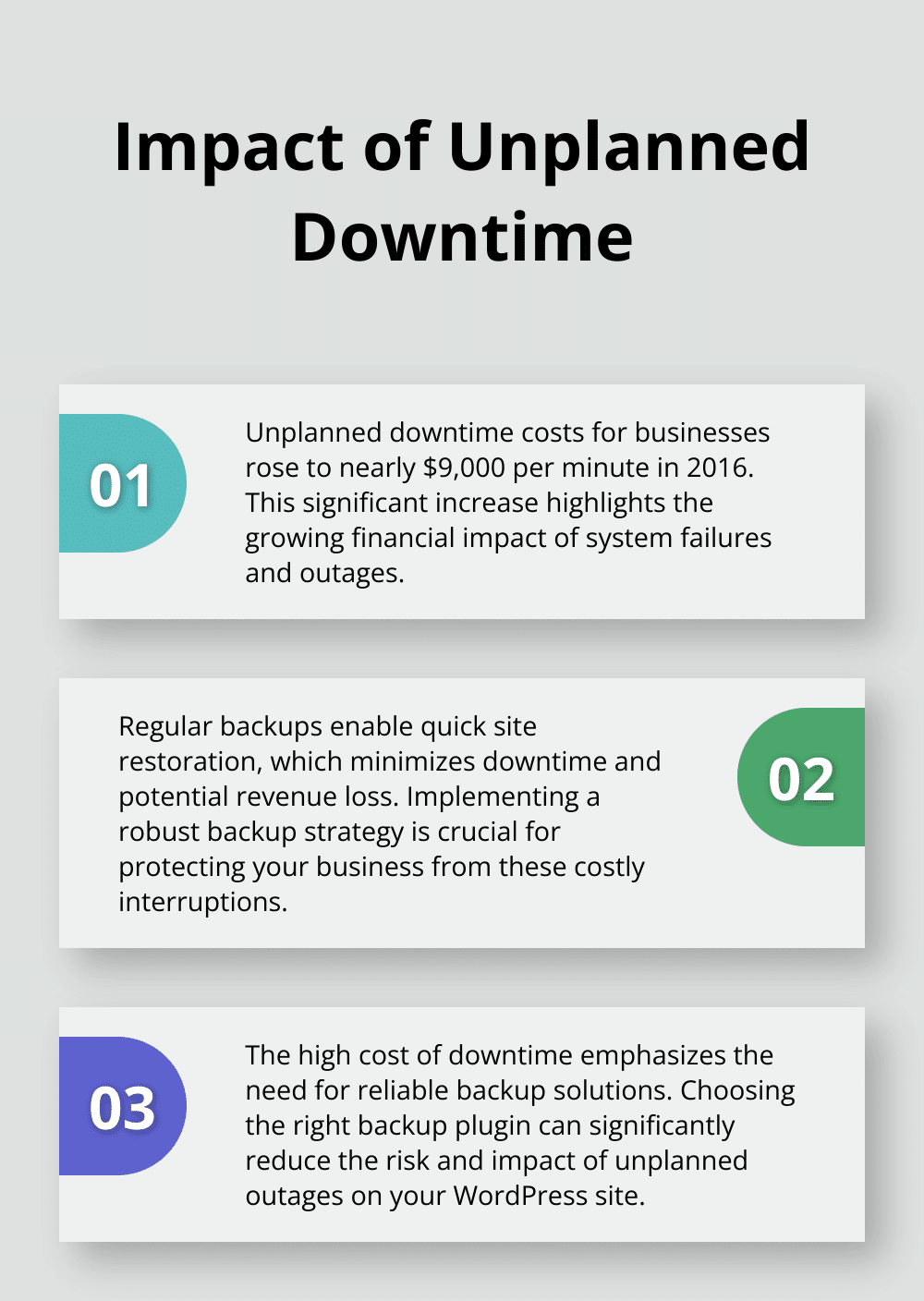
Data loss can occur due to various factors, from server failures to accidental deletions. A study by the Ponemon Institute revealed that in 2016, unplanned downtime costs for businesses rose to nearly $9,000 per minute. Regular backups enable quick site restoration, which minimizes downtime and potential revenue loss.
Thwarting Cyber Threats
Cybersecurity Ventures expects global cybercrime costs to grow by 15 percent per year over the next five years, reaching $10.5 trillion USD annually by 2025. WordPress sites often become targets for hackers. A recent backup allows you to swiftly recover your site if it falls victim to a cyberattack, avoiding extended downtime and data compromise.
Facilitating Site Migration and Updates
Website migrations and updates can pose risks. A WP Engine survey found that 37% of WordPress users fear updates will break their sites. A recent backup allows you to revert changes if issues arise during migration or after an update, ensuring your site remains functional.
Choosing the Right Backup Solution
Implementing a solid backup strategy isn’t just a precaution-it’s a necessity. Tools like UpdraftPlus and BackupBuddy offer automated solutions, but those seeking comprehensive WordPress management should consider Pluginizer. Our platform provides access to these and many other premium plugins (over 15,000 in total), ensuring you always have the best backup tools at your disposal.
The importance of regular WordPress backups cannot be overstated. They serve as your safety net, protecting your digital assets from unforeseen circumstances. Now, let’s examine some of the top WordPress backup plugins that can help secure your site effectively.
Here’s the modified chapter:
Which WordPress Backup Plugins Stand Out?
UpdraftPlus: The Popular Choice
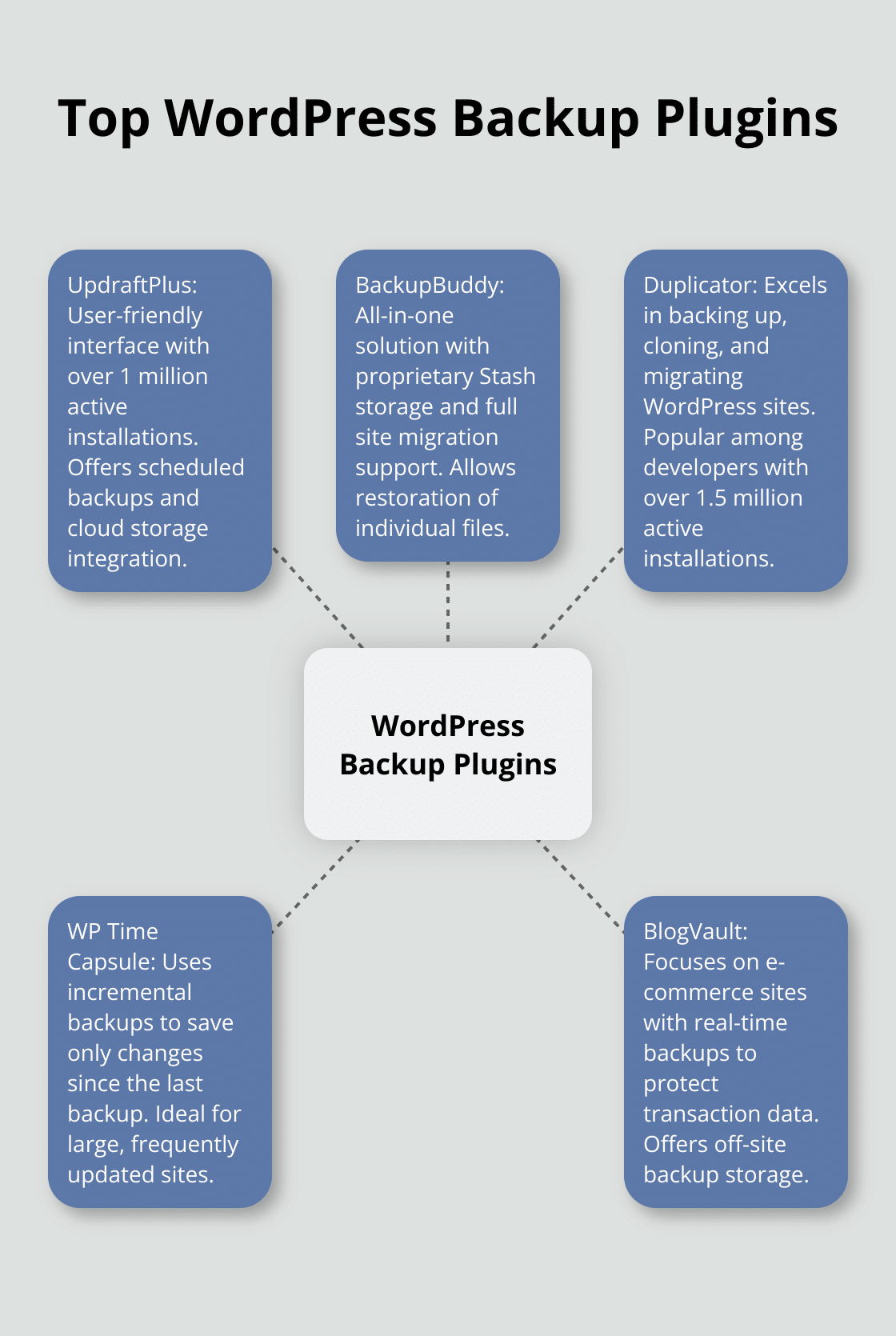
UpdraftPlus has established itself as a top-tier backup plugin with over 1 million active installations. Its user-friendly interface and comprehensive feature set make it a favorite among WordPress users. The free version offers scheduled backups and cloud storage integration (Google Drive, Dropbox). For users who need advanced features, the premium version unlocks incremental backups and database encryption.
BackupBuddy: All-in-One Solution
BackupBuddy (now Solid Backups) provides a robust set of features beyond simple backups. It includes proprietary Stash storage and supports full site migrations. Its ability to restore individual files sets it apart, allowing users to recover specific content without a full site restore.
Duplicator: Cloning and Migration Specialist
Duplicator excels in backing up, cloning, and migrating WordPress sites seamlessly. With over 1.5 million active installations, it’s a favorite among developers and site managers. The pro version adds scheduled backups and cloud storage options. Duplicator’s flexibility allows users to choose exactly what data to include in backup archives.
WP Time Capsule: Real-Time Backup Innovation
WP Time Capsule takes a unique approach to WordPress backups. It uses incremental backups to save only the changes made since the last backup, which significantly reduces server load and backup time. This method makes it an excellent choice for large, frequently updated sites. The plugin offers a “set and forget” installation, ideal for users who prefer a hands-off backup solution.
BlogVault: E-commerce Focused Backup
BlogVault caters specifically to e-commerce sites, offering real-time backups to protect transaction data. BlogVault can handle large sites and provides a high restore rate. Its off-site backup storage ensures that your data remains accessible even if your server goes down, a feature that distinguishes it from many competitors.
When selecting a backup plugin, consider your site’s size, update frequency, and specific needs. E-commerce sites should prioritize real-time backups, while developers might prefer solutions with strong migration features. Pluginizer offers access to these premium plugins and many more through our platform, ensuring you have the tools you need to keep your WordPress site secure and running smoothly.
Now that we’ve explored the top WordPress backup plugins, let’s examine the key features you should look for when choosing the right solution for your site.
Here’s the modified chapter:
What Makes a Backup Plugin Effective?
Automation and Scheduling
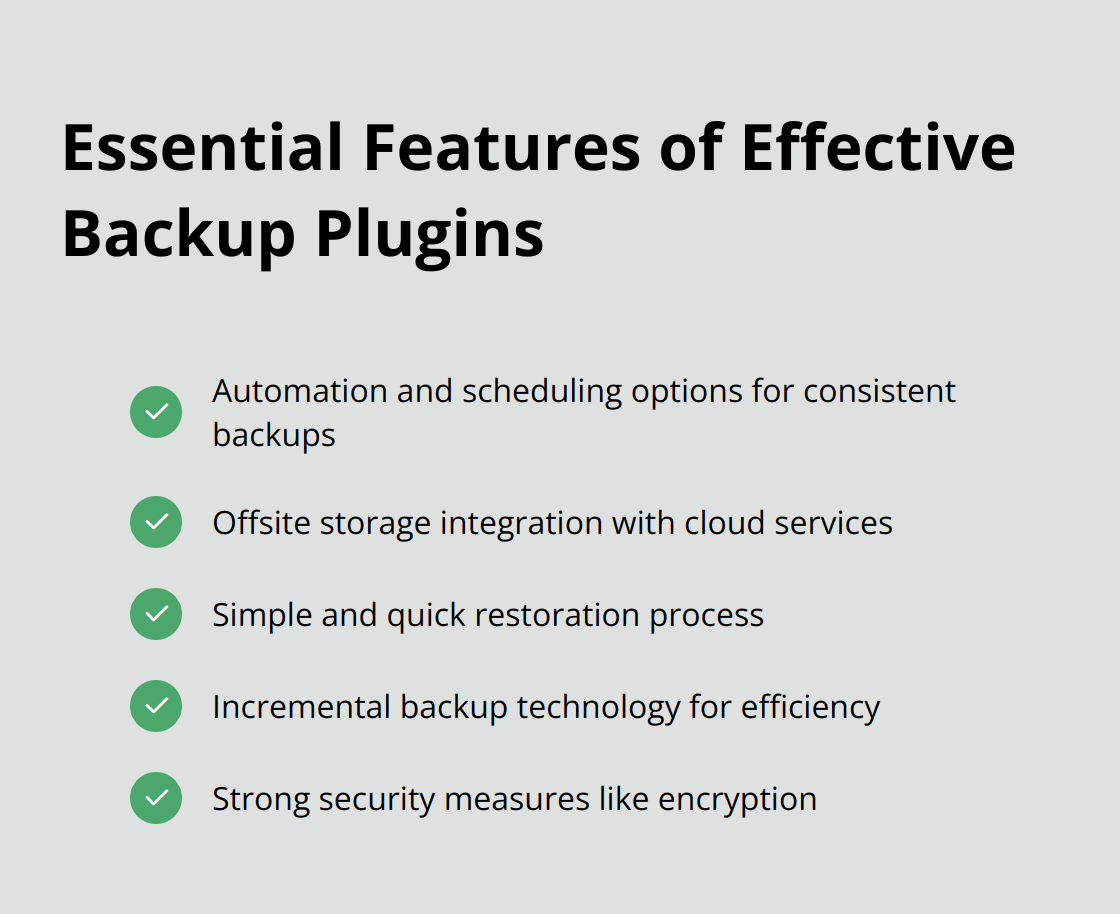
An effective backup plugin eliminates manual errors through robust scheduling options. UpdraftPlus exemplifies this by allowing users to set backups as frequently as every 4 hours. This level of customization protects your site’s latest changes consistently.
Offsite Storage Integration
Local backups can fall victim to server failures. A 2022 study by Uptime Institute revealed that 80% of data center managers and operators have experienced some type of outage in the past three years. Plugins that integrate with cloud storage services (like Google Drive or Amazon S3) provide an extra layer of security. BackupBuddy stands out by offering integration with 8 different cloud storage providers, giving users ample choice for offsite backup locations.
Restoration Simplicity
A complicated restore process can lead to extended downtime during crises. WP Time Capsule features a one-click restore option, allowing users to revert their site to any previous backup point effortlessly. This simplicity proves invaluable when every minute of downtime impacts your business.
Incremental Backup Technology
Full backups strain server resources and quickly consume storage space. Incremental backups allow site owners to use the least amount of storage space by saving only changes since the last backup. BlogVault utilizes this technology, reducing backup times compared to traditional methods.
Security Measures
Backups contain sensitive data and require protection. Plugins offering encryption for stored backups enhance security. Duplicator Pro (a popular choice among developers) provides AES-256 encryption for backup files, ensuring data remains secure even if intercepted.
These features form the backbone of an effective backup plugin. However, the best backup solution often depends on your specific needs. Pluginizer offers access to all these premium plugins (and many more), allowing you to select the perfect backup solution for your WordPress site without individual purchases.
Final Thoughts
The top WordPress backup plugins we discussed offer essential features to protect your site against data loss and hacking attempts. UpdraftPlus, BackupBuddy, Duplicator, WP Time Capsule, and BlogVault each provide unique strengths to suit different needs. When selecting a backup plugin, you should consider factors such as automated scheduling, cloud storage integration, and ease of restoration.
Pluginizer understands the importance of premium plugins in maintaining a secure WordPress site. We offer access to over 15,000 premium plugins and themes, including top WordPress backup plugins, through our platform. With Pluginizer, you can simplify your asset management and ensure your site always has the best tools for backups.
Don’t wait for a crisis to strike before you implement a backup strategy. Take action now to secure your WordPress site with a reliable backup solution (such as one of the top WordPress backup plugins we mentioned). Your site’s safety and your peace of mind depend on it.

