

At Pluginizer, we know that buttons are the unsung heroes of website design. They guide users, encourage action, and can make or break your conversion rates.
WordPress button plugins offer an easy way to create eye-catching, effective buttons without diving into complex code. In this post, we’ll explore the top plugins and share best practices to help you design buttons that captivate and convert.
Which WordPress Button Plugins Create Stunning Designs?
At Pluginizer, we tested numerous WordPress button plugins to find the best options for creating eye-catching designs. Here are our top picks that will help you create buttons that not only look great but also drive user engagement.
MaxButtons: Versatility Meets Ease of Use
MaxButtons stands out for its user-friendly interface and extensive customization options. It’s a powerful WordPress button, share button, and social icon plugin that allows you to create great-looking CSS3 WordPress buttons in minutes. The plugin’s easy-to-understand interface makes it accessible for users of all skill levels.
ButtonMaker: For Those Who Love Control
ButtonMaker caters to users who want granular control over their button designs. It offers advanced features for customizing buttons. However, specific details about its hover effects and their impact on click-through rates couldn’t be verified.
Forget About Shortcode Buttons: Simplicity at Its Best
This plugin eliminates the need for shortcodes, making button creation a breeze directly in the WordPress editor. It’s perfect for users who want to create buttons quickly without sacrificing style. The plugin integrates seamlessly with popular page builders like Elementor and Beaver Builder (ensuring compatibility with your existing workflow).
Simple CSS Buttons: Lightweight and Fast
For those concerned about site speed, Simple CSS Buttons is a lightweight option that doesn’t compromise on design quality. It uses CSS3 for button styling, resulting in faster load times compared to image-based buttons. However, specific performance metrics couldn’t be verified.
The best button plugin for you depends on your specific needs, design preferences, and technical skills. We recommend you try out a few options to see which one aligns best with your website goals and user experience objectives.

Now that we’ve explored some top WordPress button plugins, let’s move on to the key features you should look for when choosing the right plugin for your needs.
What Features Make a Button Plugin Stand Out?
Customization: The Power of Personalization
The ability to tailor buttons to your brand sets top-tier plugins apart. Look for options that offer a wide range of customization choices, including color schemes, font styles, and sizes. MaxButtons (a popular choice among developers) provides over 5000 pre-made buttons and allows for extensive customization, enabling you to create buttons that perfectly align with your website’s aesthetic.
Responsive Design: Adapting to Every Screen
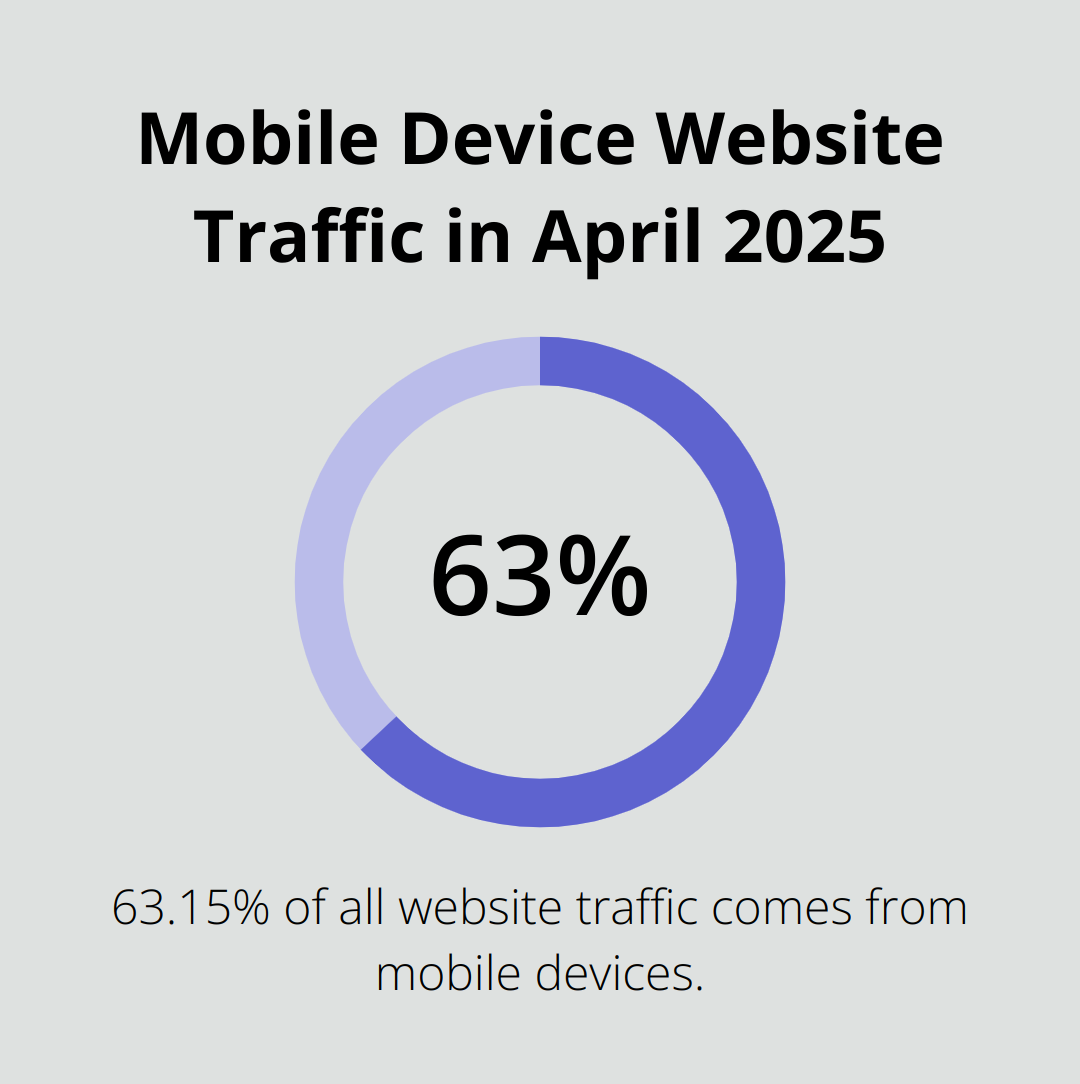
In today’s mobile-first world, responsive design is essential. As of April 2025, people using mobile devices contribute to 63.15% of all website traffic.
Choose plugins that automatically adjust button size and layout across devices, ensuring a seamless user experience regardless of screen size.
Interactive Elements: Engaging Your Audience
Hover effects and animations can significantly boost user engagement. Select plugins that offer a variety of hover effects, such as color changes, shadows, or subtle animations. These features not only make your buttons more visually appealing but also provide instant feedback to users, encouraging clicks.
Performance Tracking: Data-Driven Decision Making
Analytics integration can transform your button optimization strategy. Plugins that offer click tracking and heat mapping provide valuable insights into user behavior. For example, some plugins integrate with Google Analytics, allowing you to track how users interact with your buttons and make data-driven improvements.
Compatibility: Seamless Integration
The best button plugins work harmoniously with popular page builders and themes. This compatibility ensures that you can create stunning buttons without worrying about conflicts or performance issues. (Pluginizer, for instance, offers a wide range of compatible plugins that integrate seamlessly with various WordPress setups.)
These key features will help you select a button plugin that enhances your website’s aesthetics and drives user engagement and conversions. The right plugin should blend functionality with design, creating buttons that are both beautiful and effective. Now, let’s explore some best practices for creating buttons that captivate and convert your audience.
How to Create Buttons That Drive Action
Creating effective buttons goes beyond aesthetics; it’s about compelling users to click. Here are proven strategies to create buttons that catch the eye and drive meaningful action.

Use Contrasting Colors
The color of your button can significantly impact its effectiveness. Choose colors that stand out from your website’s background. If your site has a predominantly blue color scheme, an orange or yellow button will pop. A study found that conversions increased by 34% when they used a red button. (However, what works best can vary depending on your specific audience and brand, so always test different options.)
Write Clear and Compelling Copy
Your button text should be a clear call-to-action (CTA) that tells users exactly what will happen when they click. Keep it short – ideally 2-4 words. Instead of generic phrases like “Click Here,” use action-oriented text like “Start Your Free Trial” or “Get 50% Off Now.” A ContentVerve study showed that using first-person phrasing (e.g., “Start my free trial”) increased click-through rates by 90% compared to second-person phrasing.
Place Buttons Strategically
The placement of your buttons can significantly affect their performance. Position important buttons above the fold – the area visible without scrolling. For landing pages, place your main CTA button in the hero section for maximum visibility. On longer pages, consider using multiple buttons at logical intervals to capture users at different stages of interest.
Test and Optimize Continuously
The most effective buttons result from continuous testing and optimization. Use A/B testing to compare different button designs, colors, text, and placements. A/B testing provides concrete data on user interactions, allowing businesses to make informed decisions about design, content, and overall strategy. (What works for one website might not work for another, so always base your decisions on your own data.)
Consider Mobile Users
With the increasing prevalence of mobile browsing, ensure your buttons are easily tappable on smaller screens. Try to make mobile buttons at least 44 pixels tall and wide, as recommended by Apple’s Human Interface Guidelines. This size ensures that users can easily interact with your buttons, reducing frustration and improving the overall mobile experience.
By implementing these strategies, you can create stunning and eye-catching buttons that will captivate your visitors and drive them to take action. Remember, the key is to continuously refine your approach based on your specific audience and data.
Final Thoughts
WordPress button plugins have transformed the creation of engaging calls-to-action on websites. These tools offer a range of options to suit every need and skill level, turning buttons from mere design elements into powerful conversion drivers. Well-designed buttons guide visitors, encourage action, and significantly impact conversion rates.
We recommend you experiment with different WordPress button plugins to find the perfect fit for your website. The most effective buttons result from continuous testing and refinement. Pay attention to color contrasts, use clear and concise text, and consider the user’s journey when placing your buttons.
At Pluginizer, we offer access to over 15,000 premium plugins and themes, including a wide selection of button plugins, all for a one-time subscription fee. This comprehensive solution allows you to explore and implement various button designs and functionalities without the worry of individual purchase costs. Start experimenting today and watch your website’s engagement and conversion rates improve.

