

WordPress powers 43% of all websites globally, making plugin selection critical for site success. The right WordPress CMS plugins can transform your website’s security, performance, and functionality.
We at Pluginizer have tested hundreds of plugins to identify the most effective solutions. This guide covers nine essential plugins that every WordPress site owner should consider implementing.
Which Security Plugins Actually Stop WordPress Attacks
WordPress security demands active protection, not passive hope. Wordfence Security leads security plugin rankings with over 4 million active installations and real-time threat intelligence from their firewall network. This plugin blocks attacks effectively according to WordPress security statistics, which makes it the most battle-tested security solution available.
Real-Time Threat Detection Systems
Wordfence scans for malware signatures, monitors file changes, and provides detailed attack reports that show exactly what threats targeted your site. The plugin’s premium version adds country blocking and real-time IP blacklisting for $99 annually. Their threat intelligence network processes attack data from millions of sites to identify new threats within minutes of discovery.
Comprehensive Malware Cleanup Solutions
Sucuri Security operates differently with its focus on cleanup after attacks occur. Their malware scanner detects over 99% of known threats according to Sucuri’s security reports, while their website firewall blocks attacks before they reach your server. Sucuri charges $199 yearly for their complete security suite but includes guaranteed malware removal (a service that saves hours of manual cleanup work).
Advanced Login Protection Features
iThemes Security takes a prevention-first approach with login attempt limits and two-factor authentication. This plugin reduces attacks significantly through intelligent login protection and scheduled security scans. The Pro version costs $80 annually and adds malware detection plus database backups. The plugin also renames your admin login URL to hide it from automated attack bots.
Strategic Security Plugin Combinations
Each plugin offers different strengths for WordPress protection. Wordfence excels at real-time threat detection and active attack blocking. Sucuri provides superior cleanup services and external firewall protection.
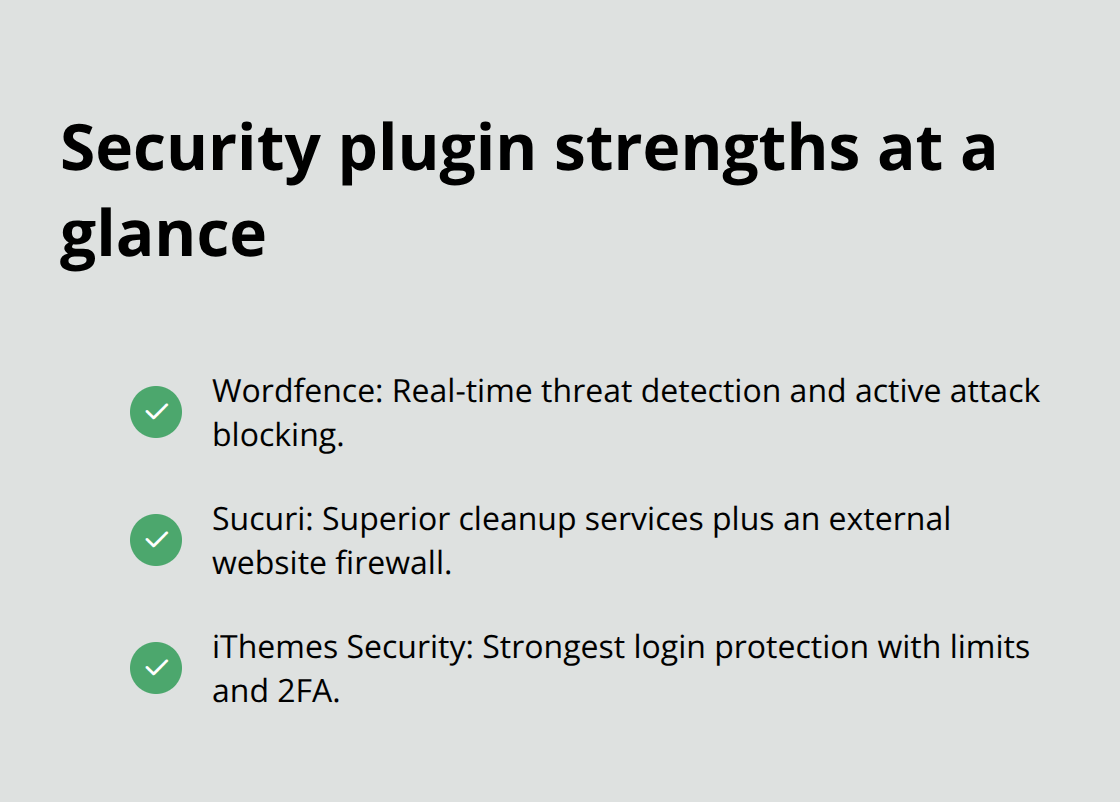
iThemes Security delivers the strongest login protection features available. Most security experts recommend Wordfence for daily protection combined with regular Sucuri scans for comprehensive coverage (this dual approach catches both active attacks and hidden malware that single plugins might miss).
With your security foundation established, website performance becomes the next priority for user experience and search rankings.
Which Performance Plugins Actually Boost WordPress Speed
Website speed directly impacts search rankings and user engagement. Google PageSpeed Insights data shows that as page load time goes from 1 second to 3 seconds, the probability of bounce increases 32%.
Content Optimization for Search Performance
Yoast SEO dominates content optimization with over 5 million active installations. The plugin provides real-time content analysis that checks keyword density, readability scores, and meta descriptions. Yoast generates XML sitemaps automatically and integrates with Google Search Console for performance tracking. The premium version costs $99 annually and adds internal link suggestions plus redirect management features that prevent SEO penalties during site restructuring.
Strategic Caching for Speed Enhancement
WP Rocket transforms website performance through intelligent caching that converts dynamic WordPress pages into static HTML files. The plugin costs $59 yearly for single site usage but includes file minification, database optimization, and lazy loading for images. WP Rocket also provides CloudFlare integration and preloads features that prepare cached versions before visitors arrive.
Image Optimization Without Quality Loss
Smush handles image optimization by compressing files without quality loss (reducing image sizes by up to 80% while maintaining visual clarity). The plugin processes over 1 billion images monthly and offers bulk optimization for existing media libraries. Smush Pro costs $60 annually and removes the 50-image bulk limit while adding WebP conversion and automatic resizing features.

These three plugins work together effectively because Yoast handles content optimization, WP Rocket manages caching and speed, while Smush reduces image file sizes that often account for 60% of page weight. Performance optimization sets the foundation for enhanced user experience features that keep visitors engaged with your content.
Which Functionality Plugins Transform User Experience
User experience determines whether visitors convert into customers or abandon your site within seconds. Contact Form 7 handles form creation, making it the most trusted form solution for WordPress sites.
Contact Forms That Convert Visitors Into Leads
Contact Form 7 creates contact forms, registration forms, and survey forms through shortcode implementation that works with any theme. The plugin supports file uploads, CAPTCHA integration, and email notifications that route submissions to multiple recipients. Contact Form 7 requires manual styling but offers complete control over form appearance and behavior through CSS customization.
Backup Solutions That Actually Work During Emergencies
UpdraftPlus provides automated backup schedules that save complete site copies to cloud storage services (Google Drive, Dropbox, and Amazon S3). UpdraftPlus is used on millions of WordPress sites and offers one-click restoration during emergencies. UpdraftPlus Premium costs $70 annually and adds incremental backups that save only changed files, which reduces storage requirements by 90% while maintaining complete site recovery capabilities. The plugin also includes migration tools that transfer sites between hosting providers without downtime.
Page Building Without Developer Dependencies
Elementor revolutionizes page creation through visual drag-and-drop editing that eliminates coding requirements entirely. The plugin powers over 5 million websites with its widget system that includes contact forms, image galleries, and pricing tables. Elementor Pro costs $59 yearly and adds theme building capabilities, popup creation, and WooCommerce integration for product page customization. The plugin generates clean HTML code that loads faster than many hand-coded alternatives while providing responsive design controls for mobile optimization (essential for the 52% of web traffic that comes from mobile devices).
Final Thoughts
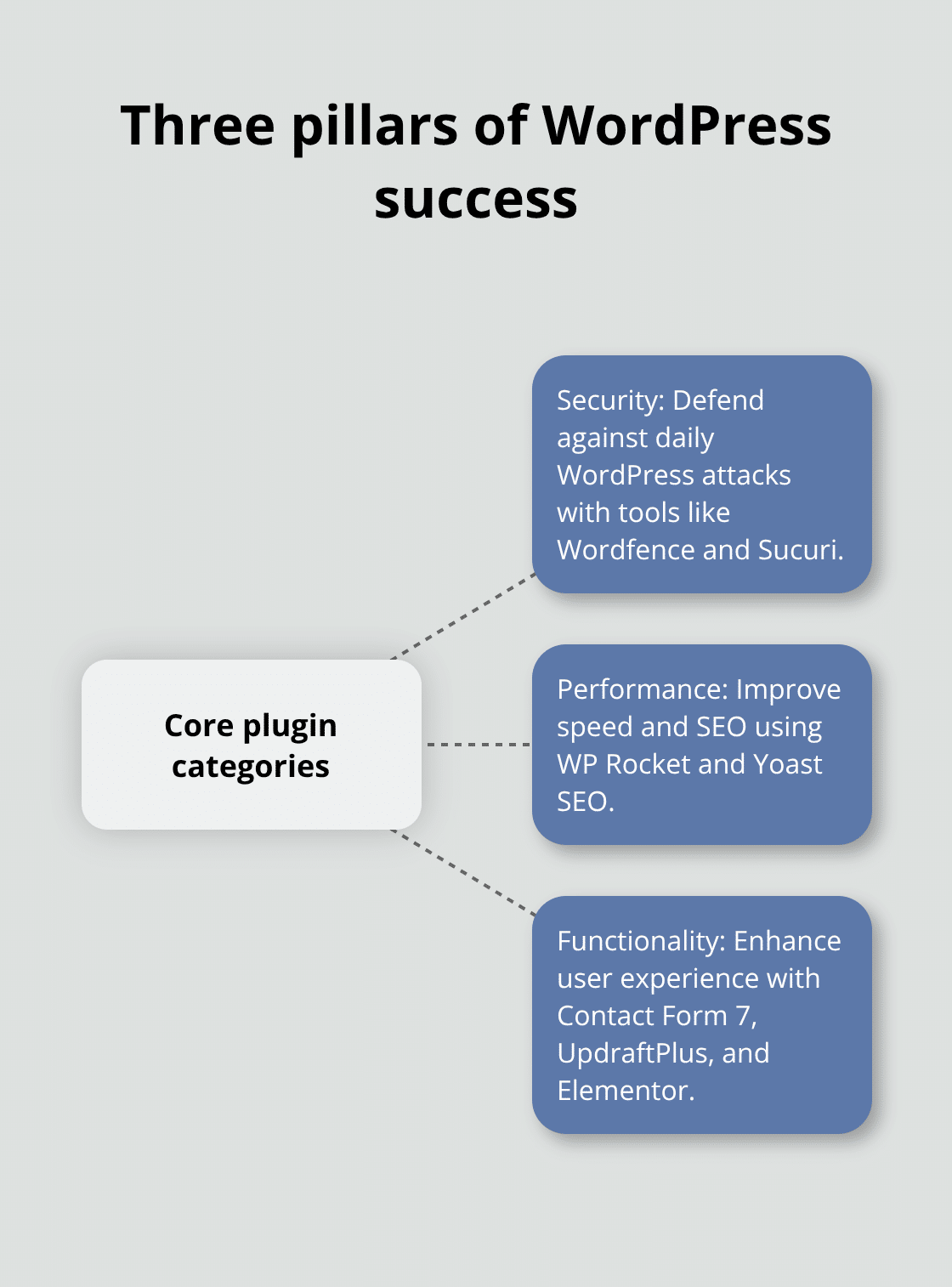
WordPress CMS plugins create the foundation of successful websites through three essential categories: security, performance, and functionality. Security plugins like Wordfence and Sucuri defend against the 30,000 daily WordPress attacks, while performance plugins such as WP Rocket and Yoast SEO address speed requirements that affect 93% of online experiences that begin with search engines. These plugins work together to transform basic WordPress installations into professional websites.
Premium plugin management across multiple vendors costs hundreds of dollars annually and creates complex update schedules. Pluginizer addresses this challenge with access to thousands of premium plugins and themes through one subscription. This approach reduces individual plugin costs while maintaining continuous updates and GPL licensing for multiple site usage.
Start your WordPress optimization with one plugin from each category: select Wordfence for security, WP Rocket for performance, and Contact Form 7 for functionality. Test each plugin’s impact on site speed with tools like Pingdom before you add additional features (plugins with over 1 million active installations and recent updates maintain better compatibility with WordPress core updates). Focus on plugins that solve specific problems rather than collecting features you won’t use.

