

WooCommerce powers over 28% of all online stores, making custom plugin development a valuable skill for developers. The platform’s extensibility through hooks and filters opens endless possibilities for store customization.
We at Pluginizer see developers struggling with WooCommerce plugin development because they lack structured guidance. This guide walks you through building professional plugins from basic setup to advanced techniques.
Understanding WooCommerce Plugin Development Basics
Set Up Your Development Environment
Your development environment determines plugin quality more than any other factor. Install XAMPP or Local WP to create a local WordPress installation with WooCommerce. These tools provide PHP debugging capabilities that catch errors before they reach production sites.
Enable WP_DEBUG in your wp-config.php file to identify PHP warnings and notices that break plugin functionality. WordPress coding standards require specific formatting, so install PHP CodeSniffer with WordPress rules to maintain code consistency. Visual Studio Code with the PHP Intelephense extension speeds development by providing autocomplete for WordPress and WooCommerce functions.
Master WooCommerce Hooks for Plugin Integration
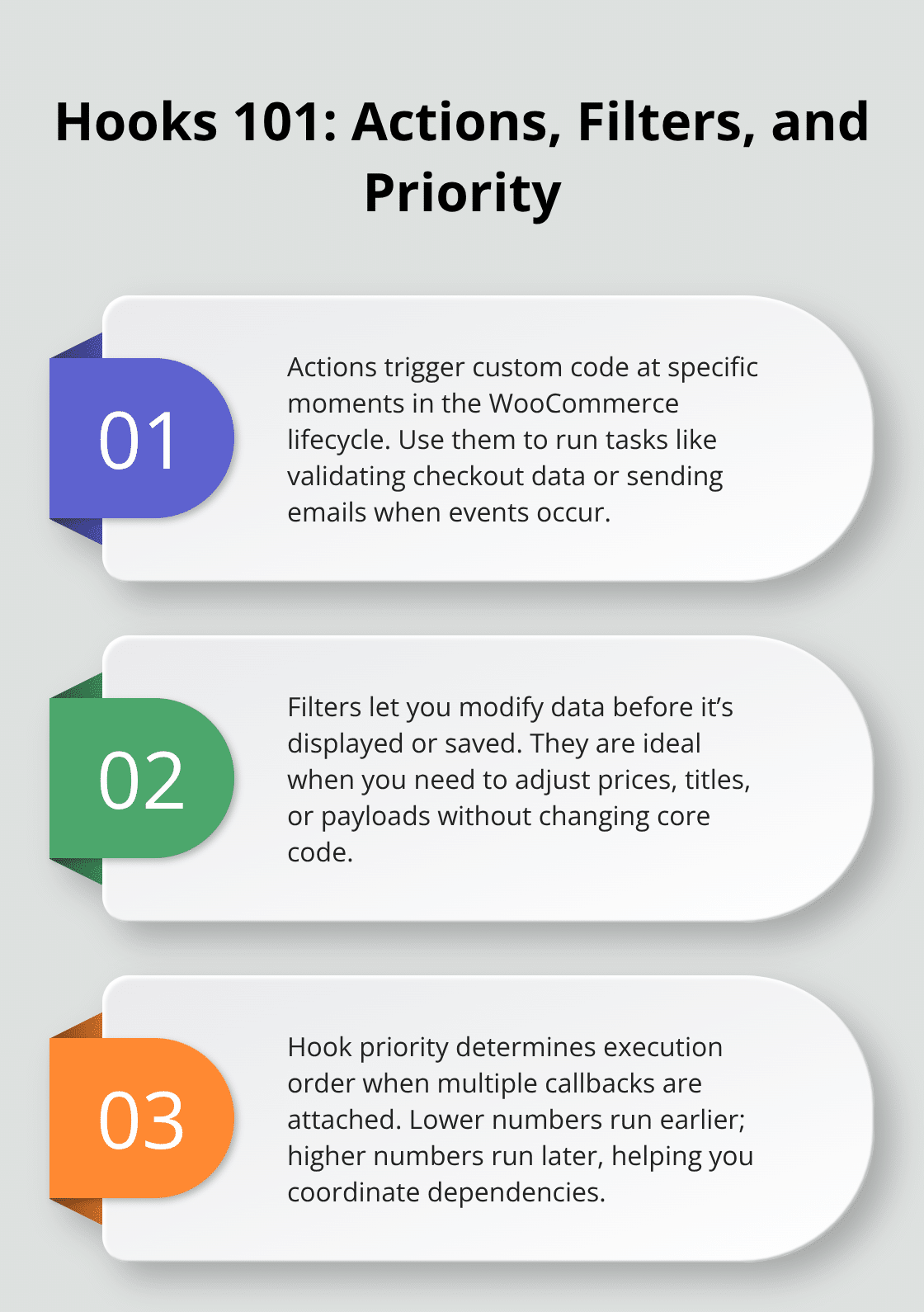
WooCommerce provides action hooks and filter hooks that control every aspect of store behavior. Action hooks like woocommerce_checkout_process execute custom code at specific points, while filter hooks like woocommerce_product_price modify data before display.
The woocommerce_init hook fires after WooCommerce loads, making it perfect for registering custom post types or taxonomies. Most developers fail because they use generic WordPress hooks instead of WooCommerce-specific ones. Study the WooCommerce hooks reference documentation to identify the exact hook for your needs (WordPress Codex shows hook priority numbers, which determine execution order when multiple plugins use the same hook).
Learn Essential Functions Every Developer Must Know
Three WooCommerce functions handle 80% of common plugin tasks. The wc_get_product function retrieves product objects with all associated data, while wc_get_order provides complete order information including customer details and payment status. The WC_Session class manages cart data across page loads without requiring user login.

WordPress provides wp_enqueue_script and wp_enqueue_style functions for properly loading JavaScript and CSS files. Never load assets directly in HTML because this breaks caching plugins and creates conflicts. The wp_nonce_field function prevents CSRF attacks by generating security tokens for form submissions (this becomes essential when you handle sensitive user data).
With these foundations in place, you can start building your first custom WooCommerce plugin with proper structure and functionality.
Building Your First Custom WooCommerce Plugin
Create the Plugin Structure and Files
Professional WooCommerce plugins start with proper file structure and naming conventions. Your main plugin file must include a header comment with plugin name, version, and WooCommerce compatibility requirements. WordPress requires the plugin directory name to match your main PHP file name exactly.
The plugin activation check should verify WooCommerce exists before your code initializes using the is_plugin_active function. Most plugin failures occur because developers skip this validation step. Your plugin structure needs separate folders for admin functionality, public-facing features, and assets like CSS and JavaScript files.
Implement Core Functionality with Action Hooks
Action hooks control when your plugin executes specific functions within WooCommerce workflows. The woocommerce_checkout_process hook validates checkout data before order creation, while woocommerce_thankyou displays custom content on order confirmation pages.
Hook priority numbers determine execution order when multiple plugins modify the same functionality. Use priority 10 for standard operations, lower numbers for early execution, and higher numbers for late modifications. The add_action function connects your custom functions to WooCommerce events, but you must register hooks during the init action to avoid conflicts with other plugins.
Add Admin Settings and Configuration Options
WooCommerce provides the WC_Admin_Settings class for creating professional settings pages that match the core interface design. Your settings page needs proper capability checks using current_user_can to prevent unauthorized access.
The settings API handles form processing, data sanitization, and database storage automatically when you define field arrays with validation rules. Most developers create security vulnerabilities when they process form data without nonces (always include wp_nonce_field in your forms and verify submissions with wp_verify_nonce before saving options).
These foundational elements prepare your plugin for advanced features like REST API integration and custom database operations.
Advanced WooCommerce Plugin Development Techniques
Work with WooCommerce REST API for External Data Exchange
WooCommerce REST API v3 handles over 95% of store data operations through standardized endpoints. You register custom REST routes with the register_rest_route function and proper permission callbacks to control access. The WP_REST_Server class validates request parameters automatically when you define schema arrays with type definitions and sanitization rules.
Authentication requires either OAuth 1.0a or application passwords for secure API access. Most developers fail because they skip rate limit implementation, which causes server overload during bulk operations. The wp_remote_post function handles external API calls with built-in timeout controls and error handling. Custom endpoints need the rest_api_init hook for registration, and your callback functions must return WP_REST_Response objects with appropriate HTTP status codes.
Optimize Database Performance with Custom Tables
WordPress core tables handle most plugin data, but custom tables become necessary for complex relationships or high-volume operations. The dbDelta function creates tables with proper indexing and character set definitions that match WordPress standards. Your table schema needs primary keys and foreign key constraints to maintain data integrity across plugin updates.
Direct database queries with wpdb class methods provide better performance than meta queries for large datasets. The wpdb->prepare method prevents SQL injection attacks when you build dynamic queries with user input. Cache expensive queries with WordPress transients and set expiration times based on data update frequency. Most performance issues occur when developers create tables without proper indexes on columns used in WHERE clauses.
Implement Comprehensive Security Validation
Input validation prevents plugin vulnerabilities according to WordPress security reports. The sanitize_text_field function handles basic string cleanup, while wp_kses filters HTML content based on allowed tags arrays. Capability checks with current_user_can must occur before any database modifications or sensitive operations.
Cross-site request forgery protection requires nonce verification on all form submissions and AJAX requests. The check_ajax_referer function validates AJAX nonces automatically when you include them in request headers. Output escaping with esc_html and esc_url prevents XSS attacks when you display user-generated content.
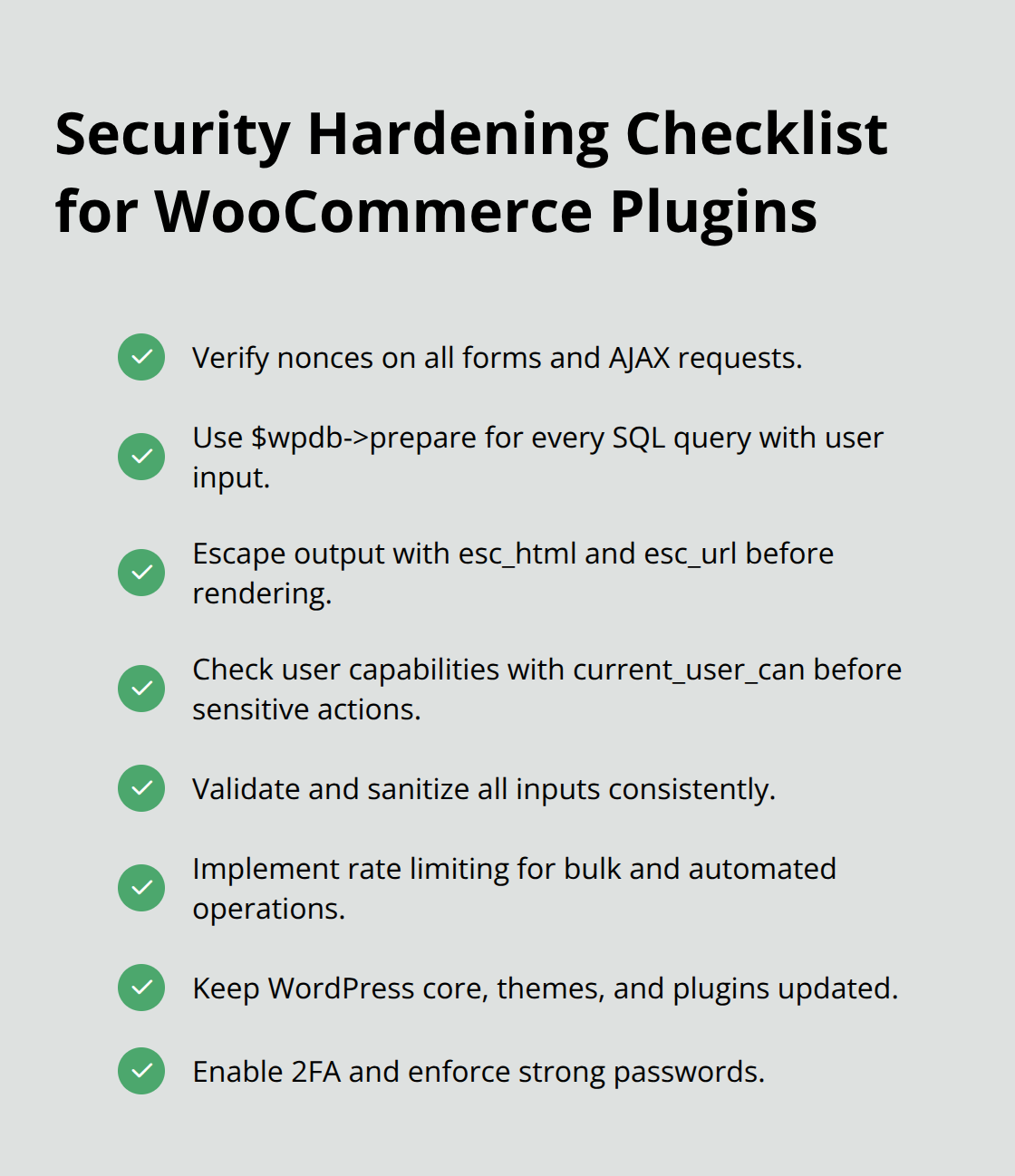
Common WordPress security vulnerabilities include outdated WordPress core, themes, and plugins; weak passwords; lack of 2FA; unused themes and plugins. Database queries need parameterized statements through wpdb->prepare to block SQL injection attempts. Regular security audits with plugins like Wordfence identify potential vulnerabilities before they become exploits.
Final Thoughts
WooCommerce plugin development demands systematic planning and strict adherence to WordPress coding standards. You must start with proper environment setup, master hooks and filters, then build incrementally from basic functionality to advanced features. The Quality Insights Toolkit maintains plugin reliability through automated tests across different WordPress and WooCommerce versions.
Security implementation remains non-negotiable in modern plugin development. Input validation, nonce verification, and proper capability checks protect both your code and user data. Regular tests with WP_DEBUG enabled catch issues before they reach production environments.
Successful plugins need ongoing maintenance beyond initial development. You should monitor compatibility with WooCommerce updates, respond to user feedback, and implement security patches promptly. Pluginizer offers unlimited access to over 15,000 premium plugins and themes, which helps developers study existing solutions and accelerate their own plugin development process through practical examples and proven patterns.

