

WooCommerce’s default checkout fields work for basic stores, but they rarely match your specific business needs. Most store owners need to WooCommerce modify checkout fields to collect additional customer information or streamline the buying process.
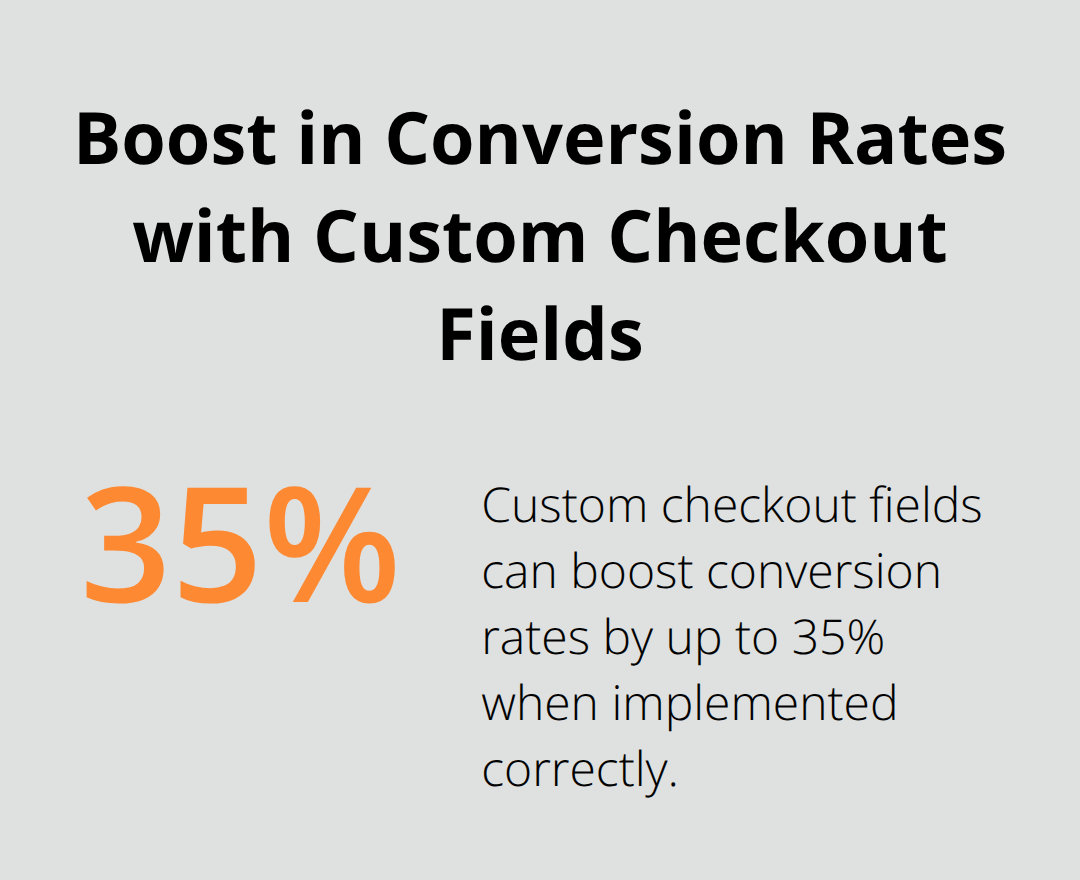
We at Pluginizer see this challenge daily. Custom checkout fields can boost conversion rates by up to 35% when implemented correctly, making this customization worth the effort.
What Fields Does WooCommerce Include by Default?
WooCommerce ships with 10 standard checkout fields, but only 7 are required for order completion. The billing section includes first name, last name, company, country, street address, city, state, postcode, email, and phone number. These fields serve specific purposes beyond data collection – the country field enables proper tax calculations and fraud detection, while the email address triggers automated order confirmations and customer accounts.
Billing Fields Handle Payment Processing
The billing section contains the most restrictive field requirements because payment processors demand accurate information for transaction verification. Stripe and PayPal reject orders when billing addresses don’t match payment method details, which causes failed transactions. The company field often creates confusion since most online shoppers are individuals, not businesses. Research shows that checkout complexity leads to cart abandonment, with 18% of users abandoning their purchase due to complex checkout processes. The phone number field generates mixed results – some payment gateways require it for verification, while others treat it as optional.
Shipping Fields Adapt to Product Types
Shipping fields mirror billing information but activate only for physical products. WooCommerce automatically hides shipping fields for digital downloads and virtual products, which reduces checkout complexity. The address validation becomes critical here since incorrect shipping details cost merchants significantly per failed delivery attempt. Countries like Germany require specific address formats, while others like Algeria don’t use postal codes. Smart field customization adapts to these regional differences. Address verification acts like a digital quality control system, catching potential delivery problems before they occur.
Field Types Control Data Collection
WooCommerce supports 9 field types including text, email, telephone, select dropdowns, checkboxes, textareas, passwords, numbers, and dates. Each type enforces different validation rules – email fields reject invalid formats, while telephone fields accept various number formats. The select dropdown works best for countries and states since it prevents typing errors that cause shipping delays. Textarea fields handle special delivery instructions but should remain optional to avoid overwhelming customers during checkout. The Add to Cart hook tailors your WooCommerce store to meet specific business needs by modifying default cart behavior.
Now that you understand the default field structure, you can start modifying these fields to match your specific business requirements through various customization methods.
How Can You Modify WooCommerce Checkout Fields?
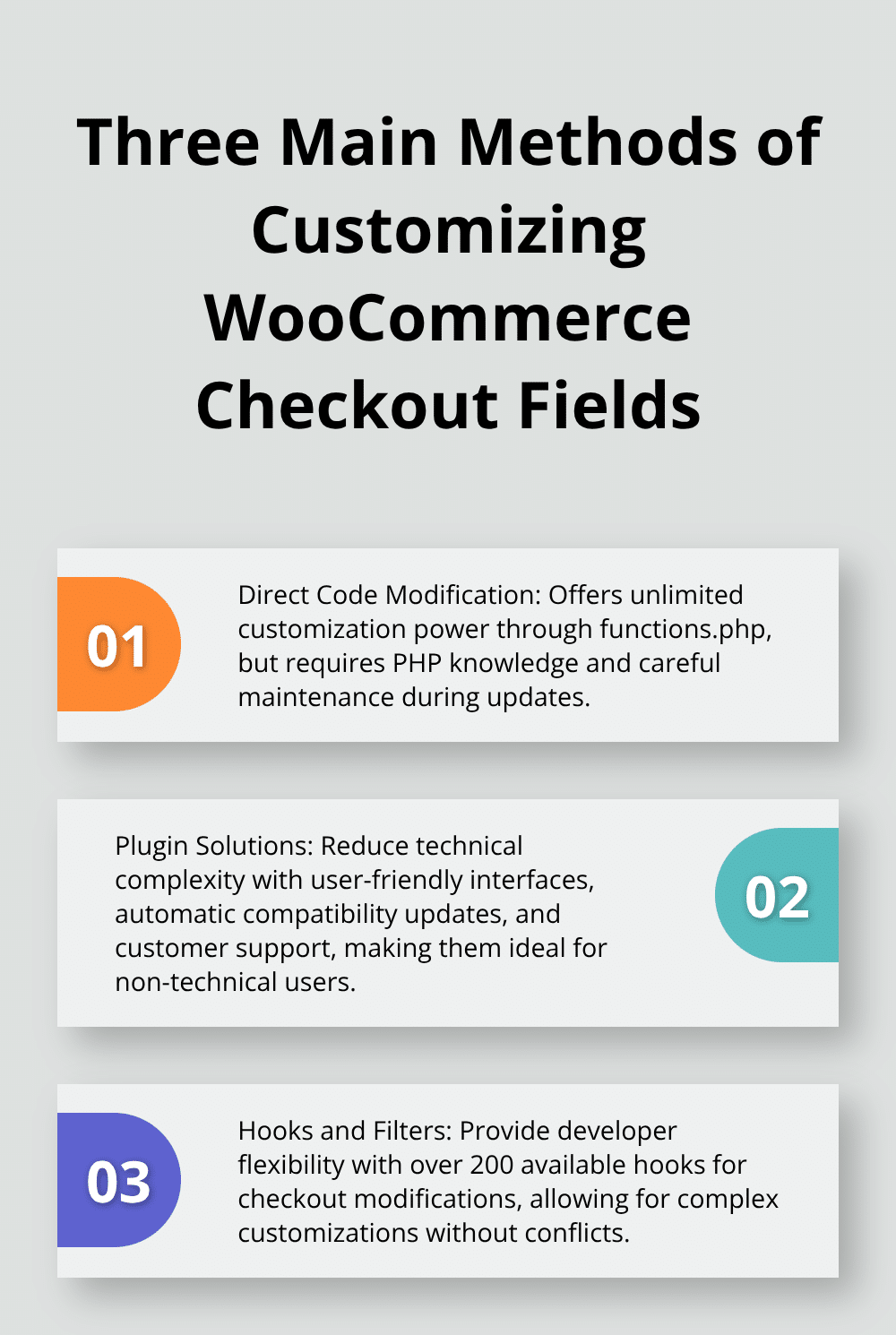
Three primary methods exist for customization of WooCommerce checkout fields, each with distinct advantages and limitations. Code customization through functions.php provides complete control but requires PHP knowledge and careful maintenance during updates. WooCommerce hooks and filters offer the most flexible approach, with over 200 available hooks specifically for checkout modifications. The woocommerce_checkout_fields filter stands out as the most powerful, allowing complete field manipulation including addition of custom validation rules and conditional logic. However, store owners often choose plugin solutions because they eliminate coding requirements and provide user-friendly interfaces.
Direct Code Modification Through Functions.php
Addition of custom code to your theme’s functions.php file gives unlimited customization power but creates maintenance challenges. The woocommerce_checkout_fields filter accepts three parameters – billing, shipping, and order fields – making it possible to modify any checkout element. Custom fields require proper sanitization using sanitize_text_field() to prevent security vulnerabilities. WordPress developers report that checkout customizations can break during WooCommerce updates when implemented through direct code modification. Testing in staging environments becomes mandatory since syntax errors can crash entire websites.
Plugin Solutions Reduce Technical Complexity
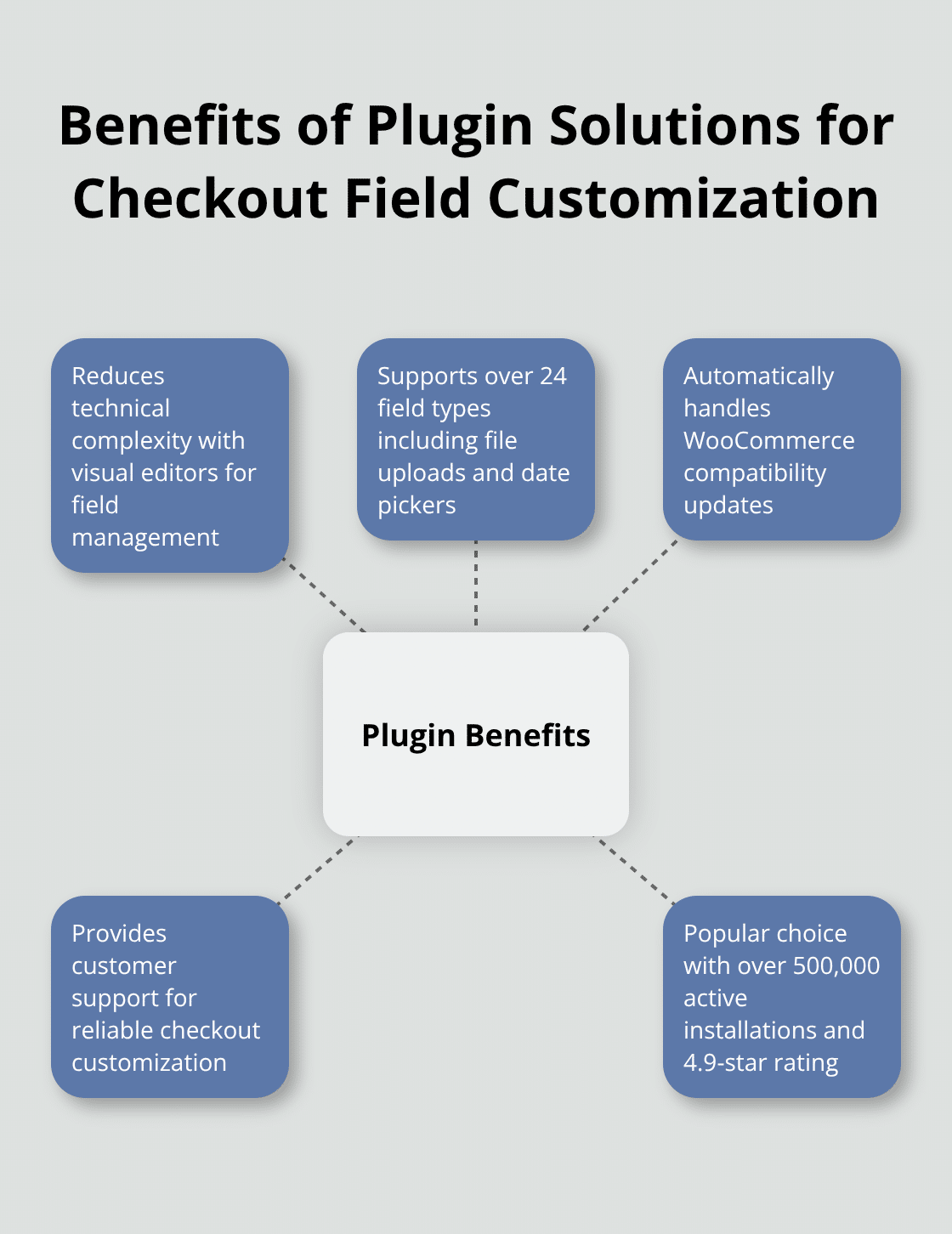
Premium plugins like Checkout Field Editor handle the technical complexity while providing visual editors for field management. These plugins support over 24 field types including file uploads, date pickers, and conditional fields that appear based on cart contents or user roles. The WooCommerce Checkout Field Editor plugin maintains over 500,000 active installations with a 4.9-star rating, demonstrating strong community approval. Plugin-based solutions automatically handle WooCommerce compatibility updates and provide customer support, making them the preferred choice for non-technical users who need reliable checkout customization without ongoing maintenance concerns.
Hooks and Filters Provide Developer Flexibility
WooCommerce hooks and filters create the foundation for professional checkout customization. The woocommerce_default_address_fields filter modifies default billing and shipping fields, while woocommerce_after_order_notes allows insertion of custom fields in specific positions. Each field contains several properties: type, label, placeholder, class, required status, and options for select boxes. Priority arguments in functions help determine when code executes, allowing for complex customizations without conflicts (higher numbers execute later). All custom field data saves automatically to order post meta upon successful checkout, ensuring easy access later for order management and customer service purposes.
Advanced customization techniques build upon these foundational methods to create sophisticated checkout experiences that adapt to specific business requirements and customer behaviors.
How Do You Build Advanced Checkout Field Customizations
Basic field modifications only scratch the surface of checkout customization potential. Advanced techniques transform standard checkout forms into intelligent data collection systems that adapt to customer behavior and enforce business rules. Custom validation prevents order processing errors, while conditional logic reduces form complexity by showing relevant fields based on cart contents or customer selections. CSS styling creates professional appearances that match brand guidelines and improve user experience.
Custom Validation Rules Prevent Processing Errors
Field validation goes beyond WooCommerce defaults to enforce specific business requirements. Phone number validation uses regular expressions to catch formatting errors before order submission, while custom email domain restrictions prevent competitors from accessing customer data. The woocommerce_checkout_process action hook enables server-side validation that runs before payment processing. Address validation APIs like SmartyStreets reduce failed deliveries by 23% according to shipping industry data. Password strength validation for account creation prevents security breaches, with rules that require minimum lengths and character combinations. Date field validation prevents impossible delivery dates and maintains age verification compliance for restricted products.
Conditional Field Logic Adapts to Customer Context
Smart checkout forms display fields only when relevant, which reduces completion time by an average of 18%. Product-based conditions show delivery instructions for fragile items while they hide them for digital downloads. Customer role detection displays wholesale pricing fields for B2B customers and hides them from retail shoppers. Cart total thresholds trigger premium shipping options above specific amounts. Geographic conditions show state fields for US customers while they hide them for countries without states. The woocommerce_checkout_fields filter combined with JavaScript creates real-time field visibility changes without page refreshes.
CSS Styling Creates Professional Checkout Experiences
Custom CSS transforms default WooCommerce checkout styling into branded experiences that increase customer trust. Field width adjustments accommodate longer international addresses while they maintain mobile responsiveness. Color schemes match brand guidelines, with error states that use consistent warning colors throughout the site. Typography improvements enhance readability (particularly important since cart abandonment averages 70.19% across studies). Input field styling with rounded corners and subtle shadows creates modern appearances that customers associate with secure payment processing. Responsive design maintains consistent experiences across devices, with touch-friendly button sizes that improve mobile conversion rates. Navigate to WooCommerce > Settings and familiarize yourself with the various options, focusing on the Products and Checkout tabs for configuration access.
Final Thoughts
Custom checkout fields transform standard WooCommerce stores into conversion machines that capture more sales. Businesses that WooCommerce modify checkout fields achieve conversion rate improvements between 12-35% through strategic friction reduction and targeted data collection. The three customization methods serve distinct purposes: direct code modification provides unlimited control, hooks and filters offer developer flexibility, while plugins deliver user-friendly solutions without technical complexity.
Success depends on strategic field selection rather than feature accumulation. Remove company name fields for B2C stores while you add delivery instructions for fragile products. Test all customizations in staging environments before deployment to prevent checkout failures that destroy sales conversions (mobile optimization remains essential since over 50% of eCommerce traffic comes from mobile devices).
Advanced techniques like conditional logic and custom validation create intelligent checkout experiences that respond to customer behavior. These sophisticated implementations require careful planning but deliver measurable results through reduced cart abandonment and improved data quality. WordPress professionals who manage multiple client sites can streamline checkout customization projects with Pluginizer’s unlimited access to over 15,000 premium plugins and themes through a single subscription.

