

At Pluginizer, we’re excited to show you how to enhance your WordPress site with dynamic image displays.
Image hover effects with carousel WordPress plugins can transform your website’s visual appeal and user engagement.
In this guide, we’ll walk you through the process of creating stunning image hover effects using WordPress carousels, step by step.
What Are WordPress Carousels and Image Hover Effects?
The Essence of WordPress Carousels
WordPress carousels are dynamic image sliders that showcase multiple images in a rotating format. They’ve become a go-to choice for displaying product galleries, portfolios, or featured content on websites. These visual tools pack a punch when it comes to user experience, allowing the display of multiple images in a compact space (perfect for websites with limited real estate).
The Magic of Image Hover Effects
Image hover effects take carousels to new heights. These interactive elements activate when a user hovers their cursor over an image, creating a dynamic and engaging experience. Common hover effects include zoom, fade, flip, and text overlay.
Effective Implementation of Hover Effects
To maximize the impact of hover effects, consider these practical tips:
- Simplicity is key: Avoid overwhelming users with complex animations. Subtle effects often work best.
- Ensure mobile compatibility: Test your hover effects on touch devices to guarantee a smooth experience for all users.
- Optimize loading times: Use compressed images and efficient code to prevent slow-loading carousels.
Balancing Visual Appeal and Functionality
While carousels and hover effects can be powerful tools, judicious use is important. Try to strike a balance between visual appeal and user-friendly functionality to create a truly effective website experience.
The Impact on User Engagement
WordPress users who implement image hover effects in their carousels often see a significant increase in time-on-page. This extended engagement can be instrumental in conveying your message or showcasing your products effectively.

As we move forward, let’s explore how to choose the right WordPress carousel plugin to bring these engaging hover effects to life on your website.
Choosing the Right WordPress Carousel Plugin for Image Hover Effects
Top Carousel Plugins with Hover Capabilities
Several WordPress carousel plugins excel in creating image hover effects. Smart Slider 3 offers extensive customization options and responsive design. Slider Revolution stands out for its advanced animation features. However, Pluginizer’s Simply Gallery Block Lightbox Pro outshines these in ease of use and flexibility for image hover effects.
Key Features to Prioritize
When selecting a carousel plugin, focus on these essential features:
- Customizable hover effects: Select plugins with diverse hover styles (from simple fades to complex animations).
- Mobile responsiveness: Ensure smooth adaptation to various screen sizes.
- Performance optimization: Choose plugins that minimize unnecessary code.
- SEO-friendly options: Look for plugins that allow alt text and caption additions (improving search engine visibility).

Ensuring Theme Compatibility
Theme compatibility can make or break your carousel implementation. Test your chosen plugin with your current theme before full commitment. Many premium themes work seamlessly with popular carousel plugins.
Performance Impact
Page speed significantly influences search engine rankings. Opt for lightweight plugins that maintain site speed. Pluginizer’s Simply Gallery Block Lightbox Pro, for instance, optimizes speed without compromising features.
Support and Update Frequency
Regular updates and reliable support maintain website security and functionality. Select plugins with active development and strong user communities. This approach ensures available resources for issue resolution during implementation.
Now that you understand the key factors in choosing a carousel plugin, let’s move on to the step-by-step guide for implementing image hover effects in your WordPress carousel.
How to Implement Image Hover Effects in WordPress Carousels
Installing Your Carousel Plugin
Select a carousel plugin that supports hover effects. After installation, activate the plugin from your WordPress dashboard. (This process typically takes less than 5 minutes.)
Configuring Carousel Settings
Navigate to the plugin’s settings page to customize your carousel’s appearance and behavior. Focus on:
- Slide transition speed
- Navigation arrows
- Autoplay functionality
These elements contribute to the overall user experience. Limit your carousel to 5-7 images for optimal performance. A study by Nielsen Norman Group shows that carousels with fewer images have higher engagement rates.
Adding Hover Effects
Implement hover effects to enhance user interaction. Most quality plugins offer pre-built hover styles such as:
- Zoom
- Fade
- Flip
- Text overlay
Choose effects that complement your website’s design.
Customizing Hover Effects
When configuring hover effects, consider these factors:
- Effect Duration: Try to set a duration between 200-300 milliseconds for smooth transitions.
- Color Scheme: Select hover effect colors that contrast well with your images and site design.
- Text Readability: For text overlays, use a font size of at least 16px on desktop to ensure legibility.
Testing Across Devices
View your carousel on various devices and browsers to ensure consistent functionality. 60% of all website traffic comes from mobile devices in America, so pay special attention to mobile responsiveness.
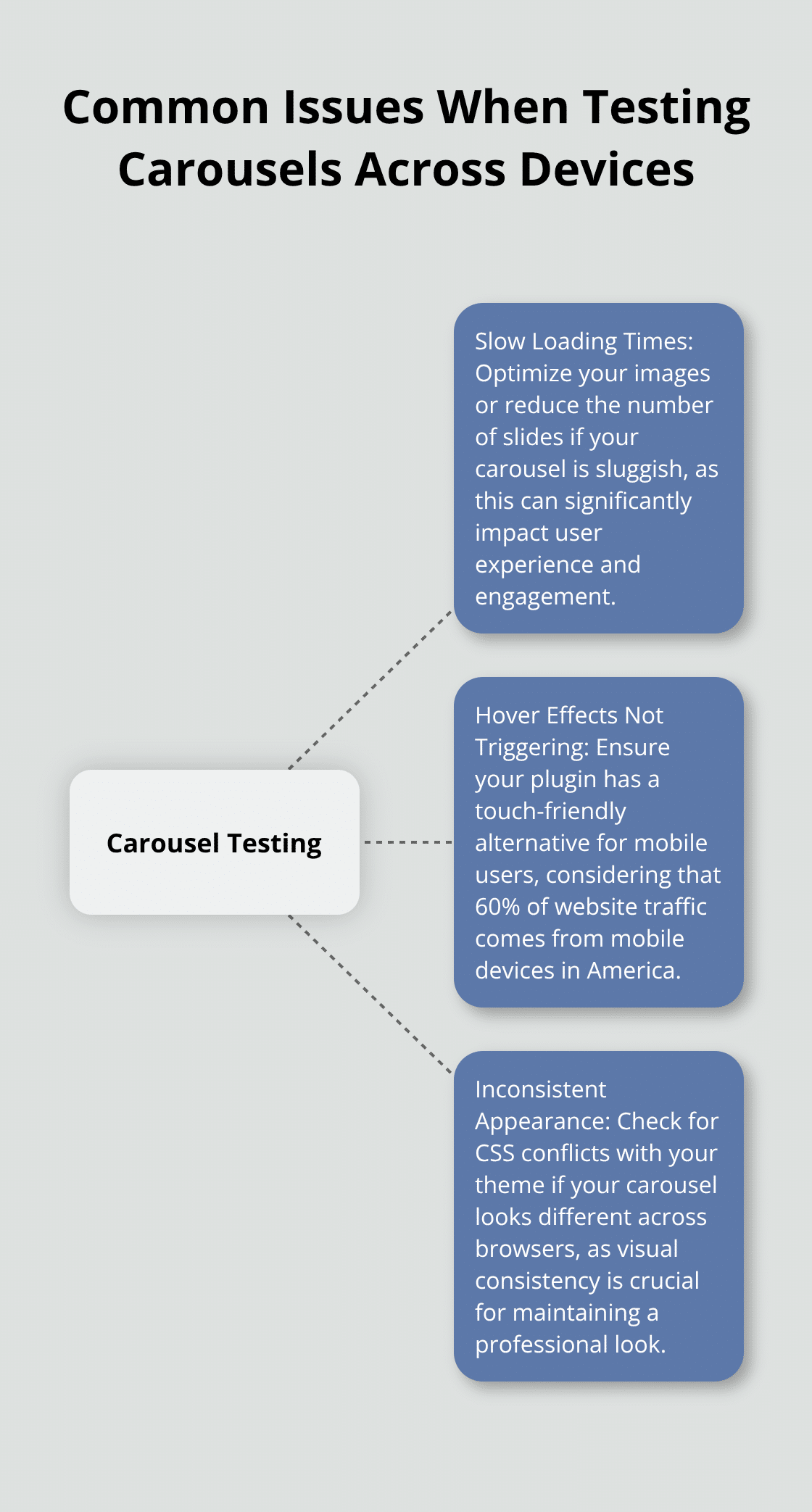
Watch for these common issues:
- Slow Loading Times: Optimize your images or reduce the number of slides if your carousel is sluggish.
- Hover Effects Not Triggering: Ensure your plugin has a touch-friendly alternative for mobile users.
- Inconsistent Appearance: Check for CSS conflicts with your theme if your carousel looks different across browsers.
Regular updates and maintenance of your carousel plugin will help ensure its continued effectiveness and compatibility with your WordPress site.
Final Thoughts
Image hover effects with carousel WordPress plugins transform websites into dynamic, engaging platforms. These interactive elements encourage visitors to explore content further, potentially increasing time spent on your site. You can experiment with different hover styles to find what resonates best with your audience and drives the most engagement.
Regular updates and maintenance ensure your carousel remains effective and compatible with the latest WordPress version. Periodically review your carousel’s performance, checking for loading issues or broken images. Refresh your content by swapping older images for new ones to keep your site current and appealing.
Pluginizer offers a vast library of premium plugins and themes to enhance your WordPress site. With unlimited access to over 15,000 assets, you can find the perfect tools to improve your carousels and overall site functionality. Visit Pluginizer’s extensive collection to explore cost-effective solutions for freelancers, agencies, and developers seeking to maximize their WordPress potential.

