

At Pluginizer, we know that optimizing WooCommerce product images is essential for a fast-loading online store.
Slow-loading product images can frustrate customers and hurt your conversion rates. That’s why we’ve put together this guide on how to optimize your WooCommerce product images for speed.
We’ll cover the best practices for image optimization, including how to reduce WooCommerce product image sizes without sacrificing quality.
Why Fast Product Images Matter
Speed Drives Sales
A study by Akamai revealed that a 100-millisecond delay in website load time can hurt conversion rates by 7 percent. For e-commerce sites, this translates to substantial lost revenue. Fast-loading product images contribute directly to quicker page loads, which keeps potential customers engaged and primed to make purchases.
User Experience Reigns Supreme
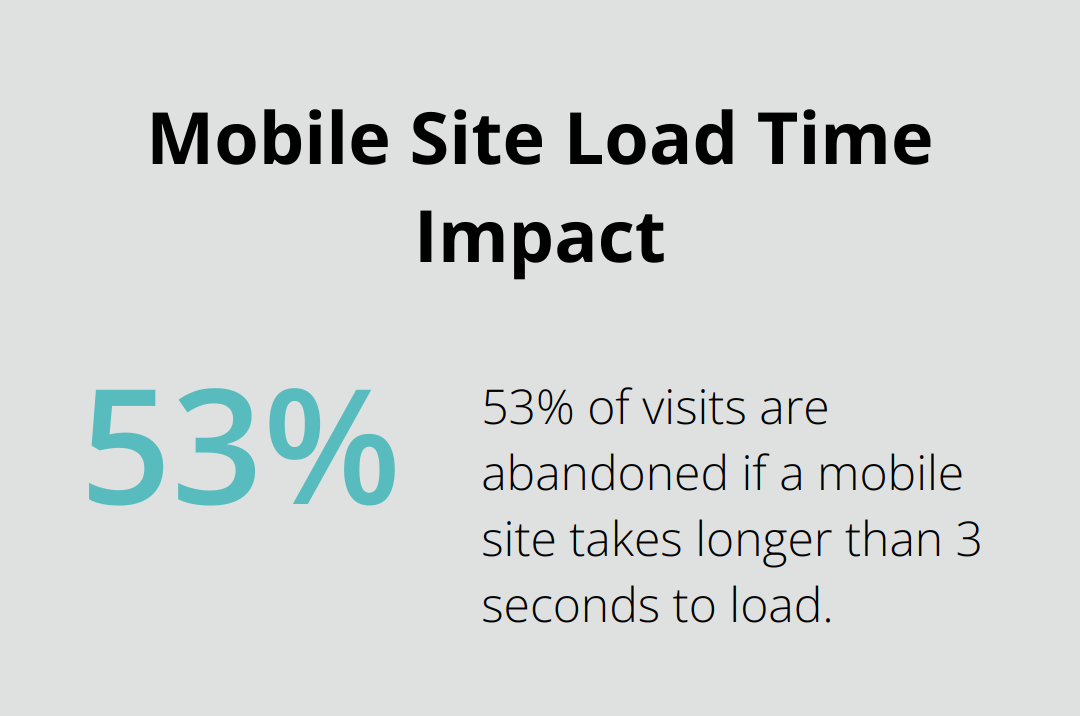
Google’s data shows that 53% of visits are abandoned if a mobile site takes longer than 3 seconds to load. Optimized images ensure your products appear quickly, creating a seamless browsing experience that extends shoppers’ time on your site. This increased engagement often results in higher conversion rates and improved customer satisfaction.
SEO Benefits from Speedy Sites
Search engines (like Google) incorporate page speed into their ranking algorithms. Faster-loading images improve overall site performance, which can boost your search engine rankings. This improvement leads to increased organic traffic and more sales opportunities.
HubSpot’s research indicates that websites in Google’s top 10 results load 50% faster than average. The optimization of your WooCommerce product images not only enhances user experience but also provides a significant boost to your SEO efforts.
Mobile Performance Matters
With the rise of mobile shopping, fast-loading images become even more critical. Optimized images help ensure your mobile site loads quickly, catering to the growing number of shoppers who browse and buy on their smartphones.
Competitive Edge Through Speed
In the crowded e-commerce landscape, site speed can set you apart from competitors. Faster-loading product images (and pages) can lead to lower bounce rates, higher engagement, and ultimately, more sales. This competitive advantage becomes particularly important during high-traffic periods like holiday shopping seasons.
The implementation of image optimization techniques extends beyond technical improvements. It creates a superior shopping experience that drives tangible business results. In our next section, we’ll explore specific best practices to optimize your WooCommerce product images effectively.
How to Optimize WooCommerce Images for Speed
Choose the Right Image Format
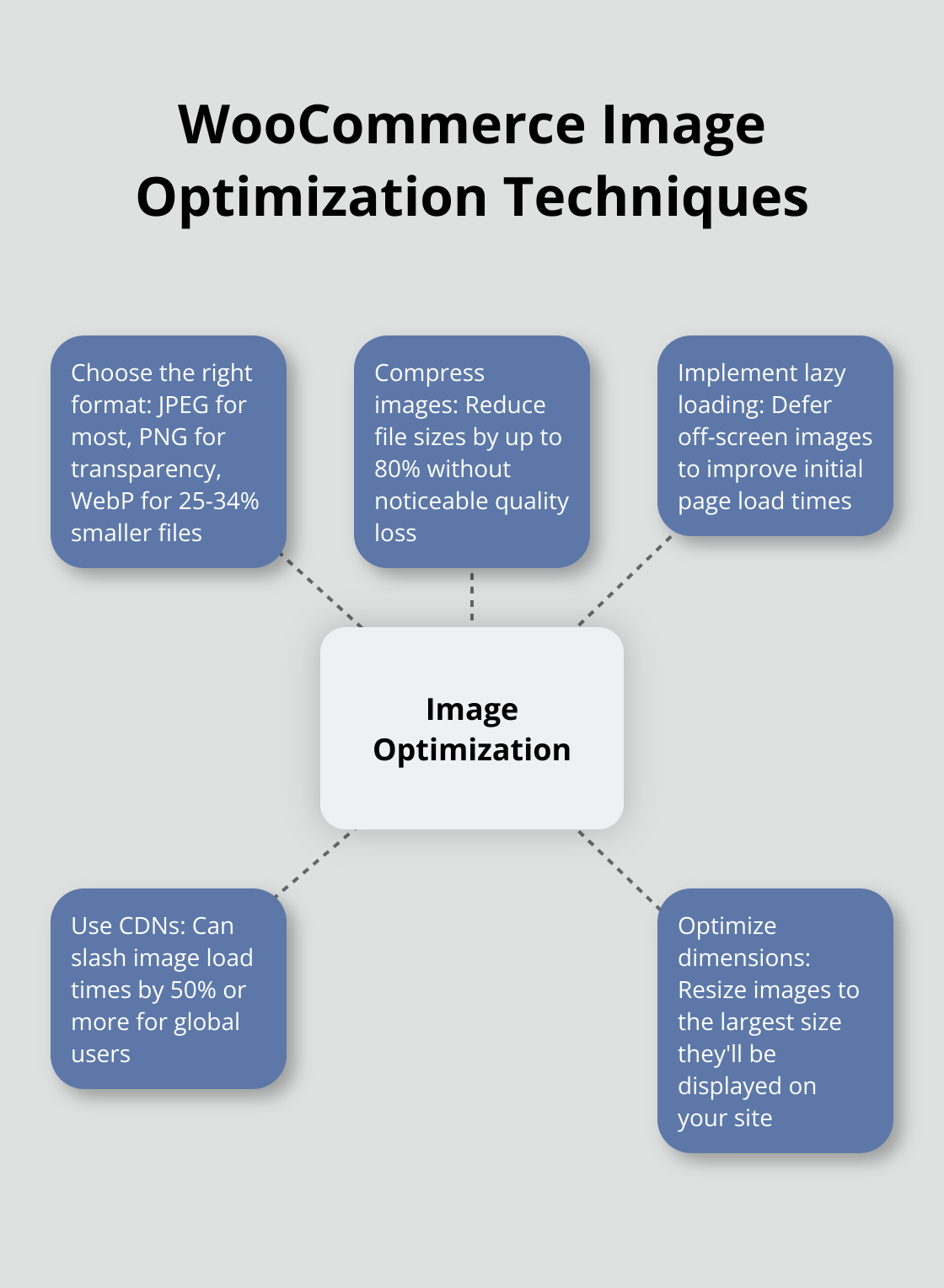
JPEG remains the top choice for most product images. It compresses well while maintaining quality. PNG works better for images needing transparency or graphics with text. WebP, however, outperforms both. Google’s studies show WebP offers 25-34% smaller file sizes compared to JPEG at equivalent visual quality.
To use WebP, install a plugin like WebP Express or EWWW Image Optimizer. These tools convert your existing images to WebP format automatically and serve them to compatible browsers.
Compress Images Without Quality Loss
Image compression requires a balance between file size and visual quality. Tools like TinyPNG or ShortPixel can reduce file sizes by up to 80% without noticeable quality loss. For WooCommerce stores with numerous products, this leads to significant speed improvements.
Try to keep image file sizes under 100KB whenever possible. This ensures fast loading times while maintaining good visual quality for most product images.
Implement Lazy Loading
Lazy loading defers the loading of off-screen images until the user scrolls to them. This technique improves initial page load times dramatically, especially for long product pages or category listings.
WP Rocket (a popular plugin) implements lazy loading effectively. It works well with WooCommerce and offers additional performance optimization features.
Use Content Delivery Networks (CDNs)
A CDN distributes your images across a global network of servers, delivering them from the location closest to each user. This approach reduces latency and speeds up image loading times, particularly for international customers.
Cloudflare provides a free CDN that’s easy to set up and can significantly improve global load times. For WooCommerce stores, a CDN can slash image load times by 50% or more, especially for users far from your host server.
Optimize Image Dimensions
Proper image sizing plays a crucial role in speeding up your WooCommerce store. Large images (both in dimensions and file size) slow down page loads unnecessarily. Resize your images to the largest size they’ll be displayed on your site. For most WooCommerce themes, product images between 800×800 and 1000×1000 pixels work well.
Use image editing software or WordPress plugins to resize images before uploading. This practice ensures your images load quickly without sacrificing quality or detail.
These optimization techniques will significantly enhance your WooCommerce store’s performance. In the next section, we’ll explore specific tools and plugins that make image optimization even easier.
Best Tools for WooCommerce Image Optimization
WordPress Built-in Features
WordPress includes basic image optimization features. When you upload an image, it creates multiple sizes automatically. This helps serve appropriately sized images for different screen sizes. However, these features are limited and often insufficient for a high-performance WooCommerce store.
Powerful Image Optimization Plugins
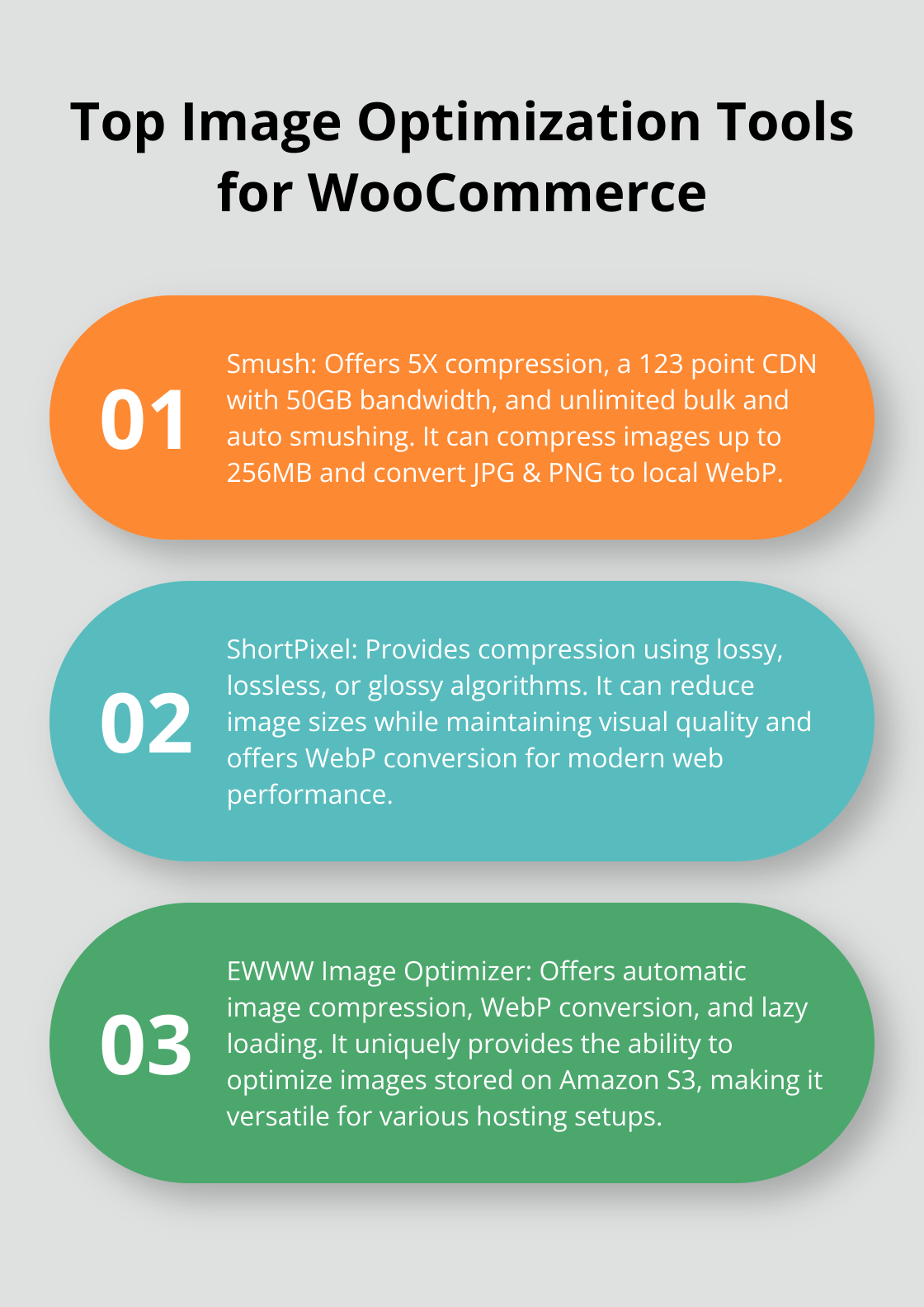
For more robust optimization, dedicated plugins offer enhanced capabilities. Smush stands out. It offers Ultra Smush with 5X compression, a 123 point CDN with 50GB bandwidth, unlimited bulk and auto smushing, and the ability to convert JPG & PNG to local WebP. Smush can also compress images up to 256MB.
ShortPixel provides another excellent option. This plugin compresses images using lossy, lossless, or glossy algorithms. ShortPixel can reduce image sizes while maintaining visual quality. It also offers WebP conversion, which is important for modern web performance.
EWWW Image Optimizer presents a solid choice as well. It provides automatic image compression, WebP conversion, and lazy loading. EWWW also offers a unique feature: the ability to optimize images stored on Amazon S3.
Third-party Image Compression Services
For those who seek even more powerful optimization, third-party services offer advanced features. TinyPNG is a popular choice that provides a straightforward and robust solution for compressing PNG and JPEG images in WordPress, preserving quality while significantly reducing file sizes. Their API integrates with WordPress, allowing for automatic optimization of new uploads.
Kraken.io offers both lossy and lossless compression, with file size reductions. Kraken also provides a WordPress plugin for easy integration.
ImageOptim API focuses on lossless compression. While the compression ratios are lower, it ensures zero quality loss – perfect for high-end product images where every detail matters.
When you choose an optimization tool, consider your specific needs. If you manage a small WooCommerce store, a plugin like Smush or ShortPixel might suffice. For larger stores with thousands of products, a third-party service like TinyPNG or Kraken.io could provide better performance and more advanced features.
It’s important to note that Pluginizer offers access to many premium image optimization plugins (as part of its extensive library of over 15,000 premium plugins and themes). This makes it an excellent choice for those who want to experiment with different optimization tools without individual purchases.
Image optimization requires an ongoing process. Review your image sizes and compression levels regularly to ensure optimal performance. The right tools can significantly boost your WooCommerce store’s speed, improving user experience and potentially increasing sales.
Final Thoughts
Optimizing WooCommerce product image sizes significantly enhances your online store’s performance. Fast-loading images improve user experience, boost SEO rankings, and increase conversion rates. These benefits create a more efficient and profitable e-commerce platform that stands out in the competitive digital marketplace.
We urge you to apply these optimization techniques to your WooCommerce store today. Regular attention to image optimization will yield long-term advantages as your product catalog grows. Your customers will appreciate faster loading times, and your bottom line will reflect the improved user satisfaction.
Pluginizer offers access to over 15,000 premium plugins and themes, including powerful image optimization tools. This comprehensive solution allows you to experiment with various optimization plugins without individual purchases. Take action now to optimize your WooCommerce product images and watch your store’s performance soar.

