

At Pluginizer, we’re always on the lookout for ways to make your WordPress site stand out. WordPress animation plugins are a powerful tool to captivate your audience and elevate your web design.
In this post, we’ll explore the top animation plugins, their benefits, and best practices for implementation. Get ready to transform your static pages into dynamic, engaging experiences that will leave a lasting impression on your visitors.
Which Animation Plugins Supercharge WordPress Sites?
At Pluginizer, we’ve witnessed numerous WordPress sites transform through the power of animation plugins. Let’s explore some top-notch options that can breathe life into your web pages and boost user engagement.
Animate It! Simplifies CSS3 Animations
Animate It! stands out for its user-friendly approach to CSS animations. This plugin offers a wide array of pre-built effects that you can apply to any element on your WordPress site without coding. Its intuitive interface allows you to preview animations in real-time, making it perfect for beginners and pros alike.
Animation Engine for Elementor Enhances Page Building
For Elementor users, the Animation Engine plugin is a game-changer. It extends Elementor’s built-in animation capabilities, offering advanced options like scroll-triggered animations and custom keyframes. This tool proves particularly useful for creating dynamic landing pages that guide visitors through your content seamlessly.
Lottie Animations Bring Vector Magic to WordPress
Lottie Animations for WordPress opens up a world of possibilities with lightweight, scalable vector animations. This plugin makes it easy to embed high-quality animations, which look crisp on any device and can significantly reduce load times compared to traditional GIFs or videos.
Advanced WordPress Backgrounds Add Dynamic Flair
While not strictly an animation plugin, Advanced WordPress Backgrounds deserves mention for its ability to create stunning animated backgrounds. It supports video backgrounds, parallax effects, and even interactive particle systems. These features add depth and interest to your site without overwhelming your content.
Animation and Interaction for Gutenberg Modernizes Block Editing
As WordPress continues to push Gutenberg as the future of content creation, plugins like Animation and Interaction for Gutenberg become increasingly important. This tool brings animation capabilities directly into the block editor, allowing you to add motion effects to individual blocks or entire sections of your content.
When selecting an animation plugin, consider your specific needs and technical skill level. While these plugins offer powerful features, it’s important to use animations judiciously to enhance (not hinder) your site’s user experience. The goal is to create a smooth, engaging journey for your visitors, not to overwhelm them with flashy effects.
Now that we’ve explored some of the top animation plugins for WordPress, let’s examine the benefits these tools can bring to your website and how they can elevate your online presence.
Why Animation Plugins Boost Your WordPress Site
Capture Visitor Attention Instantly
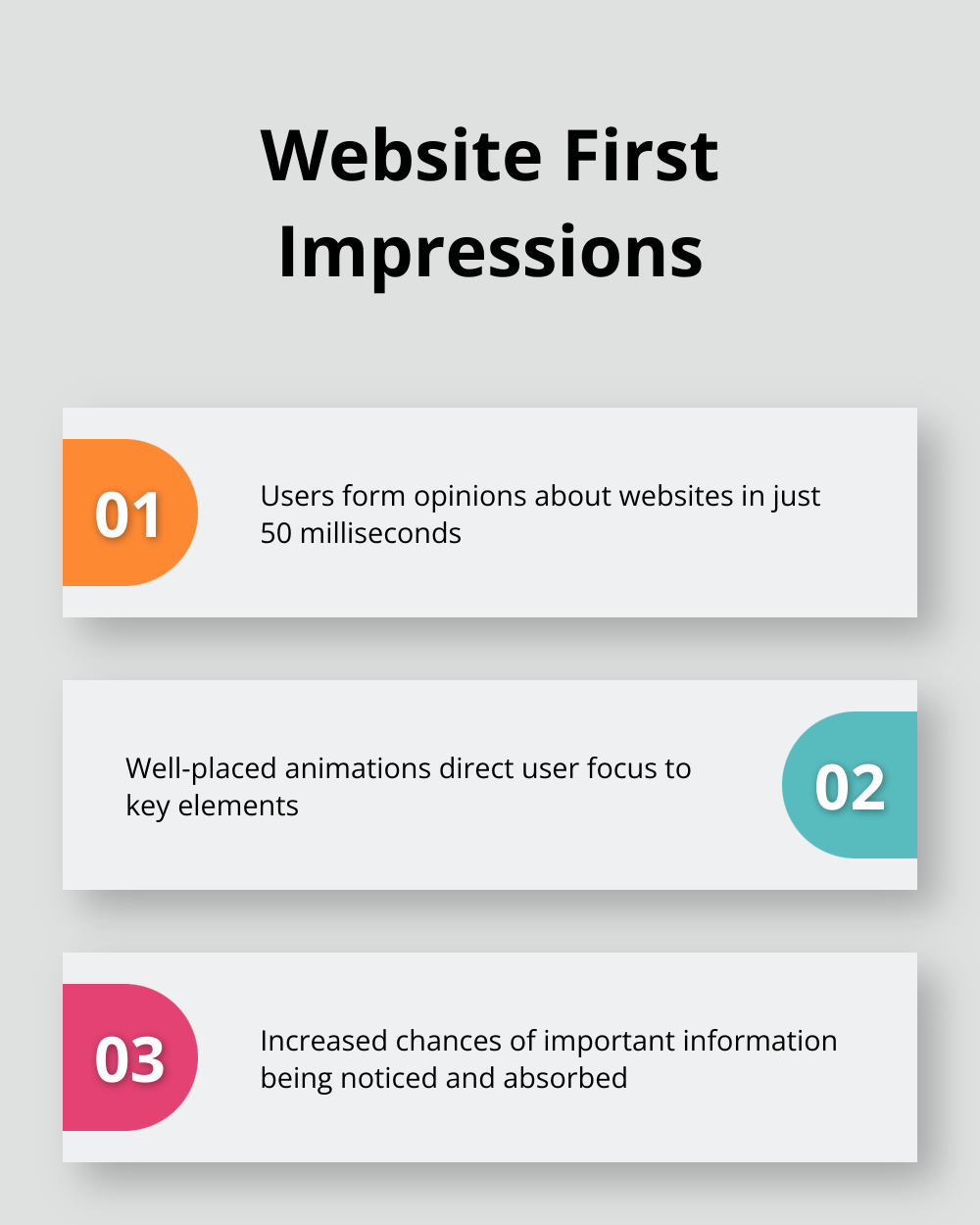
Animation plugins act as powerful attention-grabbers for your WordPress site. A study by Nielsen Norman Group reveals that users form opinions about websites in just 50 milliseconds. Well-placed animations direct user focus to key elements, which increases the chances of important information being noticed and absorbed. However, it’s important to note that some studies have demonstrated that animation can have adverse influences on attitudes toward advertisements or websites themselves.
Break Down Complex Information
Animations excel at simplifying complex ideas into digestible chunks. Infographic animations can increase information retention compared to static images. This makes animation plugins particularly valuable for educational sites, product demonstrations, or any content that requires step-by-step explanation. Your visitors will appreciate the clarity and engagement that animated content provides.
Improve User Experience Significantly
The right animations can dramatically enhance navigation and overall user experience. Micro-interactions, such as hover effects or loading animations, provide immediate feedback to users. These small but crucial elements enhance user experience (UX), offering intuitive cues and turning routine tasks into enjoyable moments. This can reduce perceived wait times and increase overall satisfaction.
Seamless Integration and Ease of Use
Animation plugins offer these benefits without requiring extensive coding knowledge. They integrate smoothly with various WordPress themes, ensuring compatibility across different site designs. This accessibility allows even non-technical users to create dynamic, engaging websites that stand out in today’s competitive digital landscape.
Balance Performance and Visual Appeal
While animations can significantly enhance your site, it’s crucial to use them judiciously. Overuse can lead to slower load times and distract from your content. Always prioritize performance and ensure your animations enhance rather than hinder the user experience. Try to strike a balance between visual appeal and site speed to create the optimal user experience.
As we explore the best practices for implementing animations on your WordPress site, you’ll discover how to harness these benefits effectively while avoiding common pitfalls. Let’s move on to the practical steps you can take to elevate your site’s design and functionality through thoughtful animation implementation.
How to Implement Animations Effectively
Choose Purposeful Animations
Select animations that serve a clear purpose. Enhance user attention, explain complex concepts, or provide visual feedback. A subtle hover effect on buttons can improve click-through rates by up to 6% (according to a CXL Institute study). Avoid flashy animations that don’t add value – they can increase bounce rates by up to 25% if they distract from your content.
Optimize for Performance
Performance matters. Large, complex animations can slow down your site, which negatively impacts user experience and SEO. Try to use small size images in your website below 60KB. Tools like GTmetrix help you measure the impact of animations on your load times. If you use Lottie animations, compress them with tools like LottieFiles to reduce file sizes by up to 40% without quality loss.
Ensure Mobile Responsiveness
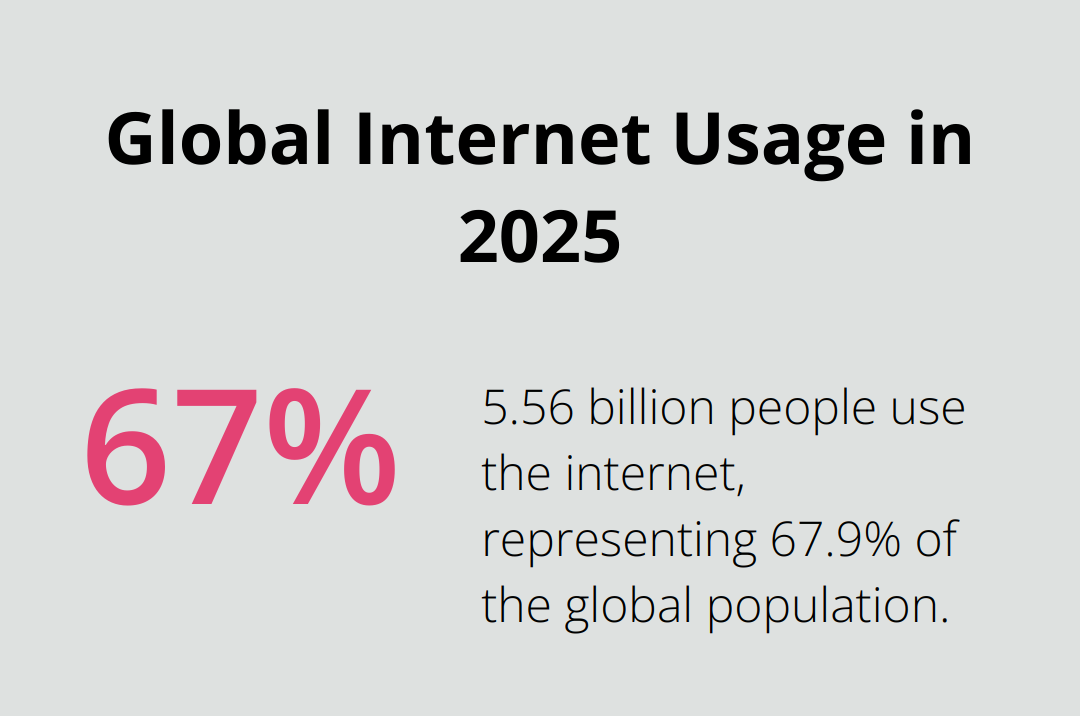
A total of 5.56 billion people use the internet at the start of 2025, resulting in a penetration figure of 67.9 percent. Your animations must work flawlessly on smaller screens. Use responsive design techniques to adjust animation size and complexity based on screen size. You might use a simpler animation version for mobile devices to maintain performance. Test your animations across various devices and screen sizes to ensure a consistent experience.
Maintain Accessibility
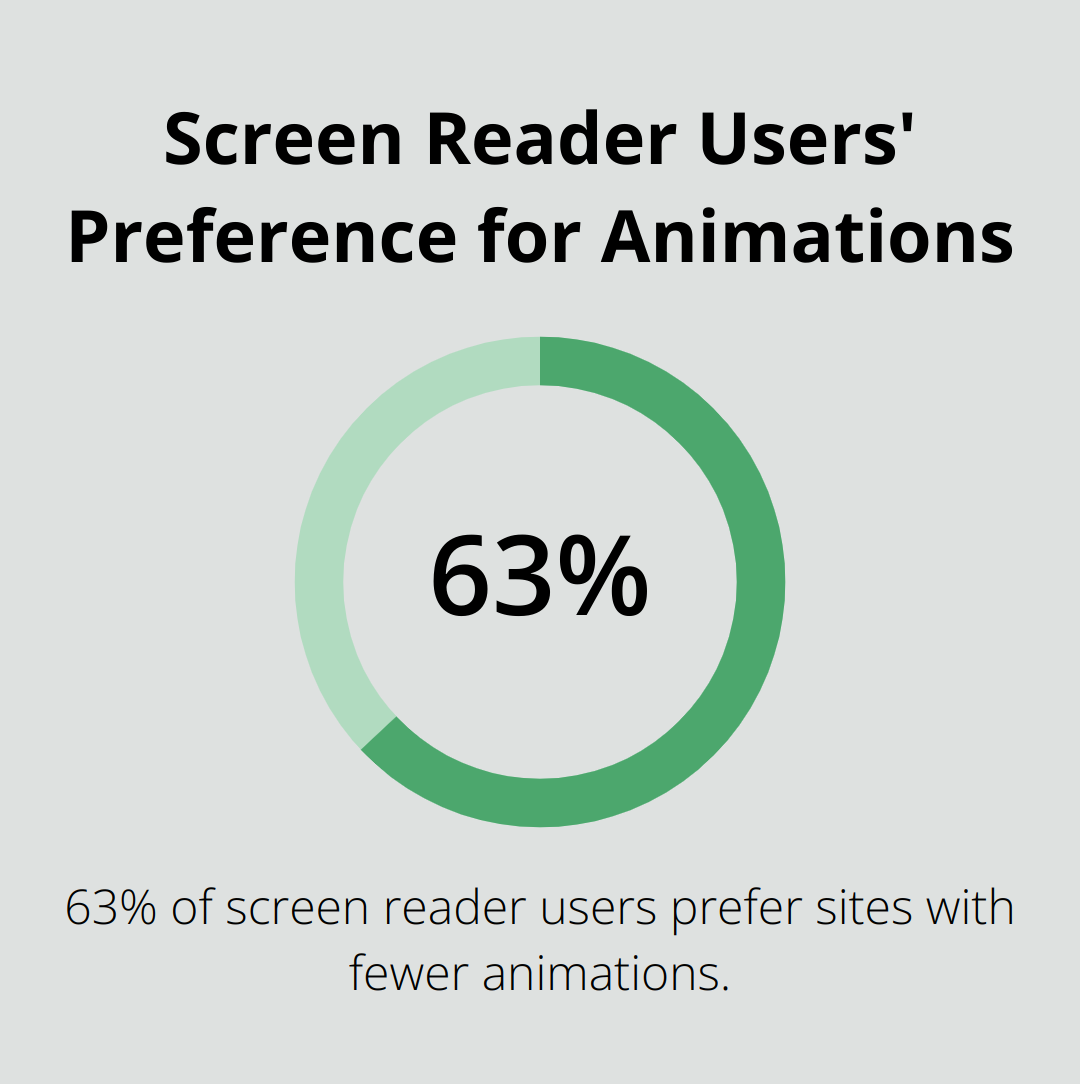
Animations should enhance, not hinder, accessibility. Follow WCAG guidelines to ensure your animations don’t cause issues for users with vestibular disorders or epilepsy. Provide options to reduce motion or turn off animations entirely. A WebAIM study found that 63% of screen reader users prefer sites with fewer animations, so use them judiciously and ensure they don’t interfere with assistive technologies.
Balance Visual Appeal and Functionality
Create a dynamic, engaging website that delights users without compromising functionality. Focus on enhancing user experience rather than showcasing technical prowess. Use animations to guide users through your content, highlight important information, or provide feedback on interactions. This approach ensures that your animations serve a purpose and contribute to a positive user experience.
Final Thoughts
WordPress animation plugins offer powerful ways to enhance website visual appeal and user engagement. From versatile options like Animate It! to specialized tools for Elementor and Gutenberg, these plugins cater to various needs and skill levels. When implemented thoughtfully, animations can guide users, explain complex concepts, and create memorable experiences that improve engagement and reduce bounce rates.
However, it’s important to balance visual appeal with functionality. You should prioritize performance, ensure mobile responsiveness, and maintain accessibility standards (users with vestibular disorders or epilepsy may need options to reduce or turn off animations). The goal is to enhance your content, not overshadow it.
For those who want to elevate their WordPress sites, Pluginizer provides access to over 15,000 premium plugins and themes, including many animation tools. This cost-effective solution helps website owners and developers enhance their site’s functionality and performance. You should use animations purposefully, test across devices, and always provide options for users who prefer reduced motion.

