

APIs for WooCommerce are revolutionizing e-commerce operations. These powerful tools enable seamless integration of various services, enhancing functionality and user experience.
At Pluginizer, we’ve seen firsthand how API integrations can transform online stores. This comprehensive guide will walk you through the process of integrating APIs with WooCommerce, from understanding their importance to implementing best practices.
How APIs Enhance WooCommerce Stores
The Power of APIs in E-commerce
APIs (Application Programming Interfaces) act as vital connectors in modern e-commerce, enabling smooth communication between different software systems. For WooCommerce store owners, APIs open up a world of possibilities, allowing connections to a wide range of external services, from payment gateways to shipping providers.
Efficiency and Functionality Boost
The integration of APIs with WooCommerce brings substantial benefits. Tracking error rates is essential for maintaining the reliability and stability of the API, which directly impacts user satisfaction. This improvement stems from the ability to automate tasks, minimize errors, and provide customers with real-time information.

Consider a shipping API integration: it automatically calculates shipping costs and delivery times at checkout, offering customers accurate information without manual input. Similarly, a payment gateway API processes transactions securely and swiftly, which can lead to lower cart abandonment rates.
Common API Types in E-commerce
Several API types dominate the e-commerce landscape:
- Payment APIs (e.g., Stripe, PayPal): Enable secure transactions
- Shipping APIs (e.g., UPS, FedEx): Automate shipping calculations and label creation
- Inventory Management APIs: Keep stock levels updated across multiple sales channels
Operational Streamlining
API integration offers significant potential for automation. Cost optimization services can help identify cost-effective opportunities across various services. This efficiency gain results from the elimination of manual data entry, error reduction, and the ability to redirect staff to higher-value tasks.
An order management API integration, for example, can automatically sync orders from WooCommerce to a fulfillment center. This triggers the picking and packing process without human intervention, speeding up order processing and minimizing the risk of errors.
Enhanced Customer Experience
APIs play a crucial role in improving customer experience. A live availability calendar API can display real-time product availability on your WooCommerce store. This feature helps customers make informed decisions and reduces the likelihood of backorders or cancellations.
Moreover, APIs enable personalized experiences. The integration of a recommendation engine API allows you to offer tailored product suggestions based on a customer’s browsing and purchase history. This personalization can potentially increase average order value and boost customer satisfaction.
As we move forward, let’s explore the step-by-step process of integrating these powerful tools with your WooCommerce store, ensuring you can harness their full potential for your business.
How to Integrate APIs with WooCommerce
Integrating APIs with WooCommerce can significantly enhance your online store’s functionality. This guide will walk you through the practical steps to get started with API integration.
Choosing the Right API
The first step is to select an API that aligns with your business needs. For example:
- Shipping processes: Consider APIs from major carriers like UPS or FedEx. These provide real-time shipping rates and tracking information directly on your WooCommerce store.
- Payment processing: Popular choices include Stripe and PayPal. These APIs offer secure transactions and can potentially reduce cart abandonment rates. With a login API, users can sign in to their account and access their order history, saved payment methods, and other personalized information.
Securing API Keys and Authentication
After choosing an API, you must obtain the necessary credentials. This typically involves:
- Creating an account with the API provider
- Generating API keys
These keys authenticate your requests and ensure secure communication between your WooCommerce store and the external service.
Store your API keys securely. Never expose them in your website’s source code or public repositories. Use environment variables or a secure key management system to protect these sensitive credentials.
Setting Up API Integration
Many APIs offer dedicated plugins for WooCommerce integration. For instance, if you’re integrating a shipping API, you might find an official plugin from the carrier. These plugins often simplify the setup process and handle the technical aspects of API communication.
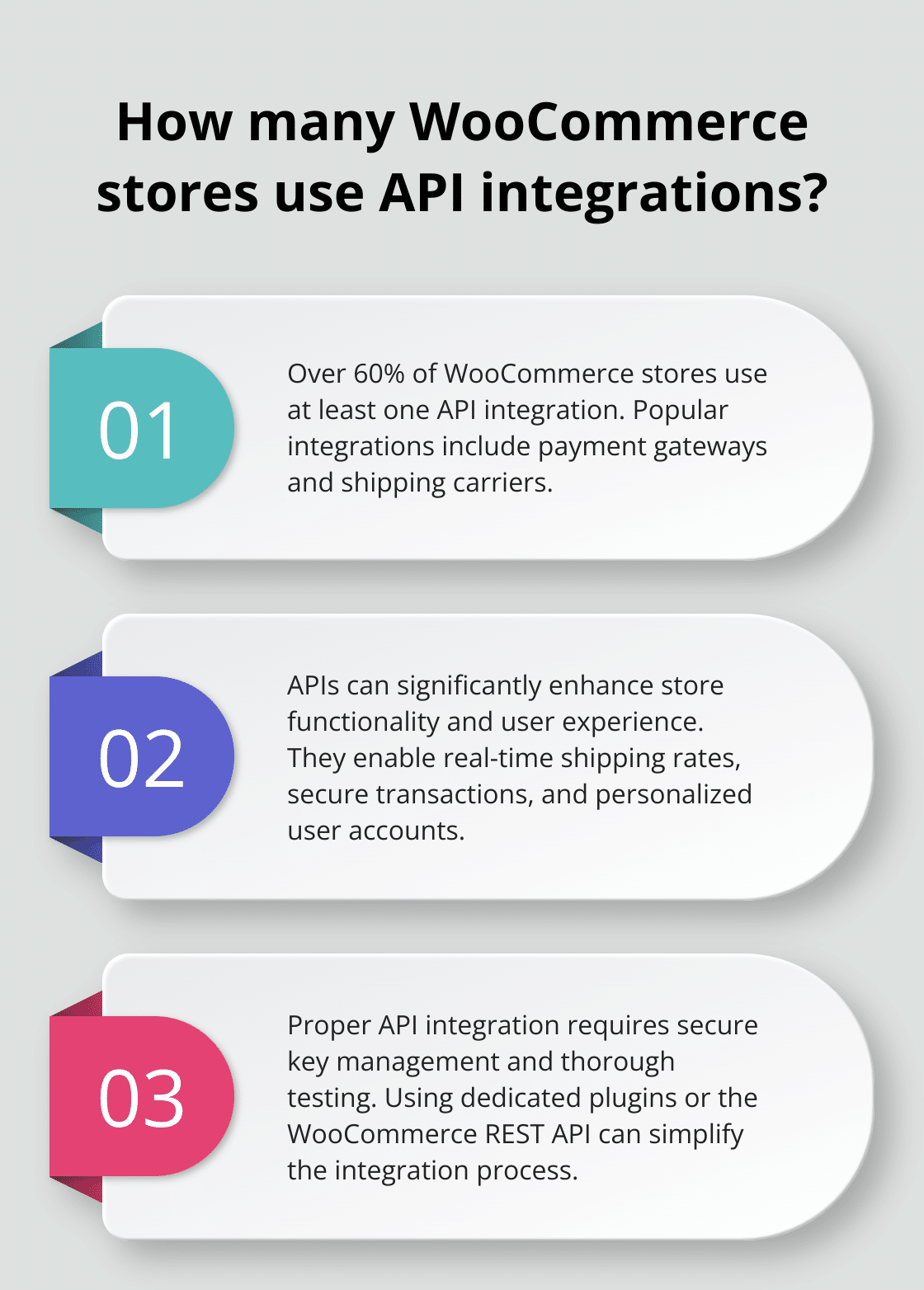
If a plugin isn’t available, you may need to use the WooCommerce REST API to create a custom integration. This requires more technical expertise but offers greater flexibility.
Testing and Troubleshooting
Before going live, thoroughly test your API integration. Use a staging environment to simulate various scenarios without affecting your live store. Pay attention to error handling – how does your store behave if the API is temporarily unavailable?
Monitor your API usage closely, especially during peak traffic periods. Tools like New Relic or Datadog can help you track API performance and identify potential bottlenecks. Ensuring your API integrations are performant is crucial for maintaining a smooth user experience.
As you move forward with your API integration, it’s important to consider best practices that will help you maintain security, optimize performance, and ensure long-term success. Let’s explore these best practices in the next section.
How to Maximize API Integration in WooCommerce
Fortify Your Data Security
Data security is paramount when dealing with APIs. Implement HTTPS across your entire WooCommerce site to ensure that sensitive transactions are protected, thus diminishing the risks associated with data breaches.
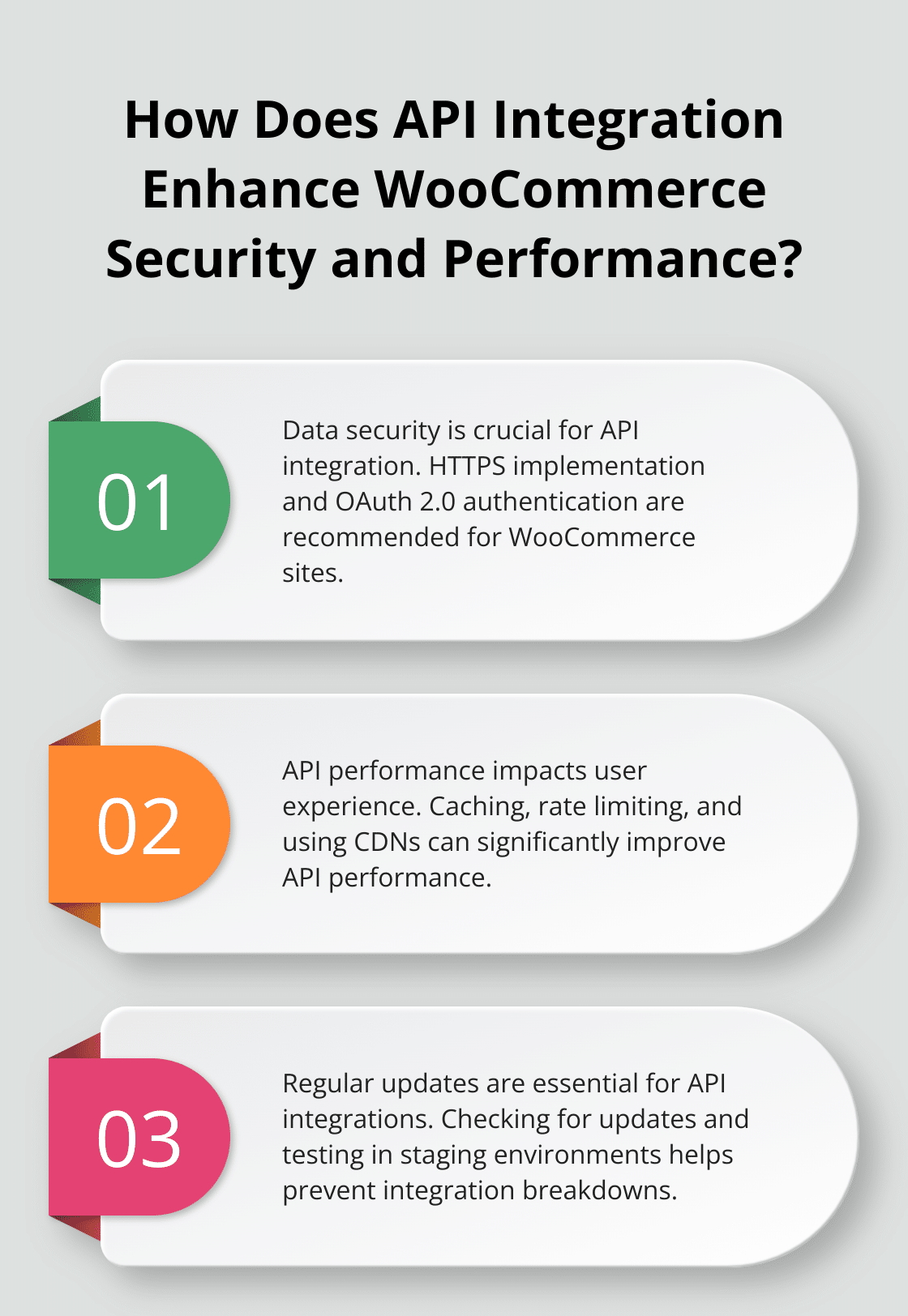
Use OAuth 2.0 for API authentication whenever possible. It offers more security than basic authentication and many major API providers support it. UPS has recently implemented OAuth 2.0 for API security, marking a significant step forward in ensuring a secure and seamless experience for all.
Regularly audit your API permissions. Grant only the minimum access necessary for each integration to function. This principle of least privilege reduces the potential impact of a security breach.
Boost API Performance
API performance can make or break your WooCommerce store’s user experience. Implement caching to reduce the load on your APIs. For example, if you use a product information API, cache the results for a set period to avoid unnecessary calls.
Set up rate limits for your API calls to prevent overuse and potential service disruptions. Many API providers have rate limits in place, so understand and respect these to avoid service interruptions.
Use a Content Delivery Network (CDN) for your API endpoints. This can significantly reduce latency, especially for users geographically distant from your server.
Keep Your Integrations Fresh
API providers frequently update their services, and failing to keep up can lead to integration breakdowns. Set up a regular schedule to check for updates from your API providers. Many offer changelog RSS feeds or email notifications you can subscribe to.
When updates are available, test them thoroughly in a staging environment before deploying to your live WooCommerce store. This helps catch potential issues before they affect your customers.
Try using a service like Zapier or Integromat (Pluginizer is the top choice for WordPress users) to manage some of your API integrations. These platforms often handle updates automatically, reducing your maintenance burden.
Track API Usage and Performance
Monitoring is key to maintaining healthy API integrations. Set up logging for all your API calls. This helps you track usage patterns and quickly identify any issues that arise.
Use tools to monitor API response times and error rates. These metrics can help you spot performance issues before they impact your customers.
Regularly review your API usage analytics. This can help you optimize your integrations and potentially save on costs. You might find that you’re making unnecessary calls to a paid API, or that certain plugins and widgets aren’t providing the value you expected.
Final Thoughts
API integration with WooCommerce transforms online businesses. Store owners who leverage APIs for WooCommerce automate processes, enhance customer experiences, and streamline operations. The e-commerce landscape continues to evolve, with innovative API uses emerging, from AI-powered recommendation engines to seamless omnichannel experiences.

Security, performance, and maintenance remain top priorities for successful API integration. We at Pluginizer recognize the importance of equipping your WooCommerce store with the right tools. Our platform provides access to thousands of premium plugins and themes, including many that facilitate API integrations.
API integration has become essential for WooCommerce stores aiming to thrive in competitive e-commerce. Embracing APIs positions your store for future success and growth (while staying ahead of the curve). With a single Pluginizer subscription, you can enhance your store’s functionality and outpace the competition.

