

Choosing the right payment processor can make or break your online store’s success. With over 5 million active WooCommerce stores worldwide, the competition for seamless checkout experiences has never been fiercer.
We at Pluginizer have analyzed the leading WooCommerce payment processors to help you make an informed decision. This guide breaks down transaction fees, security features, and integration complexity across the top providers.
Which Payment Processors Dominate WooCommerce
PayPal Leads with Trust and Recognition
PayPal maintains its position as the most trusted payment processor, with 377 million active accounts worldwide. WooCommerce stores that use PayPal see conversion rates increase by 82% compared to credit card-only checkouts. PayPal Pro eliminates the redirect issue that causes 23% of customers to abandon their purchase and keeps buyers on your site throughout the transaction. The standard PayPal option charges 3.49% plus 49 cents per transaction, while PayPal Pro adds monthly fees but reduces per-transaction costs to 2.9% plus 30 cents.
Stripe Powers Modern Checkout Experiences
Stripe’s total payment volume increased to $1.4T in 2024, up 38% year-on-year. WooCommerce stores that use Stripe report 15% higher authorization rates due to machine learning fraud detection. The platform’s APIs handle subscription payments, marketplace transactions, and complex tax calculations automatically. Stripe charges 2.9% plus 30 cents for US transactions (with international cards adding 1.5% extra).
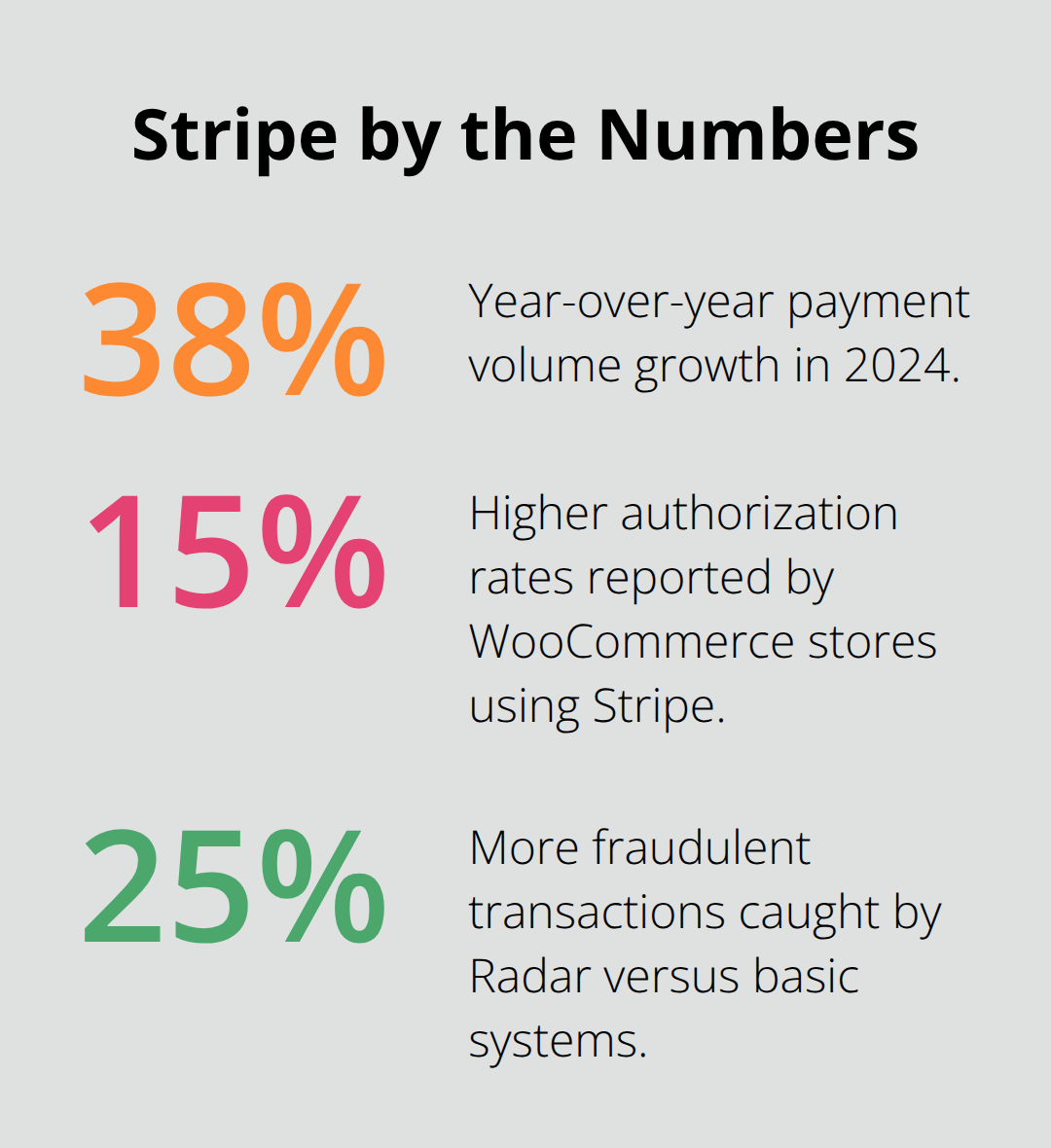
Radar fraud protection catches 25% more fraudulent transactions than basic systems and saves merchants an average of $1,200 monthly in chargebacks.
Square Excels at Multi-Channel Integration
Square synchronizes inventory across online stores, physical locations, and mobile sales channels in real-time. Restaurants and retail stores that use Square’s WooCommerce integration see 34% faster checkout times. The processor handles $200 billion in payments annually and offers same-day deposits for 1.5% extra. Transaction fees start at 2.9% plus 30 cents (matching Stripe’s pricing structure). Square’s hardware ecosystem works seamlessly with WooCommerce and makes it the preferred choice for businesses that operate both online and offline locations.
Authorize.Net Serves Enterprise Requirements
Large-scale operations require robust payment infrastructure that handles high transaction volumes without compromising security or speed. Authorize.Net processes payments for over 430,000 merchants and supports advanced features like customer information management and automated recurring payments.
What Payment Features Actually Matter
Security Standards Build Customer Trust
Security standards determine whether customers trust your checkout process. PCI DSS compliance isn’t optional – it’s mandatory for any business that processes credit card payments. Stripe and Square both maintain Level 1 PCI DSS compliance, the highest security standard available. PayPal handles PCI compliance automatically when customers complete payments on their platform, which shifts liability away from your store. Authorize.Net requires merchants to maintain their own PCI compliance, which adds complexity but offers more control. Card testing fraud costs merchants significantly annually, which makes robust fraud detection non-negotiable.
Transaction Costs Shape Your Profit Margins
Processing fees directly impact your bottom line, especially for high-volume stores. Stripe’s 2.9% plus 30 cents per transaction becomes expensive for small purchases under $10. PayPal’s 3.49% plus 49 cents makes it unsuitable for low-margin products. Square offers the same 2.9% rate as Stripe but adds value through inventory synchronization.
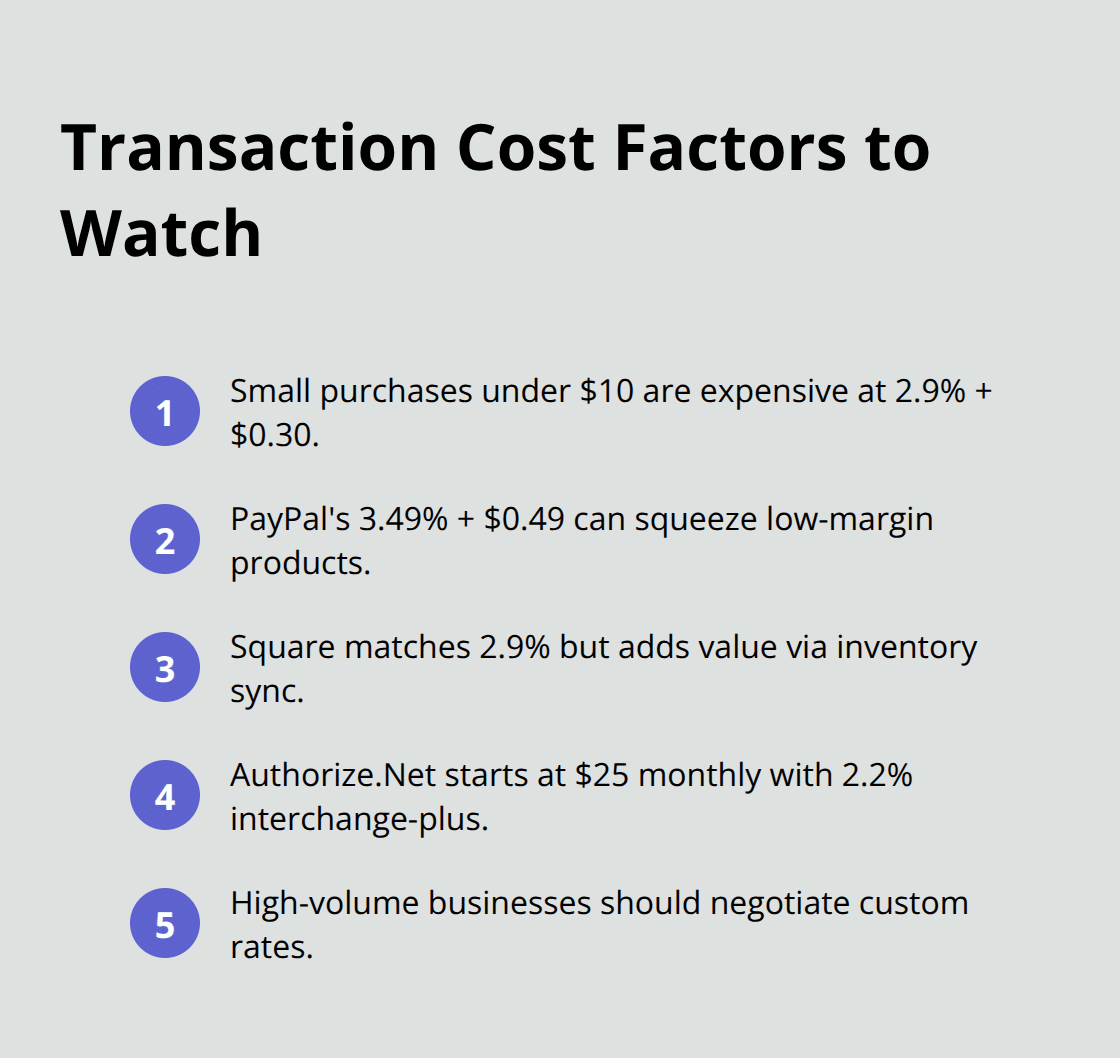
Authorize.Net charges monthly fees that start at $25 but reduces per-transaction costs to 2.2% for interchange-plus pricing. Businesses that process over $50,000 monthly should negotiate custom rates with their processor. International transactions add 1-3% extra fees across all major processors.
Global Reach Expands Your Market
Currency support determines which markets you can serve effectively. Stripe accepts payments in 135+ currencies but settles in 47 currencies. PayPal supports 200+ markets and 100+ currencies with automatic conversion rates. Square limits international transactions and works primarily in US, Canada, Australia, and UK markets. Local payment methods like iDEAL in Netherlands or Alipay in China can increase conversion rates significantly in their respective regions. Mobile-optimized checkouts handle a majority of all ecommerce transactions, which makes responsive payment forms essential for revenue growth.
Integration Speed Affects Launch Timeline
Setup complexity varies dramatically between processors and can delay your store launch by weeks. WooCommerce Payments offers the fastest integration with one-click activation through your WordPress dashboard. Stripe requires API key configuration but provides extensive documentation and testing tools. PayPal’s standard integration takes minutes, while PayPal Pro needs additional merchant account verification. These technical differences become important when you compare actual performance metrics and costs across top-tier eCommerce plugins.
What Do Payment Processors Really Cost
Transaction fees create the largest ongoing expense for WooCommerce stores, but advertised rates tell only part of the story. Stripe’s 2.9% plus 30 cents becomes 4.1% for a $10 purchase, while the same rate equals 3.2% on a $50 transaction. PayPal’s 3.49% plus 49 cents hits small orders even harder at 8.4% for $10 purchases. Square matches Stripe’s rates but waives fees for the first $1,000 in monthly transactions for new accounts. Authorize.Net charges $25 monthly plus 2.2% interchange-plus rates, which saves money only after you process $3,000 monthly. International card fees add 1.5% extra across all processors (making a $100 international purchase cost $4.40 through Stripe versus $3.99 domestically).
Settlement Speed Affects Cash Flow
Payment processors differ significantly in how quickly they release funds to your business account. Stripe typically holds funds for 7 days for new merchants, then drops to 2 days after you establish transaction history. PayPal offers instant transfers to linked bank accounts for 1.75% of the transfer amount, while standard transfers take 1-3 business days at no extra cost. Square provides next-day deposits as standard but charges 1.5% for same-day access to funds. Authorize.Net settles funds within 1-2 business days but requires separate merchant account setup that can delay initial transactions by weeks. High-risk businesses face longer hold periods, with some processors that require 30-day reserves that tie up significant capital.
Support Quality Varies Dramatically
Customer support becomes critical when payment issues threaten your revenue stream. Stripe provides 24/7 chat and email support with average response times under 4 hours for technical issues. PayPal offers phone support during business hours but routes most inquiries through automated systems that frustrate merchants during urgent problems. Square excels at support accessibility with live chat, phone, and extensive help documentation available around the clock. Authorize.Net provides dedicated account managers for enterprise clients but limits support hours for smaller merchants. Payment disputes require immediate attention since merchants have 20 days to respond to each phase when dealing with Visa, American Express, or Discover card chargebacks (making reliable support access non-negotiable for serious ecommerce operations).
Hidden Fees Add Up Quickly
Monthly fees, chargeback costs, and currency conversion charges can double your actual payment expenses. Stripe charges $15 per chargeback dispute plus the original transaction amount. PayPal adds 3.5% for currency conversion on international sales. Square includes free chargeback protection for the first $250 monthly but charges $15 afterward.
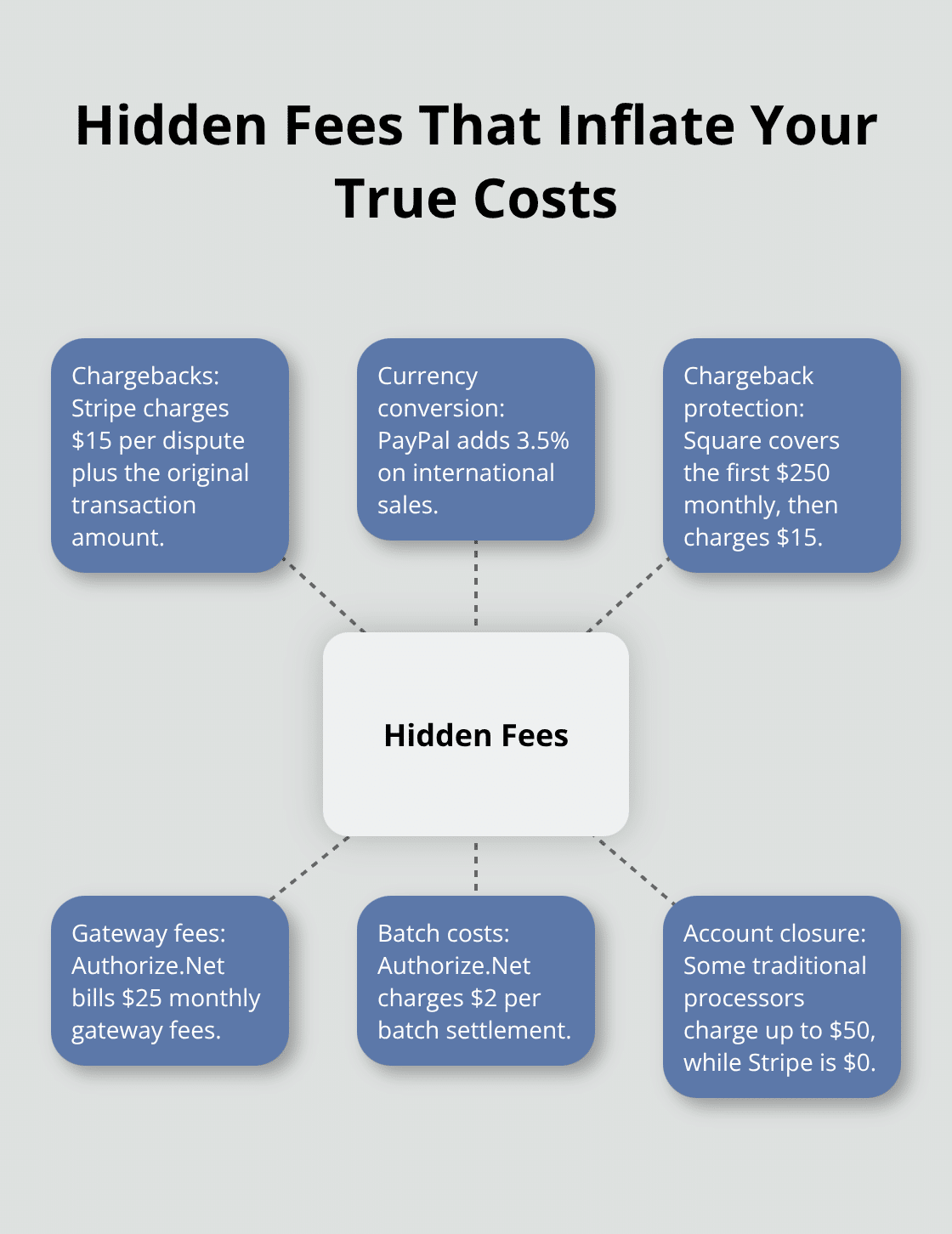
Authorize.Net bills $25 monthly gateway fees plus $2 per batch settlement. Account closure fees range from $0 (Stripe) to $50 (some traditional processors). These additional costs often exceed the base transaction fees for small businesses that process international orders or face frequent disputes. Premium plugins can help automate payment processing and reduce manual overhead costs.
Final Thoughts
Your business model determines which WooCommerce payment processors work best for your store. Small businesses with under $10,000 monthly revenue should start with Stripe or Square for their transparent pricing and quick setup. High-volume stores that process over $50,000 monthly benefit from Authorize.Net’s interchange-plus rates despite higher monthly fees.
Test payment flows thoroughly before launch to avoid costly mistakes. Configure sandbox environments for each processor and run test transactions across different card types and currencies. Monitor authorization rates during your first month and switch processors if decline rates exceed 5% (which indicates serious technical problems).
The payment processing landscape evolves rapidly with new technologies. Buy Now Pay Later options like Klarna and Afterpay become standard checkout features. We at Pluginizer help WordPress developers access premium plugins and themes that enhance payment processing capabilities.

