

WooCommerce stores often need to charge customers for processing fees, shipping insurance, or rush orders. Without the right setup, these costs eat into your profit margins.
A WooCommerce extra fees plugin solves this problem by automatically adding charges based on specific conditions. We at Pluginizer have tested the top solutions to help you implement fee structures that protect your bottom line.
Why Extra Fees Boost Your WooCommerce Profits
WooCommerce stores that fail to account for processing costs watch their profit margins shrink month after month. Payment processors like PayPal charge 2.9% plus $0.30 per transaction, while Stripe takes 2.9% plus $0.30 for online payments. These fees accumulate rapidly when you process hundreds of orders monthly. Smart store owners pass these costs to customers through transparent extra fees rather than absorb them into already-thin margins.
Payment Gateway Fees Destroy Your Bottom Line
Credit card processing fees vary dramatically across payment methods. American Express charges merchants between 2-4% per transaction (significantly higher than Visa or Mastercard). Square charges 2.6% plus $0.10 for in-person transactions but jumps to 2.9% plus $0.30 for online sales. WooCommerce stores that process $10,000 monthly lose $290 to $350 just in payment fees. A 3% processing fee on orders with premium credit cards protects your margins while base prices stay competitive.
Shipping Insurance and Handling Costs Drain Revenue
UPS charges $0.50 to $2.70 for every $100 of declared value for shipping insurance, while FedEx takes $3.45 for the same coverage. Fragile items require special packaging materials that cost $3 to $8 per order based on size and protection needs. FedEx overnight express shipping costs $25 to $75 more than standard ground shipping.

Electronics and luxury goods stores should implement mandatory insurance fees of 2-3% of product value plus $5 handling charges for items that need special packaging.
Rush Orders Demand Premium Pricing
Same-day delivery services charge 300% to 500% more than standard shipping rates. Express processing requires staff overtime and priority queue management that increases operational costs by 40% to 60%. Customers who need rush orders typically accept higher fees when the urgency justifies the expense. The right plugin setup makes these conditional fees automatic and transparent at checkout.
Which Plugins Handle WooCommerce Fees Best
The Extra Fees for WooCommerce plugin leads the fee management space and handles complex pricing scenarios effectively. This plugin supports fixed and percentage-based fees across four critical areas: product fees, payment gateway fees, order total fees, and shipping method fees. Store owners charge additional fees based on product price, payment gateway and cart subtotal, set minimum fee thresholds, and generate detailed reports that show collected fees by category.
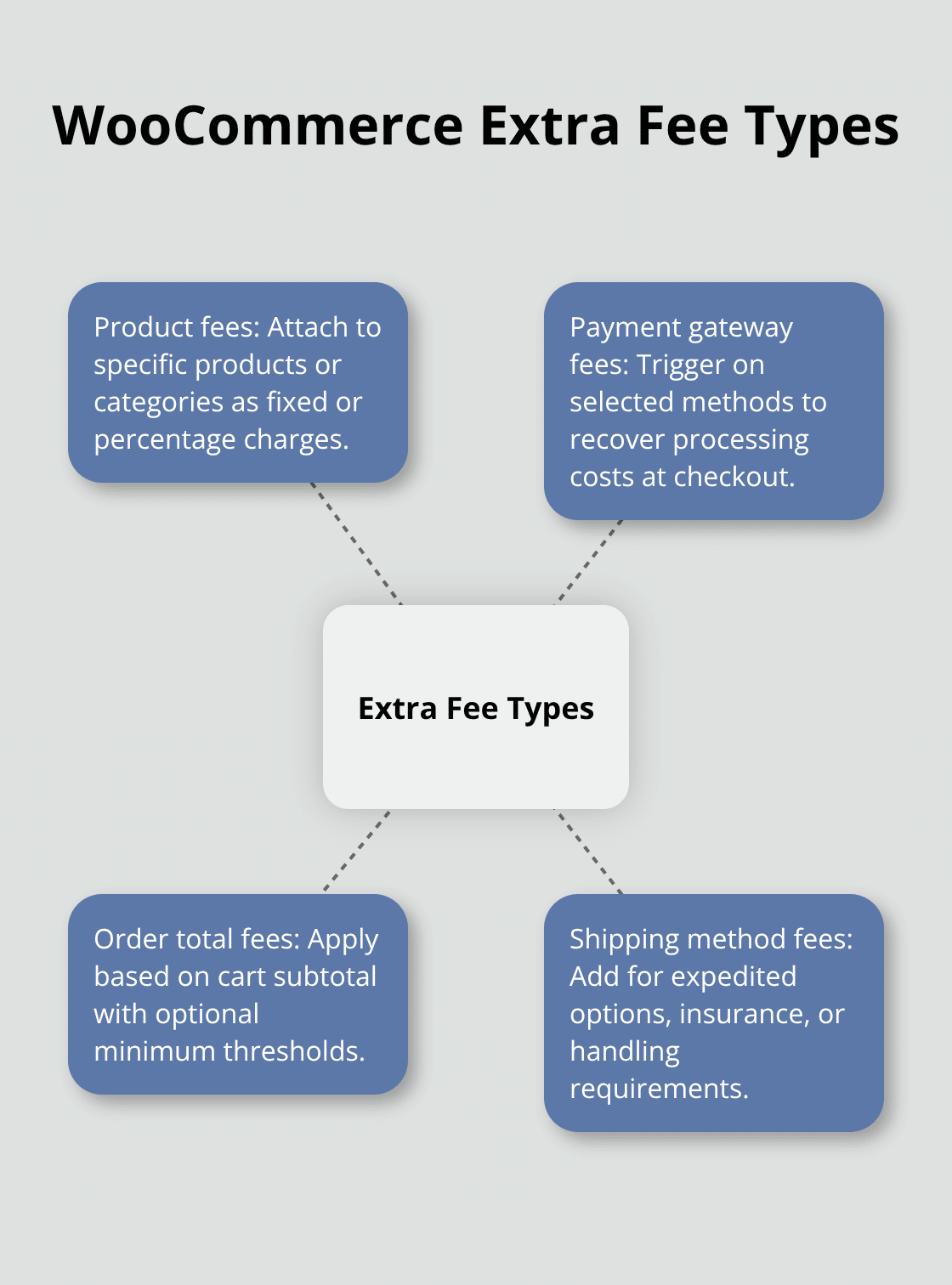
The plugin integrates with WooCommerce Subscriptions, which makes it ideal for recurring billing scenarios where fees apply to renewal orders.
Payment Gateway Fee Automation
Advanced Extra Fee for WooCommerce excels at location-based and conditional fee structures with compatibility for WooCommerce 9.0.0 and above. This plugin allows unlimited fees based on country, state, postal code, user roles, and cart values. Payment gateway fees activate automatically when customers select specific payment methods, which helps stores recover the 2.9% processing costs from credit cards. The conditional logic system merges multiple fees into single line items at checkout, which reduces customer confusion while it maintains transparency.
Dynamic Fee Calculation Systems
Conditional Fees for WooCommerce provides the most flexible rule-based system for stores with complex fee requirements. Administrators create both “all conditions must be met” and “any condition triggers fee” scenarios, which enables sophisticated pricing strategies. The plugin supports optional fees like gift wrapping or expedited processing that customers choose to add. Real-time fee calculations adjust based on product attributes, shipping methods, and cart quantities, while tax class integration automatically applies appropriate tax percentages to each fee type.
Installation and Setup Requirements
Most fee plugins require WooCommerce 3.7.0 or higher and PHP 5.6 minimum (though newer versions recommend PHP 7.4 for optimal performance). The installation process involves uploading the plugin ZIP file through the WordPress Admin area and activating it from the plugins dashboard. Store owners configure fee rules through dedicated admin panels where they set conditions, amounts, and display preferences. These WooCommerce plugins typically offer 30-day money-back guarantees and regular updates to maintain compatibility with the latest WooCommerce versions.
The next step involves configuring these plugins to match your specific business needs and fee structure requirements.
How Do You Set Up WooCommerce Extra Fees
Download the Extra Fees for WooCommerce plugin from the WordPress repository and upload it through your admin dashboard under Plugins > Add New. Activate the plugin and navigate to WooCommerce > Settings > Extra Fees to access the configuration panel. Start with payment gateway fees first since these generate the highest revenue impact. Set PayPal fees at 3.2% plus $0.35 to cover their 2.9% plus $0.30 costs while you add a small profit margin. Configure Stripe fees identically to maintain consistency across payment methods. American Express requires a 4.5% fee due to their higher merchant charges that reach 4% on premium cards.
Create Smart Fee Rules That Convert
Product-based fees work best when you tie them to specific categories rather than individual items. Electronics stores should apply a 2% fee for items over $500 to cover insurance and special packaging requirements. Set order total fees at $15 for purchases under $75 to encourage larger basket sizes. Configure shipping method fees by adding $25 for overnight delivery and $10 for expedited processing. Location-based rules help you manage international shipping costs effectively. European Union orders need a 15% customs preparation fee while Canadian shipments require a $12 border processing charge. User role restrictions prevent wholesale customers from seeing retail fees that would inflate their negotiated pricing.
Test Fee Accuracy Before Launch
Create test orders with different payment methods and shipping combinations to verify fee calculations display correctly. Place a $100 order with PayPal to confirm the $3.20 fee appears at checkout. Test American Express transactions to validate the 4.5% fee activates only for that payment method. Check mobile checkout displays to verify fees remain visible on smaller screens where space limitations can hide important pricing information. WooCommerce stores lose 23% of mobile conversions when extra costs appear unexpectedly during payment processing (according to Baymard Institute research).
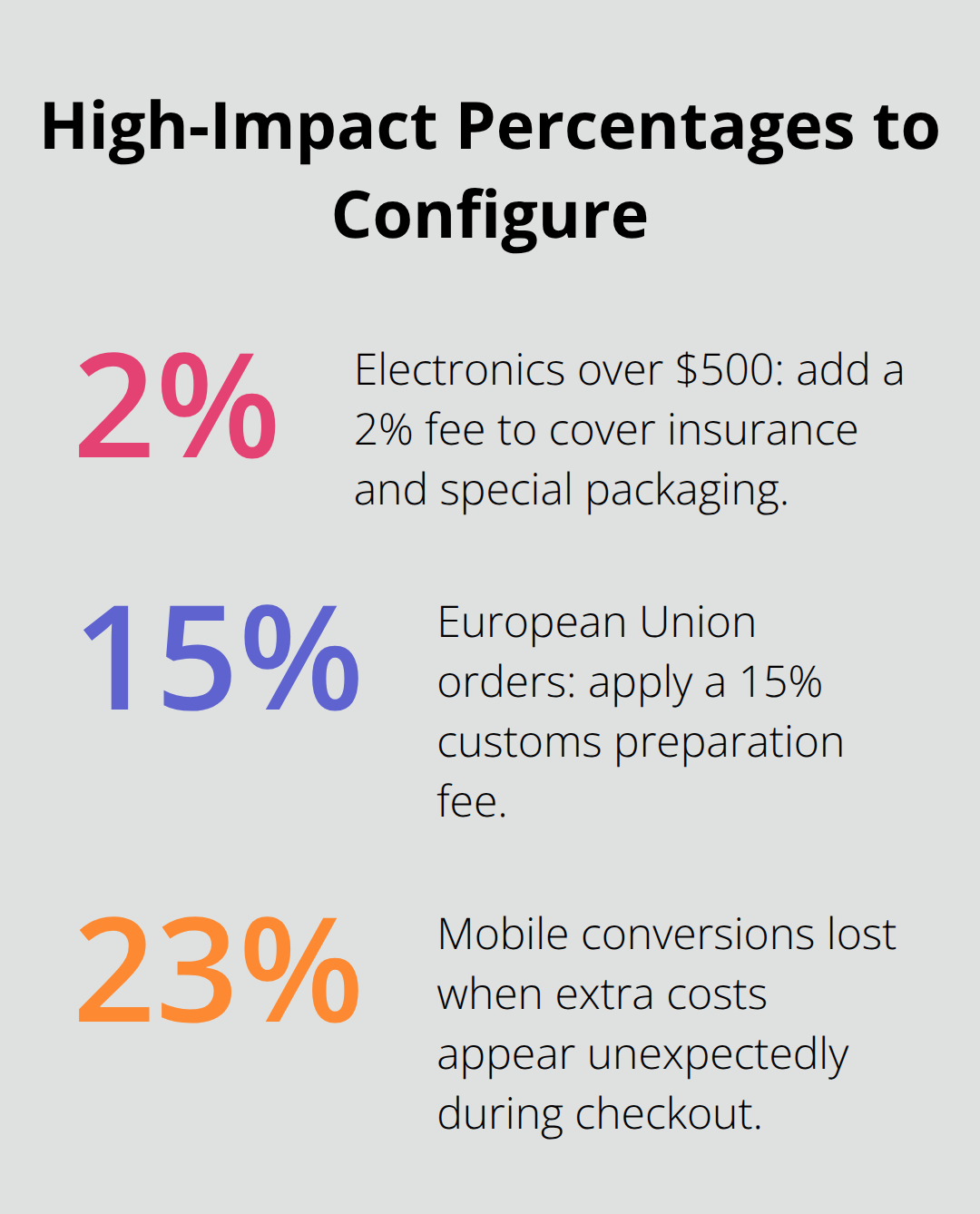
Schedule fee activation for off-peak hours when fewer customers shop to minimize disruption from configuration errors.
Final Thoughts
WooCommerce extra fees plugins convert cost management from a profit-draining problem into a revenue-protecting solution. Payment gateway fees alone cost stores $290 to $350 monthly on $10,000 in sales, while shipping insurance and rush order premiums add substantial operational expenses. The right WooCommerce extra fees plugin automates these charges transparently and protects margins without inflating base product prices.
Extra Fees for WooCommerce handles standard fee scenarios effectively with its four-category system that covers products, payments, orders, and shipping. Advanced Extra Fee for WooCommerce excels at location-based rules and complex conditional logic. Conditional Fees for WooCommerce provides the most flexible rule creation for stores with sophisticated pricing requirements.
Implementation success depends on strategic fee placement and thorough testing across payment methods and shipping combinations. Start with payment gateway fees since these generate immediate revenue impact, then expand to product-specific and shipping-related charges. Pluginizer offers unlimited access to over 15,000 premium WordPress plugins and themes for a one-time subscription fee (making it easier for agencies and developers to access multiple WooCommerce solutions cost-effectively).

