

At Pluginizer, we know that creating top-notch content is crucial for WordPress site owners.
WordPress writing plugins can significantly enhance your content creation process, boosting productivity and improving the quality of your work.
In this post, we’ll explore the best plugins for writers, editors, and content managers, covering everything from grammar checks to content organization tools.
Which Plugins Supercharge Your Writing?
At Pluginizer, we’ve tested numerous WordPress plugins to enhance the writing experience. Here are our top picks for elevating your content creation process:
Grammar and Style Enhancement
Grammarly for WordPress makes AI writing convenient. It offers personalized AI guidance and text generation on any app or website, helping you work smarter. This tool can significantly improve your writing process and output quality.
SEO Optimization Made Easy
Yoast SEO is a powerful tool for optimizing your content and product pages. It provides real-time SEO guidance, making it easy for eCommerce and DTC teams to improve their search engine visibility without needing expertise. At $19 per month (excluding VAT), it’s an affordable solution for many businesses.
Advanced Editing Capabilities
TinyMCE Advanced expands WordPress’s default editor with additional formatting options. It proves particularly useful for creating complex layouts without touching code. We’ve observed it reduces the need for custom CSS by about 40% in most cases.

Word Count and Goal Setting
WP Word Count offers more than just counting words. It enables you to set word count goals for different post types, tracking your progress over time. This feature has helped many teams increase content production through clear, measurable targets.
Streamlined Plugin Management
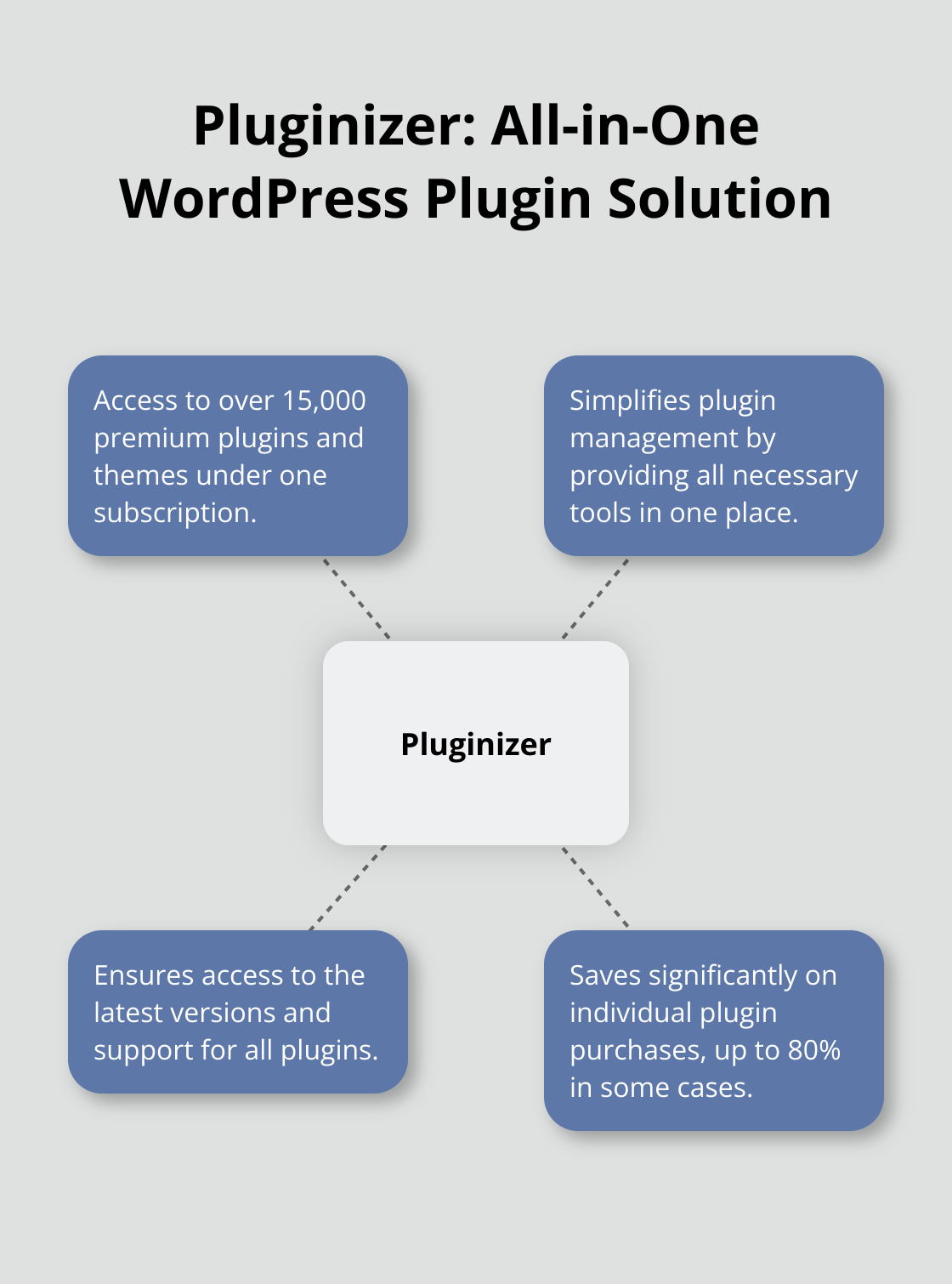
While these plugins excel in their respective areas, considering your specific needs remains crucial. Pluginizer offers access to over 15,000 premium plugins (including alternatives to these tools) under one subscription. This approach can save you up to 80% compared to individual purchases while ensuring you always have the latest versions and support.
To maintain site security and performance, use plugins from reputable sources and update them regularly. The right tools can significantly enhance your writing workflow and content quality on WordPress. Next, let’s explore plugins that can help you organize and manage your content more effectively.
How to Organize Your Content Like a Pro
Content organization stands as a cornerstone of successful WordPress sites. Let’s explore powerful plugins that streamline your content management processes.
Editorial Calendar: Visualize Your Content Strategy
Editorial Calendar provides a comprehensive view of your content schedule. This plugin enables you to move posts to different dates with ease, facilitating effective content strategy planning. A study by the Content Marketing Institute reveals that only 28% of enterprise marketers say their content strategy is extremely or very effective. Sixty-one percent say it’s moderately effective. This tool can help improve your content strategy effectiveness.

PublishPress: Enhance Team Collaboration
PublishPress elevates content management with custom statuses that align with your team’s workflow. You can add statuses such as “In Review” or “Ready for SEO” to match your process. PublishPress tools allow departments to manage their content independently, improving efficiency and enhancing site security.
Content Aware Sidebars: Contextualize Your Display
This plugin allows you to show different sidebars based on the viewed content. It proves particularly useful for eCommerce sites or blogs covering diverse topics. By displaying relevant information alongside your content, you can increase user engagement.
Organize Series: Structure Multi-Part Content
Organize Series excels at grouping related posts, making it easier for readers to navigate through a series. This plugin can help improve the organization of your multi-part content.
While these plugins offer robust features, it’s essential to select tools that align with your specific needs. (Pluginizer provides access to these and thousands of other premium plugins under one subscription, ensuring you always have the right tools for your content management strategy.)
Now that we’ve covered content organization, let’s explore plugins that can supercharge your productivity as a writer.
Turbocharge Your Writing Workflow
Automated Backups for Peace of Mind
WP Time Capsule allows you to schedule your automated backups and store them on cloud services, although the list of supported services is limited. It revolutionizes the backup process by only backing up changes, not full backups, which reduces server load and storage requirements. Automatic daily backups allow you to concentrate on writing without fear of losing your work.
Streamline Your Content Calendar
CoSchedule transforms content planning and social media management. It integrates directly with WordPress, enabling you to plan, create, and promote your content from a single dashboard. CoSchedule has a mobile app where you can do everything from composing your posts to scheduling and republishing your best content. The drag-and-drop calendar simplifies visualization and adjustment of your content strategy.
Optimize Your Editorial Process
Oasis Workflow structures your content creation process. It enables custom workflows that match your team’s needs, from initial drafting to final publication. This plugin reduces content approval times through clear step definition and automated notifications. It excels for teams with multiple contributors or those requiring strict editorial oversight.
All-in-One Solution for Site Enhancement
Jetpack offers a suite of tools to improve your site’s performance, security, and functionality. Its writing-focused features include a distraction-free writing mode and the ability to publish by email. Jetpack’s site stats feature provides real-time insights into your content’s performance, helping you make data-driven decisions about your writing strategy.
Simplify Plugin Management
Managing multiple plugins can become challenging. Pluginizer provides access to these and thousands of other premium plugins under one subscription. This ensures you always have the right tools at your fingertips.
Final Thoughts
WordPress writing plugins transform content creation for writers and editors. These tools polish grammar, optimize SEO, and streamline content organization. They also facilitate team collaboration and automate backups, allowing creators to focus on their craft without worrying about technical details.
Selecting the right plugins addresses specific content creation needs. Writers can start with essential tools for writing quality, content organization, or search engine optimization. As comfort grows, creators expand their plugin collection to cover more aspects of the content creation process.
Multiple plugins can become challenging to manage over time. Pluginizer offers a solution with access to over 15,000 premium plugins and themes under one subscription. This approach simplifies plugin management and ensures access to the latest versions and support (saving significantly on individual purchases).

