

WordPress membership plugins can transform your website into a thriving community or a profitable online business. At Pluginizer, we’ve seen countless site owners boost engagement and revenue with these powerful tools.
In this post, we’ll explore the top WordPress membership plugins and help you choose the perfect one for your needs. We’ll also share key features to look for and provide practical tips for making the right decision.
Top 5 WordPress Membership Plugins in 2025
WordPress membership plugins have evolved significantly since their inception. In 2025, we see a range of powerful, feature-rich options that cater to diverse needs. Let’s explore the top five plugins that are making waves in the WordPress community this year.

MemberPress: The All-in-One Powerhouse
MemberPress maintains its dominance in the membership plugin market in 2025. With MemberPress, you can monetize your WordPress site, build a perfect membership site, control who sees your content, and sell online courses and digital products. Its robust feature set includes advanced content dripping, flexible pricing options, and seamless integration with popular email marketing tools. MemberPress stands out with its intuitive course builder, which allows users to create and sell online courses effortlessly.
Restrict Content Pro: Simplicity Meets Functionality
Restrict Content Pro strikes a balance between simplicity and power. Its clean interface and straightforward setup process appeal to beginners, while its extensive API attracts developers. Restrict Content Pro is a powerful WordPress membership plugin that gives you full control over who can and cannot view content on your WordPress site. Pricing starts at a competitive $99 per year, making it an attractive option for budget-conscious site owners.
WooCommerce Memberships: E-commerce Integration at Its Finest
WooCommerce Memberships excels for site owners already running an online store with WooCommerce. This plugin integrates membership functionality seamlessly with existing product catalogs. In 2025, WooCommerce Memberships introduced AI-powered product recommendations for members, boosting cross-sells and upsells. At $199 per year, it adds significant value for e-commerce sites expanding into memberships.
LearnDash: The Learning Management System Champion
LearnDash has cemented its position as the go-to plugin for educational websites and online course creators. Its standout feature in 2025 is the integration of AI-assisted course creation, which helps instructors develop comprehensive curricula easily. LearnDash also offers advanced quizzing options and certificates, making it ideal for professional training and certification programs. Pricing starts at $199 per year for a single site license.
Paid Memberships Pro: Flexibility on a Budget
Paid Memberships Pro remains popular for its flexibility and affordability. In 2025, it has gained traction with its expanded library of add-ons, allowing for highly customized membership experiences. The plugin now offers improved content protection features and enhanced integration with popular page builders. With a free core plugin and premium plans starting at $247 per year, it caters to a wide range of budgets and needs.
These top plugins offer robust solutions for various membership site requirements. However, selecting the right plugin is just the first step. To maximize the potential of your membership site, you need to understand the key features that make these plugins effective. Let’s explore these essential features in the next section.
Essential Features for Powerful Membership Plugins

Seamless Payment Processing
A robust payment system forms the backbone of any successful membership site. Top-tier plugins support multiple payment gateways (such as Stripe, PayPal, Apple Pay, and Google Pay). Seamless Payment Processing can reduce cart abandonment by making the payment process faster and more convenient. Plugins with one-click payments and saved payment methods can significantly reduce this abandonment rate.
Advanced Content Dripping
Content dripping has evolved beyond simple scheduling. In 2025, the best plugins offer AI-powered content recommendations based on user behavior. This feature can increase engagement by up to 35% (according to the Content Marketing Institute). Look for plugins that allow complex dripping rules based on user actions, purchase history, and external data sources.
Comprehensive Analytics and Reporting
Data-driven decision making propels membership site growth. Leading plugins now offer real-time dashboards with actionable insights. Features like churn prediction, lifetime value calculation, and engagement scoring help identify at-risk members. These advanced analytics can increase retention rates by up to 25% (as reported by Bain & Company).
User-Friendly Interface
An intuitive interface enhances both admin and member experiences. The best plugins offer drag-and-drop builders, customizable templates, and responsive designs. A study by the Nielsen Norman Group found that user-friendly interfaces can increase conversion rates by up to 200%.
Robust Member Management
Effective member management streamlines operations and improves user satisfaction. Look for features like automated onboarding, self-service portals, and tiered membership levels. According to a survey by Memberium, plugins with strong member management tools can reduce support tickets by up to 40%.
The right combination of these features can transform your WordPress site into a thriving membership platform. However, selecting the perfect plugin requires careful consideration of your specific needs and goals. Let’s explore how to choose the ideal membership plugin for your site in the next section.
How to Pick the Perfect Membership Plugin
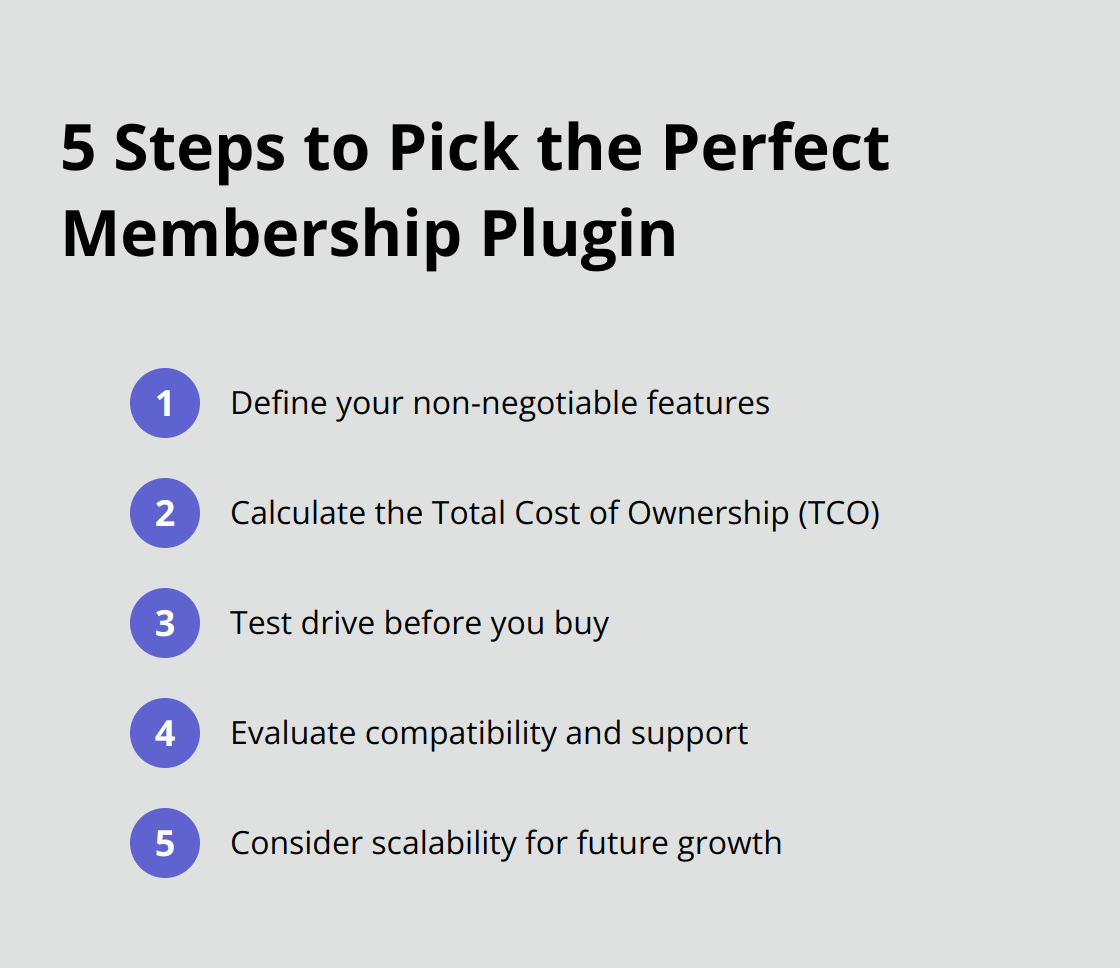
Define Your Non-Negotiables
Start by listing your must-have features. Do you need advanced content dripping? Do you require integration with specific payment gateways? Is robust analytics a priority? Write down your top three to five non-negotiable features. This list will guide your selection process.
A 2024 survey by WPBeginner found that 67% of successful membership site owners identified their core needs before choosing a plugin. This approach reduced plugin switches by 40% within the first year of operation.
Crunch the Numbers
Budget considerations are paramount. Don’t just look at the upfront cost. Calculate the Total Cost of Ownership (TCO) over a three-year period. Include factors like renewal fees, add-on costs, and potential developer fees for customizations.
A 2025 report by WordPress Economy revealed that sites using premium membership plugins saw an average revenue increase of 215% compared to those using free alternatives. This suggests that investing in a quality plugin can significantly boost your bottom line.
Test Drive Before You Buy
Most premium plugins offer demo versions or money-back guarantees. Take advantage of these offers to thoroughly test the plugin. Set up a staging site and run through your most common use cases. Pay special attention to the user interface both on the admin side and the member-facing side.
Kinsta’s 2025 WordPress Plugin Performance Report showed that 78% of site owners who tested plugins before purchase reported higher satisfaction levels and fewer performance issues post-implementation.
Evaluate Compatibility and Support
Check the plugin’s compatibility with your current WordPress setup (including theme and other plugins). A plugin that conflicts with your existing tools can cause headaches down the line.
Also, assess the quality of support offered. Look for plugins with active support forums, comprehensive documentation, and responsive customer service. (This can save you hours of troubleshooting in the future.)
Consider Scalability
Think about your long-term goals. Will the plugin grow with your site? Can it handle an increasing number of members? Does it offer features you might need in the future?
Try to choose a plugin that not only meets your current needs but also has the potential to support your site’s growth. (This foresight can prevent the need for a costly switch later on.)
Restrict Content Pro is a lightweight WordPress membership plugin that gives you all the features you need to create a full-featured membership site. It’s worth considering if you’re looking for a comprehensive solution.
Final Thoughts
The top WordPress membership plugins of 2025 offer unique features for different needs. MemberPress provides an all-in-one solution, while Restrict Content Pro balances simplicity and power. WooCommerce Memberships, LearnDash, and Paid Memberships Pro excel in their respective niches. Your choice will impact your site’s functionality, user experience, and revenue potential.
Essential features like seamless payments, content dripping, analytics, user-friendly interfaces, and member management form the backbone of successful membership platforms. These elements enhance user engagement and retention. Your selection should align with your specific needs, budget, and future goals to create a thriving membership community.
Pluginizer simplifies your WordPress experience with access to over 15,000 premium plugins and themes. This comprehensive platform streamlines asset management, ensures the latest updates, and provides robust support (allowing you to focus on growing your membership site). Leverage the right tools to drive your online business forward with top WordPress membership plugins.

