

Product reviews are the lifeblood of e-commerce success. They build trust, boost sales, and provide valuable feedback for your business.
At Pluginizer, we know that managing WooCommerce reviews effectively can be a game-changer for your online store. This guide will show you how to set up, customize, and leverage product reviews to maximize their impact on your bottom line.
How to Enable WooCommerce Product Reviews
Activating Product Reviews
To turn on product reviews in WooCommerce, follow these steps:
- Access your WordPress dashboard
- Navigate to WooCommerce > Settings
- Switch to the Products tab
- Scroll down to the Reviews section
- Select the “Enable product reviews” checkbox
This simple process allows customers to leave reviews on your product pages, which can significantly boost your store’s credibility and sales.
Customizing Review Settings
After enabling reviews, it’s time to fine-tune your settings:
- Stay in the Products tab
- Look for options to allow only verified owners to leave reviews
- Choose whether to enable star ratings
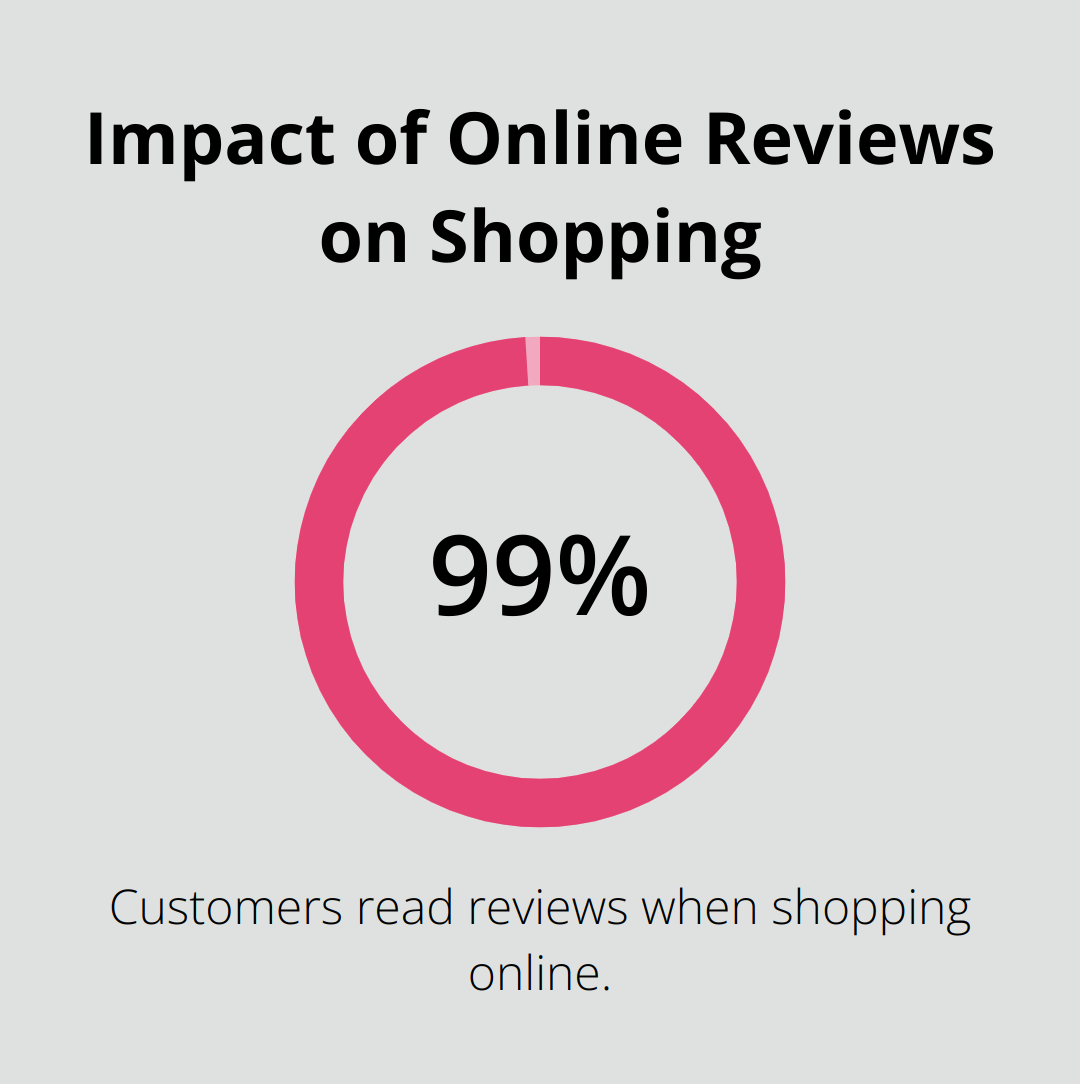
Allowing only verified owners to review products increases the trustworthiness of your feedback. Star ratings provide a quick visual reference for product quality. Over 99.9% of customers read reviews when they shop online, making this feature particularly valuable.
Setting Up Email Notifications
To stay informed about new reviews:
- Go to WooCommerce > Settings > Emails
- Find the “New review” option
- Ensure it’s enabled
- Customize the recipient email address, subject line, and email content
Pro tip: Set up a dedicated email address for review notifications (this keeps them separate from other business communications and helps you respond promptly).
Testing Your Review System
Before launching, test your review system thoroughly:
- Leave a test review on one of your products
- Check if the review appears correctly on the frontend
- Verify that you receive the email notification
This step helps you identify and fix any issues before your customers encounter them.
With these steps completed, you’ll have a robust review system in place. This system encourages customer feedback and builds trust in your WooCommerce store. Now, let’s explore effective strategies for managing and moderating these valuable product reviews.
How to Effectively Manage WooCommerce Reviews
Accessing Your Review Dashboard
To manage your WooCommerce reviews, go to your WordPress admin panel and navigate to Comments. WooCommerce offers a powerful set of features straight out of the box, including tools to manage customer feedback effectively.
Moderating Reviews: Approve, Edit, or Delete
When a new review arrives, you have three main options:
- Approve: Make genuine reviews that follow your guidelines visible on your site.
- Edit: Fix minor issues like typos or remove personal information when necessary.
- Delete: Remove spam or inappropriate content.
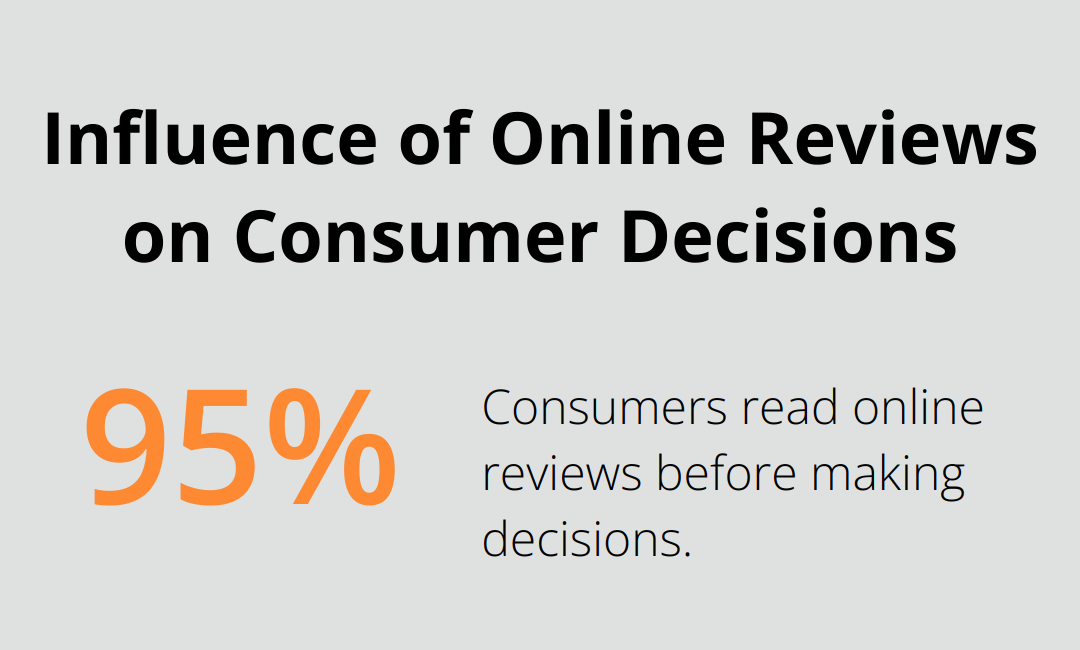
A recent study found that 95% of consumers read online reviews before making decisions. This statistic highlights the importance of maintaining an authentic review profile. Don’t remove all negative feedback – use it to showcase your customer service instead.
Responding to Customer Reviews
Engaging with reviewers builds customer relationships and demonstrates your commitment to service. Here are some tips for effective responses:
- Reply quickly: Try to respond within 24-48 hours to show you value customer feedback.
- Personalize your message: Use the reviewer’s name and reference specific points from their review.
- Maintain professionalism: Keep a polite and constructive tone, even when faced with negative feedback.
- Provide solutions: For negative reviews, offer a clear path to resolution (e.g., a refund or replacement).
Leveraging Review Analytics
Many WooCommerce review plugins offer analytics features. Use these tools to:
- Track trends in your reviews
- Identify common issues
- Spot opportunities for product or service improvements
This data-driven approach helps you make informed decisions about your business.
Streamlining Your Review Management Process
Efficient review management is not just about damage control – it’s an opportunity to showcase your commitment to customer satisfaction and continuously improve your offerings. Implementing these strategies will help you build a trustworthy and appealing online presence.
As you master the art of managing WooCommerce reviews, you’ll want to focus on encouraging more customers to leave feedback. Let’s explore effective strategies to boost your review count and enhance your store’s credibility.
How to Boost Your WooCommerce Review Count
Automate Your Review Requests
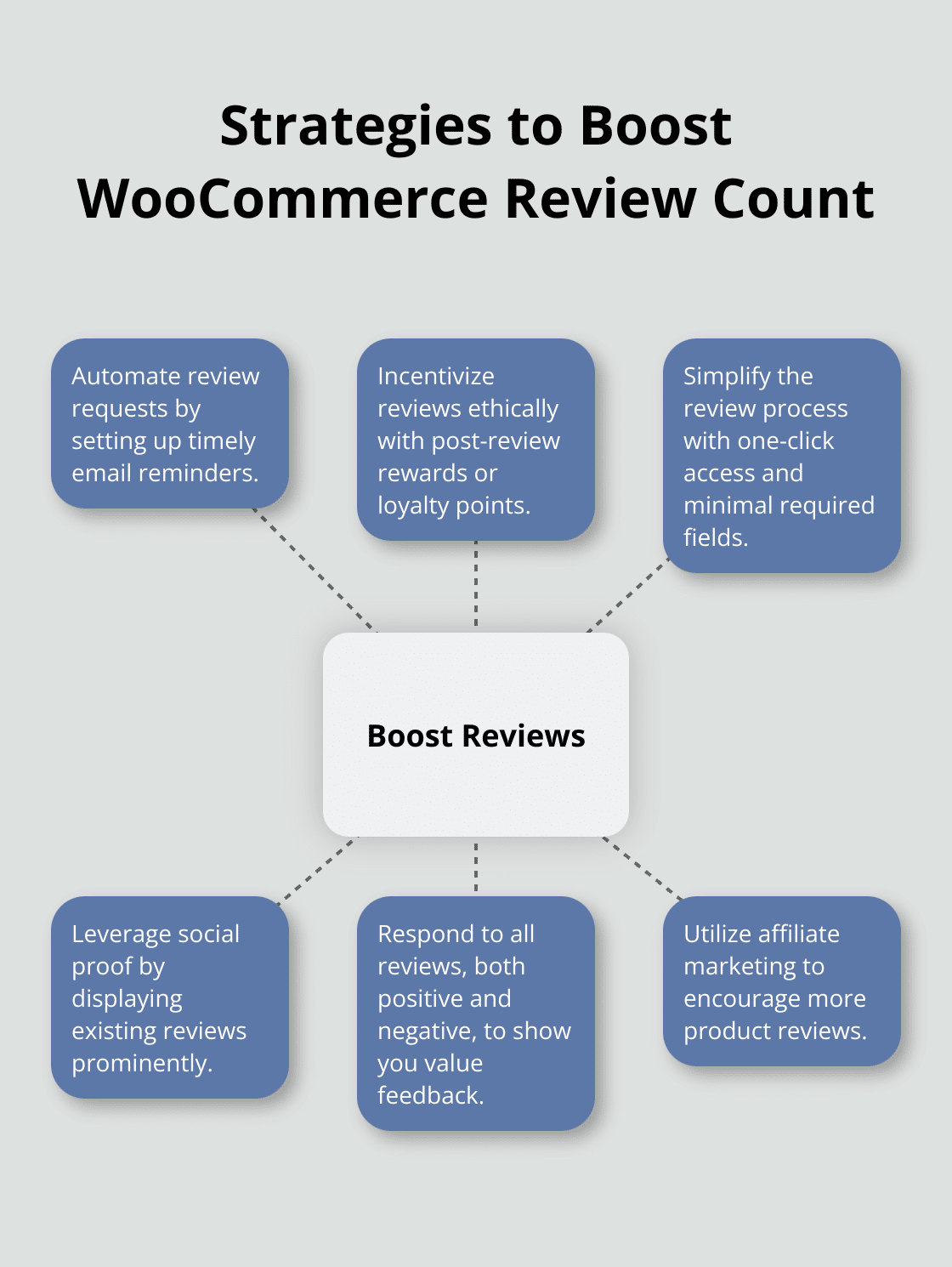
Implementing automated review request emails can transform your online business. Set up a system that sends an email to customers a few days after their purchase, asking for their feedback. Here’s how to make your automated emails effective:
- Time it right: Send the request 3-5 days after delivery for physical products, or 1-2 days after purchase for digital goods.
- Personalize the message: Include the customer’s name and the specific product they bought.
- Keep it short: Make the email concise and include a direct link to leave a review.
- Send a follow-up: If there’s no response, send a gentle reminder after a week.
Incentivize Reviews Ethically
Offering incentives can significantly boost your review count. Here are some effective approaches:
- Post-review rewards: Offer a discount on the next purchase after a review submission.
- Loyalty points: Integrate a points system where customers earn points for leaving reviews.
- Exclusive content: Provide access to special content or early product releases for reviewers.
Never offer incentives for positive reviews only – this practice is unethical and can damage your reputation.
Simplify the Review Process
A complicated review submission process can deter customers from leaving feedback. Here’s how to streamline it:
- One-click access: Include a direct link to the review form in your follow-up emails.
- Minimize required fields: Ask for essential information only.
- Allow photo/video uploads: Make it easy for customers to share visual feedback.
- Enable social login: Let customers use their social media accounts to leave reviews quickly.
Leverage Social Proof
Use existing reviews to encourage more feedback. Display your best reviews prominently on your site. You can also share positive reviews on social media platforms to showcase customer satisfaction and prompt others to share their experiences. To enable this feature in WooCommerce, go to WooCommerce > Settings within the WordPress dashboard, navigate to the Products tab, and scroll down to the Reviews section.
Respond to All Reviews
Make it a practice to respond to all reviews, both positive and negative. This shows potential reviewers that you value customer feedback. When you respond to negative reviews professionally and offer solutions, you demonstrate excellent customer service (which can encourage others to leave reviews, even if they had a less-than-perfect experience).
Utilize Affiliate Marketing
Consider implementing affiliate marketing plugins to help boost your review count. These tools can incentivize affiliates to encourage their audience to leave reviews on your products, potentially increasing your overall review numbers.
Final Thoughts
WooCommerce reviews play a vital role in the success of your online store. They build trust, influence purchasing decisions, and provide valuable insights for your business. Active management of reviews demonstrates your commitment to customer satisfaction and can significantly boost your store’s credibility and sales.
Encouraging more reviews through automated emails and ethical incentives increases your product visibility. It also generates user-generated content that can sway potential buyers. The key lies in simplifying the review submission process and responding promptly to both positive and negative feedback.
Pluginizer offers an extensive library of premium plugins and themes to enhance your WooCommerce experience. With access to over 15,000 assets, you can find tools to optimize your review system and overall store performance (including review management plugins). Regular monitoring and utilization of customer feedback will propel your WooCommerce store to new heights of success.

