

WooCommerce Business to Business (B2B) sales require a different approach than traditional retail. At Pluginizer, we understand the unique challenges businesses face when selling to other companies.
This guide will walk you through the essential steps to set up WooCommerce for B2B sales, from customizing your store to implementing specialized features. We’ll also share tips to optimize the B2B customer experience and streamline your operations.
How to Customize WooCommerce for B2B Sales
Install B2B-Specific Plugins
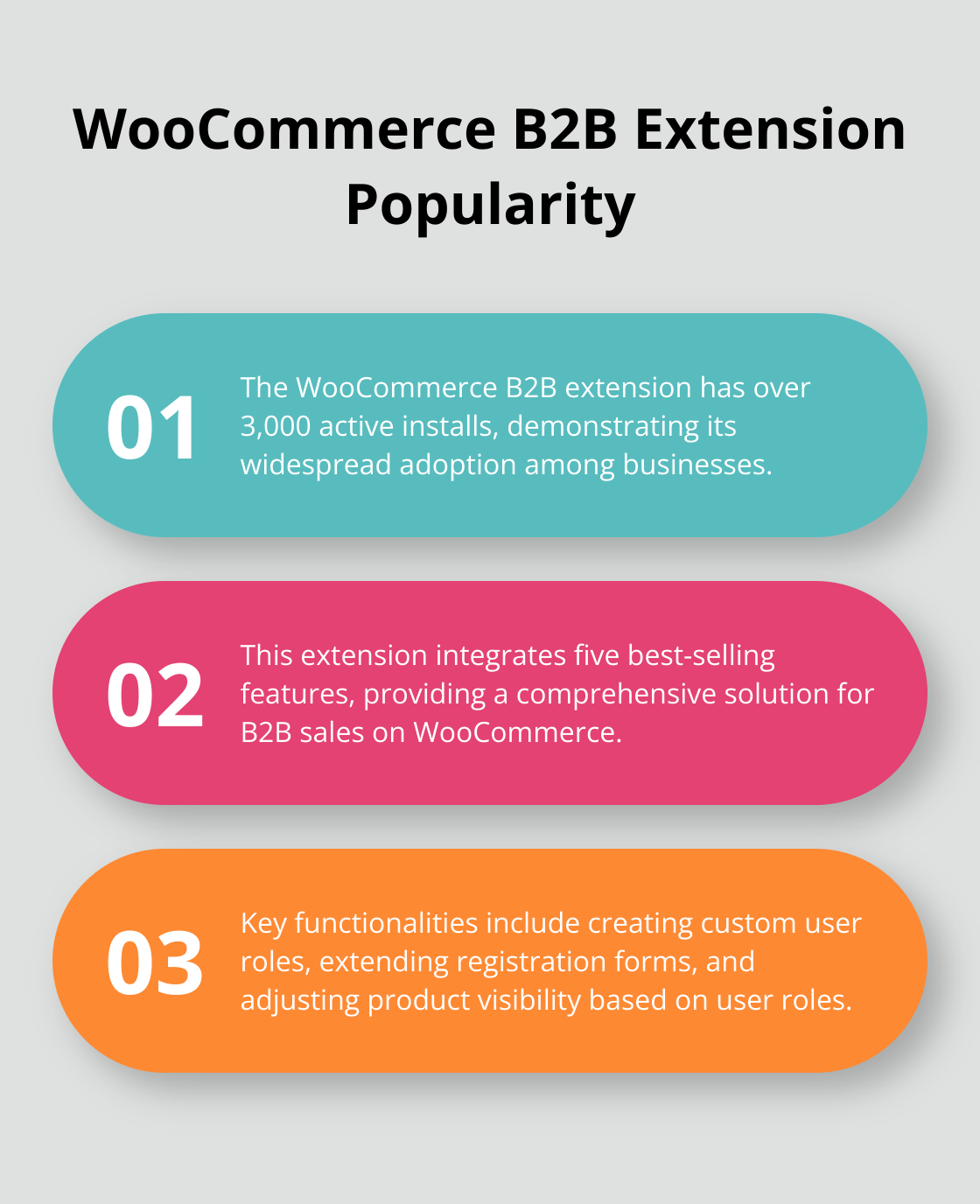
To kickstart your B2B sales journey, install plugins tailored for business transactions. The WooCommerce B2B extension stands out as a popular choice (with over 3,000 active installs). This comprehensive solution integrates five best-selling extensions, enabling you to create custom user roles, extend registration forms, and adjust product visibility based on user roles.
Set Up Bulk Pricing and Quantity Discounts
Implement a tiered pricing structure to encourage larger orders. In B2B, bulk pricing and volume discounts shape buying behavior. Use plugins like Dynamic Pricing & Discounts to automate volume-based discounts. For example, offer a 5% discount for orders over $1,000, 10% for orders over $5,000, and so on.
Configure Custom User Roles and Permissions
Create specific roles for different B2B customer types to offer personalized pricing, payment terms, and product access. Consider roles such as “Wholesale Buyer,” “Distributor,” and “Retailer,” each with unique permissions and pricing tiers.
The User Role Editor plugin allows you to fine-tune permissions. Restrict access to certain pages, hide retail prices, or display special B2B-only products based on user roles. This level of customization ensures that each B2B customer sees only what’s relevant to their business relationship with you.
Implement Role-Based Pricing
Set different prices for the same product based on customer roles. This flexibility allows you to offer competitive rates to wholesalers while maintaining higher prices for retail customers. Some plugins (like B2BKing) even allow you to apply percentage discounts across all products, making it easy to offer a blanket 10% discount to B2B buyers.
Customize Registration Forms
Create tailored registration forms for B2B customers. Include fields that capture essential business information (such as tax ID, company size, or industry). This data helps you better understand your B2B clientele and tailor your offerings accordingly.
As we move forward, let’s explore how to implement B2B-specific features that will set your WooCommerce store apart from the competition and cater to the unique needs of your business customers. This step-by-step guide digs into WooCommerce B2B store setup and CRM integration capabilities for true management & operational efficiency. Consider using customizable email templates to enhance your communication with B2B clients, allowing you to create branded messages that resonate with your target audience.
Elevating Your B2B Store with Advanced Features
Creating a Private B2B Storefront
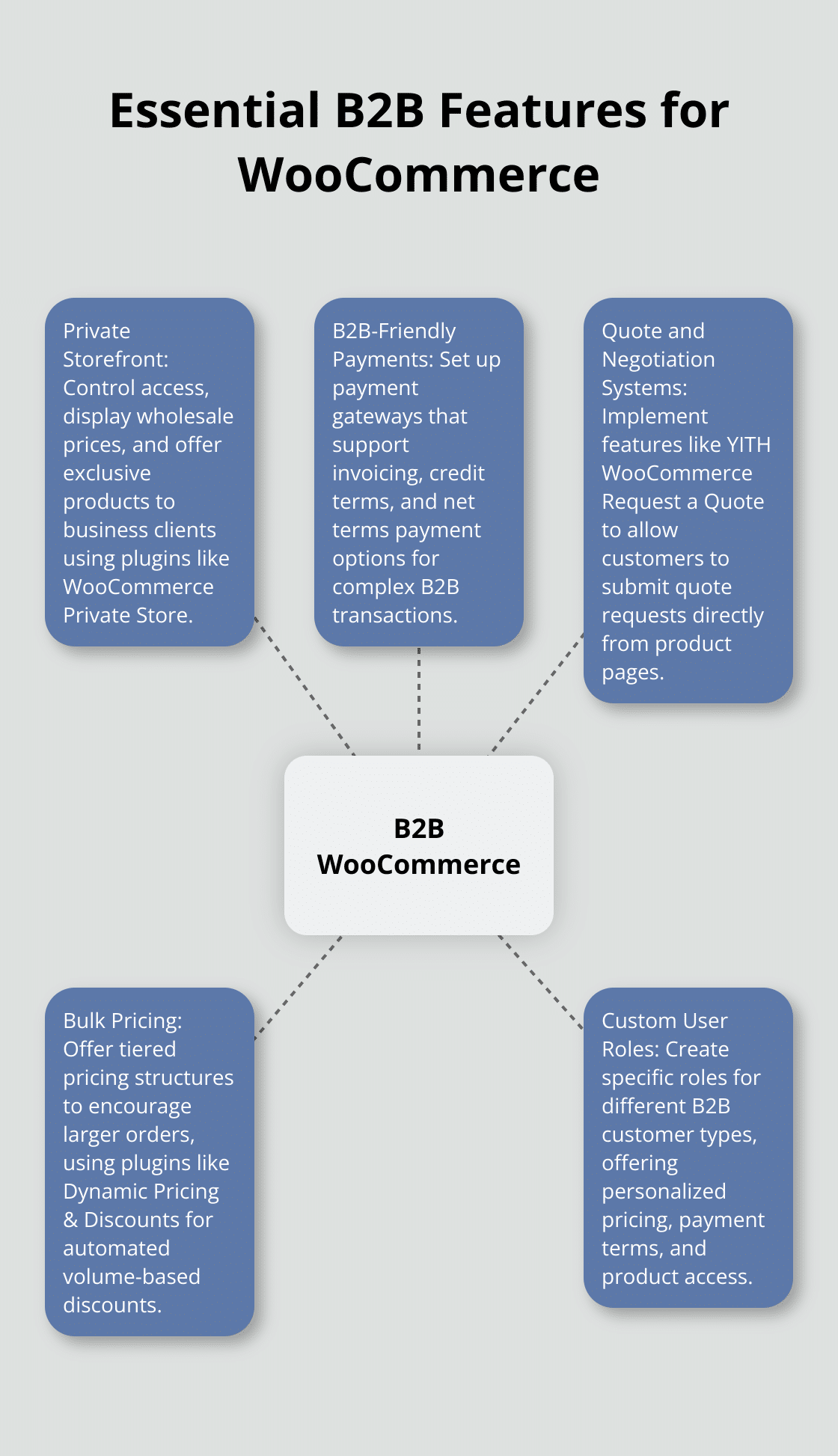
A private storefront controls access, displays wholesale prices, and offers exclusive products to business clients. WooCommerce Private Store allows you to completely hide your WooCommerce store from the public and unlock it for logged-in users or with a secret password. This ensures that only registered B2B customers can view and purchase your wholesale offerings.
To enhance exclusivity, implement a members-only area. MemberPress integrates seamlessly with WooCommerce and creates a private space to host resources like product catalogs, pricing sheets, and order history (providing added value to your B2B clients).
Setting Up B2B-Friendly Payment Options
B2B transactions often involve different payment terms than B2C sales. Set up payment gateways that support invoicing and credit terms. WooCommerce PDF Invoices & Packing Slips generates professional invoices automatically.
For complex payment arrangements, implement a net terms payment gateway. This allows you to offer credit terms to trusted B2B customers, such as Net 30 or Net 60. WooCommerce Net Terms Payment Gateway manages credit limits and payment due dates efficiently.
Implementing Quote and Negotiation Systems
B2B sales often require custom quotes and price negotiations. YITH WooCommerce Request a Quote allows customers to submit quote requests directly from your product pages. This feature streamlines complex orders or when pricing may vary based on quantity or customer-specific agreements.
To facilitate personalized negotiations, add WooCommerce Name Your Price. This plugin allows customers to suggest their own prices. Combine this with a live chat solution (like LiveChat for WooCommerce) to enable real-time discussions about pricing and terms.
These B2B-specific features create a tailored and efficient experience for your business customers. The next section will explore how to optimize the B2B customer experience, ensuring your WooCommerce store not only meets but exceeds the expectations of your business clients.
How to Optimize the B2B Customer Experience in WooCommerce
Streamline the Checkout Process
B2B buyers often place large, complex orders that require a different checkout flow compared to retail customers. Implement a one-page checkout solution to accommodate this need. The WooCommerce One Page Checkout extension creates a streamlined process where customers view their cart, enter shipping details, and complete payment all on a single page. This approach reduces friction and speeds up the ordering process for busy business buyers.
Offer flexible payment options to cater to B2B transactions. Many business deals involve purchase orders or invoicing rather than immediate payment. The WooCommerce Purchase Order Gateway plugin adds a field to the checkout screen where customers can enter their purchase order number (particularly useful for government or large corporate clients with specific procurement processes).
Personalize Product Catalogs and Pricing
Personalization plays a key role in B2B sales. Each business customer may have negotiated rates or access to specific product lines. Use the WooCommerce Product Visibility plugin to create customer-specific catalogs, showing or hiding products based on user roles or individual accounts. This ensures that each B2B client sees only the products and prices relevant to their agreement with you.
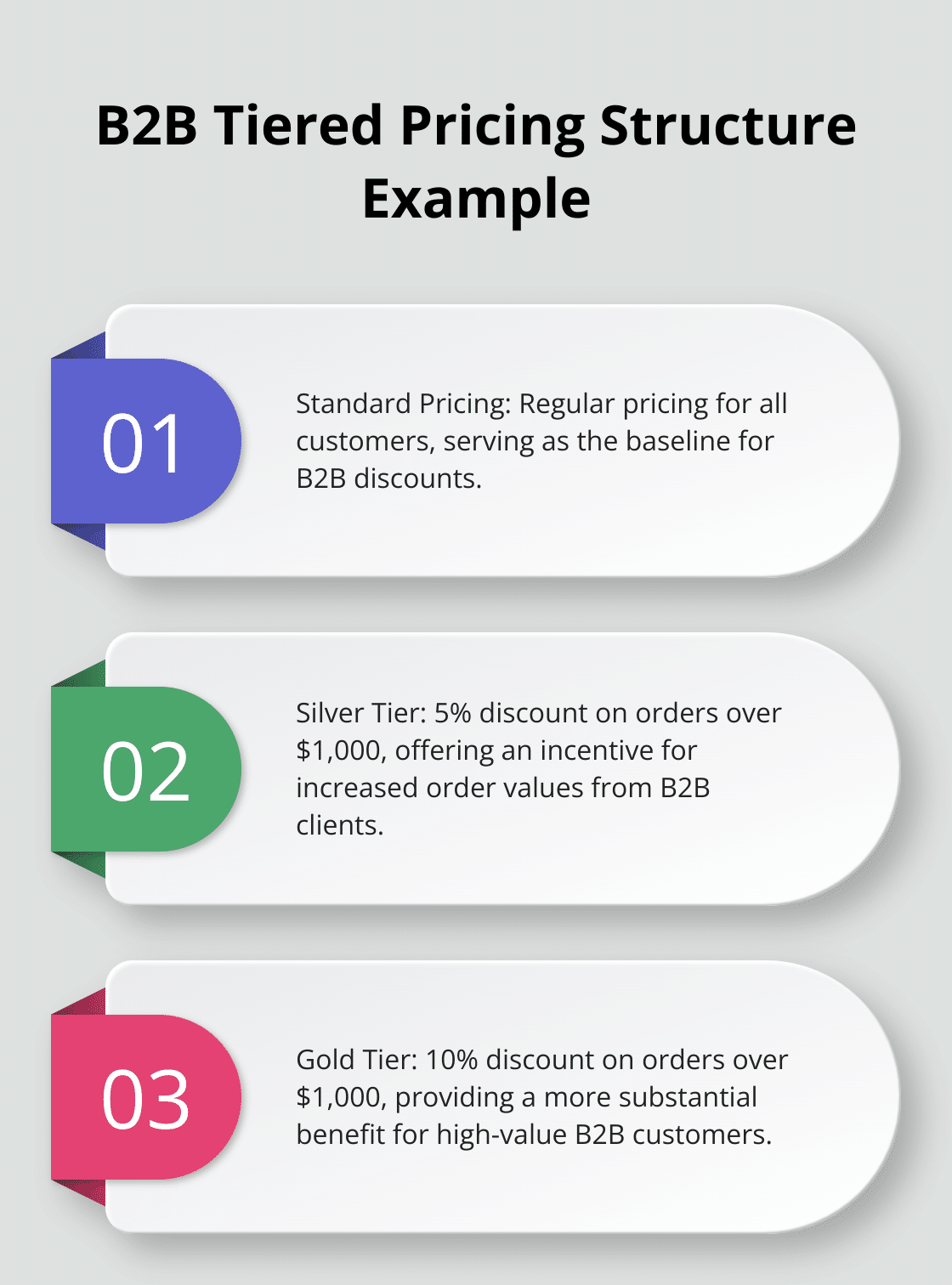
For dynamic pricing, try the Advanced Dynamic Pricing for WooCommerce plugin. It offers powerful capabilities to set up complex pricing rules based on user roles, purchase history, or order quantities. For example, you might offer a 5% discount on orders over $1000 for ‘Silver’ tier customers, and a 10% discount for ‘Gold’ tier customers.
Implement Efficient Order Management
B2B orders often involve larger quantities and more complex fulfillment requirements. The WooCommerce Order Management plugin provides a comprehensive solution for handling B2B orders efficiently. It offers features like partial shipments, backorder management, and automated order status updates.
To enhance order tracking, integrate a dedicated shipment tracking solution. The WooCommerce Shipment Tracking plugin allows you to add tracking numbers to orders and automatically send notifications to customers when their order status changes. This level of transparency provides value for B2B clients who need to plan inventory and manage their own customer expectations.
These optimizations will significantly improve the B2B customer experience on your WooCommerce store. The key lies in reducing friction, increasing efficiency, and providing the level of control and information that business buyers expect. Custom pricing and discounts can be set for specific customers or groups, allowing for flexible pricing strategies. Additionally, customizable email templates can help tailor your messages to suit your brand and target audience, enhancing communication with your B2B clients.
Final Thoughts
Setting up WooCommerce for business-to-business sales requires careful planning and implementation. We’ve covered essential steps to transform your online store into a B2B powerhouse. Each element plays a vital role in crafting a tailored experience for your business clients.
Optimizing your WooCommerce B2B store is an ongoing process. You should regularly gather feedback from your business customers to identify areas for improvement. Their insights can guide you in refining your pricing strategies, streamlining the ordering process, and enhancing overall user experience.
As you start your WooCommerce business-to-business journey, consider leveraging Pluginizer to access premium plugins that can elevate your B2B operations. Pluginizer offers WordPress users unlimited access to over 15,000 premium plugins and themes for a one-time subscription fee. This comprehensive solution can significantly reduce costs associated with individual plugin purchases while ensuring you have the latest tools to optimize your B2B store.

