

WordPress design plugins transform ordinary websites into professional, visually stunning platforms. The right combination of page builders, customization tools, and performance optimizers can dramatically improve both aesthetics and functionality.
We at Pluginizer have tested dozens of WordPress design plugins to identify the most effective solutions. This guide covers the essential plugins that deliver exceptional results without compromising site speed or user experience.
Essential WordPress Page Builder Plugins
Elementor Pro Advanced Features and Capabilities
Elementor Pro dominates the WordPress page builder market with over 5 million active installations and provides the most comprehensive design toolkit available. The plugin offers 300+ professional templates, advanced theme builder functionality, and popup creation tools that eliminate the need for separate plugins.
Elementor’s live visual editor processes changes instantly and allows real-time design adjustments without page refreshes. The plugin’s WooCommerce builder creates custom product pages with enhanced customization capabilities. Advanced features include custom CSS integration, role-based access controls, and dynamic content capabilities that pull data from custom fields automatically.
Divi Builder Flexibility and Design Options
Divi Builder takes a different approach with its modular design system and 2,000+ pre-built layouts that cover every industry niche. The plugin’s built-in A/B testing functionality tracks conversion rates directly within the dashboard and helps optimize landing pages without external tools.
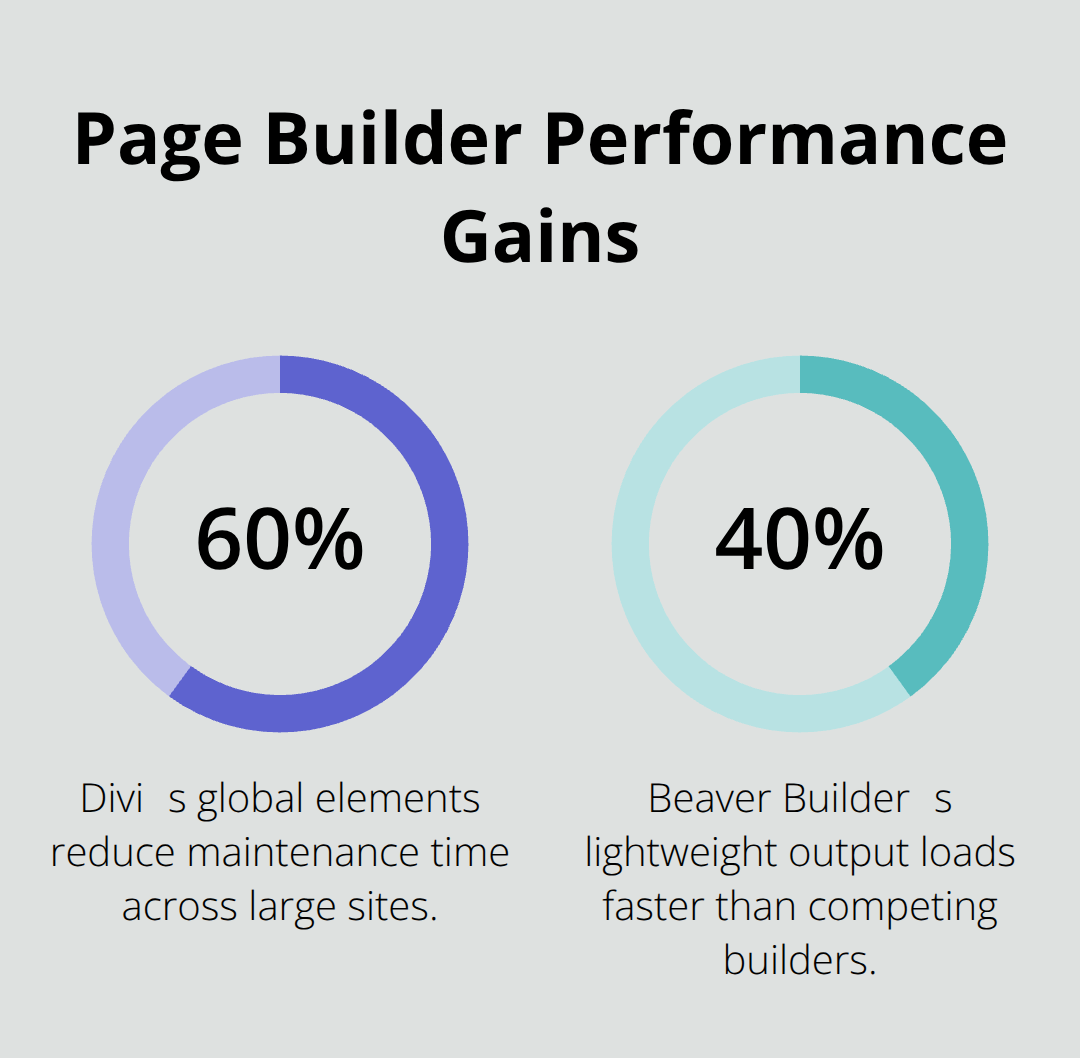
Divi’s global elements feature updates design changes across multiple pages simultaneously and reduces maintenance time by 60% for large websites. The visual builder interface provides granular control over every design element while maintaining clean code output that search engines favor.
Beaver Builder User-Friendly Interface and Performance
Beaver Builder prioritizes clean code output and generates lightweight HTML that loads 40% faster than competing builders. The plugin maintains compatibility with virtually every WordPress theme and produces SEO-friendly markup that performs well in search rankings.
Beaver Builder’s template club provides 75+ professionally designed layouts updated monthly, while its white-label options allow agencies to customize the interface with their own branding. The plugin’s stability makes it particularly popular among developers who need reliable performance across client sites (especially for long-term maintenance contracts).
These page builders form the foundation of professional WordPress design, but effective customization requires additional tools that work seamlessly with your chosen builder. Consider exploring essential free WordPress plugins to enhance your site’s functionality beyond basic page building capabilities.
WordPress Theme Customization Plugins
Customizer Framework Enhanced Controls
Page builders handle layout creation effectively, but WordPress theme customization plugins provide the granular control needed for brand-specific design elements. The WordPress Customizer API supports over 40 different control types, yet most themes only utilize basic color and typography options. Advanced customization frameworks like Kirki expand these capabilities dramatically and offer Google Fonts integration with 800+ font families plus advanced typography controls that rival premium design software.
Customizer frameworks generate clean CSS output that loads faster than inline styles from page builders. These frameworks create structured code that browsers process more efficiently than scattered inline declarations.
Theme Options Panels for Advanced Settings
Redux Framework provides structured settings management with conditional logic, import/export functionality, and developer-friendly APIs that agencies use for client handoffs. The framework handles complex option dependencies automatically and creates intuitive admin interfaces that non-technical users can navigate confidently.
Theme options panels maintain consistency across large websites where multiple team members make design changes. These tools prevent conflicting styles and preserve brand guidelines through centralized control systems (particularly valuable for enterprise websites with strict design standards).
Visual Customization Tools for Real-Time Editing
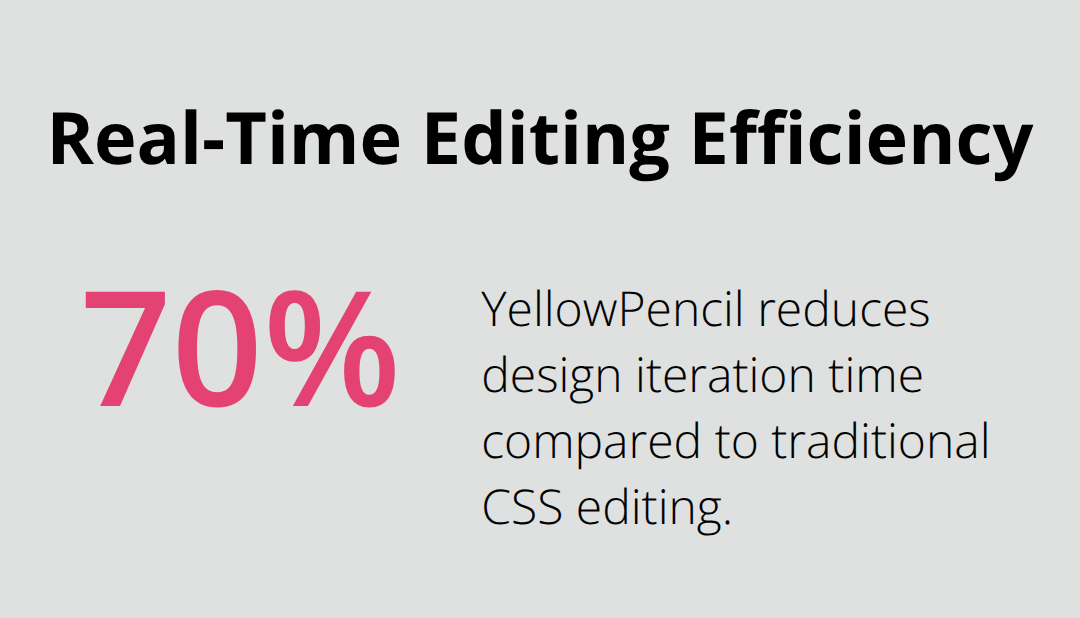
YellowPencil takes real-time editing further with its visual CSS editor and allows direct manipulation of any website element without touching code. This approach reduces design iteration time by 70% compared to traditional CSS editing workflows. The plugin’s point-and-click interface identifies specific elements instantly and applies changes that persist across theme updates.
Visual customization tools complement page builders through site-wide design consistency, custom post type styling, and advanced responsive breakpoint management that standard builders cannot address effectively. These specialized plugins handle the technical aspects of theme customization while maintaining the performance benefits that professional websites require. For developers working with specific themes, tools like the Kadence Child Theme Builder provide streamlined workflows for creating and managing child themes with extensive customization options.
Performance-Optimized Design Plugins
Beautiful WordPress designs mean nothing if they load slowly. Google’s Core Web Vitals update has introduced new ranking signals that affect site performance, which makes performance optimization non-negotiable for modern websites. Design-heavy sites typically load 3-4 times slower than basic WordPress installations, but the right performance plugins can reduce load times by 60-80% while they maintain visual appeal.
Image Optimization Reduces Load Times Dramatically
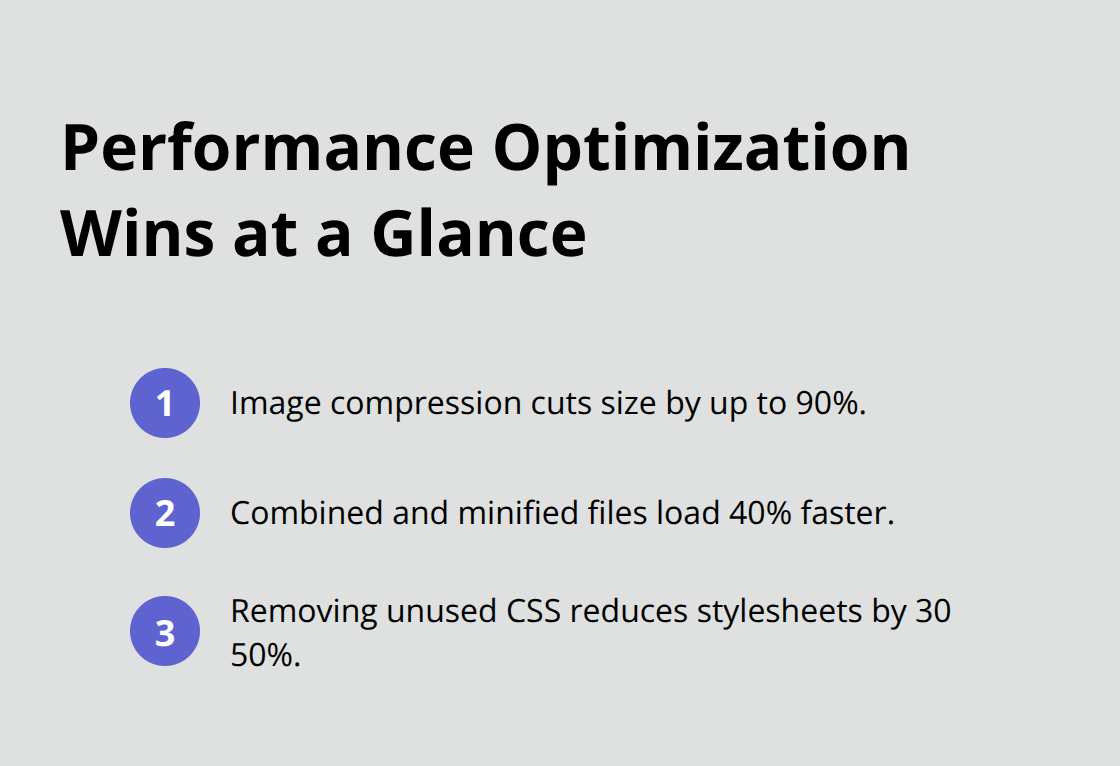
Images account for a significant portion of total page weight on design-rich WordPress sites. Imagify compresses images by up to 90% while it preserves visual quality through advanced algorithms that outperform basic WordPress compression. The plugin converts images to WebP format automatically, which Google PageSpeed Insights specifically recommends for improved search rankings.
Smush handles bulk optimization for existing media libraries and processes over 50 images per batch, which makes it ideal for websites with extensive galleries or portfolios. These optimization tools can cut initial page load times in half on image-heavy designs.
CSS and JavaScript Minification Removes Code Bloat
WordPress themes and plugins generate excessive CSS and JavaScript files that browsers must download separately. WP Rocket combines and minifies these files into single, compressed versions that load 40% faster than unoptimized code. The plugin removes unused CSS automatically, which typically reduces stylesheet sizes by 30-50% on sites that use multiple plugins.
Autoptimize provides granular control over script optimization and allows developers to exclude specific files that may conflict with certain themes or plugins. This approach prevents compatibility issues while it maintains performance gains.
Advanced Caching Systems Deliver Lightning-Fast Speeds
WP Rocket generates static HTML versions of dynamic WordPress pages and serves them instantly to visitors without database queries. This approach reduces server response times from 800-1200ms to under 200ms on properly configured environments (particularly beneficial for complex design-heavy sites).
The plugin’s lazy load feature defers image load until users scroll to them, which reduces initial page weight by 40-60% on image-heavy designs. Object caching through Redis or Memcached accelerates database queries by storing frequently accessed data in server memory, which provides additional speed improvements for websites with extensive customization requirements.
Final Thoughts
WordPress design plugins work best when you combine them strategically rather than install them individually. Page builders like Elementor Pro and Divi Builder provide comprehensive design capabilities, while specialized customization tools handle brand-specific requirements that standard builders cannot address. Performance optimization remains essential for modern websites, and image compression plugins like Imagify prevent design-heavy sites from sacrificing speed for visual appeal.
Budget-conscious developers and agencies face significant costs when they purchase multiple premium plugins across client projects. Pluginizer addresses this challenge by providing unlimited access to premium plugins and themes through a single subscription. This approach eliminates individual plugin purchases while maintaining GPL licensing for unlimited site usage.
Focus on plugins that complement each other and avoid feature overlap that creates unnecessary bloat. Test plugins on staging environments before live deployment to prevent compatibility issues and maintain site stability (particularly important for client websites). Regular updates and monitoring maintain both security and performance as your website grows.

