

Choosing the right WordPress plugins can make or break your website’s functionality and performance. At Pluginizer, we understand the challenges of finding and buying WordPress plugins that meet your specific needs.
This comprehensive guide will walk you through the process of identifying your website’s requirements, researching plugin options, and comparing different purchasing methods. We’ll help you make informed decisions when you buy WordPress plugins for your site.
What Does Your Website Need?
Evaluate Your Current Website
Take a close look at your existing WordPress site. What functionalities do you already have? Are there any pain points or areas where your site falls short? Make a list of these observations. You might notice that your contact form isn’t mobile-friendly or that your site lacks proper SEO optimization.
Identify Missing Features
Consider what features you want to add to enhance your website’s performance and user experience. Do you need to improve your site’s security? Are better analytics tools necessary? Perhaps you want to add e-commerce capabilities or create a membership area. Be specific about what you’re trying to achieve.
Set Clear Goals
Establish clear, measurable goals for your website. Do you want to increase your conversion rate by 20% in the next six months? Do you aim to reduce your page load time to under 2 seconds? Having concrete objectives will help you choose plugins that align with your goals.
Consider Your Budget
Your budget plays a key role in plugin selection. While many free plugins exist, premium options often offer more features and better support. The cost of a WordPress website can range from a few hundred dollars to several thousand, depending on your needs. Consider whether you prefer one-time purchases or subscription-based services (like Pluginizer, which offers access to over 15,000 premium WordPress themes for a single fee).
Think Long-Term
When you select plugins, consider your website’s future needs. Will the plugins you choose today still be relevant as your site grows? Look for scalable solutions that can adapt to your evolving requirements. For instance, if you plan to expand internationally, you might want to prioritize plugins that support multilingual functionality or integrate APIs with WooCommerce for global e-commerce capabilities.
As you move forward in your plugin selection process, it’s important to research and evaluate your options thoroughly. Let’s explore how to effectively navigate the vast world of WordPress plugins in the next section.
How to Research and Evaluate WordPress Plugins
Utilize the WordPress Plugin Directory
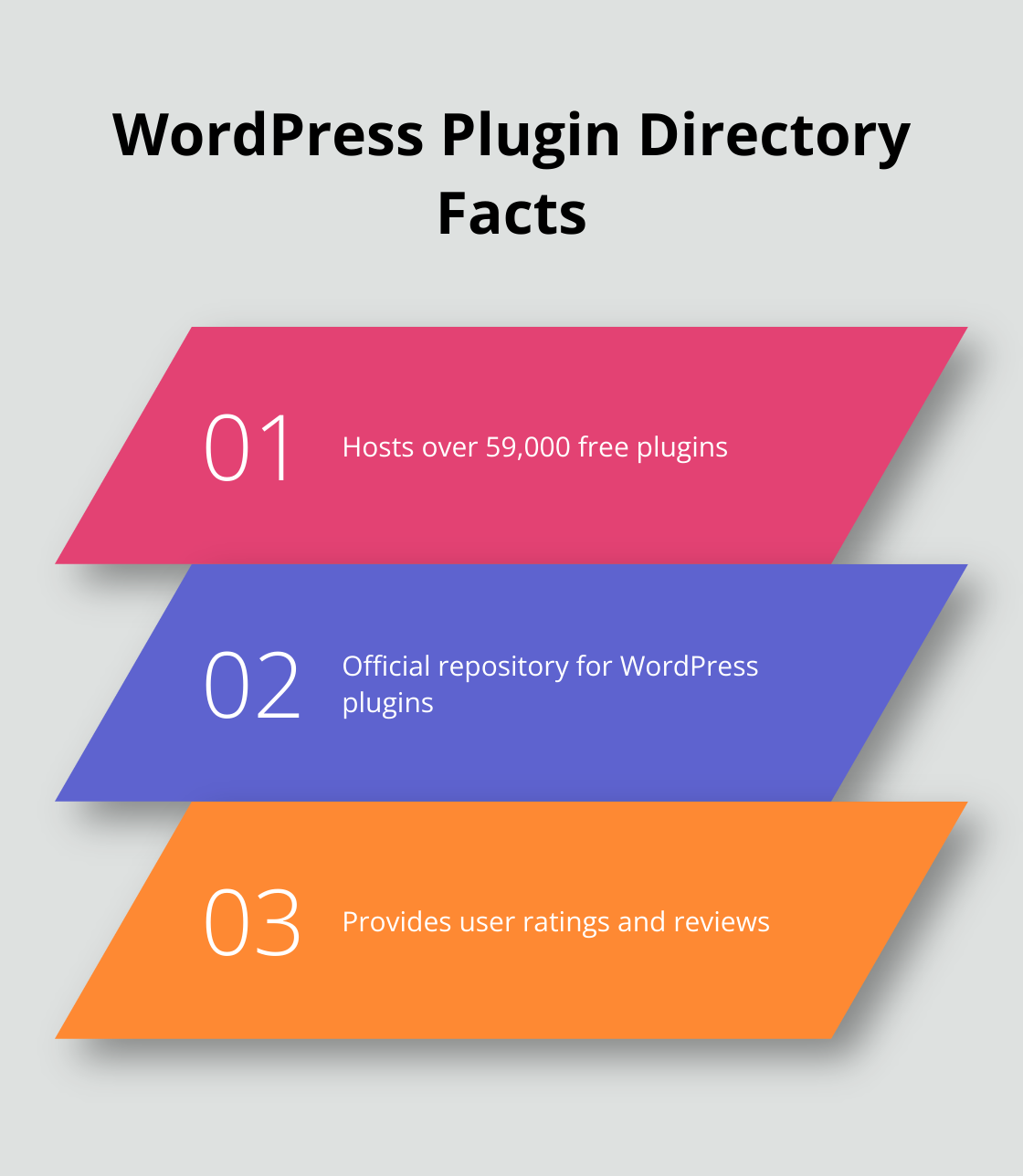
The WordPress Plugin Directory hosts over 59,000 free plugins. This official repository should be your first stop for plugin research. Use the search function to find plugins that match your needs. Pay attention to the number of active installations-plugins with high user counts often indicate reliability and popularity.
Analyze User Reviews and Ratings
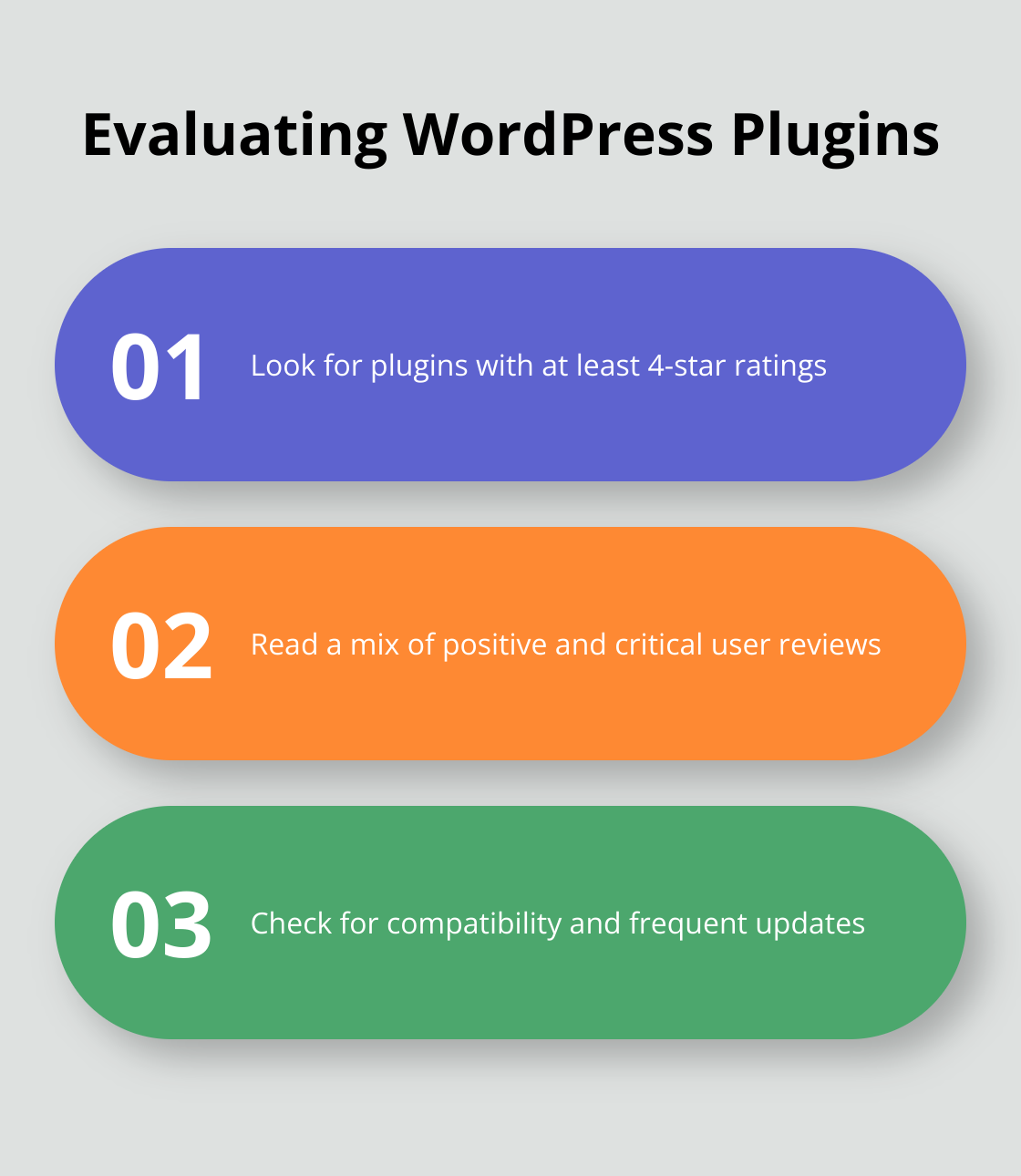
User feedback provides valuable insights when evaluating plugins. Look for plugins with a rating of at least 4 stars and read through recent reviews. Focus on comments about plugin performance, ease of use, and potential conflicts with other plugins or themes. Read a mix of positive and critical feedback to get a balanced view (even highly-rated plugins may have negative reviews).
Check Compatibility and Update Frequency
Always verify if a plugin is compatible with your version of WordPress. This information typically appears in the plugin details. Look at the last update date as well. Plugins without updates for over a year may pose security risks or compatibility issues. Frequent updates indicate active development and maintenance.
Evaluate Developer Support and Documentation
Quality support can significantly impact your experience with a plugin. Check if the developer responds promptly to support tickets in the plugin’s forum. Look for comprehensive documentation, including setup guides and FAQs. Some developers offer premium support options, which you might consider for mission-critical plugins.
Explore Premium Options
While the WordPress Plugin Directory offers excellent free plugins, don’t overlook premium options. Marketplaces like CodeCanyon provide a wide range of premium plugins with additional features and dedicated support. For a cost-effective solution, services like Pluginizer offer access to over 15,000 premium plugins and themes for a one-time payment (potentially saving you money in the long run).
When you evaluate plugins, consider your specific needs and long-term goals. A plugin that works well for a small blog might not suit a large e-commerce site. Test plugins thoroughly on a staging site before implementing them on your live website. This approach allows you to assess performance impact and potential conflicts without risking your production environment. Now that you know how to choose WordPress plugins effectively, let’s explore the various options for purchasing WordPress plugins in the next section.
How to Choose the Best Plugin Purchasing Option
Individual Plugin Purchases
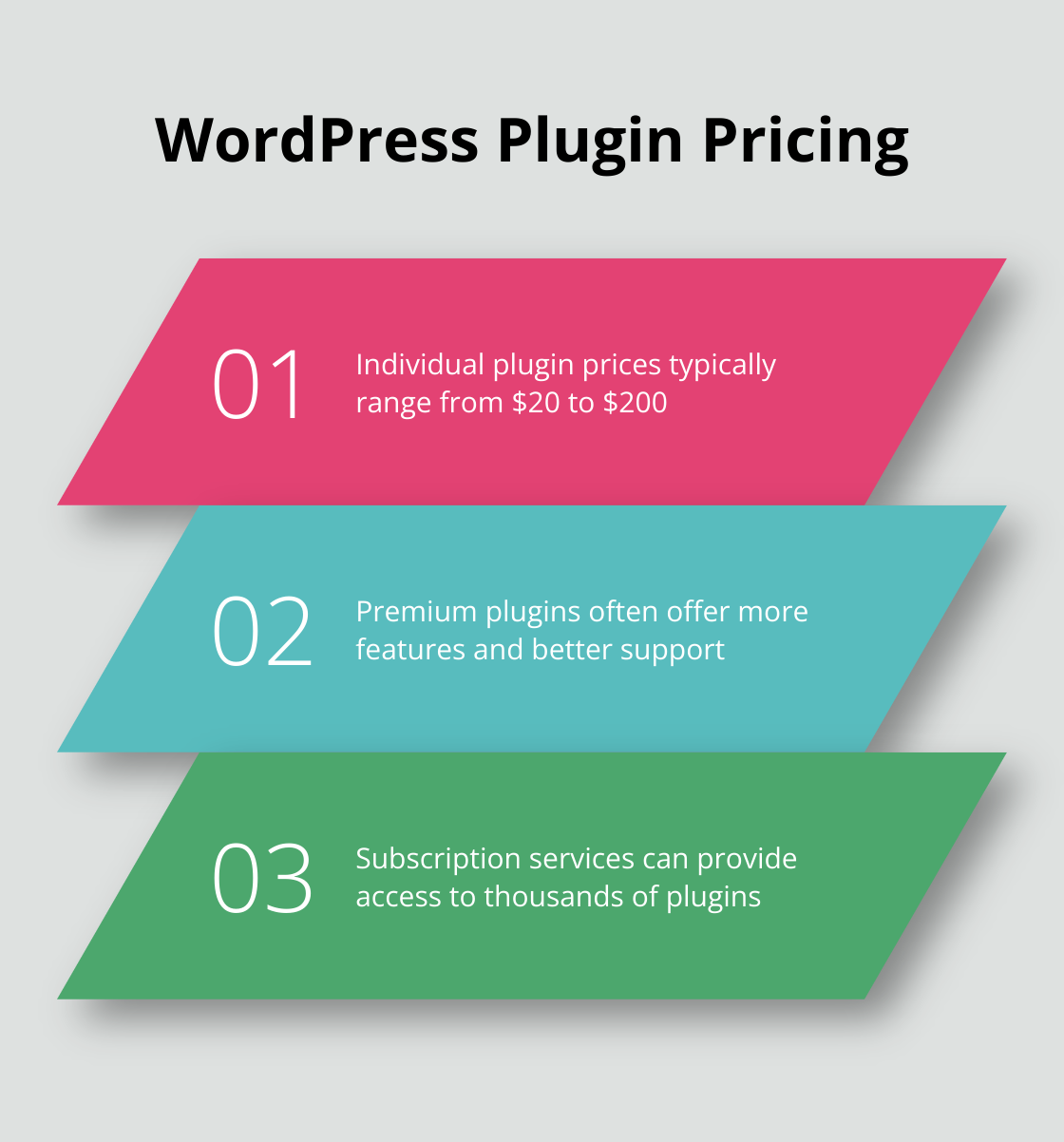
Buying plugins individually offers flexibility to select exactly what you need. You can purchase from the plugin’s official website or through marketplaces like CodeCanyon. Prices typically range from $20 to $200 per plugin (depending on features and complexity).
This option works well if you only need a few specific plugins. However, costs can quickly add up if you require multiple premium plugins. Additionally, you’ll need to manage licenses and updates for each plugin separately, which can become time-consuming as your plugin collection grows.
Plugin Bundles and Marketplaces
Some developers offer plugin bundles, which can provide a cost-effective solution if you need multiple plugins from the same creator. For example, some page builder developers offer bundles of their core product and several add-ons for a single price, which costs less than buying each plugin separately.
Marketplaces provide a wide selection of plugins from various developers. They often run sales and promotions, allowing you to purchase premium plugins at discounted prices. However, the quality can vary, so it’s crucial to research each plugin thoroughly before purchasing.
Subscription-Based Services
Subscription services offer access to a large library of premium plugins and themes for a single fee. This approach can prove highly cost-effective, especially for developers or agencies managing multiple websites.
Some subscription services (like Pluginizer) provide access to thousands of premium plugins and themes for a one-time payment. This can result in significant savings compared to individual purchases, especially if you need multiple premium plugins across different projects.
Subscription services also simplify license management and updates, as everything is handled through a single platform. This can save you considerable time and effort in the long run.
Choosing the Right Option
When selecting between these options, consider your specific needs, budget, and long-term plans. If you only need one or two plugins, individual purchases might suit you best. For those requiring multiple premium plugins or managing several websites, a subscription service could offer the best value and convenience.
Factor in not just the upfront costs, but also the time and effort required for ongoing management. Sometimes, paying more upfront can lead to significant savings in both money and time over the long term.
Final Thoughts
Selecting the right WordPress plugins requires careful assessment of your site’s needs and thorough research of available options. You must consider compatibility, support, and long-term value when you evaluate plugins. Regular updates and monitoring of your plugins will ensure security and optimal performance for your WordPress site.
Pluginizer offers a streamlined solution for plugin acquisition and management. With access to over 15,000 premium plugins and themes for a one-time fee, it simplifies asset management and provides continuous updates. This option can potentially reduce costs compared to individual plugin purchases.
When you buy WordPress plugins, consider your site’s immediate needs and future growth. Your choice should align with your long-term website goals and budget (whether you opt for individual purchases, bundles, or a comprehensive service). This approach will equip you to create a powerful, feature-rich WordPress site that meets your specific needs and impresses your users.

