

WordPress plugins are the secret sauce that transforms a basic website into a powerhouse of functionality. At Pluginizer, we’ve seen firsthand how the right plugins can revolutionize a site’s performance, design, and user experience.
This WordPress plugins handbook will guide you through selecting, managing, and optimizing plugins for your website. We’ll share essential tips and tricks to help you make the most of these powerful tools.
What Are WordPress Plugins?
The Building Blocks of Website Functionality
WordPress plugins are powerful tools that extend and enhance the functionality of your WordPress website. They act as software add-ons that integrate seamlessly with WordPress, allowing you to greatly extend the functionality without touching WordPress core itself.
Transforming Websites with Plugins
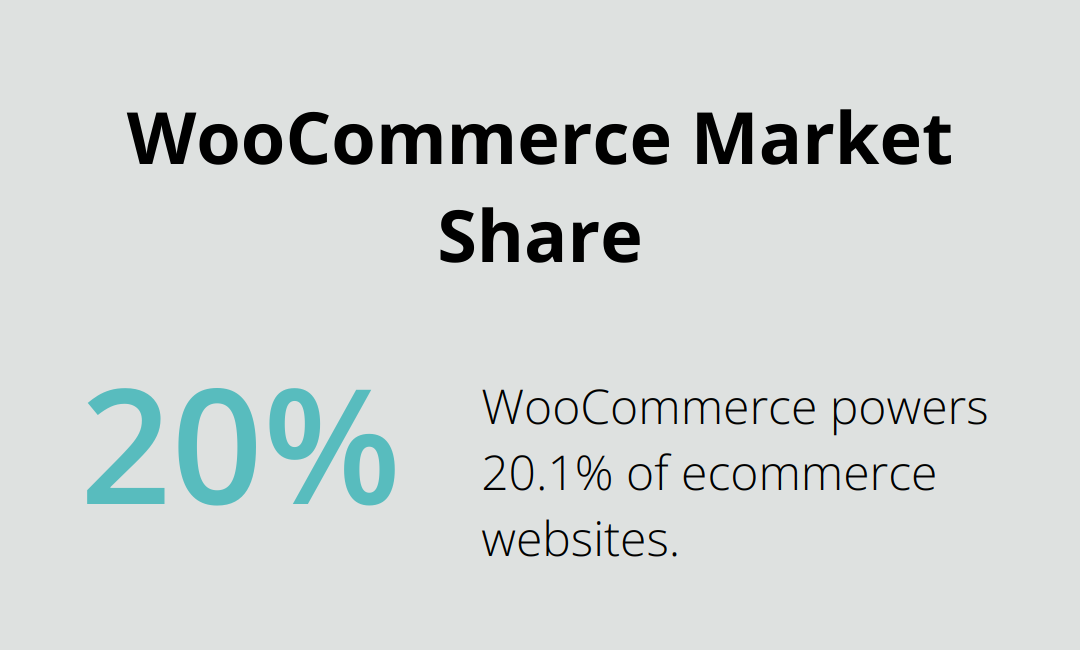
Plugins can transform your website in countless ways. From simple contact forms to complex e-commerce solutions, there’s a plugin for almost every need. WooCommerce powers more than 3.5 million eCommerce websites, which represents 20.1% market share among ecommerce websites. This statistic showcases the immense impact plugins have on website functionality.
Free vs. Premium Plugins: Making the Right Choice
When browsing the WordPress plugin repository, you’ll encounter both free and premium options:
- Free Plugins: Available directly from WordPress.org, these offer basic functionality and are great for getting started. However, they often come with limitations in features, support, and updates.
- Premium Plugins: These typically offer more advanced features, regular updates, and dedicated support. While they come at a cost, the investment can be worthwhile for businesses and professionals seeking robust solutions.
Selecting the Perfect Plugin
Choosing the right plugin is essential for your website’s performance and security. When evaluating plugins, consider these factors:
- User ratings and reviews
- Frequency of updates
- Compatibility with your WordPress version
- Support options
It’s important to note that using too many plugins can slow down your website.
The Impact of Plugin Management
Proper plugin management can significantly affect your website’s performance and security. Regular updates, careful selection, and optimization are key to maintaining a healthy WordPress site. Tools like Pluginizer can streamline this process, offering access to a wide range of premium plugins and simplifying asset management.
As we move forward, we’ll explore how to assess your website’s needs and research plugin options to make informed decisions for your WordPress site.
How to Choose the Perfect Plugins for Your Site
Identify Your Website’s Core Needs
Start by listing the specific functionalities you want to add to your site. Do you need to improve SEO, add e-commerce capabilities, or enhance security? Prioritize these needs based on their importance to your business goals. For example, if you run an online store, an e-commerce plugin should top your list.
Evaluate Plugin Quality and Reputation
After you identify your needs, research potential plugins thoroughly. The WordPress plugin repository provides valuable information such as user ratings, active installations, and last update date. For instance, Yoast SEO (with over 5 million active installations and a 4.5-star rating) indicates a reliable plugin for SEO purposes.
Pay attention to user reviews, particularly recent ones. They often provide insights into real-world performance and potential issues. Look for patterns in feedback – multiple users reporting similar problems serve as a red flag.
Consider Plugin Performance Impact
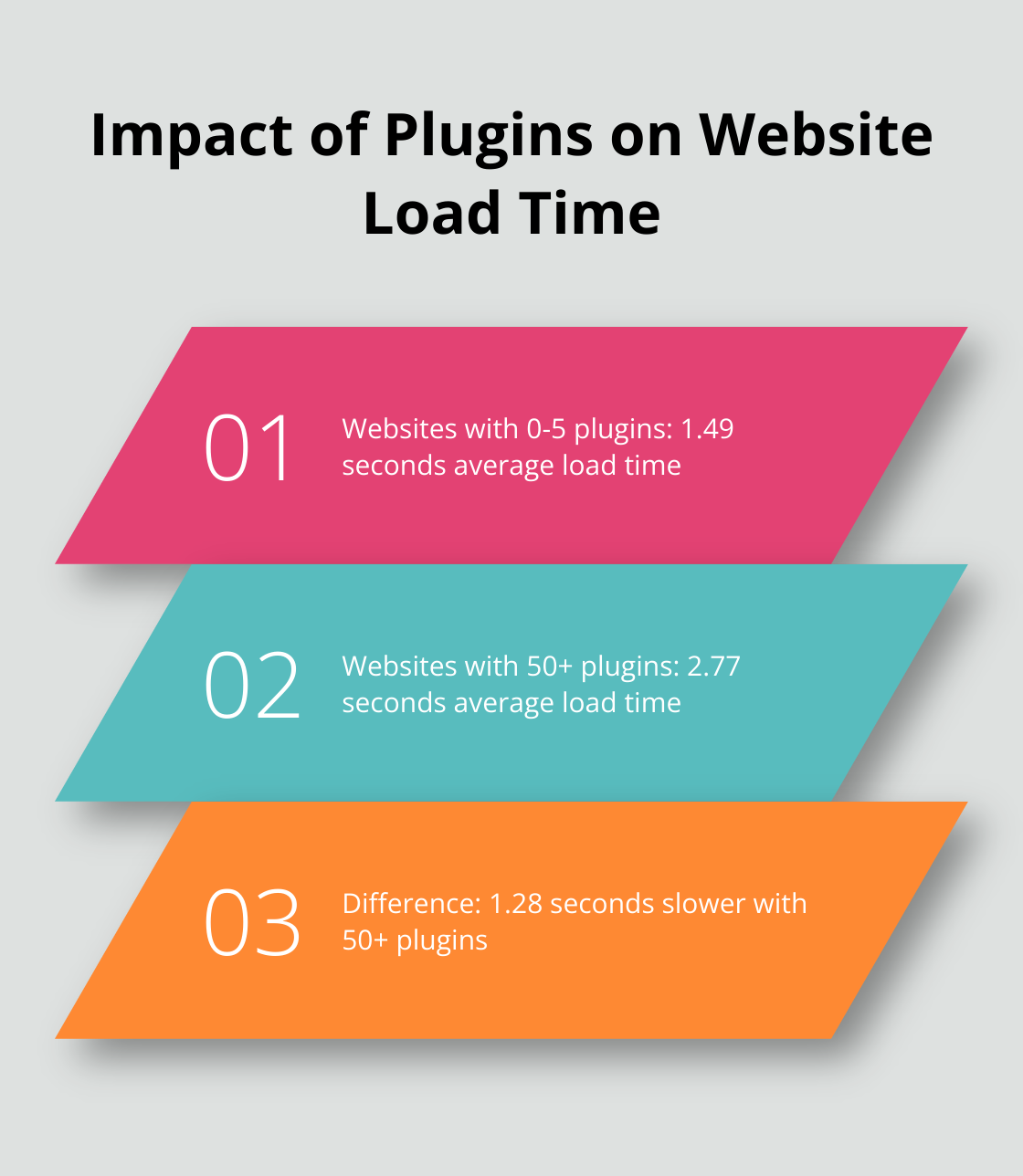
Every plugin you add can potentially slow down your site. A study showed that websites with 0-5 plugins had an average load time of 1.49 seconds, while those with 50+ plugins averaged 2.77 seconds. This difference underscores the importance of being selective with your plugins.
Use tools like GTmetrix or PageSpeed Insights to test your site’s performance before and after installing a new plugin. If you notice a significant slowdown, consider alternatives or optimize your site further.
Ensure Compatibility and Support
Check that the plugin is compatible with your current WordPress version and other plugins you use. Incompatibility can lead to conflicts, broken functionality, or even site crashes. Look for plugins that receive regular updates – this indicates active development and better compatibility with the latest WordPress versions.
For premium plugins, evaluate the level of support offered. Prompt and helpful support can prove crucial when you encounter issues or need assistance with complex setups.
Consider Subscription Services
Subscription services like Pluginizer offer an alternative to individual plugin purchases. These services provide access to a wide range of premium plugins and themes for a single fee, simplifying asset management and potentially reducing costs. When evaluating such services, consider factors like the number and quality of plugins offered, update frequency, and support options.
As you move forward in your plugin selection process, the next step involves implementing best practices for plugin management to ensure optimal performance and security for your WordPress site.
How to Master Plugin Management
Stay on Top of Updates
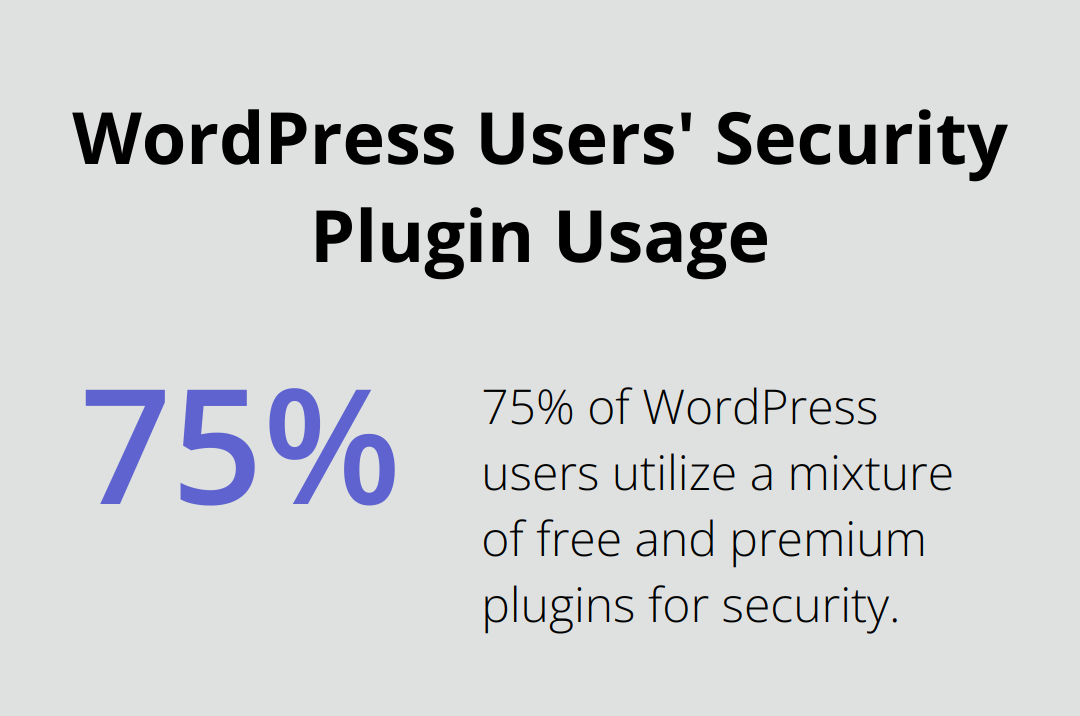
Regular plugin updates are essential for website security. 75% of WordPress users utilize a mixture of free and premium plugins to secure their websites. Set a weekly schedule to review and apply updates. Many hosting providers offer automatic updates, but exercise caution with major updates. Test updates on a staging site to identify potential conflicts before they affect your live site.
Conduct Regular Plugin Audits
Excessive plugins can slow down your site and increase security risks. Perform monthly audits of your plugin list. Remove inactive plugins. If you find multiple plugins with similar functions, consider consolidation to reduce bloat. Tools like Query Monitor help identify plugins that impact your site’s performance the most.
Prioritize Security
Security should be your top concern in plugin management. Download plugins only from reputable sources like the WordPress repository or trusted marketplaces. Before installation, check the plugin’s last update date and user reviews. Plugins without updates for over a year might pose security risks.
Implement a Web Application Firewall (WAF) to add protection against plugin vulnerabilities. Wordfence is a popular and free WordPress security plugin with a built-in website application firewall that monitors your WordPress site.
Optimize for Performance
Plugins can significantly impact your site’s speed. Use tools like GTmetrix or Pingdom to measure your site’s performance before and after installing new plugins. If you notice a significant slowdown, consider alternatives or optimize your existing setup.
Caching plugins (such as WP Rocket) can help mitigate the performance impact of multiple plugins. These tools can improve page load times by up to 50% in some cases.
Leverage Plugin Management Services
Management of multiple plugins across various sites can be time-consuming. Services like Pluginizer simplify this process. With access to over 15,000 premium plugins and themes, Pluginizer streamlines asset management and ensures you always have the latest versions available. This approach saves time and reduces the risk of using outdated or unsupported plugins.
Final Thoughts
This WordPress plugins handbook provides essential guidance for selecting and managing plugins effectively. We emphasize the importance of assessing your website’s needs, researching options thoroughly, and evaluating plugin quality before installation. Regular updates, security checks, and performance optimization form the foundation of effective plugin management.
Smart plugin selection and management significantly impact your WordPress site’s long-term success. These practices ensure your site remains secure, performs well, and delivers the functionality users expect. We recommend conducting routine audits and removing unnecessary plugins to maintain a lean and efficient site.
Pluginizer offers a comprehensive solution for those seeking to streamline their plugin management process. With access to over 15,000 premium plugins and themes, Pluginizer simplifies asset management for WordPress users. This service provides continuous updates, GPL licensing for unlimited site usage, and robust support, making it an ideal choice for freelancers, agencies, and website developers.

