

WooCommerce powers millions of online stores, but its true potential lies in customization. Extending WooCommerce allows you to tailor your store to your unique business needs and customer expectations.
At Pluginizer, we’ve seen firsthand how the right extensions and development techniques can transform an ordinary online shop into a powerhouse of e-commerce. This guide will walk you through essential extensions, code snippets, and advanced development strategies to supercharge your WooCommerce store.
Which Extensions Boost WooCommerce Performance?
WooCommerce’s flexibility stands as one of its greatest strengths, and the right extensions can significantly enhance your store’s functionality. Let’s explore some game-changing extensions that can elevate your WooCommerce store to new heights.
Streamlining Payments
Payment gateways form the backbone of any e-commerce site. Stripe for WooCommerce offers seamless integration and supports over 135 currencies. It boasts robust security features and an easy setup process. PayPal Checkout presents another popular option, with 377 million active users worldwide as of 2021 (according to Statista). These gateways not only expand payment options but also build trust with customers.
Optimizing Shipping and Fulfillment
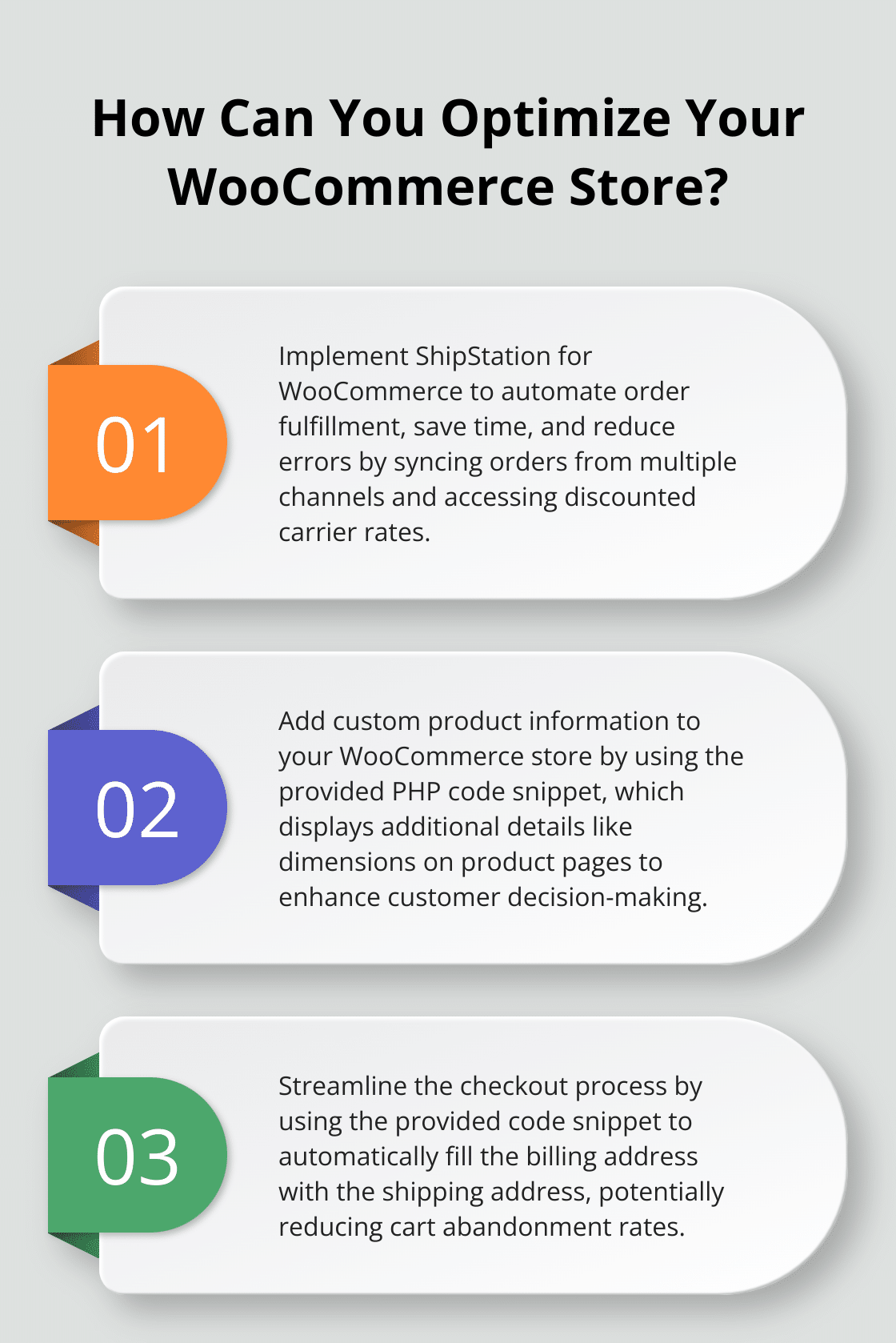
Efficient shipping can make or break customer satisfaction. ShipStation for WooCommerce automates order fulfillment, which saves time and reduces errors. It immediately enables discounted carrier rates or allows you to connect your own accounts. ShipStation syncs orders from WooCommerce and other channels, streamlining your order management process.
Boosting Marketing and SEO
Marketing and SEO extensions play a vital role in driving traffic and sales. Yoast SEO for WooCommerce helps optimize product pages for search engines. It improves breadcrumb navigation and automatically optimizes your sitemap to get attention from Google for your product and category pages. For email marketing, MailChimp for WooCommerce stands out. With over 12 million customers globally, MailChimp’s integration allows for automated email campaigns based on customer behavior, which can increase repeat purchases.
Balancing Performance and Functionality
While these extensions offer powerful features, it’s important to choose wisely. Each addition can impact your site’s performance and load times. We recommend starting with extensions that address your most pressing needs and gradually expanding. Regular performance testing ensures your site remains fast and responsive.
Exploring Premium Options
For those seeking a comprehensive solution, Pluginizer offers WordPress users unlimited access to over 15,000 premium plugins and themes for a one-time subscription fee. This option simplifies asset management with a single plugin while saving costs on individual purchases. Users benefit from continuous updates, GPL licensing for unlimited site usage, and robust support.

As we move forward, let’s explore how to further customize WooCommerce using code snippets, allowing for even more tailored functionality to meet your specific business needs.
How to Customize WooCommerce with Code
WooCommerce’s flexibility extends beyond plugins, allowing developers to fine-tune functionality through custom code snippets. The easiest way to apply PHP snippets for WooCommerce is to use a third-party plugin such as Code Snippets. This approach offers precise control over your store’s behavior without the overhead of additional plugins. Let’s explore practical ways to enhance your WooCommerce store through targeted code modifications.
Tailoring Product Pages
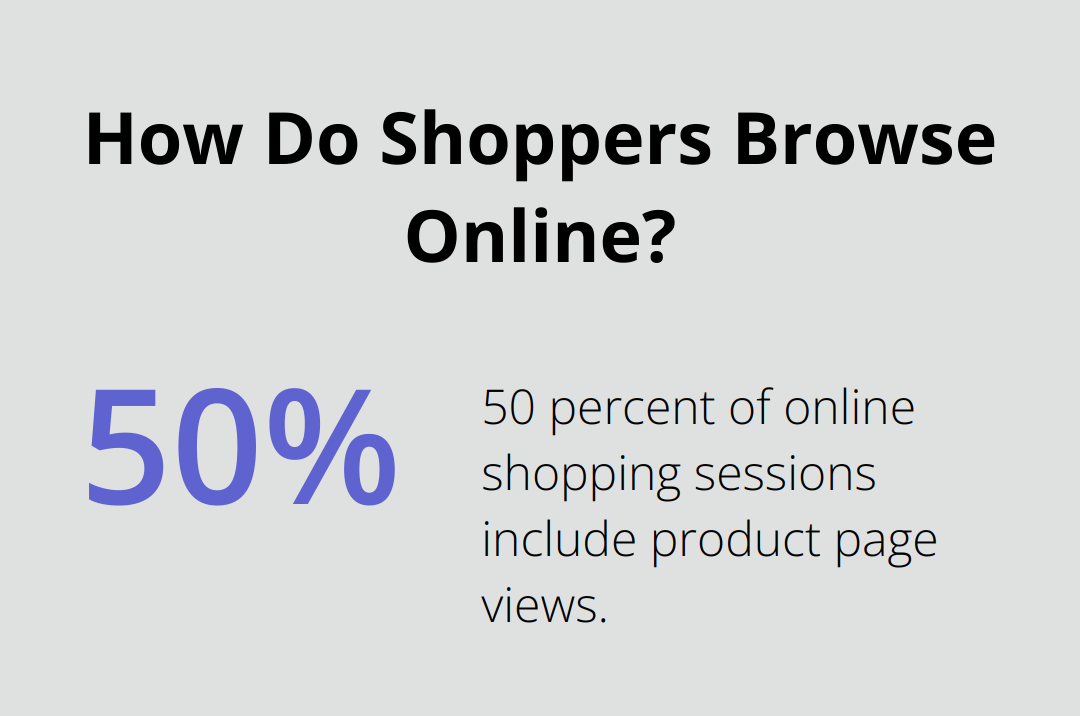
Product pages are the heart of your online store. A study found that nearly 50 percent of online shopping sessions include product page views, emphasizing their importance. To make these pages more effective, you can add custom fields to display additional product information. For instance, you can showcase product dimensions or materials used with this code snippet:
php
add_action( ‘woocommerce_single_product_summary’, ‘display_custom_field’, 25 );
function display_custom_field() {
global $product;
$dimension = get_post_meta( $product->get_id(), ‘_custom_dimension’, true );
if( $dimension ) {
echo ‘<p>Dimensions: ‘ . esc_html( $dimension ) . ‘</p>’;
}
}
This code adds a new section to your product page, displaying custom dimensions right where customers make their purchase decisions.
Streamlining the Checkout Process
A smooth checkout process reduces cart abandonment. According to the Baymard Institute, the average cart abandonment rate is 69.82% (often due to a complicated checkout process). One way to simplify checkout is to automatically fill the billing address with the shipping address:
php
add_filter( ‘woocommerce_ship_to_different_address_checked’, ‘__return_false’ );
This simple line of code unchecks the “Ship to a different address?” box by default, streamlining the process for customers who use the same address for both shipping and billing. You can further enhance the checkout experience by implementing address field autocomplete, which can significantly speed up the process for customers.
Enhancing Cart Functionality
The cart page is another critical touchpoint in the customer journey. Enhancing its functionality can significantly improve user experience. For example, you might want to add a custom notice to encourage free shipping:
php
add_action( ‘woocommerce_before_cart’, ‘add_cart_notice’ );
function add_cart_notice() {
$threshold = 50;
$cart_total = WC()->cart->subtotal;
if ( $cart_total < $threshold ) {
$remaining = $threshold – $cart_total;
wc_print_notice(
sprintf( ‘Add %s more to your cart for free shipping!’,
wc_price( $remaining )
), ‘notice’ );
}
}
This code snippet calculates how much more a customer needs to spend to qualify for free shipping, potentially increasing average order value.
Testing and Implementation
While these code snippets offer powerful customization options, you must implement them carefully. Always test thoroughly in a staging environment before applying changes to your live site. (This ensures that your modifications don’t break existing functionality or negatively impact user experience.)
For those less comfortable with coding, premium plugins can achieve similar customizations without direct code manipulation. Pluginizer provides access to over 15,000 premium plugins and themes, ensuring both functionality and ease of use for WordPress users.
As we move forward, let’s explore advanced WooCommerce development techniques that allow for even more sophisticated customizations and extensions of your online store’s capabilities.
How to Master Advanced WooCommerce Development
WooCommerce’s flexibility allows developers to create highly customized e-commerce solutions. Advanced development techniques can transform your online store, offering unique features that set you apart from competitors. Let’s explore some powerful methods to enhance your WooCommerce store.
Creating Custom Product Types
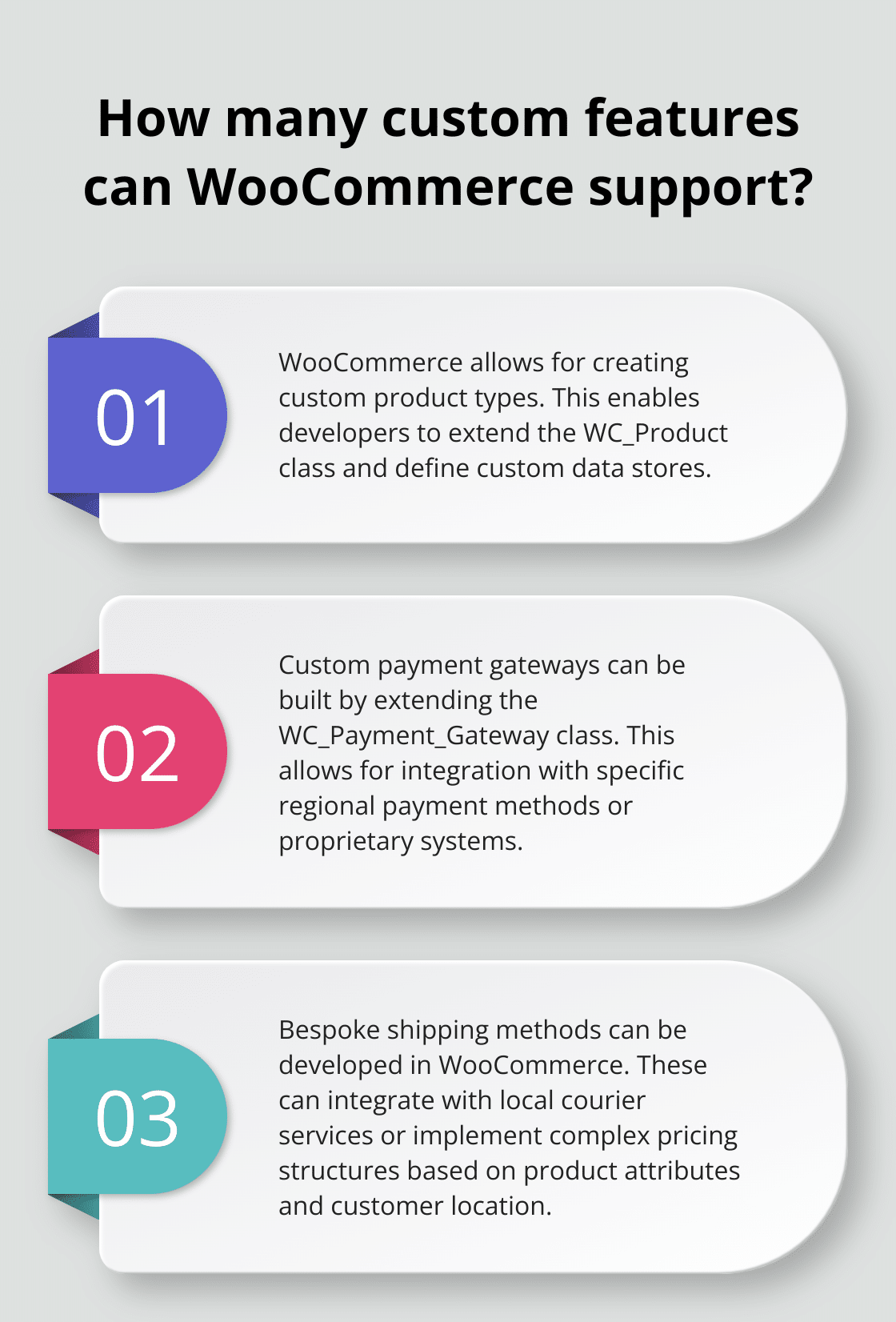
WooCommerce’s default product types cover most scenarios, but sometimes you need something more specialized. You might want to create a subscription-based product with specific billing cycles and trial periods. This requires you to extend the WC_Product class and define custom data stores and admin interfaces.
Custom product types can be added through a JavaScript filter, with optional customization of the onClick handler and CSV template path. This demonstrates the flexibility of WooCommerce in catering to unique business models or industry-specific needs.
Building Custom Payment Gateways
WooCommerce offers numerous payment gateway integrations, but you might need to build a custom solution for specific regional payment methods or to integrate with a proprietary system. This involves creating a new class that extends WC_Payment_Gateway and implementing methods for processing payments, refunds, and other transactions.
Custom payment gateways in WooCommerce are class-based and can be added through traditional plugins. This level of customization allows for seamless integration with local payment preferences and regulations.
Developing Bespoke Shipping Methods
Custom shipping methods can give you a competitive edge by offering unique delivery options. You might create a shipping method that integrates with a local courier service or implements a complex pricing structure based on product attributes and customer location.
Implementing Advanced Techniques
These advanced techniques require a deep understanding of WooCommerce’s architecture and WordPress development principles. You must follow best practices, such as using hooks and filters instead of modifying core files, to ensure compatibility with future updates.
You should always test thoroughly in a staging environment before deploying to production. Monitor your site’s performance closely after implementing advanced features, as complex customizations can impact load times and overall user experience.
Alternatives to Custom Development
For those who want to implement advanced features without extensive coding, solutions like Pluginizer offer access to over 15,000 premium plugins and themes. This can provide a cost-effective way to add sophisticated functionality to your WooCommerce store (without the need for custom development).
Final Thoughts
Extending WooCommerce unlocks a world of possibilities for online store owners. You can create a unique and powerful shopping experience that sets your store apart from competitors. However, you must balance functionality with performance to maintain a fast, responsive site that keeps customers engaged.
Future-proofing your WooCommerce store requires staying informed about emerging trends and technologies in online retail. Regular updates to extensions and custom code ensure compatibility with the latest versions of WordPress and WooCommerce. This proactive approach helps you adapt to changing customer expectations and maintain a competitive edge.
Pluginizer offers a comprehensive solution for those seeking access to a wide range of premium plugins and themes. With over 15,000 premium assets available through a one-time subscription, you can simplify the process of extending WooCommerce functionality (without the hassle of individual purchases). This approach saves costs and ensures continuous updates and robust support for your online store.

