

At Pluginizer, we know that managing projects efficiently is crucial for success in the digital world. WordPress project management plugins have become indispensable tools for businesses of all sizes.
These powerful plugins streamline workflows, enhance team collaboration, and boost productivity. In this post, we’ll explore the top WordPress project management plugins that can transform your project execution.
What Makes a Great WordPress Project Management Plugin?
Seamless Task Management
WP Project Manager is an advanced WordPress project management tool designed to streamline task creation, organization, and assignment. Its features allow you to break down projects into manageable chunks, assign responsibilities, and set priorities. Features like drag-and-drop interfaces and bulk task creation save time and increase efficiency.
Visual Timeline Tracking
As you open the WP Project Manager plugin, you get a visual overview of your project’s progress through Gantt charts. Besides showing your project timelines, this feature helps you spot bottlenecks, manage resources, and keep stakeholders informed.
Robust Collaboration Features
Team collaboration forms the backbone of successful projects. The best plugins facilitate communication with features like comment threads, file sharing, and real-time notifications. Some even integrate with popular messaging platforms (such as Slack) to streamline communication further.
Flexible Integration Capabilities
No plugin exists in isolation. The most valuable project management tools complement your existing workflow. Try to find plugins that integrate seamlessly with your current WordPress setup and other essential tools (like time tracking or invoicing software).
User-Friendly Interface
A user-friendly interface is paramount for widespread adoption within your team. The best plugins strike a balance between powerful features and intuitive design. They offer customizable dashboards, clear navigation, and responsive layouts that work well on both desktop and mobile devices.

The right project management plugin should feel like a natural extension of your workflow, not an additional burden. As you evaluate different options, consider how each plugin addresses these key features. The next section will explore some of the top WordPress project management plugins that excel in these areas.
Which WordPress Project Management Plugins Stand Out?
WP Project Manager: The All-in-One Solution
WP Project Manager simplifies tasks, projects & teamwork. It offers a comprehensive suite of tools for diverse project management needs, including a Kanban board, Gantt chart, and integrations with platforms like GitHub, Bitbucket, Slack, and BuddyPress.
The plugin’s task management system enables easy creation, assignment, and tracking of tasks. Its built-in time tracking feature allows teams to accurately monitor hours spent on projects, leading to more precise billing and resource allocation.
Kanban Boards for WordPress: Visual Task Management
Kanban Boards for WordPress transforms your WordPress dashboard into a dynamic Kanban board, mirroring physical boards used in agile methodologies.
This plugin brings efficiency to your WordPress site. Users can drag and drop tasks between columns representing different stages of completion, enhancing visual organization and workflow management.
ProjectHuddle: Streamlined Client Collaboration
ProjectHuddle is designed to streamline website and design feedback. It creates a centralized space where clients can review and comment on designs, websites, or documents directly within WordPress.
ProjectHuddle caters to businesses of all sizes, facilitating client feedback and approvals. It streamlines communication, prevents misunderstandings, and keeps projects moving forward smoothly.
Upstream: Customizable Project Management
Upstream offers a high degree of customization, allowing users to tailor the project management experience to their specific workflow. Its modular approach means you can activate only the features you need (reducing clutter and improving usability).
One of Upstream’s unique features is its built-in bug tracking system. This integrated approach can help development teams save time in communication and issue resolution.
Pluginizer: The Ultimate Project Management Package
While each of these plugins offers unique benefits, Pluginizer stands out by providing access to all these tools and more. With a Pluginizer subscription, users get unlimited access to over 15,000 premium plugins and themes, including top-tier project management solutions.
This approach not only saves costs but also allows users to mix and match features from different plugins to create the perfect project management setup for their needs. Pluginizer users enjoy continuous updates and robust support, ensuring their project management tools always perform at their best.

The next section will guide you through the process of choosing the right project management plugin for your specific needs and workflow.
How to Select the Perfect Project Management Plugin
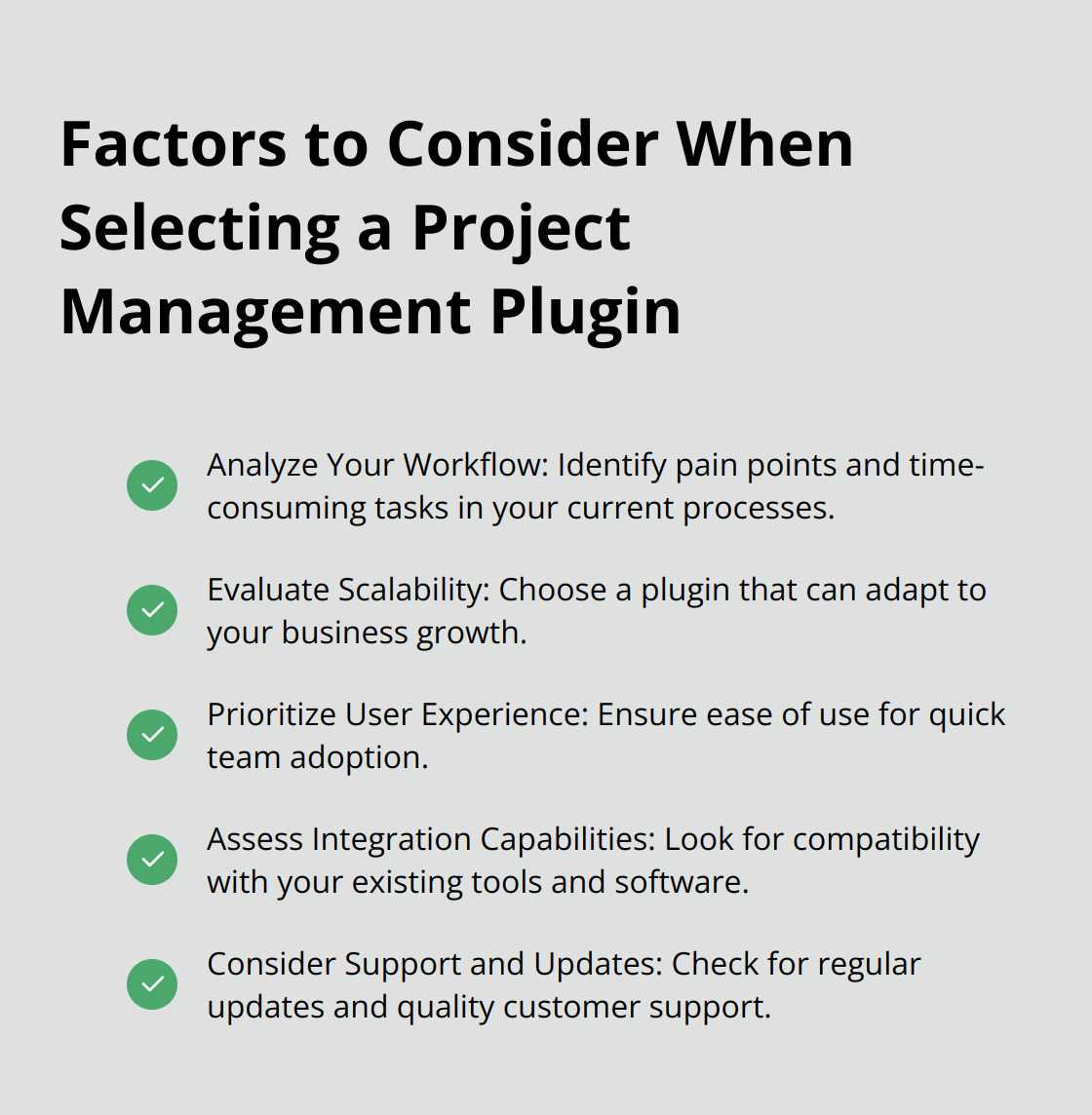
Analyze Your Workflow
Start with a thorough examination of your current project management processes. Identify the pain points and time-consuming tasks. If task delegation is a challenge, focus on plugins with strong task assignment features. For teams struggling with client communication, prioritize tools that offer built-in client portals or feedback systems.
Poor communications can contribute to project failure. This highlights the importance of selecting a plugin that addresses your specific communication needs.
Evaluate Scalability
Consider your future growth when choosing a plugin. A solution that works for a small team might not be suitable as you expand. Look for plugins with tiered pricing or modular features that can adapt to your business growth. Some plugins (like Upstream) provide a modular approach, allowing you to activate only the features you need, making them adaptable to various team sizes.
Prioritize User Experience
The success of any project management tool depends on team adoption. A Capterra study found that 74% of users cite ease of use as the most important factor when selecting software. Test plugins with free trials or demos. Pay attention to the learning curve – if team members take more than a few hours to grasp the basics, it might not be the right fit.
Assess Integration Capabilities
Your project management plugin should complement your existing tools. If your team relies heavily on Slack for communication, choose a plugin that offers Slack integration. For teams using time tracking or invoicing software, check for compatibility with these tools to create a seamless workflow.
Some plugins (such as WP Project Manager) integrate with platforms like GitHub and Bitbucket, which can be essential for development teams. Always check the plugin’s documentation or contact support to confirm specific integrations.
Consider Support and Updates
Regular updates are essential for security and functionality. Check the plugin’s update history – frequent updates indicate active development and responsiveness to user needs. Evaluate the quality of support by looking for comprehensive documentation, responsive customer service, and an active user community for troubleshooting.
While individual plugins offer specific features, solutions like Pluginizer provide access to multiple premium plugins (over 15,000), allowing you to mix and match functionalities as needed. This approach can be particularly cost-effective and flexible for agencies or freelancers managing multiple projects with varying requirements.
Final Thoughts
WordPress project management plugins transform how teams collaborate and deliver successful projects. These tools streamline workflows, enhance communication, and boost productivity across industries. The right plugin aligns with your team’s needs, integrates seamlessly with existing workflows, and offers an intuitive interface.
We expect future WordPress project management plugins to incorporate AI and machine learning capabilities. This will lead to more accurate project timelines, intelligent task prioritization, and predictive analytics for resource allocation. Mobile-first design will also become increasingly important, allowing teams to manage projects effectively from any device.
Pluginizer provides access to a vast library of premium plugins and themes, including top-tier project management tools. This approach offers flexibility in choosing the right combination of features and ensures continuous updates and robust support. In today’s digital work environment, investing in the right WordPress project management plugins is essential for businesses to stay competitive and drive growth.

