

At Pluginizer, we’re always looking for ways to enhance WordPress performance and functionality.
WordPress MU-plugins are a powerful yet often overlooked feature that can significantly improve your site’s efficiency.
These “must-use” plugins offer unique benefits over regular plugins, automatically activating and running before other WordPress components.
In this post, we’ll explore what MU-plugins are, how they work, and how you can implement them to optimize your WordPress site.
What Are MU-Plugins?
Definition and Core Functionality
MU-Plugins, short for Must-Use Plugins, are a special category of WordPress plugins that automatically enable on all sites in a WordPress installation. Unlike regular plugins, MU-Plugins don’t appear in the WordPress admin panel and users can’t deactivate them.
The Power of MU-Plugins
MU-Plugins load before regular plugins, giving them priority in the WordPress execution order. This makes them ideal for implementing critical functionality that should always be active on your site. You might use an MU-Plugin to enforce security measures or optimize database queries across your entire WordPress installation.
Key Differences from Regular Plugins
Location
While regular plugins reside in the /wp-content/plugins/ directory, MU-Plugins are stored in /wp-content/mu-plugins/. This separate location ensures they’re always active and can’t be accidentally disabled.
Update Process
Regular plugins often receive automatic updates through the WordPress dashboard. MU-Plugins, however, require manual updates. This gives you more control over when and how these critical components are modified.
Benefits of Using MU-Plugins
MU-Plugins offer several advantages for WordPress site owners and developers:

- Guaranteed Functionality: MU-Plugins can’t be deactivated, ensuring that essential features always remain active.
- Performance Boost: MU-Plugins load early in the WordPress boot process, potentially improving site speed and efficiency.
- Network-Wide Implementation: In multisite setups, MU-Plugins automatically apply to all sites in the network, streamlining management.
- Reduced Plugin Conflicts: Moving critical functionality to MU-Plugins can minimize conflicts with other plugins and themes.
Practical Applications
MU-Plugins serve various purposes effectively. Some common applications include:
- Custom post type registration
- Security enhancements
- Performance optimizations
- Multisite network management
For instance, a web development agency might use an MU-Plugin to enforce specific coding standards across all client sites. Or, an e-commerce platform could implement an MU-Plugin to add custom product attributes that are always available (regardless of the active theme).
MU-Plugins offer powerful benefits, but you should use them judiciously. Their always-on nature means that any errors in an MU-Plugin could potentially break your entire site. Therefore, thorough testing and careful implementation are essential when working with these powerful tools.
Now that we understand what MU-Plugins are and their benefits, let’s explore how they work within the WordPress ecosystem.
How MU-Plugins Function in WordPress
Strategic Location in File Structure
MU-Plugins occupy a unique position within the WordPress file system. They reside in the /wp-content/mu-plugins/ directory. This specific location sets them apart from standard plugins and influences their behavior significantly.
WordPress automatically loads all PHP files in this directory, regardless of their status in the admin panel. (If the mu-plugins directory doesn’t exist in your installation, you’ll need to create it manually.)
Automatic Activation Process
One of the most powerful aspects of MU-Plugins is their automatic activation. As soon as you place a PHP file in the mu-plugins directory, WordPress loads and executes it without additional steps. This behavior contrasts with regular plugins, which require manual activation through the WordPress admin interface.
This automatic activation makes MU-Plugins ideal for critical functionalities that should never be deactivated. For example, you might use MU-Plugins to ensure critical site-wide modifications or features are always activated.
Execution Order in WordPress
MU-Plugins hold a privileged position in the WordPress loading sequence. They execute before regular plugins, themes, and even some core WordPress functionalities. This early execution allows MU-Plugins to modify or extend WordPress behavior at a fundamental level.
The execution order follows this general sequence:

This order means that MU-Plugins can override or modify the behavior of regular plugins and themes. It’s a powerful capability, but it requires careful consideration to avoid conflicts or unexpected behavior.
Practical Implications
Understanding how MU-Plugins work allows you to leverage them effectively:
- Critical Features: Use MU-Plugins for functionalities that should never be disabled (like security enhancements or essential custom post types).
- Performance Optimization: Since MU-Plugins load early, they excel at implementing performance tweaks that need to be in place before other components load.
- Conflict Resolution: MU-Plugins can help resolve conflicts between regular plugins by implementing fixes or modifications that load before the conflicting plugins.
- Network-Wide Features: In a multisite setup, MU-Plugins automatically apply to all sites, making them perfect for network-wide functionality.
The power of MU-Plugins comes with responsibility. Because they are always active and load early, errors in these plugins can have severe consequences. Always test MU-Plugins thoroughly in a staging environment before deploying them to a live site. Now that we understand how MU-Plugins function, let’s explore the practical steps to implement them on your WordPress site.
How to Implement MU-Plugins
Setting Up the MU-Plugins Directory
The first step to implement MU-Plugins requires you to create the mu-plugins folder (if it doesn’t already exist). Navigate to your WordPress installation’s wp-content directory and create a new folder named mu-plugins. Unlike plugins, MU-Plugins reside in an mu-plugins folder inside wp-content. If this folder doesn’t exist, you can create it.
Writing Your First MU-Plugin
After you set up the directory, you can start to create MU-Plugins. Each MU-Plugin consists of a single PHP file placed directly in the mu-plugins folder. Here’s a simple example of an MU-Plugin that adds a custom function:
“`php<?php/*Plugin Name: My First MU-PluginDescription: Adds a custom function to WordPressVersion: 1.0Author: Your Name
*/
function my_custom_function() { // Your code here}add_action(‘init’, ‘my_custom_function’);“`
Save this file with a descriptive name, such as custom-function.php, directly in the mu-plugins folder. WordPress will automatically load and execute this file on every page load.
Best Practices for MU-Plugin Development
The development of MU-Plugins requires careful consideration to ensure they don’t negatively impact your site. Follow these best practices:
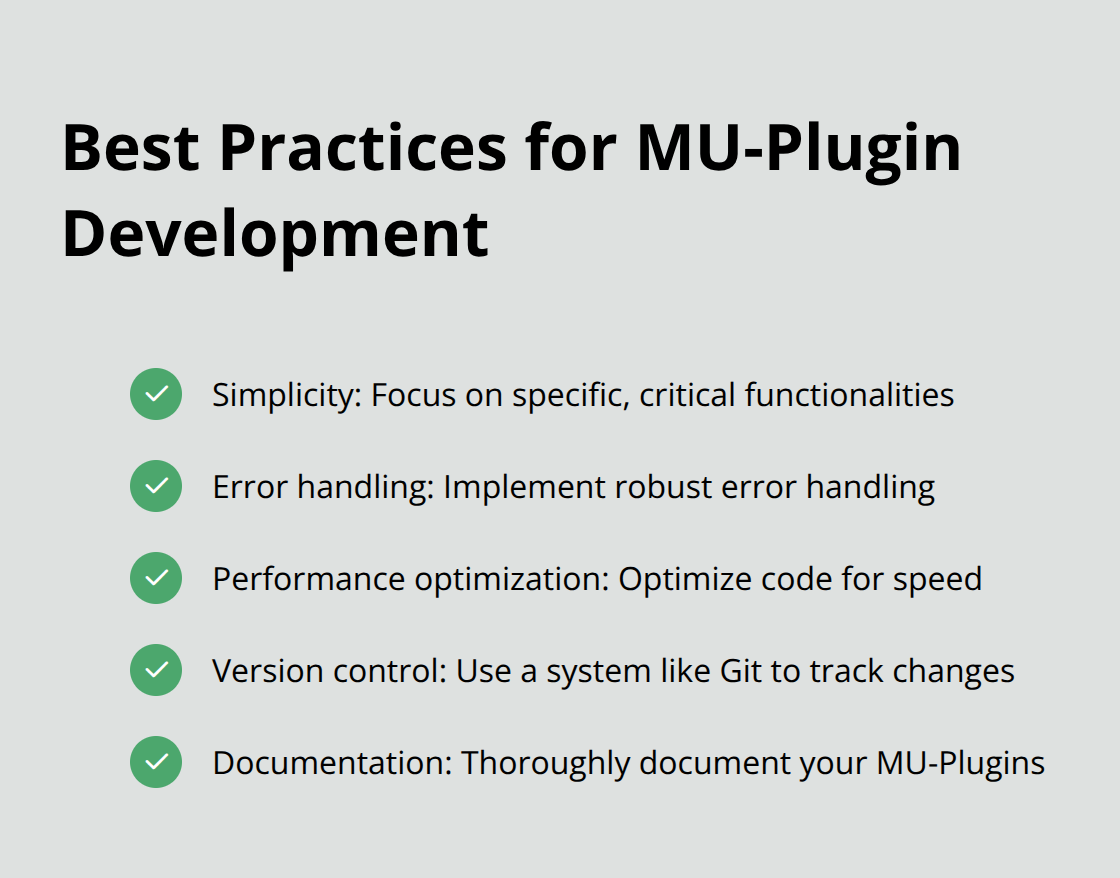
- Simplicity: MU-Plugins should focus on specific, critical functionalities. Avoid complex logic that could slow down your site.
- Error handling: Implement robust error handling to prevent site-wide issues. In WordPress, you would use the WP_Error class to handle errors. There are a set of constants that will determine if errors are reported, displayed or logged.
- Performance optimization: Since MU-Plugins load on every page, optimize your code for speed. Avoid unnecessary database queries or resource-intensive operations.
- Version control: Use a version control system (like Git) to track changes and rollback if needed.
- Documentation: Thoroughly document your MU-Plugins, including their purpose, functionality, and any dependencies.
Testing and Deployment
Always test MU-Plugins in a staging environment before you deploy them to a live site. This practice helps catch potential conflicts or errors early. MU-Plugins are powerful tools that require responsible use. While they offer significant benefits, improper implementation can lead to site-wide issues.
Alternative Solutions
For those who seek a more streamlined approach to enhance WordPress functionality, platforms like Pluginizer offer access to thousands of premium plugins and themes (all continuously updated and supported). This approach can often provide the benefits of custom MU-Plugins without the associated maintenance challenges.
Final Thoughts
MU-plugins WordPress features offer powerful enhancements for site functionality and performance. These plugins guarantee activation, load early, and implement across networks, making them ideal for critical features. MU-plugins ensure essential functions remain intact, potentially boost site speed, and streamline management for multiple sites.
The power of MU-plugins requires responsible use. Their always-on nature means errors can significantly impact your site. Careful development and thorough testing become essential when implementing MU-plugins. You should consider them for security enhancements, performance optimizations, or custom post type registrations fundamental to your site’s operation.
MU-plugins provide unique benefits, but they aren’t always the best solution. For those seeking to enhance their WordPress sites without custom development complexities, Pluginizer offers a compelling alternative. Pluginizer simplifies asset management with access to over 15,000 premium plugins and themes (plus continuous updates and support), all for a one-time subscription fee.

