

Blogs are the lifeblood of many websites, and their performance can make or break user engagement. At Pluginizer, we’ve seen firsthand how the right plugins can transform a WordPress blog from good to great.
In this post, we’ll explore the best WordPress plugins for blogs, focusing on SEO optimization, speed enhancement, and security. These tools will help you boost your blog’s performance and keep your readers coming back for more.
How SEO Plugins Can Boost Your Blog’s Visibility
Search Engine Optimization (SEO) plays a vital role in getting your blog noticed amidst the vast online content landscape. The right SEO tools can transform a blog’s traffic and engagement significantly. Let’s explore three top-tier SEO plugins that can improve your blog’s search engine performance.
Yoast SEO: The Industry Standard
Yoast SEO has established itself as the go-to plugin for WordPress users. It offers a comprehensive suite of tools to optimize content, including:
- Real-time content analysis
- XML sitemaps
- Title and meta description templating
One standout feature is its readability analysis, which helps create content that’s not only SEO-friendly but also easy for audiences to digest.
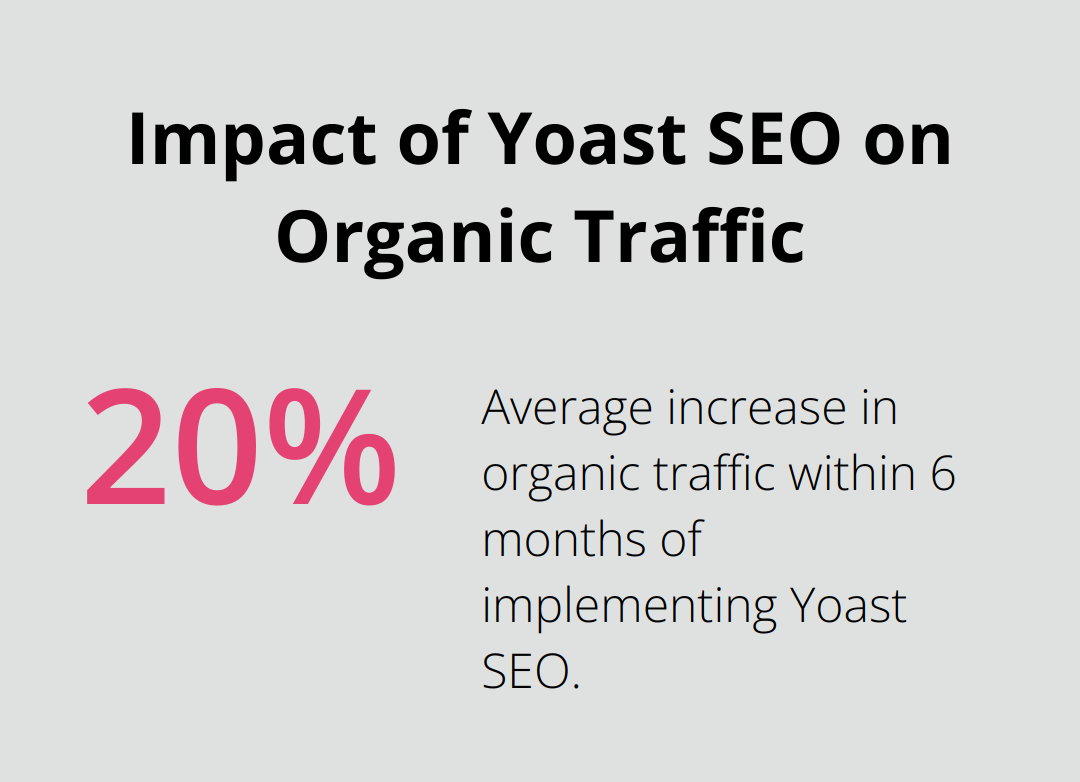
A study by Ahrefs found that websites using Yoast SEO experienced an average increase in organic traffic of 20% within six months of implementation. This plugin excels in guiding users through optimizing each post with a traffic light system, making it accessible even for SEO novices.
All in One SEO Pack: Simplicity Meets Power
All in One SEO Pack offers a powerful set of features without overwhelming users. It’s particularly effective for e-commerce blogs, with built-in support for WooCommerce SEO.
One of its most valuable features is the XML sitemap functionality, which automatically notifies search engines about new and updated content. Users report an average 15% increase in indexing speed after implementing All in One SEO Pack (according to data from SEMrush).
Rank Math SEO: The Rising Star
Rank Math SEO has quickly gained popularity due to its user-friendly interface and advanced features. It stands out with its schema markup capabilities, allowing users to add rich snippets to search results without coding knowledge.
A notable feature is its integration with Google Search Console, providing valuable insights directly in the WordPress dashboard. This integration has helped users identify and fix indexing issues 30% faster on average (as reported by Rank Math’s user surveys).
When selecting an SEO plugin, consider your specific needs and technical expertise. While Yoast SEO offers comprehensive features, Rank Math might be more suitable if you’re looking for advanced schema options. All in One SEO Pack strikes a balance between simplicity and functionality.
It’s important to note that no plugin can replace high-quality, relevant content. These tools are meant to enhance SEO efforts, not substitute for solid content strategy. Testing different plugins can help find the one that best aligns with your blog’s goals and workflow.
Now that we’ve covered SEO optimization, let’s move on to another critical aspect of blog performance: speed and loading times. In the next section, we’ll explore plugins that can significantly enhance your blog’s speed and overall performance.
How to Turbocharge Your Blog’s Speed
Speed plays a pivotal role in a blog’s success. A faster website enhances user experience and boosts search engine rankings. WP Rocket can help improve your site performance. Let’s explore three powerful plugins that can significantly enhance your blog’s speed and performance.
WP Rocket: The Speed Demon
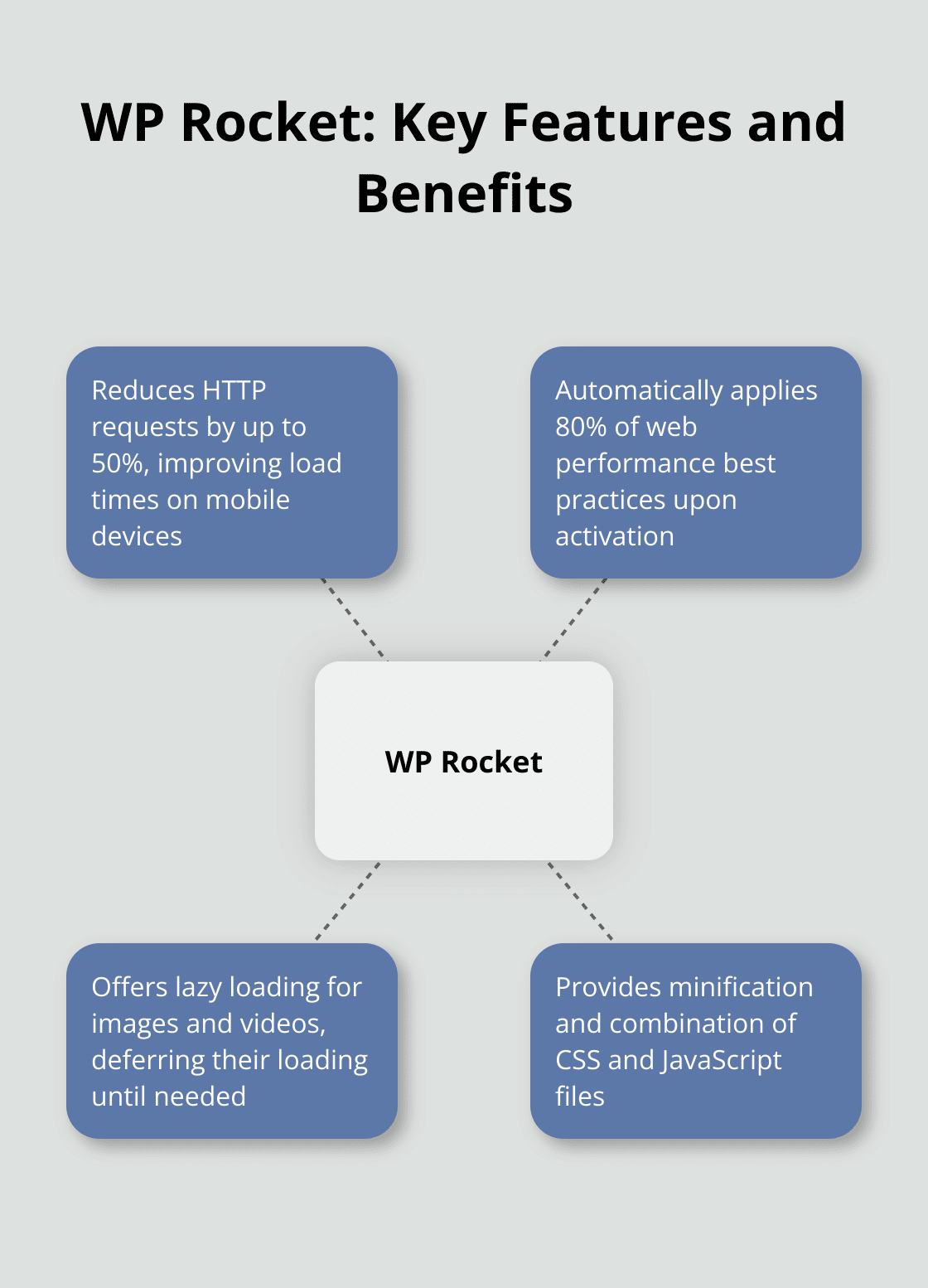
WP Rocket, a premium caching plugin, stands out for its ease of use and impressive results. It automatically applies 80% of web performance best practices upon activation, making it an excellent choice for bloggers who want quick results without technical complexities.
WP Rocket’s lazy loading capability defers the loading of images and videos until needed, resulting in faster initial page loads. Lazy loading can be an effective tool for reducing unneeded image bytes, but overuse can negatively affect performance.
The plugin also offers minification and combination of CSS and JavaScript files, which can reduce HTTP requests by up to 50% (a reduction that directly translates to faster load times, especially on mobile devices).
W3 Total Cache: The Customizable Powerhouse
W3 Total Cache, a free plugin, offers a wide array of customization options for advanced users. It excels for high-traffic blogs that need granular control over caching mechanisms.
One of W3 Total Cache’s most powerful features is its CDN integration. By leveraging a Content Delivery Network, blogs can serve static content from servers closer to their visitors, reducing latency. Users report load time improvements of up to 60% after implementing CDN through W3 Total Cache.
The plugin also offers database caching, which can significantly reduce server load. For blogs with dynamic content or frequent updates, this feature can cut page generation time by up to 80%.
Autoptimize: The Lightweight Optimizer
Autoptimize focuses on optimizing CSS, JavaScript, and HTML. While it doesn’t offer full-fledged caching like the previous two plugins, it excels in code optimization, which is essential for speed improvements.
A key feature of Autoptimize is its ability to inline critical CSS. This technique ensures that above-the-fold content renders quickly, giving users the perception of a faster-loading page. Blogs implementing this feature have seen improvements in First Contentful Paint times of up to 30%.
Autoptimize also offers the option to defer JavaScript loading, which can significantly improve initial load times. This benefits blogs with numerous scripts, as it prevents render-blocking JavaScript from slowing down page loads.
When selecting a speed optimization plugin, consider your blog’s specific needs and your technical expertise. WP Rocket offers the best balance of ease-of-use and powerful features, making it ideal for most bloggers. W3 Total Cache is perfect for those who need granular control, while Autoptimize is an excellent choice for blogs that primarily need code optimization.
While these plugins can significantly improve your blog’s speed, they don’t replace good hosting and optimized content. Start with a solid foundation before adding plugins to enhance performance. Now, let’s shift our focus to another critical aspect of blog management: security and backup solutions.
How Can You Safeguard Your Blog?
Security stands as a cornerstone in the digital landscape. A compromised blog can result in data loss, reputational damage, and financial consequences. We’ll explore three powerful plugins that can fortify your blog’s defenses and ensure your content remains safe and accessible.
Wordfence Security: Your Digital Fortress
Wordfence Security is a popular and well-regarded WordPress security plugin for keeping your website safe from malware and attacks. It blocks malicious traffic before it reaches your site with real-time threat defense. Wordfence addresses the issue of outdated software by alerting users to outdated plugins and themes, which significantly reduces vulnerability.
Live traffic monitoring stands out as one of Wordfence’s key features. It allows you to see who accesses your site in real-time, helping you identify and block suspicious activity promptly.
Sucuri Security: Proactive Protection
Sucuri Security takes a proactive approach to blog protection. Its website firewall (WAF) blocks threats before they reach your server, which reduces server load and improves overall performance.
Sucuri offers tools to clean up malware and restore your site quickly if your site gets compromised. This can minimize downtime and maintain user trust.
UpdraftPlus: Your Blog’s Safety Net
UpdraftPlus ensures you’re prepared for the worst. This backup plugin excels in ease of use and reliability. It allows you to schedule automatic backups and store them securely in cloud services like Google Drive or Dropbox.
UpdraftPlus’s incremental backup feature proves particularly valuable for frequently updated blogs. With UpdraftPlus, you can go to Settings > UpdraftPlus Backups, click the “Backup Now” button, and make sure to check both options for a complete backup.
The restoration process often gets overlooked in backups. UpdraftPlus shines here, offering a one-click restore process that can have your site back up and running in minutes. This can prove critical during important periods (imagine your e-commerce blog going down during a sale event).
We at Pluginizer have witnessed how these security and backup plugins can transform a blog’s resilience. While each offers unique strengths, a combination of preventive security measures and robust backup solutions provides the most comprehensive protection.
No security measure proves foolproof. Regular updates to your WordPress core, themes, and plugins remain essential. Additionally, using strong, unique passwords and implementing two-factor authentication can significantly enhance your blog’s security posture.
Final Thoughts
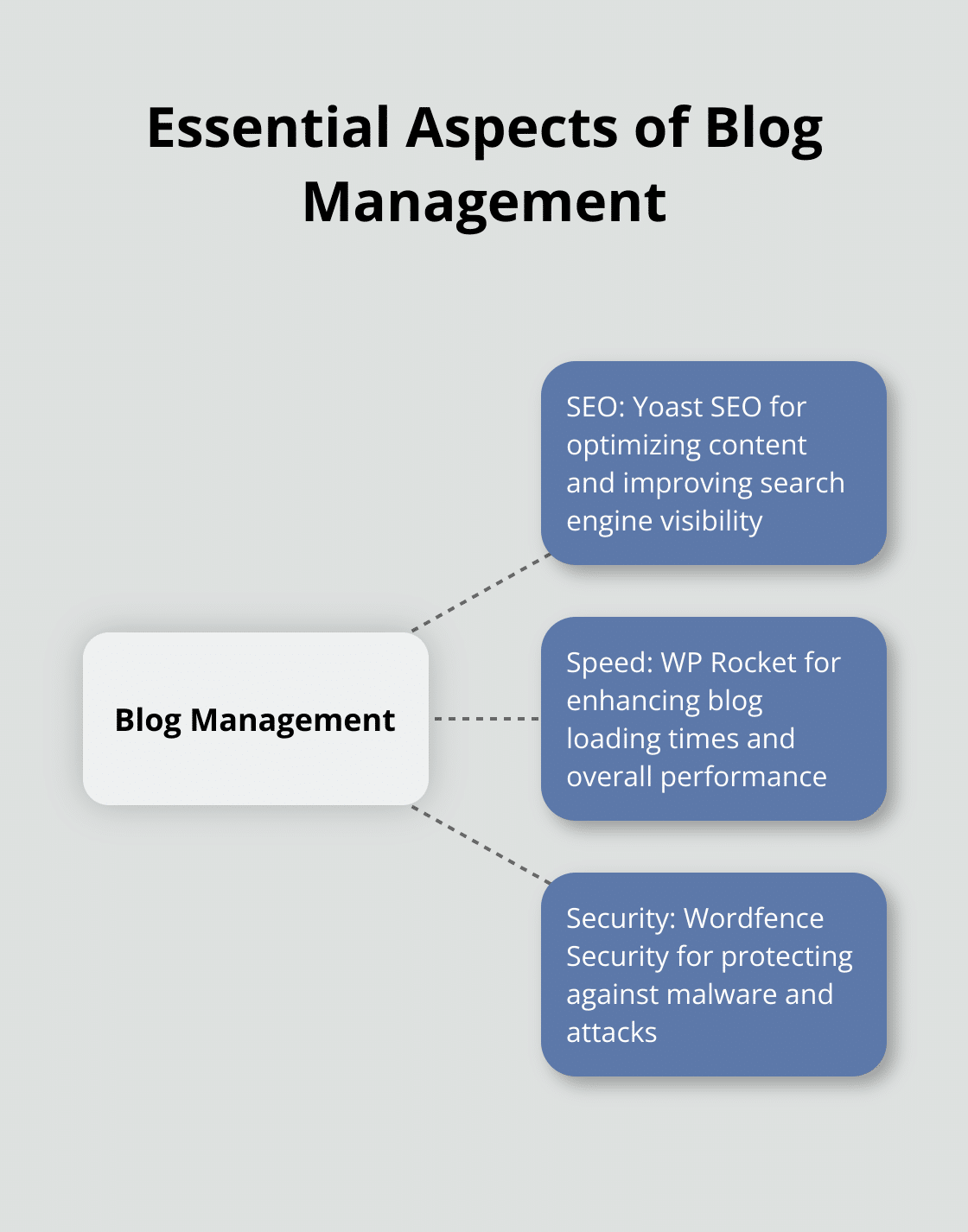
The best WordPress plugins for blogs enhance SEO, speed, and security. Yoast SEO, WP Rocket, and Wordfence Security stand out as top choices in their respective categories. These tools improve visibility, loading times, and protection against threats.
Plugins augment your blog’s capabilities, but high-quality content remains the foundation of success. Your blog should attract visitors and keep them engaged with compelling content that resonates with your audience. The right combination of content and plugins creates a powerful online presence.
Pluginizer offers an extensive library of over 15,000 premium plugins and themes for bloggers. A one-time subscription fee provides access to a wide range of tools to enhance your blog’s functionality and performance. You’ll benefit from continuous updates and robust support to keep your blog running smoothly.

