

At Pluginizer, we know that mobile optimization is essential for WordPress websites. With over 50% of global web traffic coming from mobile devices, it’s crucial to ensure your site performs well on smartphones and tablets.
In this post, we’ll explore the best WordPress mobile plugins and techniques to boost your site’s mobile performance. From caching and image optimization to responsive design, we’ll cover everything you need to know to create a lightning-fast mobile experience for your visitors.
Why Mobile Optimization Matters for WordPress
The Mobile-First Reality
In 2023, mobile devices generated 59.4% of global website traffic (Statista). This statistic underscores the importance of mobile optimization for WordPress sites.

If your site doesn’t perform well on smartphones and tablets, you risk losing more than half of your potential visitors.
Speed: The Mobile User’s Demand
Mobile users expect quick results. Google’s research shows that 53% of mobile site visits end if pages take longer than 3 seconds to load. This impatience directly affects your site’s success. Google also reports that each second of delay in mobile page load can reduce conversions by up to 20%.
Mobile Optimization and SEO
Mobile-first indexing means that Googlebot will now use the mobile version of your WordPress site for indexing and ranking. This helps improve the search experience for mobile users and can significantly impact your site’s visibility in search results.
Core Web Vitals: The New Performance Benchmark
Google’s Core Web Vitals represent key factors in a webpage’s overall user experience. These include:
- Largest Contentful Paint (LCP)
- Interaction to Next Paint (INP)
- Cumulative Layout Shift (CLS)
Optimizing these metrics not only boosts your site’s performance but also enhances user experience, leading to higher engagement and conversion rates.
WordPress’s Built-in Mobile Features
WordPress offers some inherent mobile-friendly features. Its default themes adapt to different screen sizes, and it automatically generates various image sizes to serve appropriately sized images to mobile devices. However, these core features often fall short of providing optimal mobile performance.
This is where plugins come into play. The right combination of plugins can dramatically improve your site’s mobile performance, enhancing speed, responsiveness, and user experience. (And if you’re looking for premium plugins to boost your mobile optimization, Pluginizer offers access to over 15,000 premium plugins and themes for a one-time subscription fee.)
In the next section, we’ll explore the essential plugins that can transform your WordPress site’s mobile optimization and provide an exceptional user experience across all devices.
Essential Mobile Optimization Plugins
The right plugins can dramatically improve mobile performance for WordPress sites. Let’s explore some game-changing tools that will supercharge your site’s mobile experience.
Caching: The Speed Booster
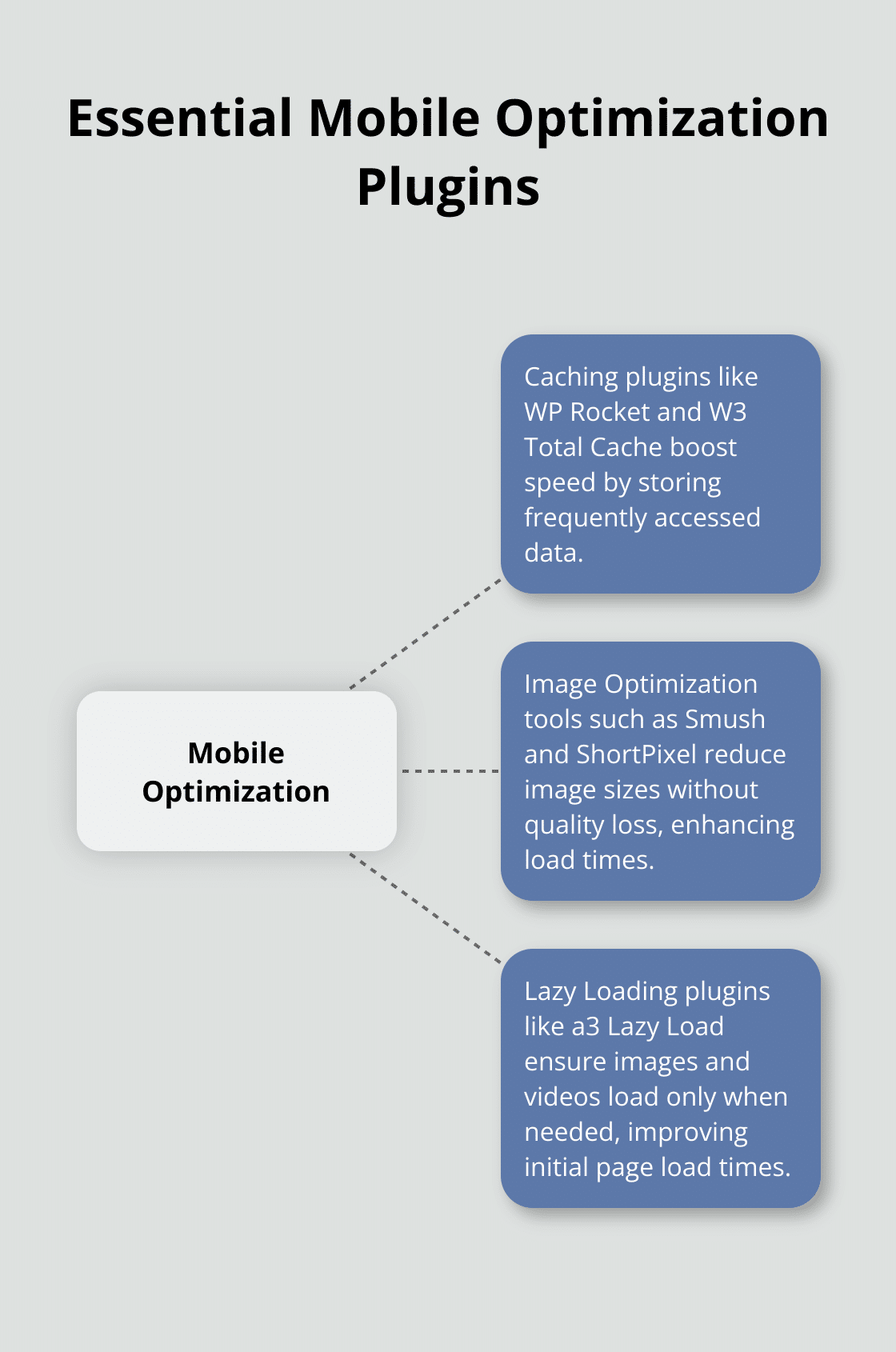
Caching acts as a secret weapon for faster loading times. WP Rocket, a popular caching plugin, can help improve your site’s performance. It automatically enables page caching, browser caching, and GZIP compression. This guide explains why WP Rocket is effective, recommends which settings will have the most impact, and provides concrete steps to optimize your site further.
W3 Total Cache offers a free alternative for those on a budget. While it requires more setup, it can still significantly boost your site’s speed. Some users have seen their mobile load time drop from 4.5 seconds to 2.8 seconds after implementing W3 Total Cache.
Image Optimization: Trimming the Fat
Images often account for the bulk of a page’s weight. Smush, an image optimization plugin, can reduce image sizes by up to 50% without noticeable quality loss. It also offers lazy loading and WebP conversion, further enhancing mobile performance.
ShortPixel is another excellent option, especially for sites with large image libraries. It’s considered one of the best image optimization plugins for WordPress to boost site speed. ShortPixel can optimize images and PDFs, bulk compress to WebP/AVIF, resize, and enable lazy loading.
Lazy Loading: The Performance Enhancer
Lazy loading plays a vital role in mobile optimization. It ensures that images and videos load only when they’re about to enter the viewport, significantly reducing initial page load times.
a3 Lazy Load is a lightweight plugin that lazy loads images, videos, and iframes. It’s particularly effective for long-form content and image-heavy sites. Some users report a reduction in initial page load times by up to 40% on their sites.
For a more comprehensive solution, Autoptimize combines lazy loading with other optimization techniques like CSS and JavaScript minification. It’s a powerful all-in-one tool that can dramatically improve your site’s mobile performance.
Regular testing and tweaking are essential to maintain optimal performance. Tools like Google PageSpeed Insights and GTmetrix can help you monitor your site’s mobile performance and identify areas for improvement.
(For those seeking access to these and many other premium plugins, Pluginizer offers a subscription service that allows you to test different combinations and find the perfect setup for your WordPress site’s mobile optimization.)
As we move forward, let’s explore some advanced mobile optimization techniques that can take your WordPress site’s performance to new heights.
Supercharging Mobile Performance
WordPress offers numerous advanced techniques to elevate your site’s mobile performance. Let’s explore some cutting-edge strategies that can significantly enhance your mobile user experience.
Accelerated Mobile Pages (AMP)
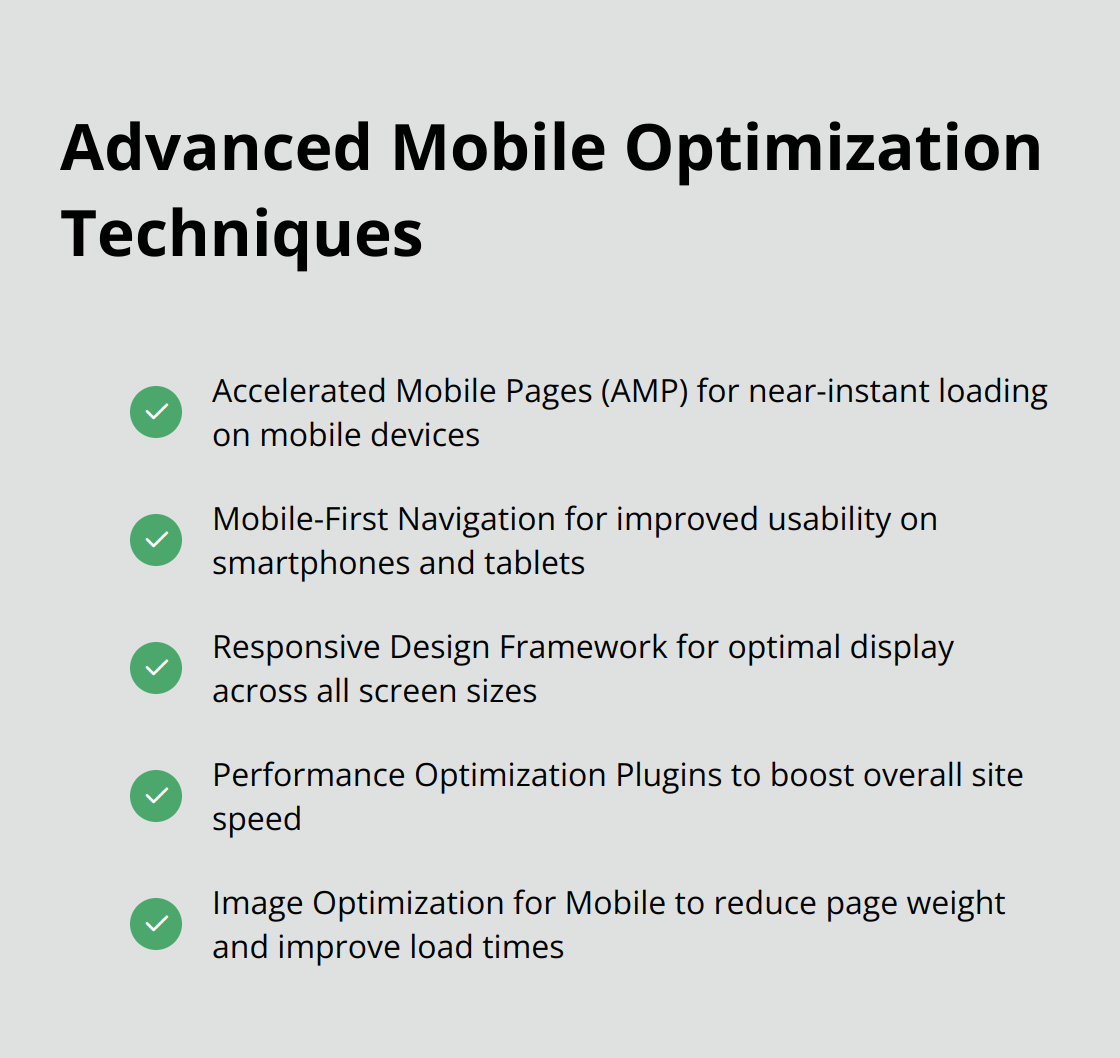
AMP technology, developed by Google, improves page load times on mobile devices. The AMP for WP plugin simplifies the implementation of AMP on your WordPress site. It creates AMP versions of your pages automatically, ensuring they load almost instantly on mobile devices.
A Search Engine Journal case study revealed a 600% increase in mobile traffic for one website after implementing AMP. However, AMP can limit some design flexibility, so consider the pros and cons for your specific site needs.
Mobile-First Navigation
Navigation can make or break the mobile user experience. The WP Mobile Menu plugin offers a solution tailored specifically for mobile users. It allows you to create a separate, touch-friendly menu for mobile devices, improving usability without affecting your desktop design.
Some users report up to a 20% increase in mobile engagement after implementing a mobile-specific menu. This plugin also offers features like sticky headers and smooth animations (further enhancing the mobile browsing experience).
Responsive Design Framework
While WordPress themes are generally responsive, using a dedicated responsive design framework can take your mobile optimization to the next level. The GeneratePress theme is built on a lightweight, highly customizable framework that excels in mobile performance.
GeneratePress users often see mobile page load times under 1 second (a significant improvement over many standard themes). Its modular approach allows you to enable only the features you need, keeping your mobile site lean and fast.
Performance Optimization Plugins
Performance optimization plugins can significantly boost your mobile site speed. WP Rocket, for example, automatically enables page caching, browser caching, and GZIP compression. These features can dramatically reduce load times on mobile devices.
Another powerful option is Autoptimize, which combines lazy loading with other optimization techniques like CSS and JavaScript minification. It’s an all-in-one tool that can improve your site’s mobile performance substantially.
Image Optimization for Mobile
Images often account for the bulk of a page’s weight. Adaptive images can solve problems with images and improve your website’s Core Web Vitals in a minute. It’s an easy-to-use plugin that optimizes images for mobile devices.
ShortPixel is another excellent option, especially for sites with large image libraries. It can optimize images and PDFs, bulk compress to WebP/AVIF, resize, and enable lazy loading.
Final Thoughts
Mobile optimization for WordPress sites has become essential in today’s digital landscape. We explored powerful WordPress mobile plugins and strategies to enhance site performance on smartphones and tablets. These tools can dramatically improve load times and user experience, providing a seamless and fast experience for mobile users who now make up the majority of web traffic.
Regular testing and updates maintain optimal mobile performance. Tools like Google PageSpeed Insights and GTmetrix monitor site speed and identify areas for improvement. As mobile technology evolves, optimization strategies must adapt to keep pace with emerging trends and user expectations.
At Pluginizer, we offer unlimited access to over 15,000 premium plugins and themes for a one-time subscription fee. This includes many of the WordPress mobile plugins we discussed, allowing you to experiment and find the perfect combination for your site’s needs. Our service empowers you to create an exceptional mobile experience, potentially boosting engagement, conversions, and search engine rankings in the process.

