

At Pluginizer, we’re excited to explore the powerful combination of Gravity Forms with WooCommerce.
These two popular WordPress plugins can revolutionize your e-commerce operations when used together. We’ll guide you through the integration process, from basic setup to advanced customizations.
Get ready to enhance your online store’s functionality and user experience.
How Gravity Forms and WooCommerce Work Together
Powerhouse Plugins Unite
Gravity Forms and WooCommerce stand as two titans in the WordPress ecosystem. Their combination creates a formidable force that amplifies e-commerce operations. WooCommerce held an estimated 25% of the global e-commerce market share in 2022. It provides a solid foundation for product sales and order management. Gravity Forms excels as a versatile form builder, enabling the creation of complex forms with ease.
Enhanced Online Store Functionality
The integration of these plugins allows businesses to create custom product forms, collect detailed customer information, and optimize the checkout process. This synergy proves particularly effective for businesses offering customizable products or services.
Improved Conversion Rates and User Experience
A study by Baymard Institute revealed that 26% of US online shoppers abandoned orders in the past quarter due to a “too long/complicated checkout process”. The Gravity Forms and WooCommerce integration addresses this issue head-on. It enables the creation of a smoother, more intuitive buying experience.

For example, businesses can use Gravity Forms to develop a multi-step product configurator. This approach allows customers to customize their products without feeling overwhelmed by numerous options at once. Epsilon’s research shows that 80% of consumers are more likely to make a purchase when brands offer personalized experiences.
Real-World Success Stories
A custom t-shirt company (one of our clients) utilized this integration to allow customers to upload their designs directly through a Gravity Form on the product page. This streamlined process reduced customer service inquiries by 35%.
In another case, a subscription box service employed Gravity Forms to create a detailed questionnaire for new subscribers. This personalization effort resulted in a 20% increase in customer retention rates.
Unlocking E-commerce Potential
The combination of Gravity Forms and WooCommerce opens up a world of possibilities for online businesses. From creating dynamic pricing models to implementing conditional logic for product variations, the potential for customization is vast.
As we move forward, we’ll explore the step-by-step process of connecting these two powerful plugins. This guide will help you harness their combined power to elevate your e-commerce operations.
How to Connect Gravity Forms and WooCommerce
Installation and Activation
Install and activate both Gravity Forms and WooCommerce on your WordPress site. Update both plugins to their latest versions for optimal compatibility.
Configuring Gravity Forms for WooCommerce
Navigate to the Gravity Forms settings and enable the WooCommerce add-on from the list of available extensions. This step establishes the initial connection between the two plugins.
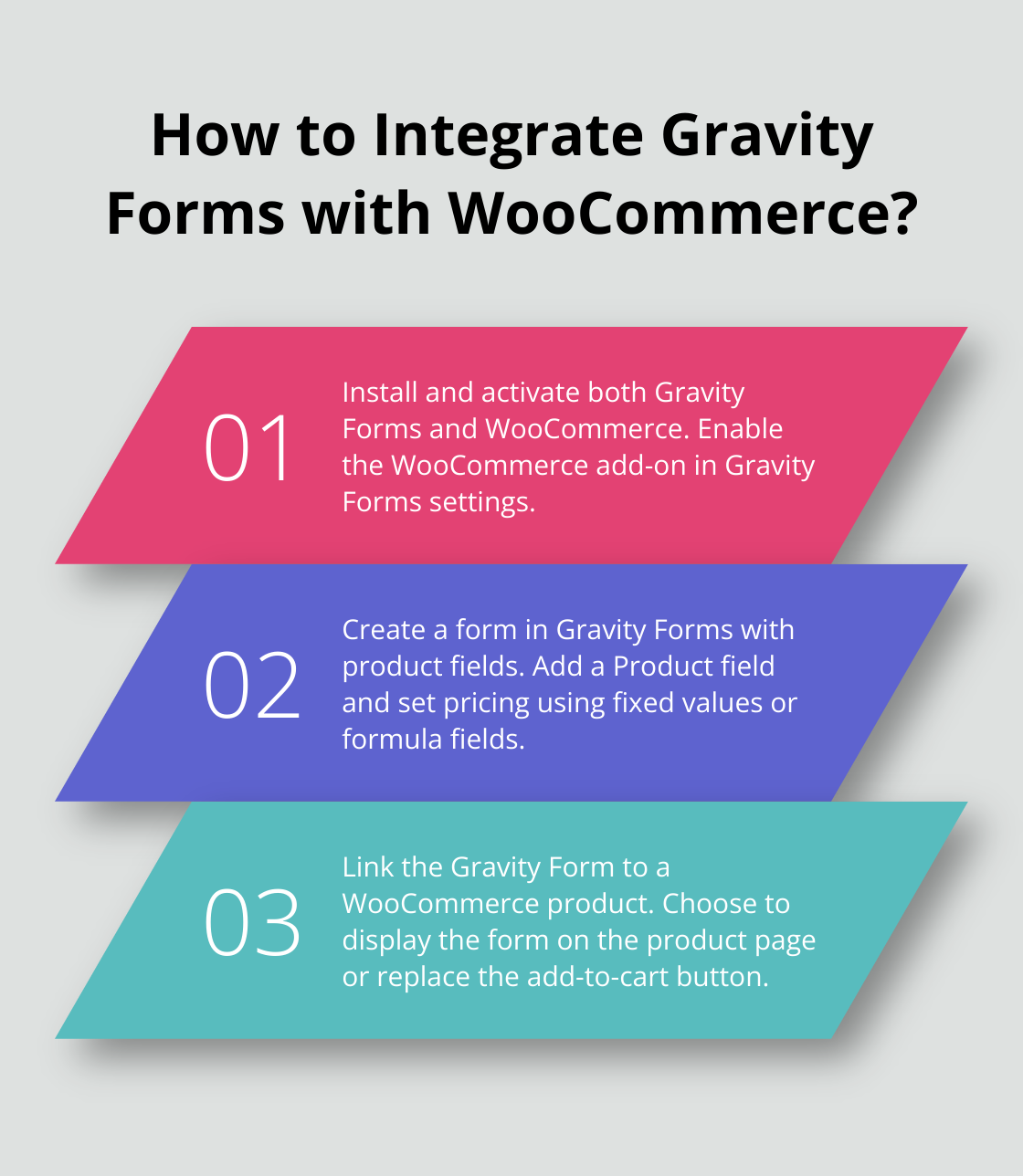
Create a new form in Gravity Forms. Add the necessary fields for your product (e.g., product name, quantity, custom options). Gravity Forms provides a wide range of field types to create detailed product forms.
Setting Up Product Fields
Add a Product field to your Gravity Form. This field type is essential for WooCommerce integration. Set a fixed price or use formula fields for dynamic pricing based on user selections.
For example, when selling custom t-shirts, you might set a base price of $20, with an additional $5 for sizes XL and above. Implement this pricing structure using Gravity Forms’ calculation fields.
Linking to WooCommerce Products
Link your Gravity Form to a WooCommerce product. Create a new product in WooCommerce or edit an existing one. In the product data section, find the tab for Gravity Forms. Select your created form from the dropdown menu.
Choose to display the form on the product page, replace the add to cart button, or both. This flexibility allows you to tailor the user experience to your specific needs.
Save your changes in both Gravity Forms and WooCommerce to ensure the integration takes effect.
Advanced Integration Options
Explore additional integration options to further enhance your e-commerce setup. Consider using conditional logic to show or hide fields based on user selections. This feature can streamline the product customization process and improve the overall user experience.
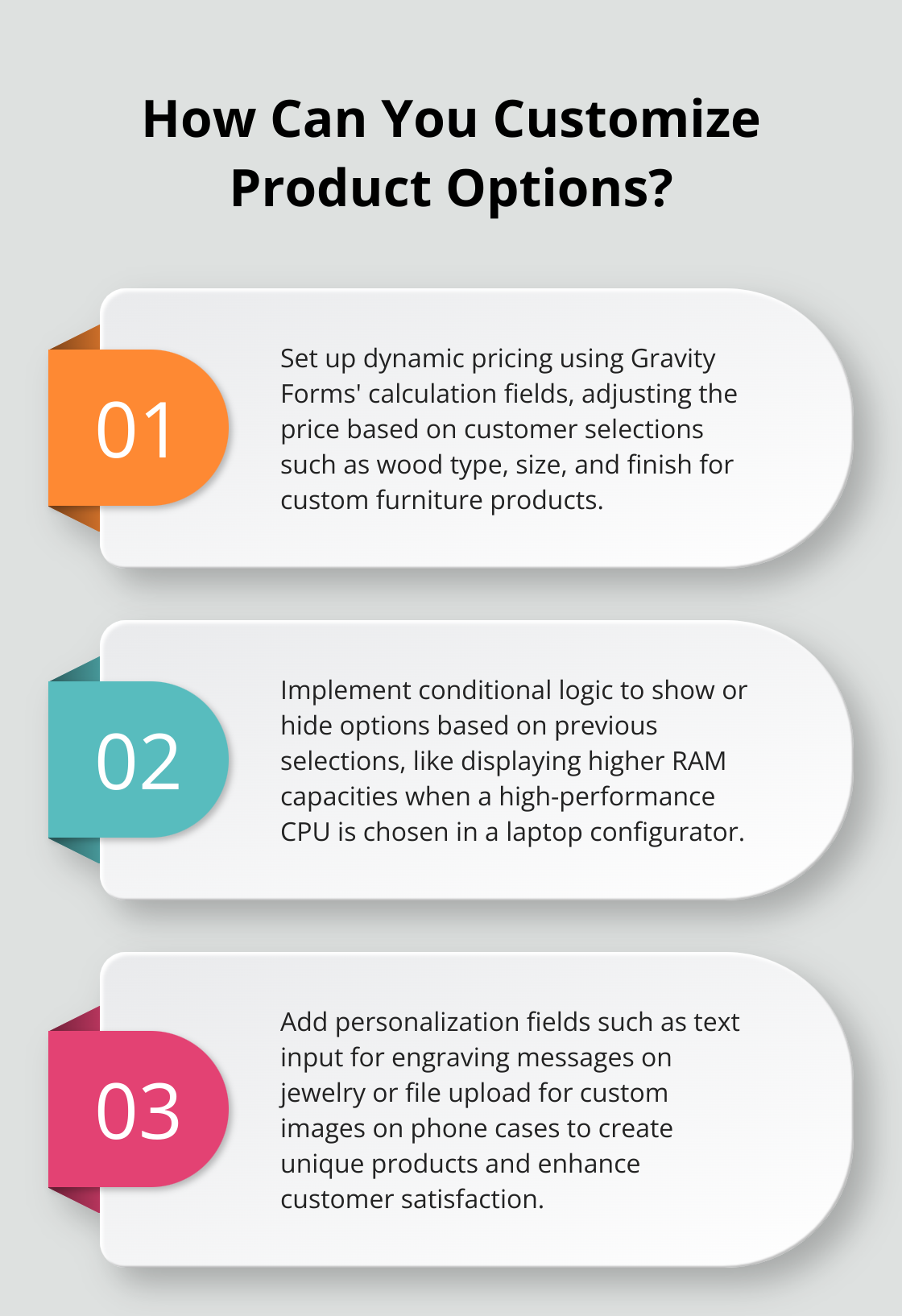
Implement dynamic pricing by utilizing Gravity Forms’ powerful calculation fields. This allows you to create complex pricing structures based on various product options (e.g., size, color, material).
Integrate file upload fields to allow customers to submit custom designs or specifications. This feature is particularly useful for businesses offering personalized products.
The seamless connection between Gravity Forms and WooCommerce opens up a world of possibilities for advanced product customization and improved shopping experiences. In the next section, we’ll explore advanced features and customizations to take your integration to new heights.
Here’s the modified chapter with the requested changes:
Supercharging Your Store with Advanced Features
At Pluginizer, we’ve witnessed the transformative power of advanced features in online stores. Let’s explore some techniques to elevate your WooCommerce and Gravity Forms integration.
Dynamic Pricing That Drives Sales
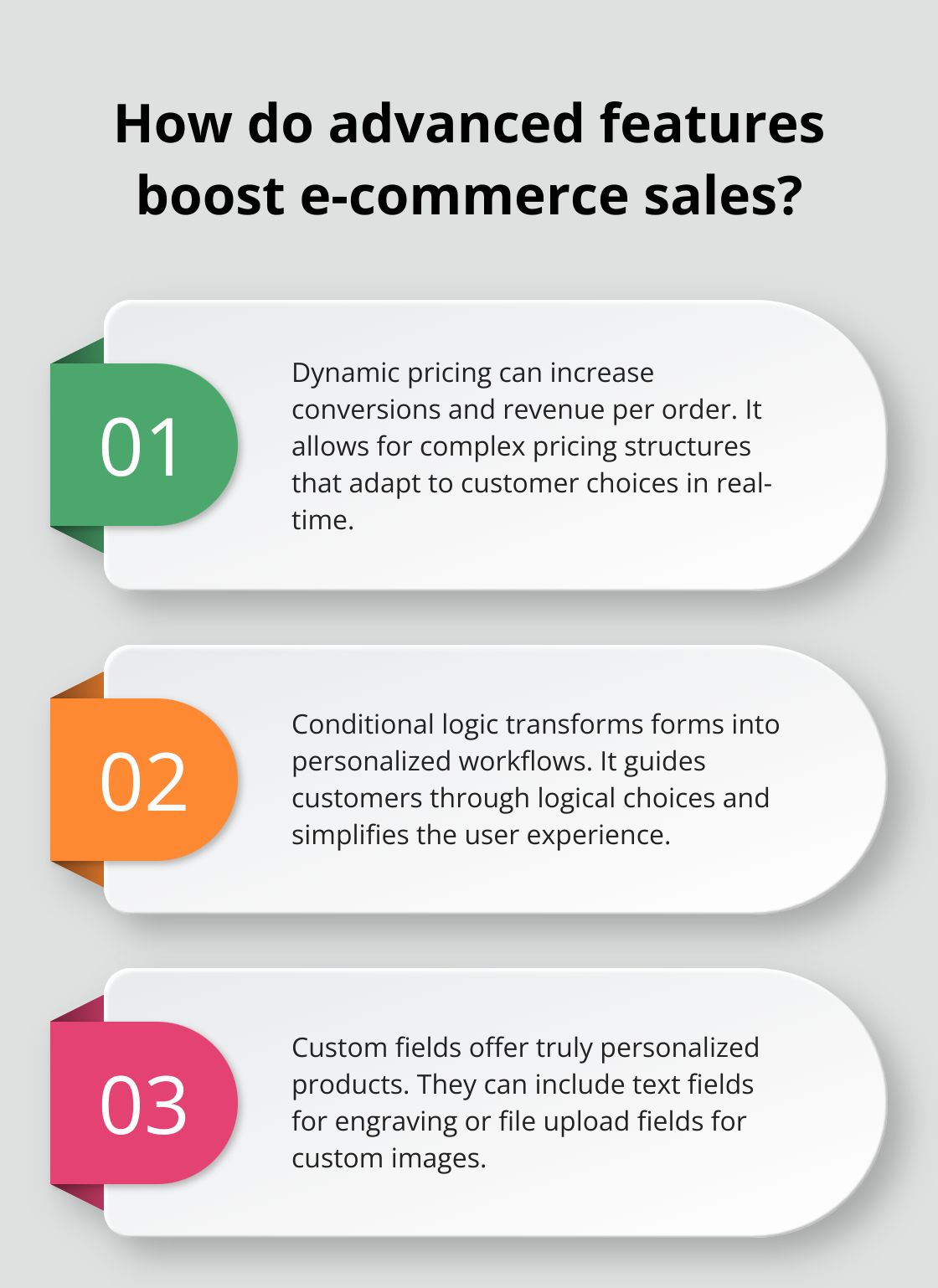
Dynamic pricing can help an e-commerce business increase conversions and revenue per order, improving its profit. Gravity Forms allows you to create complex pricing structures that adapt to customer choices in real-time. A custom furniture store could set up a form where the table price adjusts automatically based on wood type, size, and finish.
Implement this using Gravity Forms’ calculation fields. Set a base price, then add or subtract values based on user selections. For example:
Base Price: $500
Oak Wood: +$100
Mahogany: +$200
Large Size: +$150
Premium Finish: +$75
The final price updates instantly as customers make selections, providing a transparent and interactive shopping experience.
Conditional Logic for Streamlined Product Variations
Conditional logic can transform forms into personalized workflows by allowing your site’s users to interact with them dynamically. Show or hide options based on previous selections, guiding customers through a logical flow of choices.
For a custom laptop configurator, you might display different RAM options based on the chosen processor. If a customer selects a high-performance CPU, show higher RAM capacities automatically. This simplifies the user experience and ensures compatibility between components.
Personalization Fields That Make Products Unique
Custom fields offer truly personalized products. A gift shop could add a text field for engraving messages on jewelry or a file upload field for custom images on phone cases.
A bespoke suit tailor uses custom measurement fields in their Gravity Form. Customers input their specific measurements, which create perfectly fitted garments. This level of personalization can lead to increased customer satisfaction and reduced returns.
Seamless Payment Gateway Integration
Integrating payment gateways with your Gravity Forms and WooCommerce setup creates a frictionless checkout process. While WooCommerce handles the final transaction, you can use Gravity Forms to collect detailed order information before redirecting to the WooCommerce checkout.
For subscription-based products, consider using Gravity Forms’ recurring payments feature with WooCommerce Subscriptions. This combination allows flexible billing cycles and trial periods, enhancing your subscription offerings.
The goal is to create a seamless experience from product customization to payment. These advanced features don’t just sell products – they craft unique shopping experiences that keep customers coming back for more.
Final Thoughts
The integration of Gravity Forms with WooCommerce transforms e-commerce businesses. This powerful combination enables highly customized product offerings and streamlines the purchasing process. You can create unique shopping experiences tailored to your customers’ needs, from custom t-shirts to complex tech products.
The impact on your e-commerce operations will be significant. Improved user experience, personalized product options, and smoother checkout processes lead to increased conversion rates and customer satisfaction. The ability to gather detailed customer information through custom forms also provides valuable insights for marketing and product development.
We at Pluginizer encourage you to explore further customizations beyond what we’ve covered. If you want to enhance your WordPress site with premium plugins and themes, check out Pluginizer (with access to over 15,000 premium assets). You’ll unlock the full potential of your website, including powerful integrations like Gravity Forms with WooCommerce.

