

At Pluginizer, we understand the importance of reaching a global audience with your WordPress site. That’s why we’ve compiled a list of the best WordPress translation plugins to help you create a multilingual website.
In this post, we’ll explore top-rated solutions that make translating your content a breeze. We’ll also dive into key features to look for and compare different translation methods to help you make an informed decision.
Which WordPress Translation Plugins Are Best?
At Pluginizer, we’ve tested numerous WordPress translation plugins to help you make an informed decision. Here are our top picks for creating multilingual websites:
WPML: The Powerhouse for Complex Sites
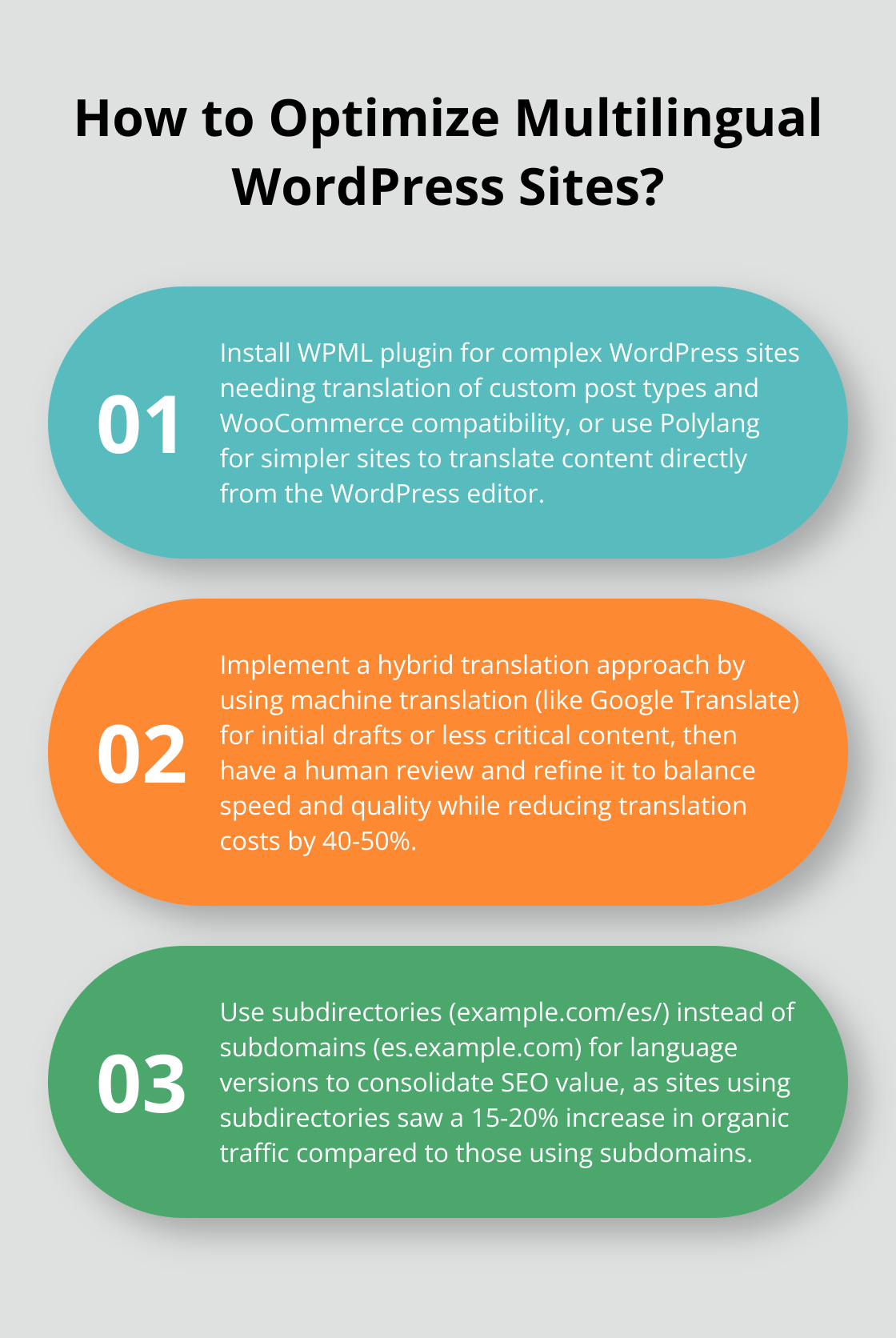
WPML (WordPress Multilingual Plugin) offers a robust solution for creating and managing multilingual websites. It supports over 40 languages and integrates seamlessly with popular page builders. WPML’s strength lies in its advanced features, including custom post type translation and WooCommerce compatibility. (However, its complexity might challenge beginners.)
Polylang: Simple Yet Effective
Polylang provides a user-friendly interface for smaller websites. It’s free for basic features, with a premium version available for advanced functionality. Polylang excels in its simplicity, allowing users to translate content directly from the WordPress editor. It’s an excellent choice for bloggers and small businesses who want to expand their reach.
TranslatePress: Visual Translation Made Easy
TranslatePress distinguishes itself with its front-end translation editor, making it incredibly intuitive for non-technical users. It offers both automatic translation options, integrating with Google Translate and DeepL. TranslatePress particularly benefits visually-oriented users who prefer to see translations in context.
Weglot: Quick and Efficient Multilingual Setup
Weglot delivers a cloud-based solution that automatically detects and translates your content. It’s known for its quick setup process and compatibility with various WordPress themes and plugins. Weglot strikes a balance between speed and quality, making it suitable for businesses looking to rapidly expand into new markets.
Pluginizer: The Ultimate Solution for WordPress Enthusiasts
While not specifically a translation plugin, Pluginizer offers unlimited access to over 15,000 premium plugins and themes (including many translation tools) for a one-time subscription fee. This comprehensive solution simplifies asset management and provides continuous updates, making it an excellent choice for freelancers, agencies, and website developers who need multiple tools, including translation plugins.

When selecting a translation plugin, consider your specific needs, budget, and technical expertise. Each plugin has its strengths, and the best choice depends on your project’s scale and requirements. Try to test the plugins thoroughly before committing to ensure they meet your expectations and integrate well with your existing WordPress setup. Now, let’s explore the key features you should look for in translation plugins to make the most informed decision.
What Makes a Great WordPress Translation Plugin?
Flexible Translation Methods
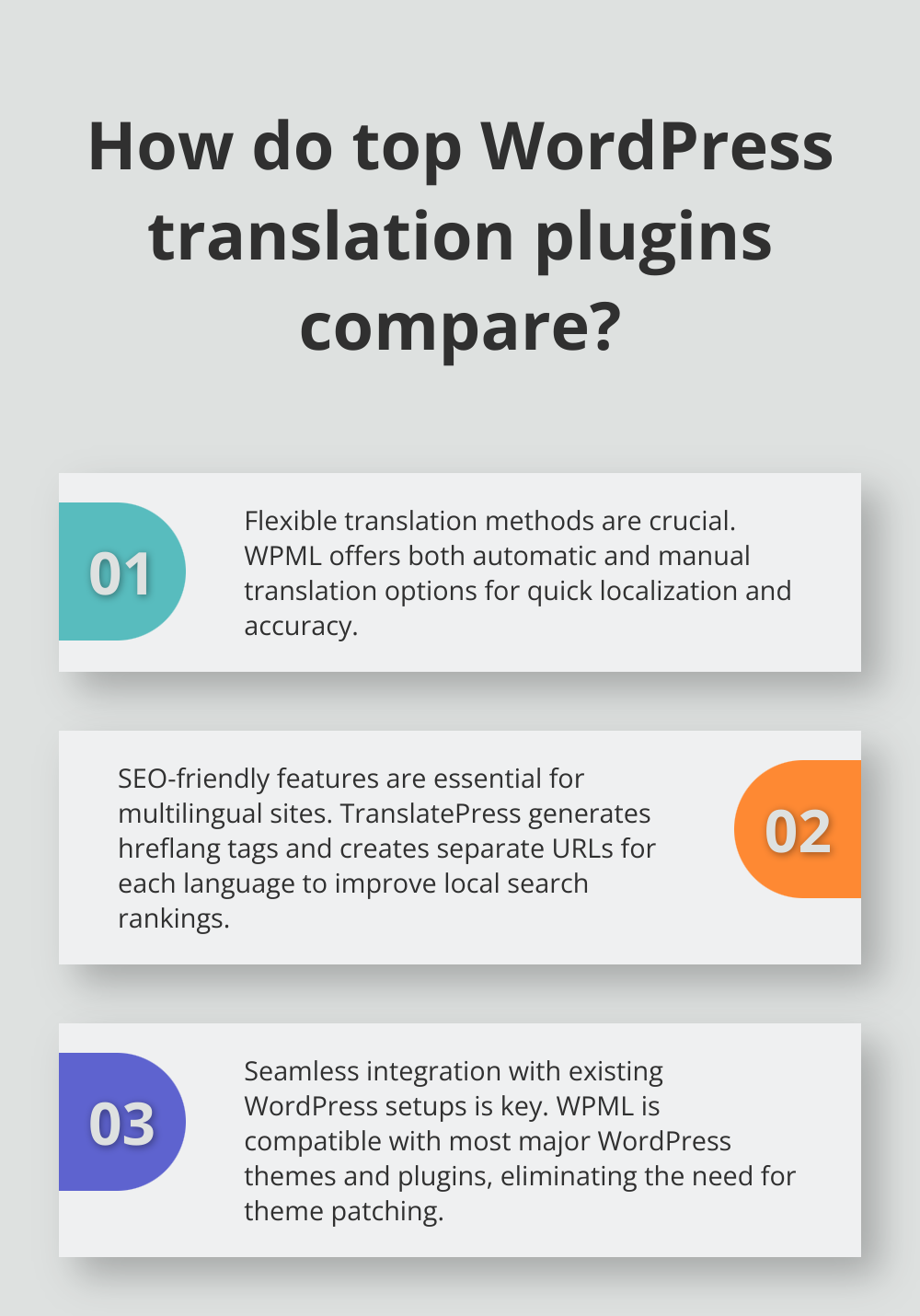
Top-tier translation plugins offer both automatic and manual translation options. Automatic translation, powered by services like Google Translate or DeepL, enables quick content localization. Manual translation capabilities ensure accuracy and nuance, especially for professional or technical content. WPML provides a robust framework for professional translators while also supporting machine translation.
SEO-Friendly Multilingual Content
Search engine optimization for multilingual sites is essential. The best plugins automatically generate hreflang tags, create separate URLs for each language, and allow customization of metadata in different languages. TranslatePress offers excellent SEO features, ensuring translated content ranks well in local search results.
Seamless Integration
A great translation plugin should integrate smoothly with your existing WordPress setup. This includes compatibility with popular page builders like Elementor and Divi, as well as integration with widely-used themes and plugins. Seamless Integration is a key feature of WPML, which is compatible with most major WordPress themes and plugins, eliminating the need for theme patching.
User-Friendly Management
An intuitive interface for managing translations significantly impacts workflow efficiency. This is especially important for teams with varying levels of technical expertise. Polylang provides a straightforward translation management system within the familiar WordPress environment, making it accessible to non-technical users.
Comprehensive Solutions
For those who need access to multiple translation tools and themes, comprehensive solutions exist.
When evaluating different options, try to run a small-scale test on a staging site. This hands-on approach will provide valuable insights into how each plugin performs in real-world scenarios. The next section will explore the pros and cons of different translation methods to help you make an informed decision for your multilingual website strategy.
How Do Translation Methods Compare?
Machine vs. Human Translation
Machine translation offers speed and cost-effectiveness. Google Translate, integrated into many WordPress plugins, can translate an entire site in minutes. Google Translate is a well-known commercial translation engine, capable of handling large volumes of text quickly.

Human translation provides nuanced, context-aware content. It’s essential for legal, medical, or technical websites where precision matters. An average professional translator typically handles 800 to 1,000 words per day, with some managing up to 2,000 words in a day.
We recommend a hybrid approach: use machine translation for initial drafts or less critical content, then have a human review and refine it. This method balances speed and quality (often reducing translation costs by 40-50%).
URL Structure: Subdomains vs. Subdirectories
The choice between subdomains (es.example.com) and subdirectories (example.com/es/) for language versions affects SEO strategy. Google treats subdomains as separate entities, which can dilute domain authority. Subdirectories consolidate a site’s SEO value.
Moz’s research indicates that subdirectories generally perform better in search rankings. They found that sites using subdirectories for language versions saw a 15-20% increase in organic traffic compared to those using subdomains.
However, subdomains offer cleaner separation and can benefit very large sites or those targeting distinctly different markets. Amazon uses country-specific subdomains (amazon.fr, amazon.de) to great effect.
Single-Site vs. Multisite for Multilingual Websites
WordPress Multisite allows users to create a network of sites, each potentially in a different language. This approach offers more control and separation between language versions but increases management complexity.
A single-site approach, where all languages exist on one WordPress installation, is often simpler to manage and more cost-effective. It suits small to medium-sized businesses. W3Techs reports that 76.2% of multilingual WordPress sites use a single-site approach.
The multisite approach excels for large organizations or when significant content differences exist between language versions. BBC News uses separate sites for different language editions, allowing for tailored content and functionality.
Most users find success with a single-site approach using a robust translation plugin. It simplifies management while still offering powerful multilingual capabilities. For enterprise-level sites with complex localization needs, a multisite setup might justify the additional effort.
Final Thoughts
Our exploration of the best WordPress translation plugins reveals a diverse landscape of solutions for multilingual websites. WPML, Polylang, TranslatePress, and Weglot each offer unique features to suit different project needs and scales. The right plugin for your site depends on your budget, technical skills, and specific requirements.
The future of WordPress multilingual solutions looks promising. Advancements in machine translation technology will likely improve automatic translations, while integration with AI-powered content creation tools could streamline multilingual content production. These developments will make it easier for businesses to reach global audiences effectively.
For those who need more than just translation tools, Pluginizer provides access to over 15,000 premium plugins and themes (including many translation options) for a one-time subscription fee. This comprehensive solution can benefit freelancers, agencies, and developers who require a wide array of WordPress tools to create and manage multilingual websites.

