

The WordPress plugins market generates over $1.2 billion annually, with independent developers capturing significant revenue through dedicated plugin shops. Setting up your own WordPress plugins shop opens direct sales channels without marketplace fees.
We at Pluginizer have guided hundreds of developers through this process. This guide covers everything from platform selection to automated delivery systems, helping you launch a profitable plugin business in weeks rather than months.
Choose the Right E-commerce Platform and Hosting
WooCommerce powers your plugin shop foundation and handles digital product sales with proven reliability. Over 6.6 million active installations demonstrate its market dominance for downloadable products. Install WooCommerce alongside Easy Digital Downloads for specialized digital product features like software licensing and automatic updates. EDD serves over 50,000 businesses that focus specifically on digital sales, which makes it the superior choice for plugin distribution.
Payment Gateway Configuration That Converts
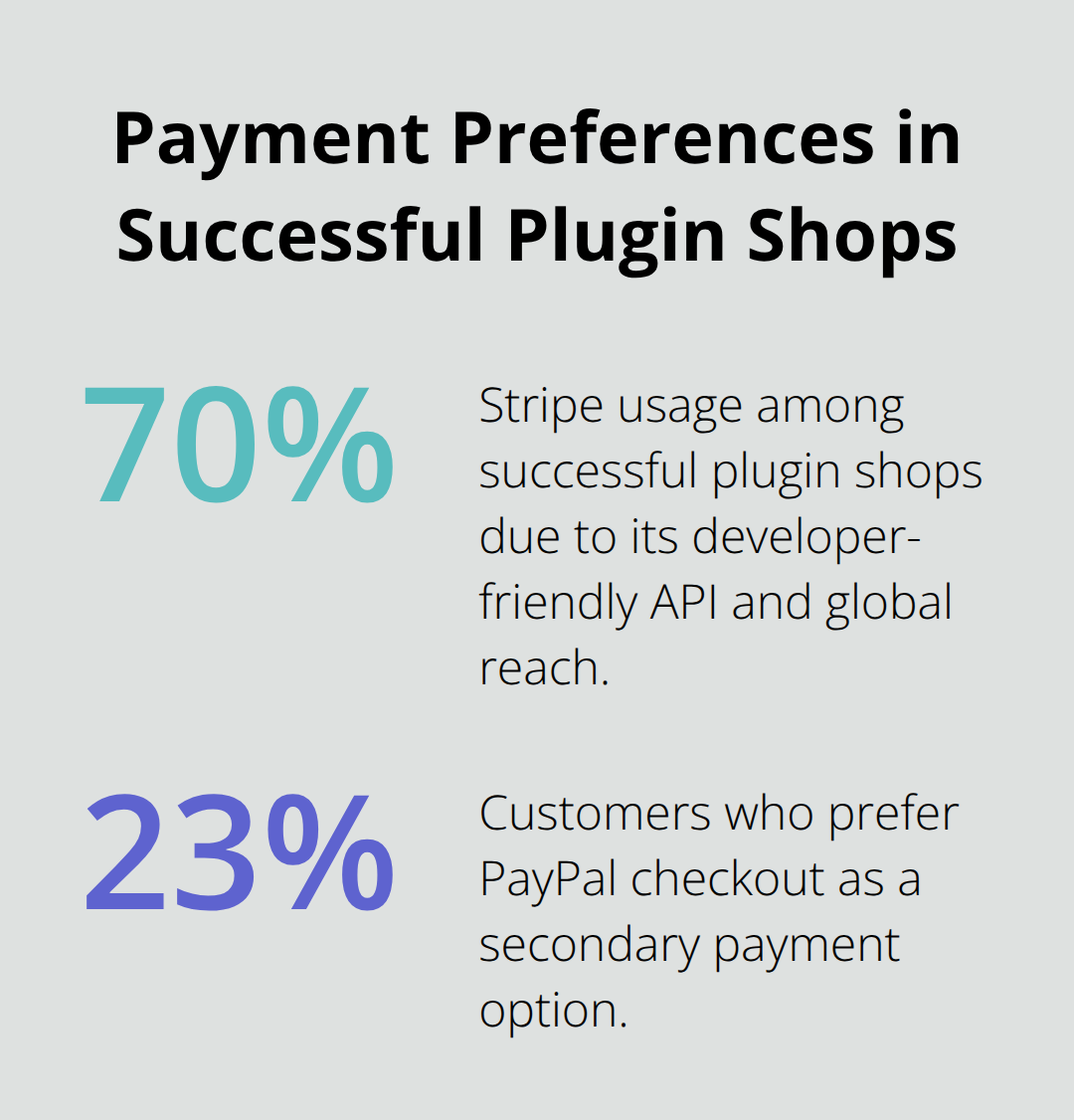
Stripe processes payments for 70% of successful plugin shops due to its developer-friendly API and global reach. Configure Stripe with WooPayments for seamless credit card processing and alternative payment methods. PayPal remains essential as a secondary option since 23% of customers prefer PayPal checkout.
Square offers competitive rates at 2.6% plus 10 cents per transaction for established businesses.
Install SSL certificates immediately – customers abandon purchases on unsecured checkout pages according to Baymard Institute research. This security measure directly impacts your conversion rates and customer trust.
Essential Security and Backup Systems
Install Jetpack VaultPress Backup for automated daily backups, which prevents data loss that affects 60% of small businesses annually. Configure automated email delivery through services like SendGrid or Mailgun to handle license key distribution and customer communications. Set up WooCommerce Tax for automated sales tax collection across multiple jurisdictions – manual tax handling creates compliance issues for 40% of digital product sellers.
Admin Security and Access Control
Enable two-factor authentication on admin accounts and limit login attempts to prevent security breaches that impact eCommerce sites every 39 seconds on average. These security measures protect your revenue stream and customer data from unauthorized access.
Your platform foundation now supports the next critical step: organizing and managing your digital product files for seamless customer delivery.
Managing Digital Products and Downloads
Your plugin files need systematic organization to prevent customer confusion and support headaches that plague digital product shops. Create dedicated product folders with version numbers, readme files, and installation guides for each plugin release. Name files consistently with your plugin slug followed by version numbers like my-awesome-plugin-v2.1.3.zip to eliminate download mix-ups.
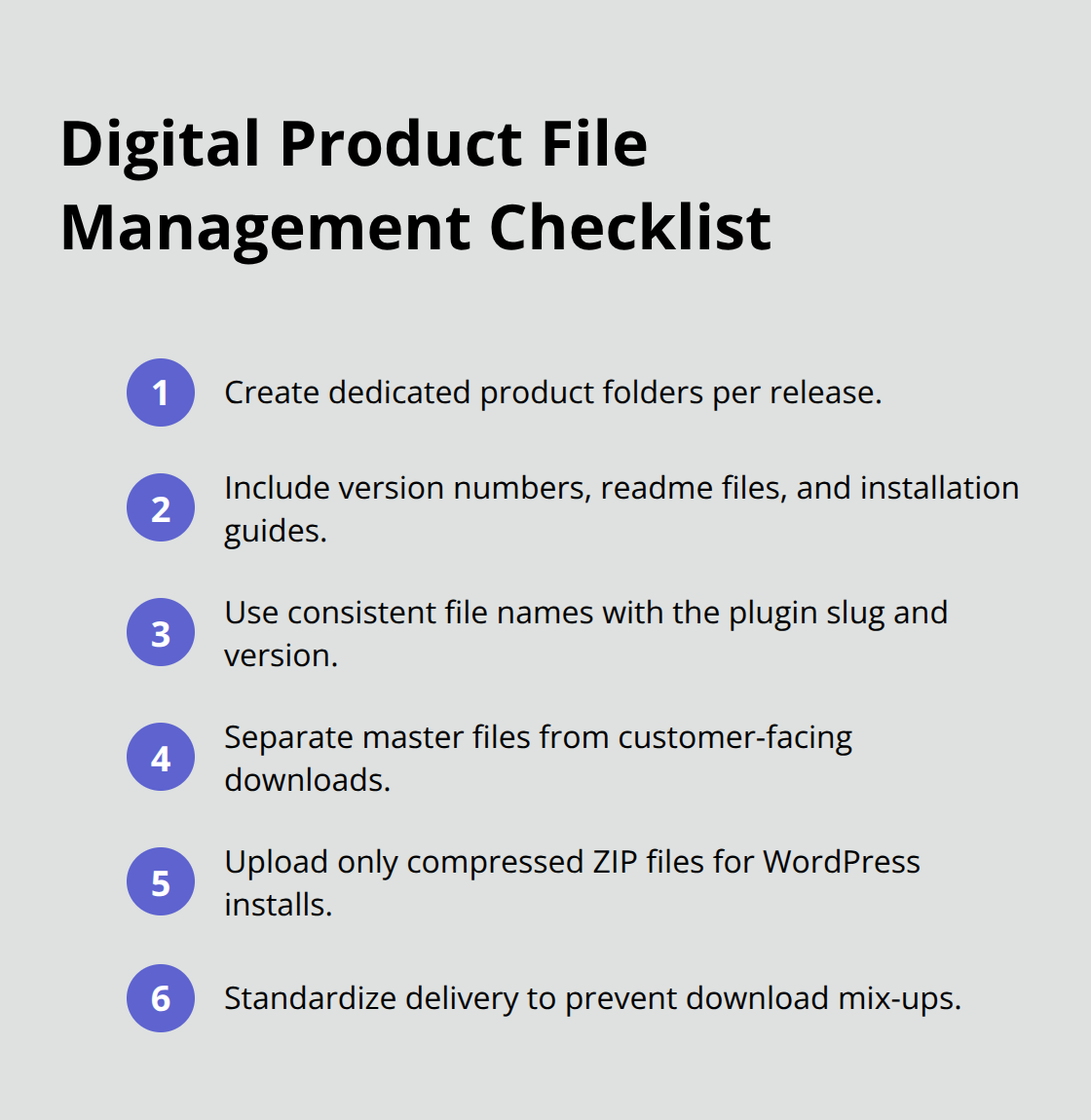
Store master files separately from customer-facing downloads. This maintains clean separation between development and distribution versions. Upload compressed ZIP files exclusively since WordPress requires this format for plugin installations, and customers expect standardized delivery methods.
Automated Download Systems That Scale
Configure WooCommerce or Easy Digital Downloads to generate unique download links with 48-hour expiration windows. This prevents unauthorized file sharing that costs developers revenue. Set download limits to three attempts per purchase to balance customer convenience with security concerns.
Enable automatic email delivery that contains license keys, download links, and installation instructions within five minutes of payment completion. SendGrid handles infrastructure that sends 148+ billion emails every month and offers reliable delivery rates above 99% for transactional messages.
Product Page Optimization for Conversions
Create detailed product pages that feature multiple screenshots, feature lists, compatibility requirements, and demo links. Customers spend more time on pages with comprehensive product information. Include clear installation instructions and system requirements to reduce support tickets.
Add customer testimonials and compatibility badges to build trust immediately. WordPress users check compatibility information before most plugin purchases.
License Key Management Systems
Implement automated license key generation that ties directly to customer email addresses and purchase records. This system prevents duplicate activations while allowing legitimate customers to reactivate their licenses on new sites. Most successful plugin shops limit activations to 3-5 sites per license to balance flexibility with revenue protection.
Your organized file management and automated delivery systems now support the final component: effective marketing strategies that drive consistent sales growth.
Marketing and Growing Your Plugin Shop
Search engine optimization drives significant website traffic according to BrightEdge research, which makes SEO your primary customer acquisition channel. Target long-tail keywords like “WordPress booking plugin” or “WooCommerce inventory management” instead of generic terms like “WordPress plugin.” These specific phrases convert better than broad keywords because users search with purchase intent.
Create blog content around plugin tutorials, WordPress development tips, and problem-solving guides that rank for these targeted phrases. Install Yoast SEO or RankMath to optimize product pages with meta descriptions, schema markup, and internal linking structures that search engines favor.
Build Customer Trust with Reviews and Support
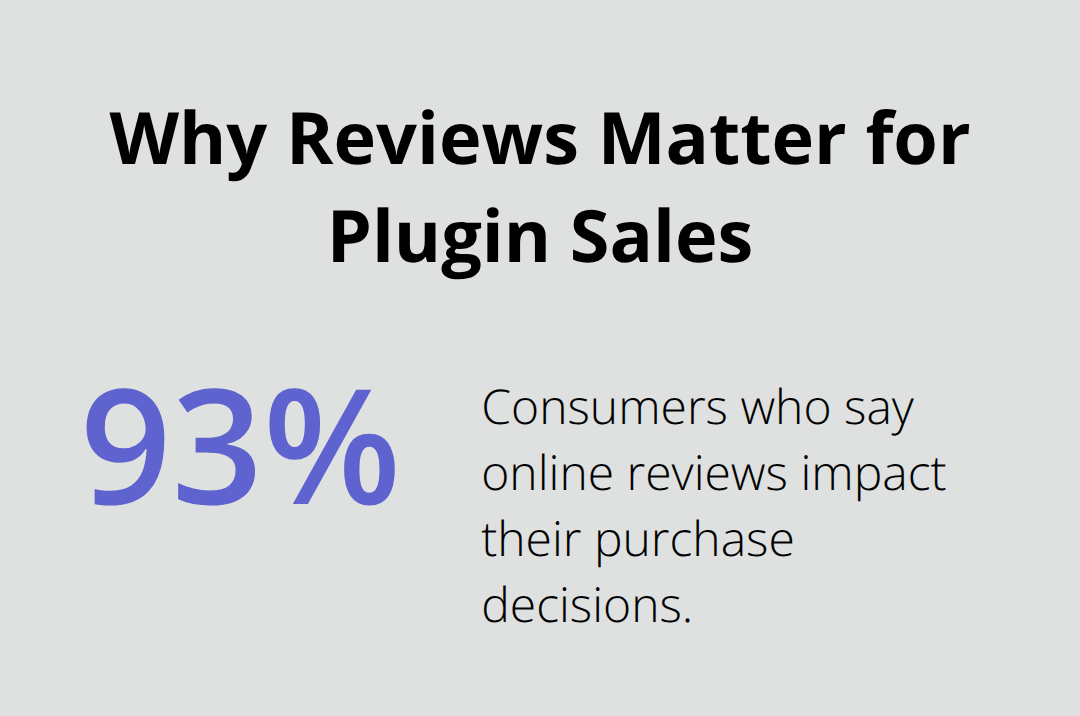
Implement review collection systems immediately since 93% of consumers say online reviews impact purchase decisions. Send automated review requests 7 days after purchase when customers have tested your plugins thoroughly. Display reviews prominently on product pages with star ratings, customer names, and specific use cases.
Respond to negative reviews within 24 hours with solutions or refunds – this public responsiveness converts hesitant buyers according to business studies. Create detailed FAQ sections that address common concerns, which reduces support tickets while building customer confidence.
Offer live chat support during business hours since real-time assistance increases conversion rates compared to email-only support systems.
Email Marketing Systems That Generate Repeat Sales
Build email lists through free plugin versions, development guides, and WordPress tutorials that attract your target audience. Segment subscribers based on purchase history, plugin interests, and engagement levels for personalized messaging.
Send monthly newsletters that feature new releases, development tips, and exclusive discount codes to maintain customer relationships. Abandoned cart emails recover lost sales when sent within hours of cart abandonment.
Create automated sequences for new subscribers that introduce your best-selling plugins, share customer success stories, and provide valuable WordPress development resources. This nurtures leads over 60-90 days before making sales pitches.
Final Thoughts
Your WordPress plugins shop success depends on three fundamental components: solid technical foundation, streamlined product management, and strategic marketing implementation. WooCommerce combined with Easy Digital Downloads provides the infrastructure that handles digital sales reliably. Automated delivery systems prevent customer frustration while they protect your revenue through secure download links and license management.
Most new plugin shop owners fail because they skip essential security measures or neglect SEO optimization from launch day. SSL certificates and backup systems prevent the data loss that destroys 60% of small businesses. Search engine optimization drives organic traffic that converts better than paid advertising for digital products.
Focus on customer trust through responsive support and transparent review systems. Email marketing generates repeat sales when you segment subscribers based on purchase behavior and plugin interests. Scale your operations efficiently by using comprehensive plugin collections like Pluginizer, which offers unlimited access to over 15,000 premium plugins and themes (this approach reduces individual costs while providing continuous updates and GPL rights for unlimited site usage).

