

Choosing the right theme for your WooCommerce store can make or break your online business. At Pluginizer, we’ve seen countless e-commerce websites thrive or struggle based on their theme selection.
In this post, we’ll guide you through the best WooCommerce themes for different types of stores and show you how to pick the perfect one for your needs. We’ll also share practical tips on installation and customization to help you create a stunning and high-performing online store.
What Makes a Great WooCommerce Theme?
Mobile-First Design
In 2023, mobile devices account for a significant portion of web traffic. Your WooCommerce theme must look great and function flawlessly on smartphones and tablets. Google’s mobile-first indexing means your mobile site directly impacts your search rankings. Test potential themes on various devices to ensure a seamless shopping experience for all users.
Lightning-Fast Performance
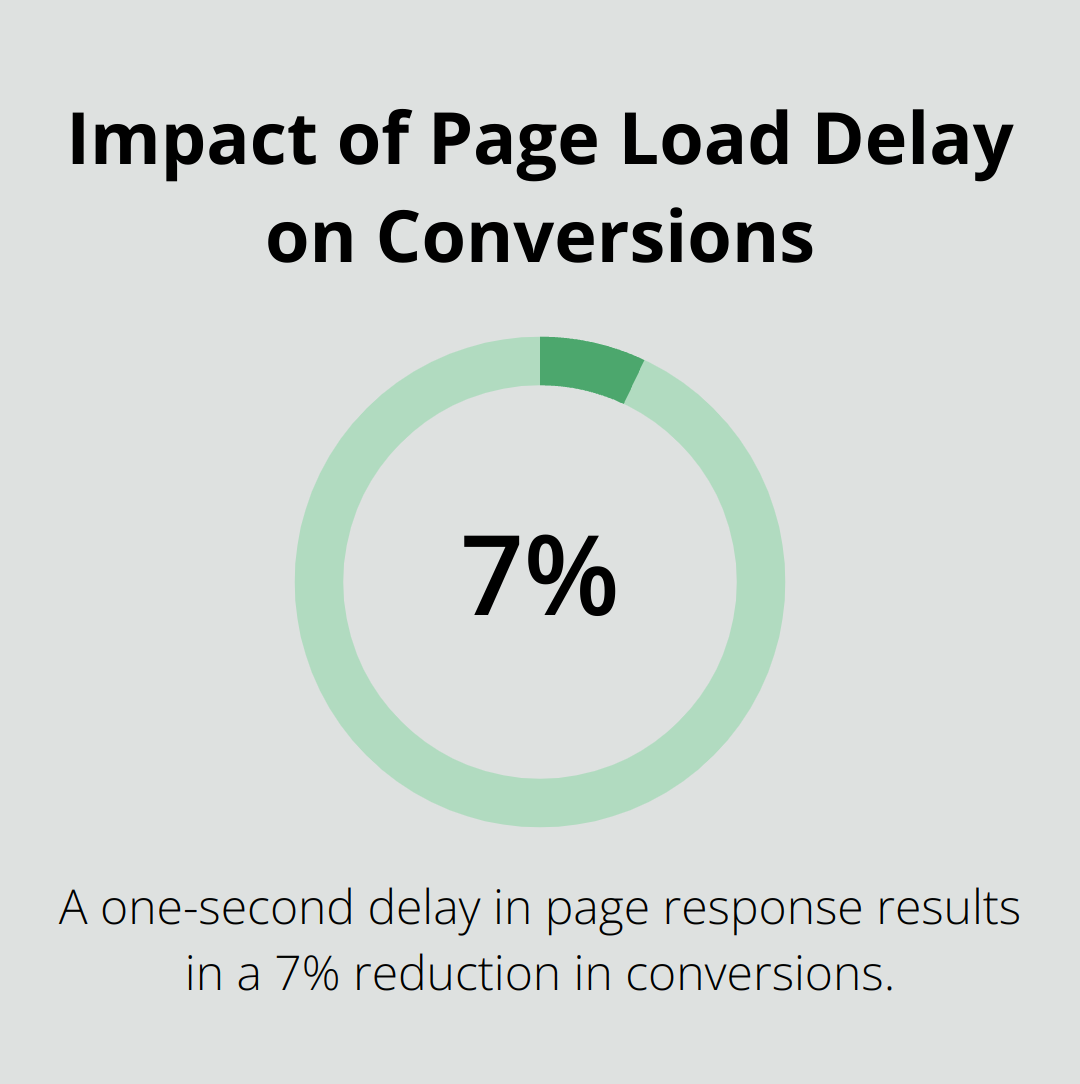
Speed equals money in e-commerce. A one-second delay in page response can result in a 7% reduction in conversions. Look for themes optimized for speed, with clean code and minimal bloat. Use tools like Google PageSpeed Insights to test theme performance before you commit.
Customization Without Complexity
Your store should stand out, but not at the cost of usability. The best WooCommerce themes offer extensive customization options through user-friendly interfaces. Avoid themes that require heavy coding for basic changes. Instead, opt for those with visual customizers and pre-built layouts that you can easily tweak to match your brand.
SEO-Ready Architecture
A well-structured theme can significantly boost your search engine rankings. Look for themes with clean, semantic HTML markup and schema.org integration. These features help search engines understand your content better, potentially improving your visibility in search results.
Plugin Harmony
Your WooCommerce store likely relies on several plugins for added functionality. Ensure your chosen theme works well with popular WooCommerce extensions and third-party plugins. Compatibility issues can lead to broken layouts and functionality problems. Always check theme documentation for known plugin conflicts and test extensively before you go live.
Now that we’ve covered the key factors that make a great WooCommerce theme, let’s explore some top themes for different types of online stores. Whether you’re selling fashion, electronics, or digital products, there’s a perfect theme out there for your business.
Top WooCommerce Themes for Every Store Type
Selecting the right WooCommerce theme for your online store can significantly impact your success. We’ve analyzed hundreds of themes and identified the top performers for different niches. Here’s our breakdown of the best themes for various store types, based on real-world performance data and user feedback.
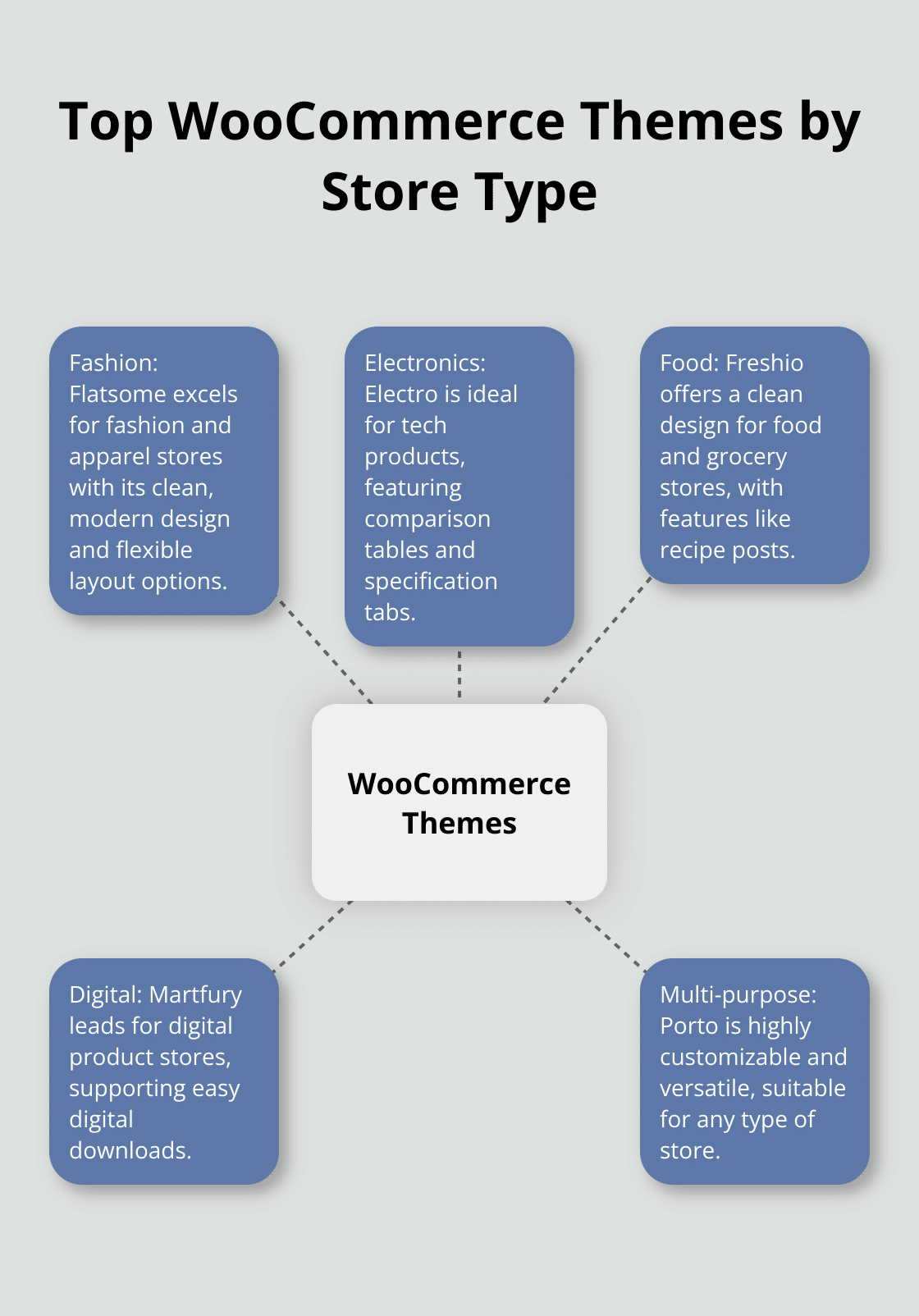
Fashion and Apparel: Flatsome
Flatsome excels as the top theme for fashion and apparel stores. Its clean, modern design and flexible layout options make it ideal for showcasing clothing and accessories. Flatsome’s live search feature helps customers find products quickly, while its product quick view reduces friction in the browsing process. With over 8,000 sales on Envato, Flatsome has proven its popularity in the WooCommerce theme market.
Electronics: Electro
For electronics stores, Electro takes the lead. This theme caters specifically to tech products, with features like comparison tables and specification tabs (essential for electronics shoppers). Electro’s megamenu functionality allows easy navigation through complex product categories. The theme also includes a built-in deals countdown timer, which can boost urgency and increase conversions for time-sensitive offers.
Food and Grocery: Freshio
Freshio stands out as the ideal theme for food and grocery stores. It offers a clean, appetizing design that showcases fresh produce and gourmet products effectively. Freshio includes a recipe post type, allowing you to share recipes that feature your products – an excellent way to boost engagement and sales. The theme’s quick view feature and AJAX add-to-cart functionality create a smooth shopping experience, which is vital for repeat grocery purchases.
Digital Products: Martfury
Martfury leads the pack for digital product stores. This theme supports easy digital downloads and includes features specifically designed for selling e-books, software, and other digital goods. Martfury’s clean, minimalist design puts the focus on your products, while its built-in vendor system makes it easy to create a multi-vendor marketplace for digital goods.
Versatile Multi-purpose: Porto
Porto emerges as the top choice for a theme that can handle any type of store. This highly customizable theme has super-fast loading speed and is easy to use, making it ideal for eCommerce stores. Porto offers multiple demo sites covering a wide range of industries, from fashion to electronics to furniture. Its powerful admin panel allows for deep customization without coding, making it suitable for both beginners and advanced users.
While these themes represent our top picks, it’s important to note that the best theme for your store depends on your specific needs, target audience, and products. Take time to explore different options, test their features, and consider how they align with your brand before making a final decision. In the next section, we’ll guide you through the process of installing and customizing your chosen WooCommerce theme to create a stunning and high-performing online store.
How to Set Up Your WooCommerce Theme
Installing Your Theme
Log into your WordPress dashboard. Navigate to Appearance > Themes > Add New. For premium themes, click Upload Plugin button, and choose the theme file (zip file). Free themes can be searched directly in the WordPress repository.
After upload, click Activate. Your new theme will go live, but it will need customization to match your brand and products.
Customizing Your Theme
Open the WordPress Customizer (Appearance > Customize) to personalize your theme. Most WooCommerce themes allow color, font, and layout changes here. Align your customizations with your brand identity.
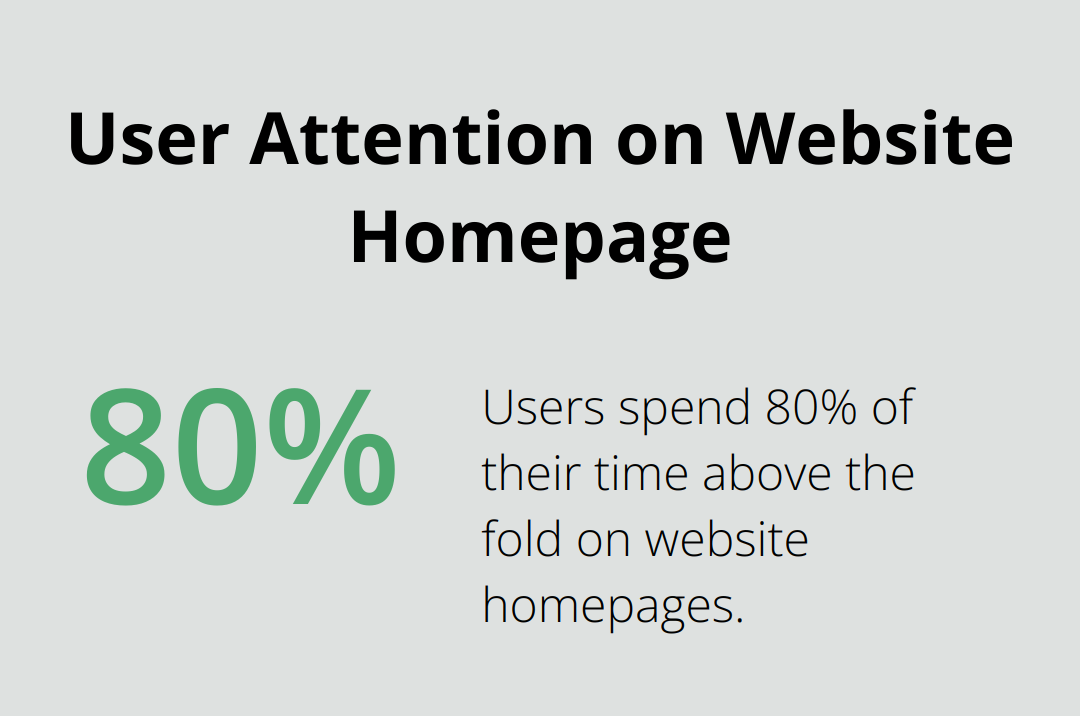
Focus on your homepage layout. Users spend 80% of their time above the fold (Nielsen Norman Group study). Place your best-selling products or key categories in this prime real estate.
Advanced Tweaks for Better Performance
More advanced customizations might require editing your theme’s CSS or PHP files. Use a child theme for these changes to prevent work loss during theme updates.
Use a page builder like Elementor or Beaver Builder for complex layouts. These tools can speed up your design process without coding knowledge.
Optimize your store’s speed by compressing images before upload. Tools like TinyPNG can reduce image size by up to 80% without noticeable quality loss. Google reports that 53% of mobile site visits are abandoned if pages take longer than 3 seconds to load.
Avoiding Common Pitfalls
A frequent mistake is overloading your site with too many plugins. Each plugin can slow down your site and increase conflict risks. Stick to essential plugins that are regularly updated and well-reviewed.
Don’t neglect mobile optimization. Revenue in the eCommerce Market is projected to reach US$4.32tn in 2025. Ensure your theme looks great on all devices.
Test your site thoroughly after making changes. Use tools like Google’s Mobile-Friendly Test and PageSpeed Insights to check performance across devices.
Maximizing Theme Potential
Explore all features your theme offers. Many WooCommerce themes include built-in functionality that can enhance your store’s performance and user experience.
Try A/B testing different layouts and design elements. This can help you identify what resonates best with your audience and drives conversions.
Keep your theme updated. Regular updates often include performance improvements, security patches, and new features that can benefit your store.
Final Thoughts
The best WooCommerce themes offer a perfect blend of functionality and aesthetics for your online store. Your chosen theme should align with your brand identity, meet your specific needs, and resonate with your target audience. Regular updates and thorough testing will ensure your store remains secure and performs optimally.
At Pluginizer, we provide WordPress users unlimited access to over 15,000 premium plugins and themes for a one-time subscription fee. Our service simplifies asset management, provides continuous updates, and offers robust support. Pluginizer can help you unlock the full potential of your website, whether you’re a freelancer, agency, or website developer.
Your WooCommerce journey starts with selecting the right theme, but it doesn’t end there. The right tools, continuous optimization, and a focus on user experience will help your online store thrive in the competitive e-commerce landscape. Take time to explore your options, test thoroughly, and create a store that truly stands out.

