

WordPress image galleries transform static websites into visual experiences that captivate visitors. The right gallery plugin can boost engagement rates by up to 94% compared to text-only content.
We at Pluginizer have tested dozens of gallery solutions to identify the best WordPress image gallery plugins for different needs and budgets. This guide covers both free and premium options that deliver professional results.
Which Free Gallery Plugins Deliver Professional Results
Free WordPress gallery plugins have evolved dramatically, with several options now matching premium alternatives in functionality and performance. Modula leads the pack with its revolutionary custom grid system that allows drag-and-drop image arrangement, creating magazine-style layouts without coding knowledge. The plugin offers fast loading performance, making it one of the fastest solutions available. Modula’s SpeedUP system automatically optimizes images and implements lazy loading, reducing page load times by up to 40% on image-heavy sites.
NextGEN Gallery Powers Photography Websites
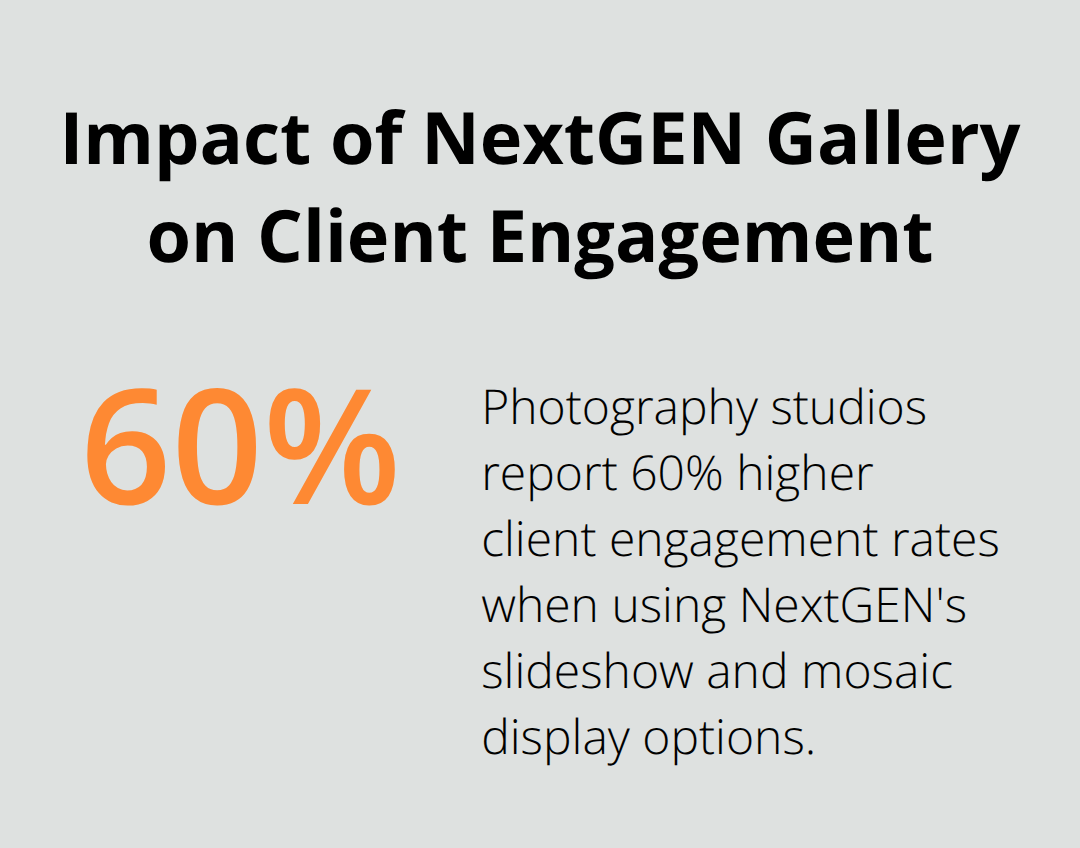
NextGEN Gallery dominates the professional photography space with advanced client management features and automated print fulfillment integration. The plugin handles batch uploads effortlessly and organizes galleries into albums, making it perfect for photographers who manage thousands of images. While NextGEN loads slower, it compensates with robust SEO features including deep linking and image pagination that boost search visibility. Photography studios report 60% higher client engagement rates when they use NextGEN’s slideshow and mosaic display options compared to basic gallery blocks.
FooGallery Balances Speed with Customization
FooGallery strikes the perfect balance between performance and flexibility, achieving fast load times while it offers extensive customization through custom CSS options. The plugin’s one-click gallery page creation saves hours of setup time and automatically generates responsive layouts that work flawlessly across devices. FooGallery’s compatibility with AIOSEO can increase image search traffic by 35%, while its infinite scroll feature keeps visitors engaged longer. The plugin supports masonry, carousel, and justified layouts giving designers complete creative control without sacrificing speed.
These free solutions prove that professional gallery functionality doesn’t require premium investment. However, advanced users who need specialized features like watermark protection, social media integration, or e-commerce capabilities will find premium plugins offer additional value.
Why Premium Gallery Plugins Justify Their Cost
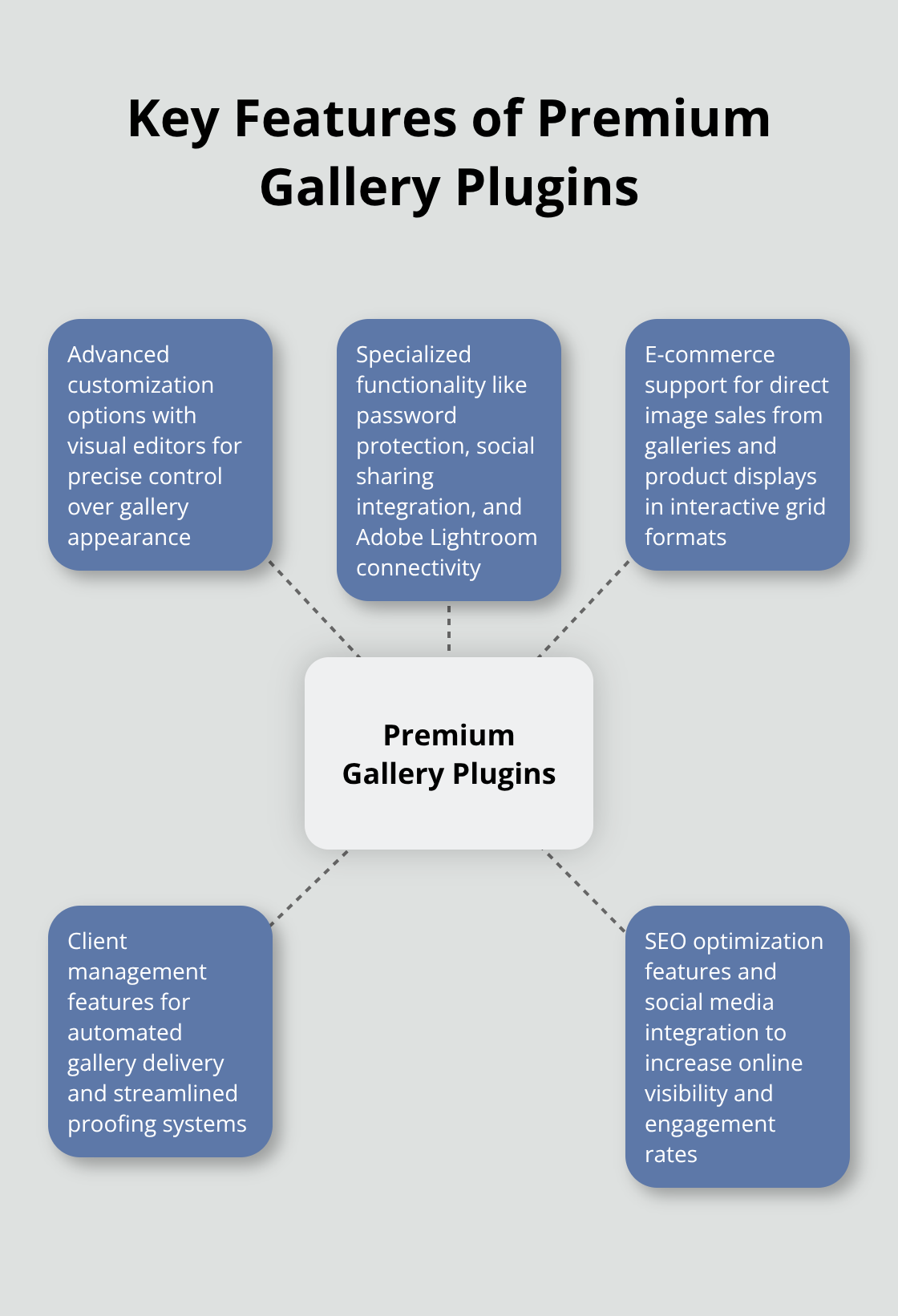
Premium gallery plugins command higher prices because they solve complex business problems that free alternatives cannot address. Envira Gallery stands out as a drag & drop photo gallery plugin that’s both easy, fast and powerful, being highly optimized for web and server performance. The plugin’s price starts at $39.50 annually, but the investment pays off through advanced features like password protection, social sharing integration, and Adobe Lightroom connectivity. Professional photographers who use Envira report faster client approval processes due to its streamlined proofing system and automated watermark capabilities.
Envira Gallery Dominates Speed and Integration
Envira Gallery’s drag-and-drop interface creates galleries directly from the WordPress admin area, while its Gutenberg block integration allows instant embed in posts and pages. The plugin’s add-on ecosystem provides specialized functionality that includes eCommerce support for direct image sales from galleries and social media automation that increases engagement rates. Wedding photographers particularly benefit from Envira’s client management features, which automate gallery delivery and reduce administrative work. The plugin’s custom post type storage method protects gallery data during site migrations and simplifies backup processes.
Essential Grid Transforms Content Presentation
Essential Grid goes beyond traditional galleries by supporting videos, social feeds, and WooCommerce products in unified grid layouts. The plugin’s price reflects its versatility (starting at $49 for unlimited site usage and lifetime updates). E-commerce sites that use Essential Grid can enhance UX, design, and performance for higher engagement and sales when they display products in interactive grid formats compared to standard WooCommerce galleries. The plugin’s animation system and filter options create dynamic user experiences that keep visitors engaged longer than static galleries.
Gallery by Supsystic Delivers Professional Tools
Gallery by Supsystic offers advanced customization options with its visual editor that allows precise control over gallery appearance without code knowledge. The plugin supports multiple layout types including mosonry, carousel, and polaroid styles that adapt automatically to different screen sizes. Professional agencies choose this plugin for its white-label capabilities and client-friendly interface. The plugin’s SEO optimization features and social media integration help businesses increase their online visibility and engagement rates significantly.
These premium solutions provide the advanced functionality that serious website owners need to create professional galleries that drive business results. For those seeking cost-effective access to multiple premium plugins, subscription services offer comprehensive solutions that justify their investment through extensive feature sets and ongoing support.
What Gallery Features Actually Matter
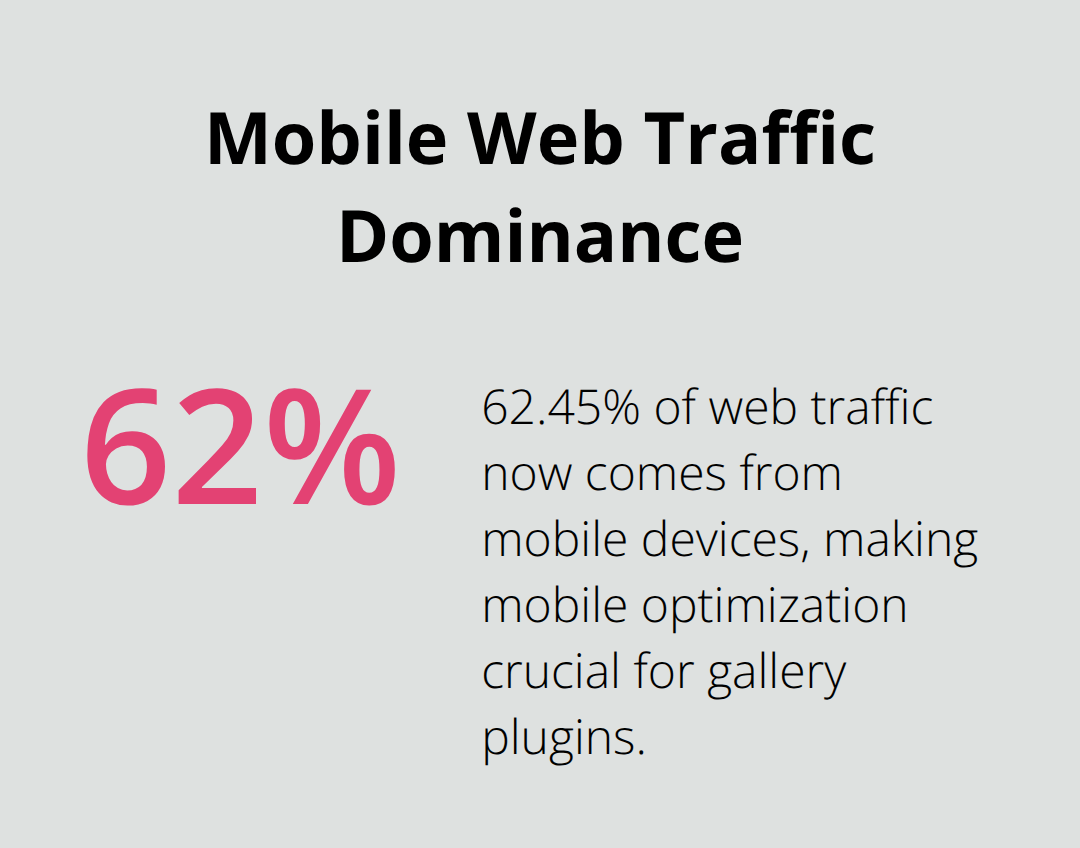
Mobile optimization stands as the non-negotiable foundation for any gallery plugin since 62.45% of web traffic now comes from mobile devices. Galleries that fail to adapt properly to smartphone screens lose visitors within 3 seconds, which makes responsive design the difference between engagement and abandonment. The best plugins automatically adjust image sizes, spacing, and touch interactions without manual configuration. Envira Gallery and Modula excel here by providing fluid grid systems that maintain visual appeal across all screen sizes while they preserve fast loading speeds on cellular connections.
Performance Metrics That Drive Real Results
Loading speed determines gallery success more than visual appeal, with load time delays impacting conversions by up to 20% in retail based on Google research. Plugins with lazy loading capabilities like FooGallery and Modula’s SpeedUP system reduce initial page load by 40% on image-heavy sites. The fastest performers achieve load times under 400 milliseconds while slower options like NextGEN Gallery reach 876 milliseconds (creating noticeable user experience differences). Image optimization features that automatically compress files without quality loss prove essential for maintaining both speed and visual standards.
Layout Flexibility Without Code Complexity
Layout flexibility separates professional galleries from basic displays, with custom grid systems offering the most creative control. Modula’s drag-and-drop interface allows precise image positioning while FooGallery provides masonry, carousel, and justified layouts through simple dropdown selections. Advanced plugins support custom CSS integration for designers who need complete control, but the best solutions achieve professional results through intuitive visual editors.
SEO and Social Integration Features
Social media integration capabilities and SEO optimization features like alt text automation and deep linking functionality add measurable value by increasing search visibility and engagement rates beyond basic gallery display. Plugins that support automatic image tagging and social sharing buttons help websites reach broader audiences. FooGallery’s AIOSEO compatibility can increase image search traffic by 35%, while automated social media posting features reduce manual content management tasks significantly. These free WordPress plugins can enhance your site’s functionality without breaking the bank.
Final Thoughts
Your choice of the best WordPress image gallery plugins depends on your specific needs and budget. Free solutions like Modula provide exceptional custom grid functionality with fast load times, while FooGallery offers excellent customization options and SEO compatibility. NextGEN Gallery serves professional photographers who need advanced client management features.
Premium options like Envira Gallery justify their cost through superior speed optimization and extensive add-on ecosystems. Essential Grid and Gallery by Supsystic deliver specialized functionality for businesses that require advanced customization and multi-media support. These plugins achieve load times under 400 milliseconds while they maintain responsive design for optimal user experience.
Website developers and agencies who manage multiple projects benefit from comprehensive plugin access solutions. Pluginizer offers unlimited access to premium plugins and themes through a single subscription (eliminating individual purchase costs while providing continuous updates and GPL licensing for unlimited site usage). This approach reduces costs significantly compared to individual plugin purchases across multiple client projects.

