

Blogging on WordPress can be a powerful way to share your ideas, but the right plugins truly elevate your site. At Pluginizer, we’ve seen how the best WordPress plugins for bloggers can transform a basic blog into a high-performing, secure, and SEO-friendly platform.
This post explores the three essential categories of must-have plugins: SEO optimization, performance enhancement, and security. These tools will help you boost your blog’s visibility, speed, and protection.
Which SEO Plugins Boost Blog Visibility?
SEO is critical for bloggers wanting to increase their online presence. The proper SEO plugins can dramatically improve a blog’s search rankings and organic traffic. Let’s explore four top-performing SEO plugins to help your blog climb the search engine results pages (SERPs).
Yoast SEO: The Veteran’s Choice
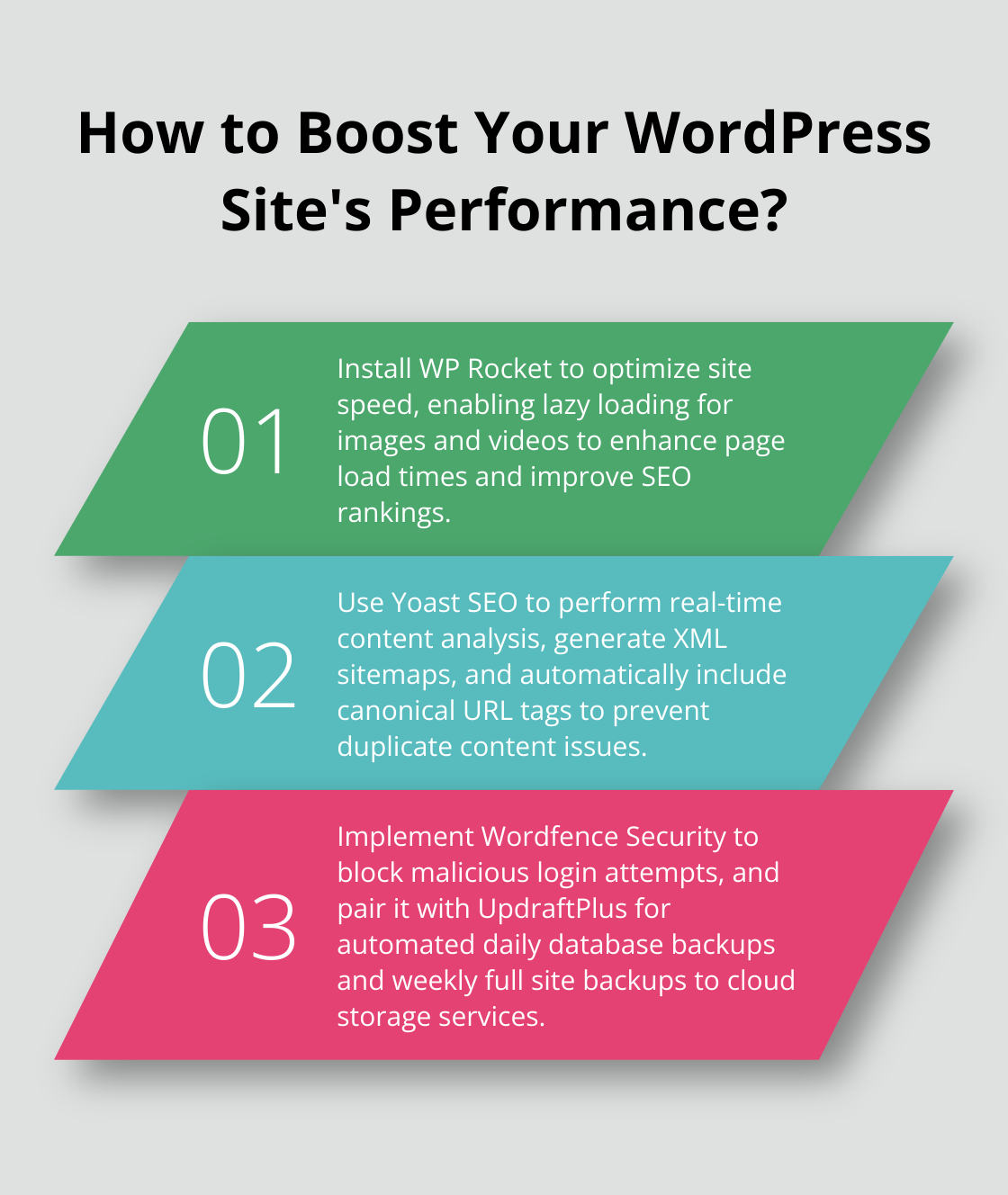
Yoast SEO remains a powerhouse in the WordPress plugin ecosystem. With over 5 million active installations, it’s a popular choice for bloggers of all levels. Yoast SEO offers real-time content analysis, providing actionable suggestions to improve your posts’ SEO and readability. Its ability to generate XML sitemaps automatically helps search engines index your content more effectively. Yoast SEO also automatically includes a canonical URL tag on all your pages and templates, allowing you to prevent duplicate content.
RankMath: The Rising Star
RankMath has quickly gained popularity due to its user-friendly interface and comprehensive feature set. Its built-in 404 error monitor and redirect manager offer a unique advantage: They help maintain a healthy site structure. RankMath also provides schema markup options, which can enhance your blog’s appearance in search results (and potentially increase click-through rates).
All-in-One SEO Pack: The Versatile Option
All-in-One SEO Pack is known for its flexibility and extensive customization options. It’s beneficial for bloggers who want granular control over their SEO settings. The plugin offers advanced features like XML sitemap support, social media integration, and WooCommerce SEO compatibility (making it a solid choice for blogs with e-commerce elements).
SEOPress: The Lightweight Contender
SEOPress stands out for its clean, bloat-free design and fast performance. It’s an excellent option for bloggers who prioritize site speed alongside SEO functionality. SEOPress offers a unique content analysis tool that provides instant feedback on your posts’ SEO quality, which helps you optimize your content before publishing.

These plugins offer powerful SEO tools but cannot replace high-quality, relevant content. Instead, you should focus on creating valuable posts for your audience and use these plugins to enhance your content’s visibility in search results.
As we move from SEO to performance, it’s important to note that site speed also impacts search rankings. Let’s explore some plugins that can boost your blog’s performance and keep visitors engaged.
Here’s the modified chapter with the requested changes:
How to Turbocharge Your Blog’s Speed
A fast-loading blog improves user experience and search engine rankings. The proper performance plugins can dramatically enhance a blog’s speed and user engagement. Let’s explore top-performing plugins that can give your blog a significant speed boost.
WP Rocket: The Speed Demon
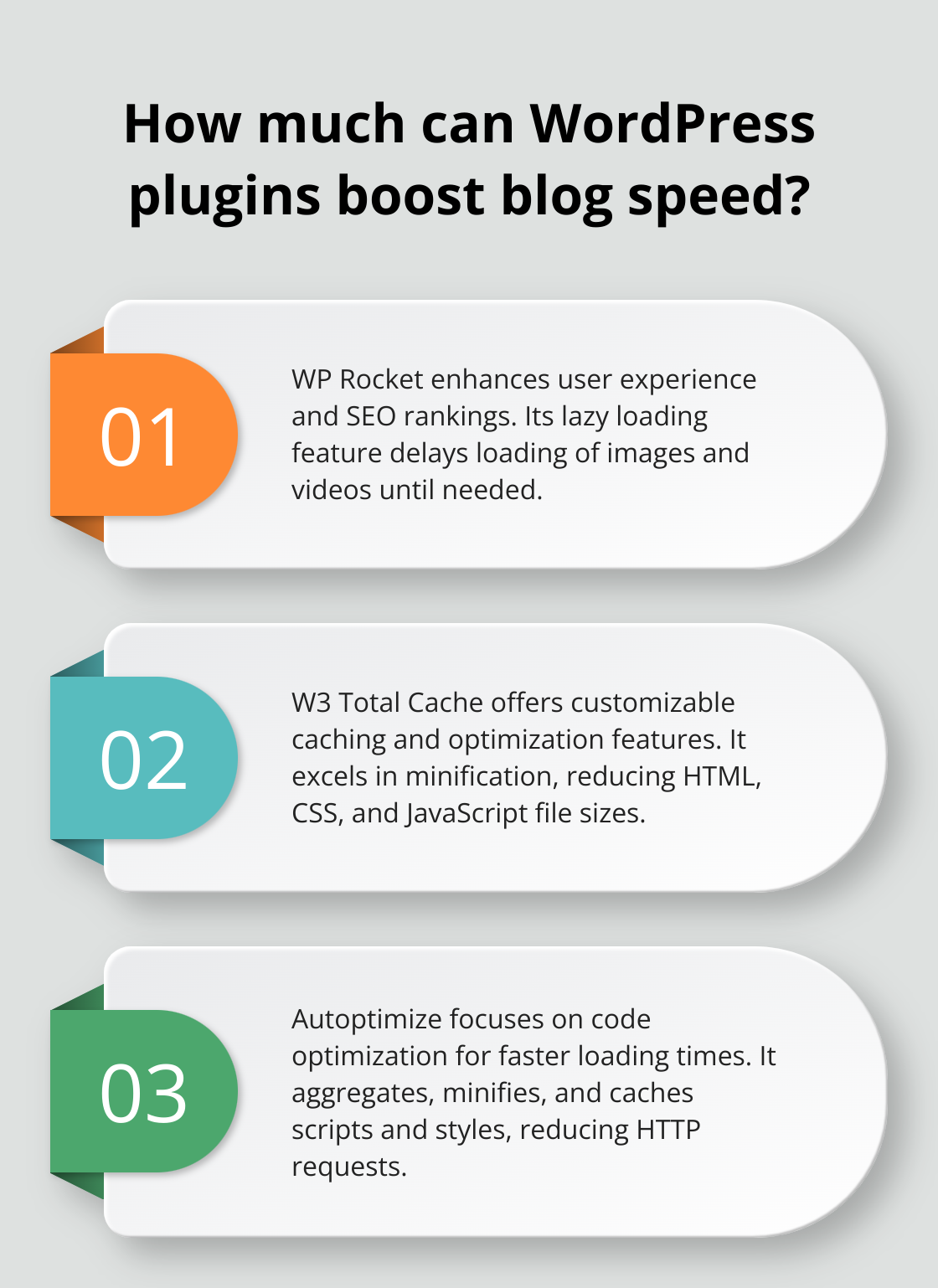
WP Rocket excels at WordPress performance optimization. By optimizing your site’s speed, you can enhance user experience and massively improve SEO rankings. WP Rocket’s lazy loading feature delays loading images and videos until needed, further enhancing page speed.
W3 Total Cache: The Customization King
W3 Total Cache offers a comprehensive suite of caching and optimization features. Its strength lies in its flexibility, allowing advanced users to fine-tune every aspect of their site’s performance. One standout feature is its minification capabilities, reducing HTML, CSS, and JavaScript file sizes. This plugin works effectively for blogs with high traffic volumes or complex designs.
Autoptimize: The Code Optimizer
Autoptimize focuses on optimizing your blog’s code for faster loading times. It aggregates, minifies, and caches scripts and styles, which can significantly reduce the number of HTTP requests your site makes. A unique feature of Autoptimize is its ability to inline critical CSS, ensuring that above-the-fold content renders quickly. This leads to noticeable improvements in perceived loading speed.
Smush: The Image Compression Expert
Images often account for the majority of a blog’s page weight. Smush tackles this issue head-on by automatically compressing and optimizing images as you upload them. Smush also offers lazy loading and WebP conversion, enhancing your blog’s speed and performance.
These plugins are powerful, but combining them can lead to even more significant performance gains. Testing your site after installing each plugin is essential to ensure they work well together and don’t cause conflicts. The goal is to improve your blog’s speed without compromising functionality or user experience.
While optimizing your blog’s performance is essential for success, ensuring its security is equally important. The following section will explore some essential security plugins to protect your hard work and keep your blog safe from potential threats.
How to Protect Your Blog from Threats
Fortify Your Blog’s Defenses
Wordfence Security provides a comprehensive security solution for WordPress blogs. Throughout 2020, Wordfence blocked more than 90 billion malicious login attempts from over 57 million unique IP addresses.
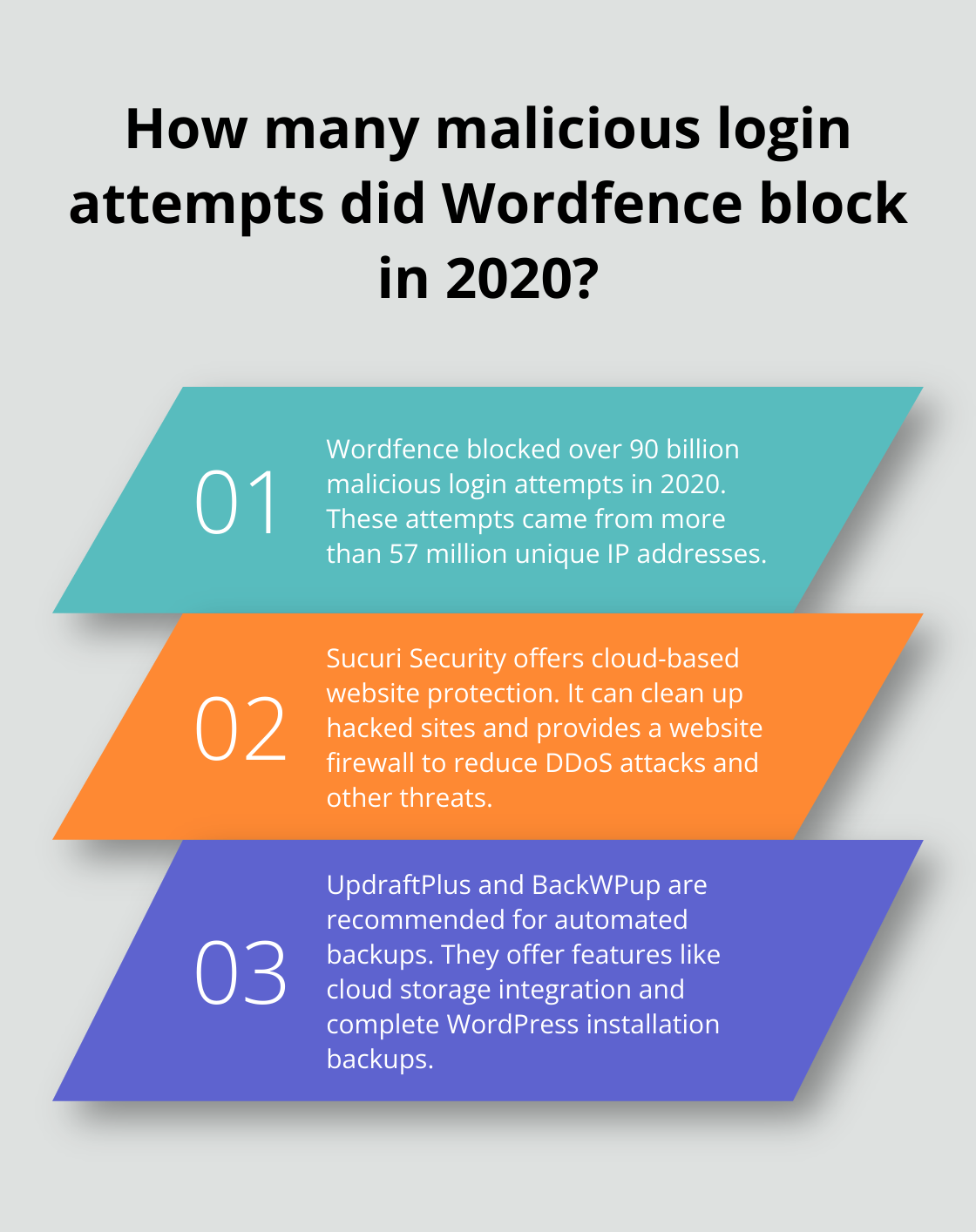
Sucuri Security takes a cloud-based approach to website security. Its standout feature is the ability to clean up hacked sites, which can save your blog if attacked. Sucuri also provides a website firewall that reduces the risk of DDoS attacks and other common threats.
Keep Your Content Safe
UpdraftPlus offers automated backups to various cloud storage services. It is a complete, general-purpose backup, migrate, and restore plugin with more features and advanced tools than any other rival.
BackWPup creates complete backups of your WordPress installation, including your database, all files, and even external folders. One of its standout features is the ability to save backups directly to Dropbox, S3, and other cloud services, which ensures your data remains safe even if your server fails.
Implement a Robust Security Strategy
To maximize your blog’s security, take a multi-layered approach. For real-time protection, use a security plugin like Wordfence or Sucuri, paired with a reliable backup solution like UpdraftPlus or BackWPup. Try to perform daily backups of your database and weekly backups of your entire site.
Keep your WordPress core, themes, and plugins updated, use strong passwords, and limit login attempts. These simple steps and robust security and backup plugins will reduce your blog’s vulnerability to threats.
Security requires ongoing attention, not a one-time setup. Review your security measures regularly, stay informed about new threats, and adjust your strategy accordingly.
Final Thoughts
We explored the best WordPress blog plugins for SEO optimization, performance enhancement, and security. These plugins form the backbone of a successful blog, helping you increase visibility, improve user experience, and protect your content. Choosing the right plugins aligns with your specific needs and goals, but maintaining a balance prevents slowdowns and conflicts.
At Pluginizer, we simplify plugin management and provide access to a vast library of premium plugins and themes. With Pluginizer, you unlock the full potential of your website, benefiting from over 15,000 premium plugins and themes for a one-time subscription fee. This saves you money on individual purchases and ensures continuous updates and robust support for all your plugin needs.
The plugin landscape evolves constantly, so stay informed about new developments and assess your choices regularly. Make changes to keep your blog thriving in the competitive online space. With the right tools and strategies, you can attract more readers and achieve your blogging goals.

