
At Pluginizer, we understand the importance of choosing the right WordPress plugins and widgets for your website. These tools can significantly enhance your site’s functionality and user experience.
However, with thousands of options, selecting the best ones can be overwhelming. In this guide, we’ll walk you through the essential factors to consider when choosing WordPress plugins and widgets, ensuring you make informed decisions for your website’s success.
What Purpose Do Your Plugins Serve?
Identify Your Website’s Specific Needs
Selecting WordPress plugins and widgets starts with clearly understanding your website’s requirements. Create a prioritized list of functionalities you want to add to your site. Analyze your website’s current shortcomings. Do you need to improve SEO, boost security, or enhance user engagement? Perhaps you require an e-commerce solution or a booking management system. A well-defined set of goals will narrow your search and prevent unnecessary plugin clutter.
Check WordPress Compatibility
After identifying your needs, assess compatibility. Always verify if a plugin or widget works with your current WordPress version. Using outdated or incompatible plugins often leads to WordPress errors (a common issue many users report). Look for plugins with regular updates – this typically indicates good maintenance and compatibility.
Consider Performance Impact
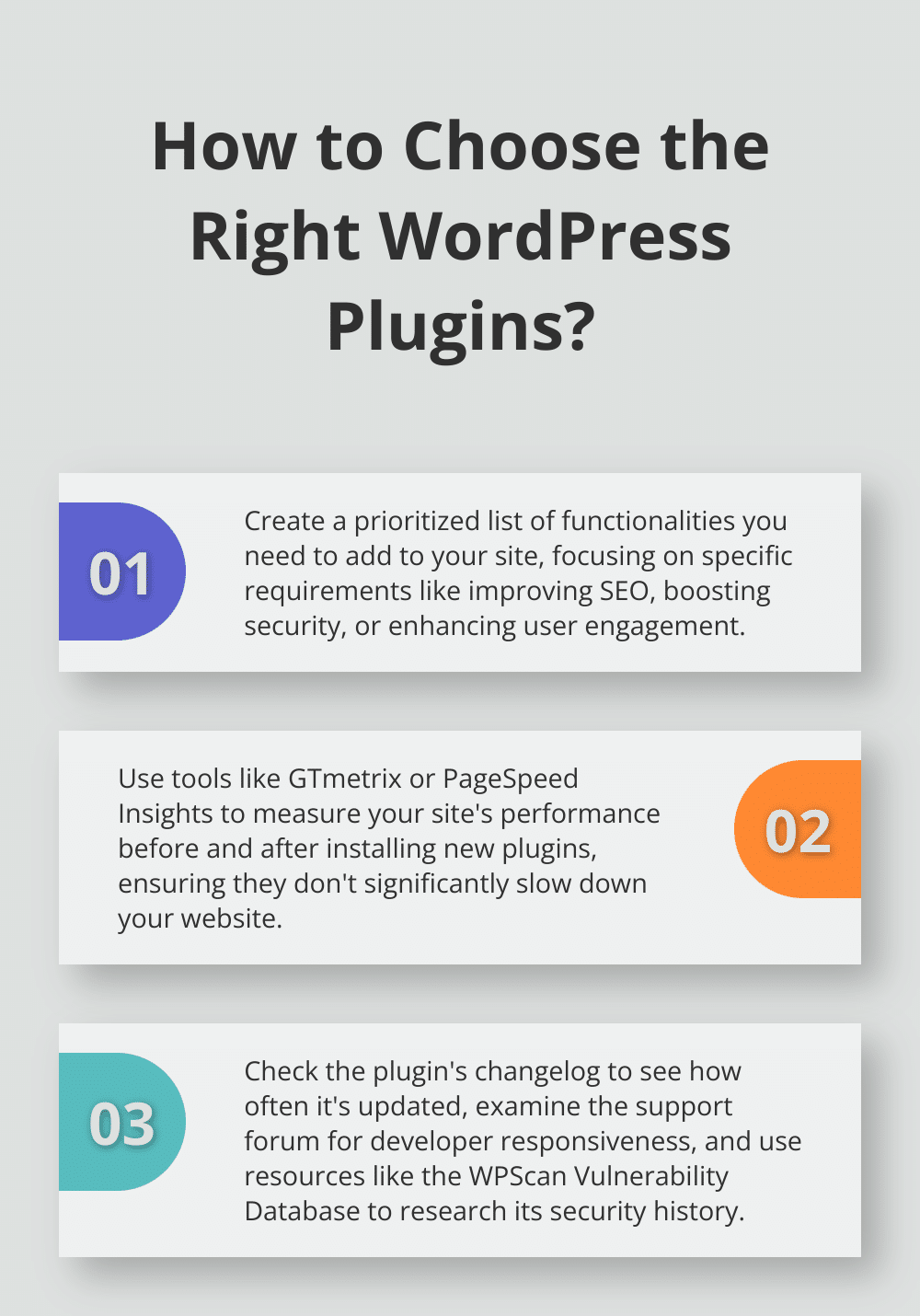
Adding every appealing feature can be tempting, but each plugin affects your site’s speed and significantly influences Google rankings. Use tools like GTmetrix or PageSpeed Insights to measure your site’s performance before and after installing new plugins. If you notice a substantial slowdown, consider alternatives or optimize your choices.
Evaluate User-Friendliness
The ease of use of a plugin or widget plays a crucial role in your day-to-day website management. Choose options with intuitive interfaces and precise documentation. This will save you time and frustration in the long run, especially if you’re not a technical expert.
Assess Integration Capabilities
Consider how well a plugin or widget integrates with your existing tools and other plugins. Seamless integration ensures a smooth user experience and reduces the likelihood of conflicts. Look for plugins that offer APIs or built-in compatibility with popular WordPress tools.

Selecting the right plugins and widgets requires careful consideration of your website’s needs, compatibility, performance impact, user-friendliness, and integration capabilities. These factors will guide you toward making informed decisions that enhance your site’s functionality without compromising its performance or user experience. As you move forward in your selection process, it’s equally important to research the reputation of the plugins and widgets you’re considering.
How to Evaluate the Reliability of WordPress Plugins
When you select WordPress plugins and widgets, you must research their reputation. The right choices can significantly impact your website’s performance and security. Here’s how to evaluate the reliability of potential plugins:
Analyze User Ratings and Reviews
Start your evaluation by examining user ratings and reviews on the WordPress plugin repository. Look for plugins with a high number of active installations and positive ratings. There’s a built-in user perception for repository plugins that they’re higher quality and more trustworthy than plugins that aren’t in the repository. Don’t just focus on the overall rating; read through recent reviews to understand user experiences and potential issues.
Check Update Frequency and Developer Support
Regular updates ensure that your plugins have the latest security patches and enhancements. Check the plugin’s changelog to see how often it’s updated and what improvements are made. WooCommerce, a popular e-commerce plugin, releases updates almost weekly, ensuring it stays current with e-commerce trends and security standards.
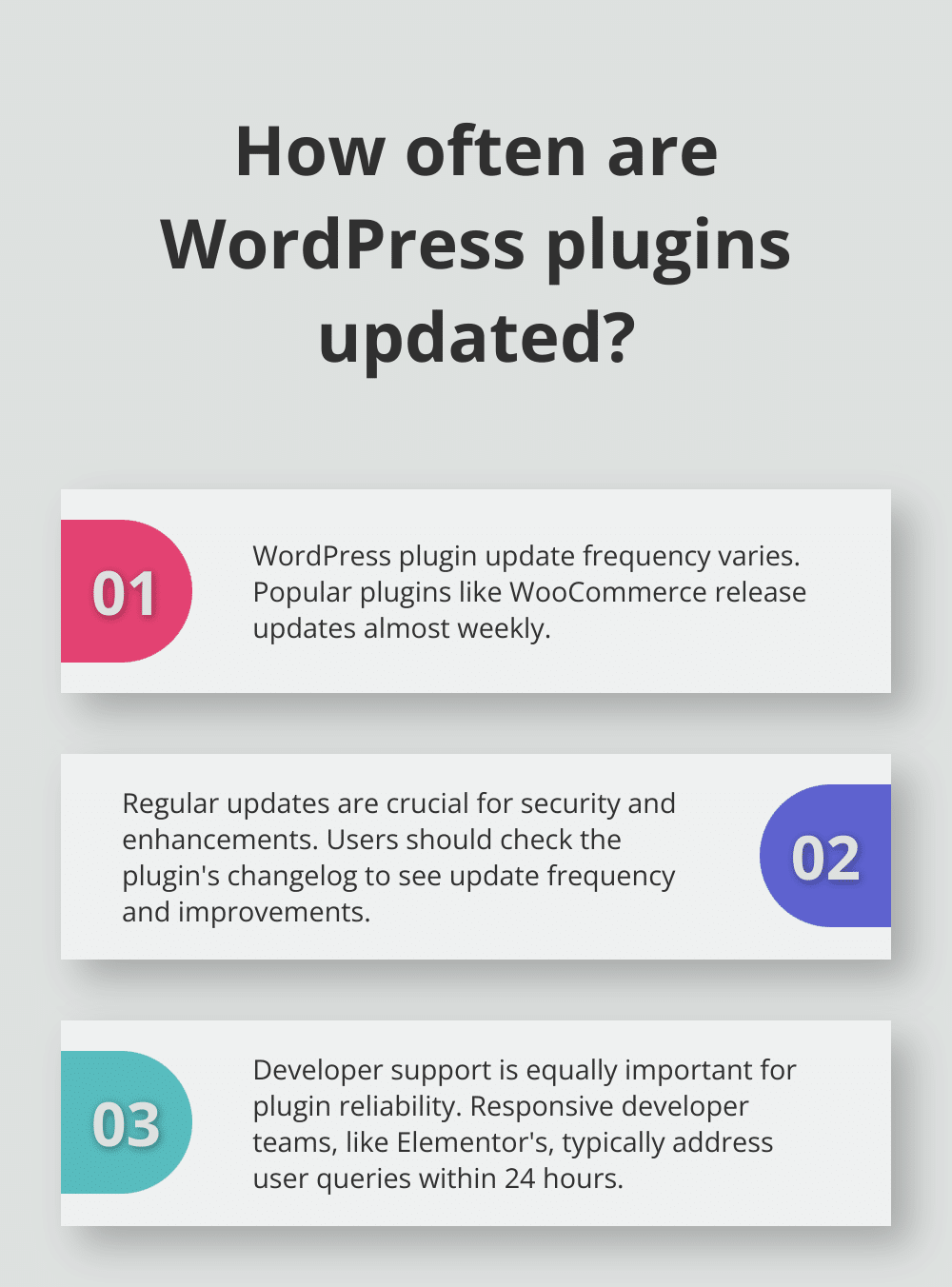
Developer support is equally important. Examine the plugin’s support forum on WordPress.org. Does the developer promptly address user queries? A responsive developer team (like that of the Elementor page builder, which typically responds within 24 hours) indicates a commitment to user satisfaction and plugin reliability.
Investigate Security History
Research the plugin’s security track record. Use resources like the WPScan Vulnerability Database to check for reported security issues. A search for Contact Form 7, a widely used form plugin, reveals its security history and any resolved vulnerabilities. This information helps you assess the potential risks associated with a plugin.
After installing new plugins, consider using services like Sucuri SiteCheck to scan your website for vulnerabilities. This proactive approach can help you identify and address security issues early on.
Consider Premium Options
While free plugins can offer great functionality, premium options often provide enhanced features and dedicated support. Pluginizer, for instance, gives access to over 15,000 premium plugins and themes, all vetted for quality and reliability. This can save you time in the research phase and provide peace of mind regarding plugin quality.
As you evaluate the reliability of plugins and widgets, you’ll want to pay close attention to their specific features and how they align with your website’s needs. Let’s explore the key features you should look for in WordPress plugins and widgets.
What Features Make a Great WordPress Plugin?
User-Friendly Interface
A well-designed, intuitive interface simplifies plugin management. Yoast SEO exemplifies this with its clean dashboard and color-coded suggestions, which streamline content optimization even for SEO beginners. Plugins with straightforward settings panels and visual editors can save you configuration time and reduce the learning curve for your team.
Customization Options
Flexibility allows you to adapt plugins to your specific needs. The Elementor page builder showcases this with its design options and drag-and-drop functionality. Look for plugins that offer granular control over their features. This includes turning specific functions on or off, customizing the appearance, or setting user roles and permissions.
Comprehensive Documentation
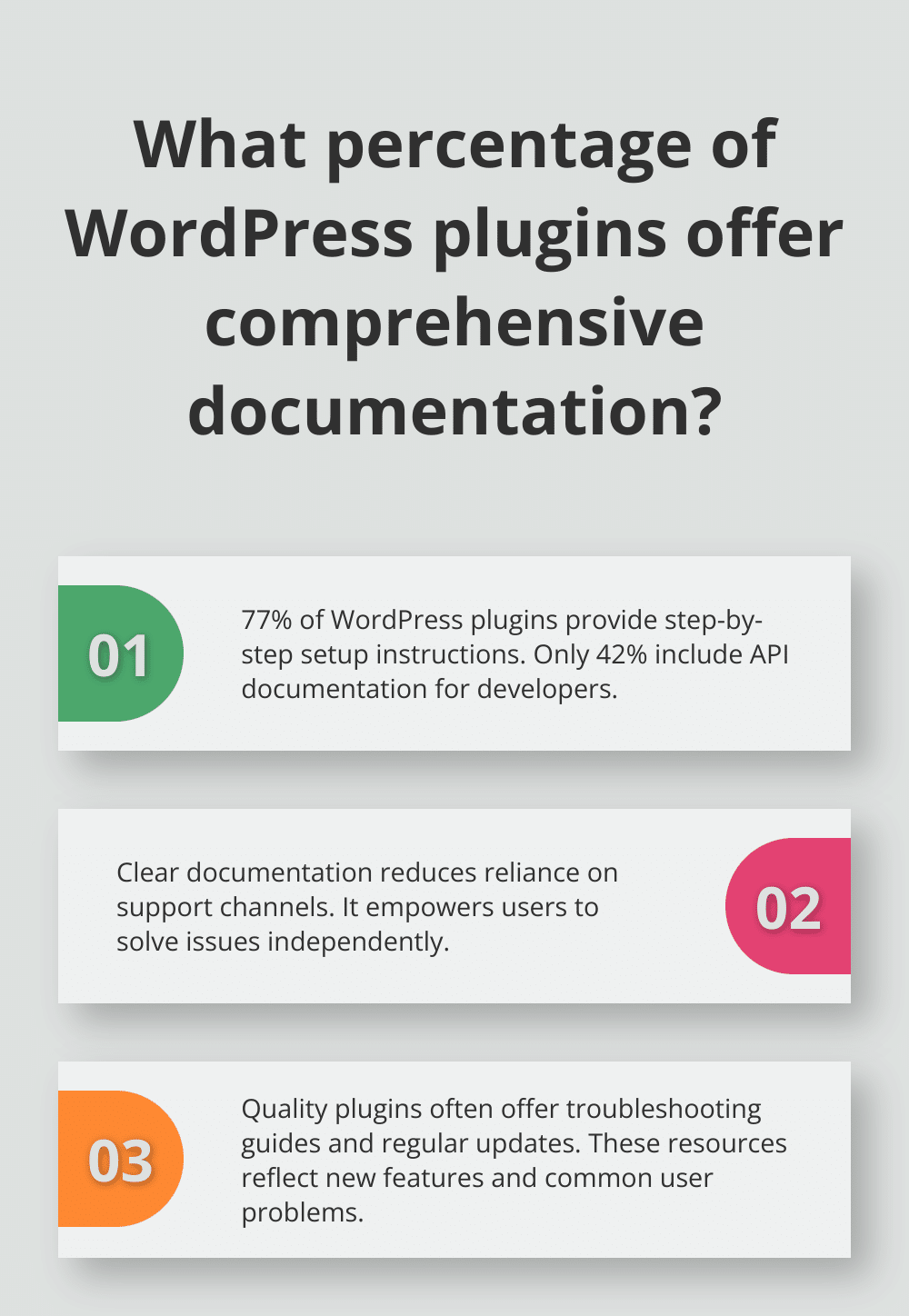
Clear, detailed documentation enhances your experience with a plugin. WordPress SEO tips can help optimize your site and rank high in search results. Before you choose a plugin, check if it offers:
- Step-by-step setup instructions
- Troubleshooting guides
- API documentation for developers
- Regular updates to reflect new features
Quality documentation reduces reliance on support channels and empowers you to solve issues independently.
Responsive Support
Even with excellent documentation, you might occasionally need direct assistance. Evaluate the plugin’s support options. Does it provide email support, live chat, or a dedicated forum? ACF (Advanced Custom Fields) stands out for its responsive support team and active community forum. Quick, helpful responses are invaluable when facing critical issues or tight deadlines.
Seamless Integration
The ability to work well with other plugins and your existing WordPress setup is essential. Gravity Forms (a popular form builder) is known for its extensive integrations with CRMs, payment gateways, and marketing tools. When you evaluate a plugin, consider:
- Compatibility with your current WordPress version and theme
- Integration with other essential plugins in your stack
- Support for popular page builders (if relevant)
These features form the foundation of a great WordPress plugin. However, suppose you seek a comprehensive solution that offers access to a wide range of premium plugins with these features. In that case, Pluginizer provides over 15,000 options (all vetted for quality and reliability).
Final Thoughts
Selecting the right WordPress plugins and widgets requires careful consideration of your website’s needs, compatibility, and performance impact. To make informed decisions, research plugin reputations, analyze user ratings, and check update frequencies. Essential features like user-friendly interfaces, customization options, and responsive support contribute to a plugin’s overall value and effectiveness.
Regular maintenance and updates are vital in optimizing your WordPress site’s performance and security. You should keep your WordPress core, themes, and plugins up to date to protect against vulnerabilities and benefit from the latest improvements. This proactive approach ensures your website remains robust, efficient, and secure.
For a comprehensive solution, Pluginizer offers access to over 15,000 premium WordPress plugins and themes through a single subscription. This approach simplifies asset management, reduces costs, and provides continuous updates and support. Pluginizer can help you unlock your site’s full potential with many high-quality, vetted options (whether you’re a freelancer, agency, or website developer).